 PDFClean.ai
 Mini tools
Filmora's tools
-
 Edit smarter, faster and easier with Filmora’s powerful AI video tools.Open
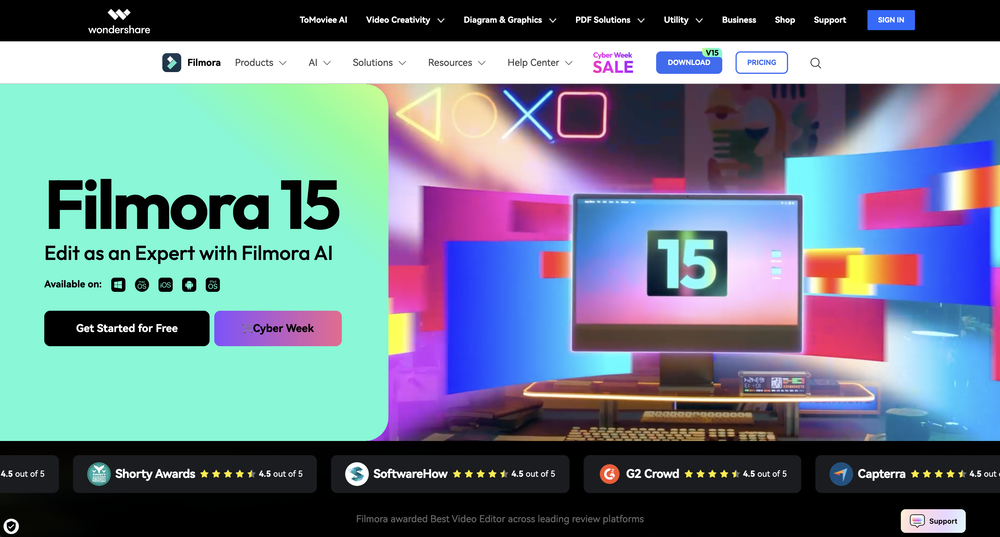 New Features, Enhancements & Improvements: - AI Extend Effortlessly extend video and audio clips directly on the timeline. Generates seamless, natural-looking continuations for smoother storytelling. - Pen Tool Draw custom paths and shapes with full stroke controls. Bind paths to clips to create dynamic motion tracking and advanced visual effects. - Animated Charts Create animated data visuals with one-click data import. Includes adjustable styles, presets, and motion options for presentations and info-driven videos. - Source & Timeline Preview Editing Dual-preview workflow with a Source Monitor for reviewing raw footage and a Timeline Monitor for project playback. Enables faster, more accurate editing decisions. - Dual-Timeline Editing Work with multiple timelines through tabs, making it easier to manage compound clips, navigate edits, and organize complex projects. - Import Subprojects Import multiple Filmora project files as compound clips to support multi-project workflows and cross-project material reuse. Optimized Performance: - AI Object Remover Upgrade Introduces the new Magic Box engine with significantly improved removal results. Removes watermarks, subtitles, people, and distractions while maintaining natural clarity. - Smart Cutout Upgrade Improved edge detection and smudging interaction for cleaner extractions and fewer repetitive adjustments. - Dynamic Captions Enhanced subtitle editing with batch text processing and new, exclusive animation presets. - 32-Bit Audio Pipeline New high-fidelity audio processing engine with greater dynamic range. Projects needing V14 compatibility can be saved as Legacy Projects. System & Compatibility Improvements: - Improved overall system stability, faster rendering performance, enhanced GPU utilization, and better compatibility across supported devices for a smoother editing experience.






