 GenRank
 Mini tools
Mini Tools





SAHIL GONDALIYA
🙏 12 karma
Mar 18, 2025
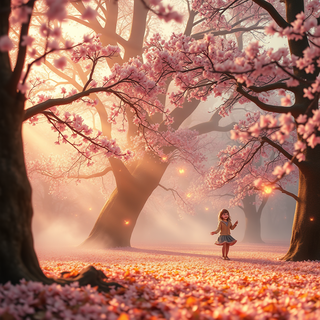
@A radiant watercolor
How cute it is




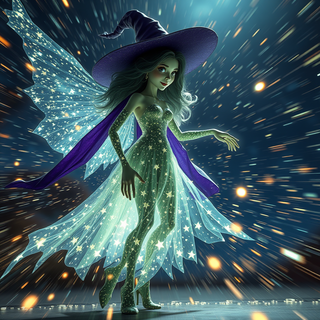

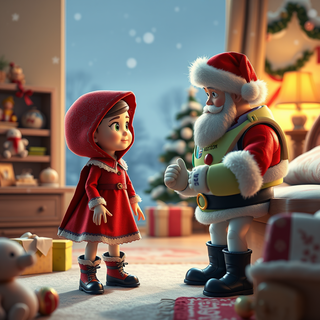
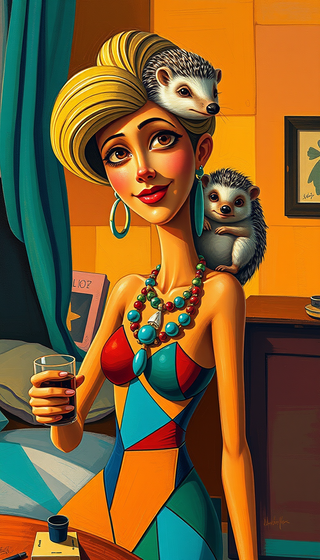
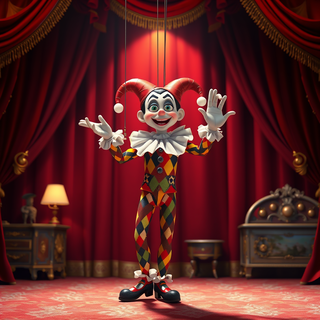


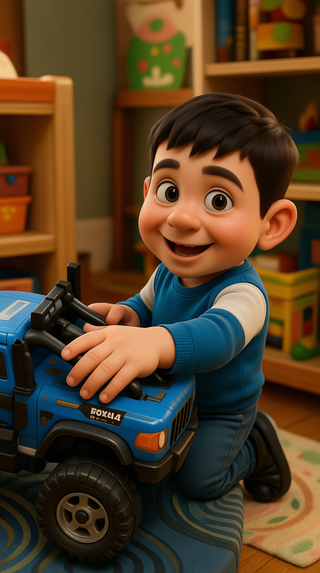

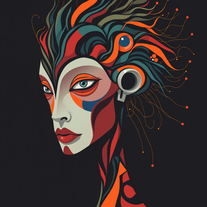
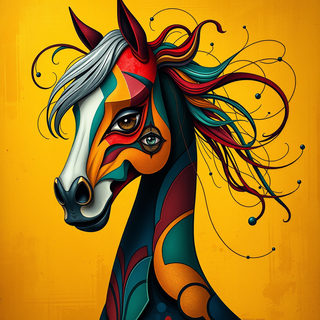
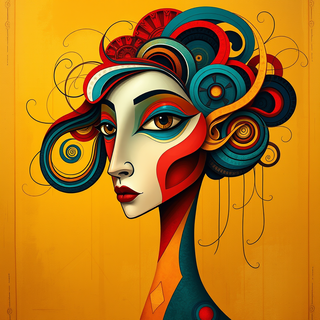
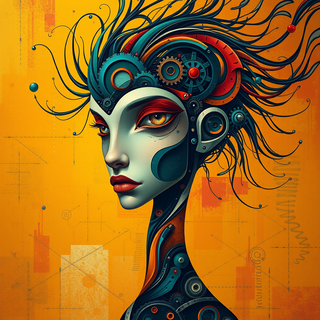

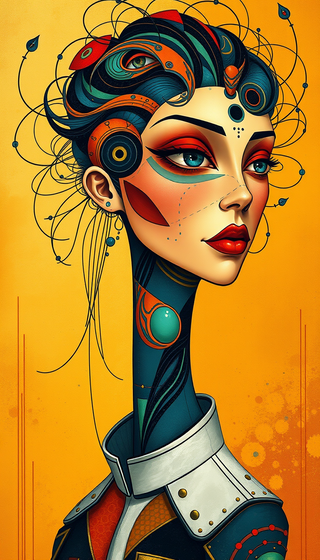
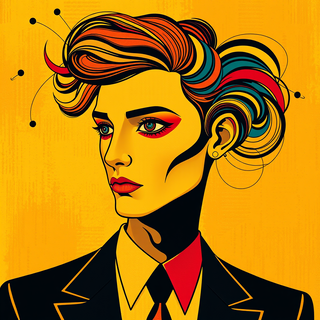
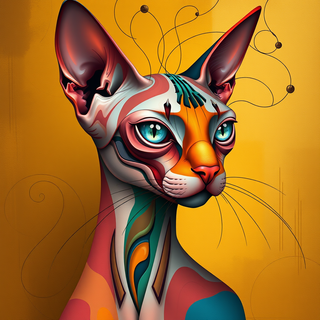
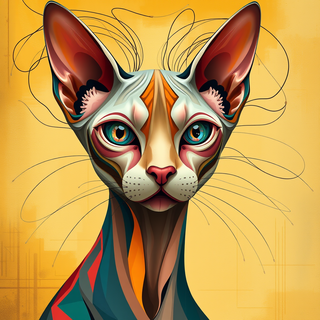


It does exactly what it promises and follows the prompt very accurately ;-) THX

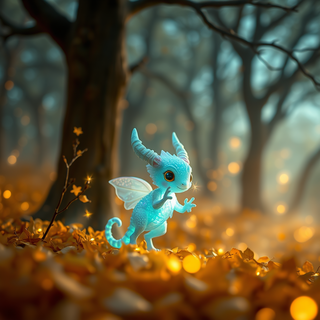

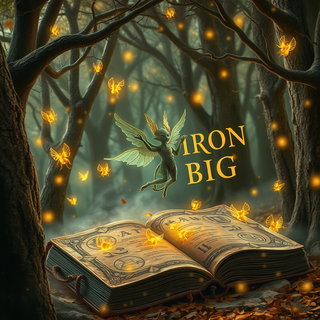




Easily eliminate the background from any image to isolate the subject. Perfect for creating clean product shots, profile pictures, and creative designs with transparent or custom backgrounds.
Open
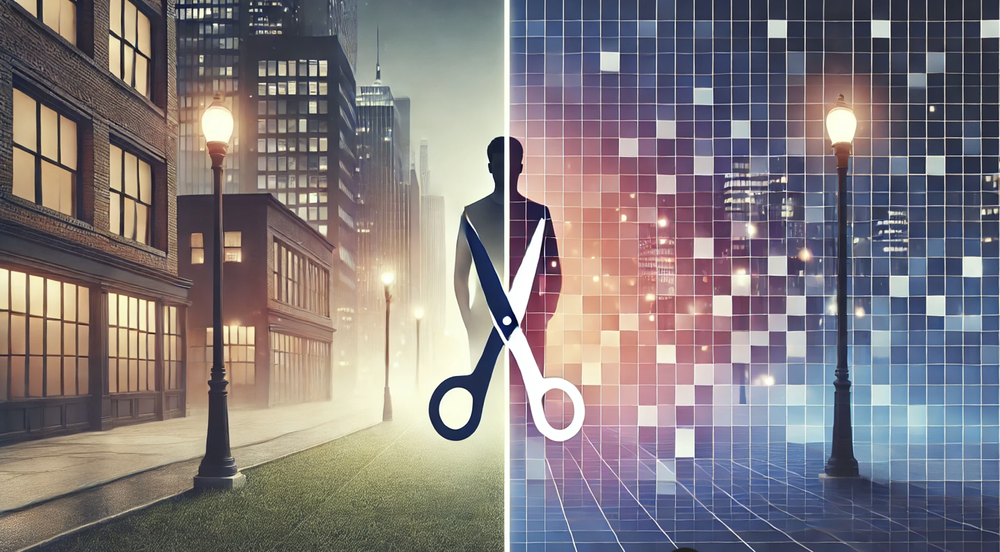

still background removing accuracy is required. it only 80% not 100%

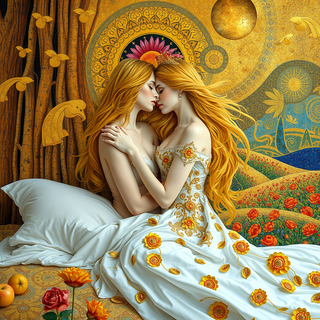
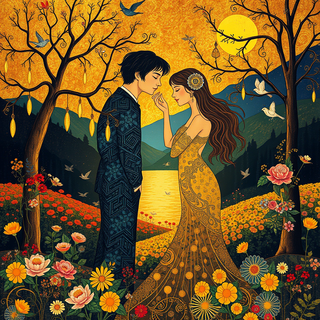

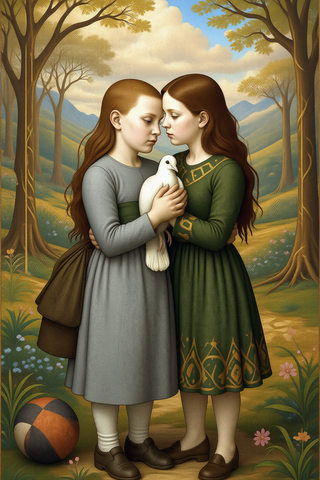
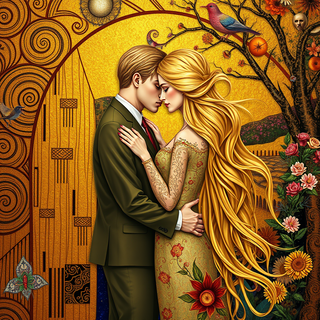
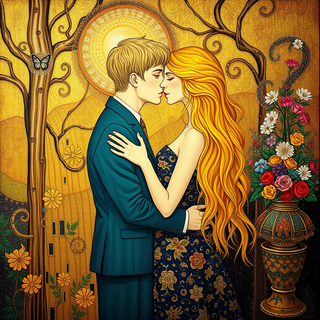



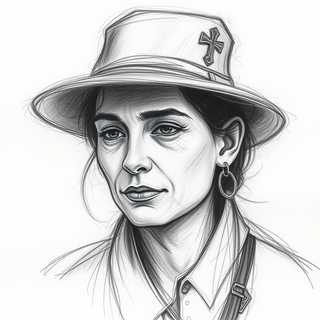
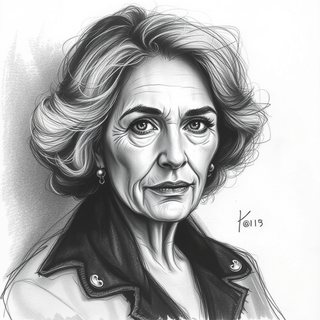
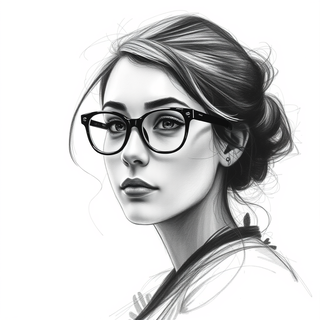
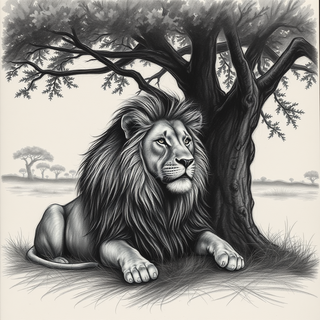
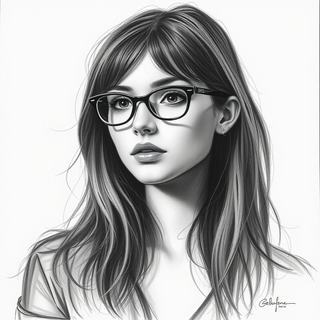
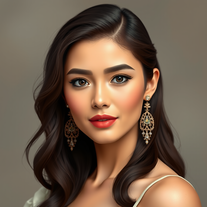
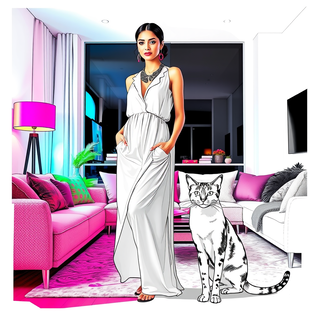
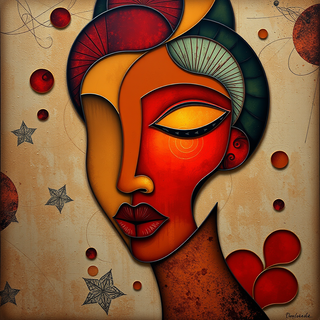
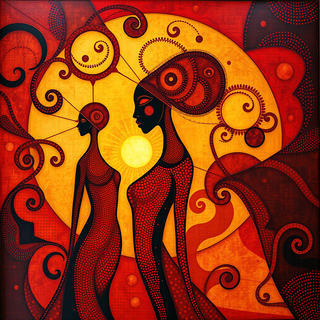
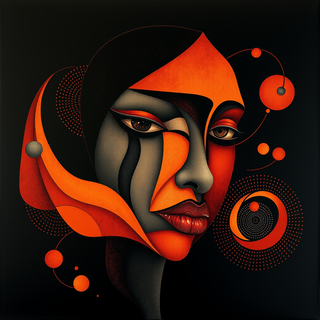
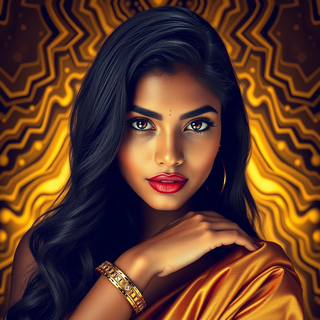
AI-powered respectful portraits celebrating diverse femininity.
Open
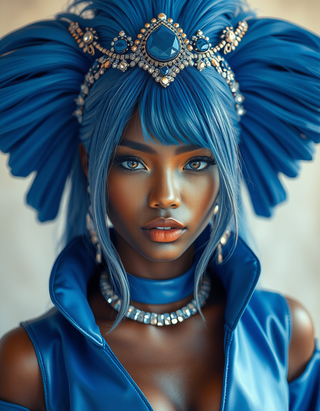









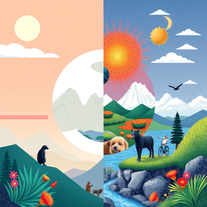
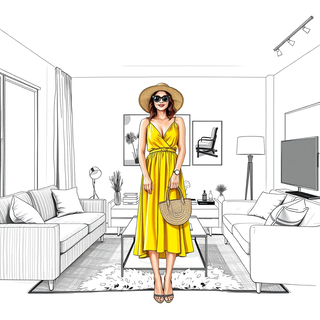
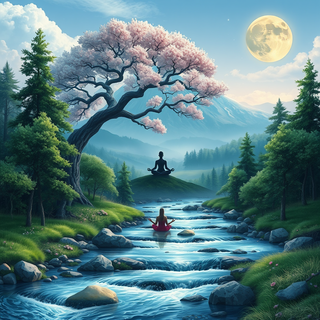
Blend reality and abstraction in stunning illustrations.
Open



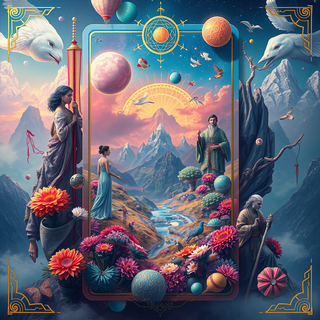

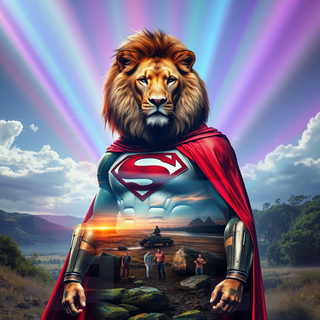
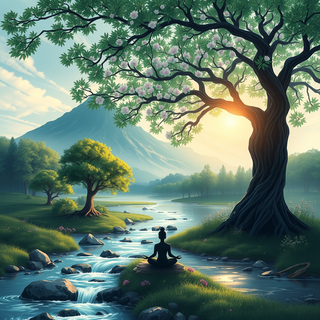

Hello,
The programme systematically includes an eagle’s head and a robotic part in each composition generated. Whereas I don’t mention an eagle or a robot in my prompt.
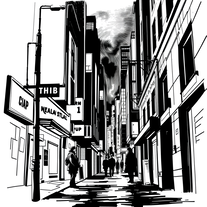
Transform ideas into Frank Miller noir illustrations.
Open
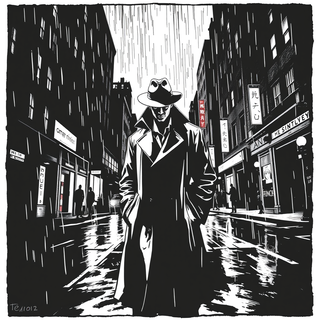

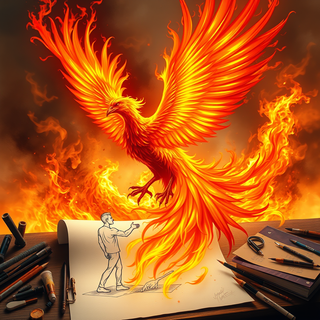

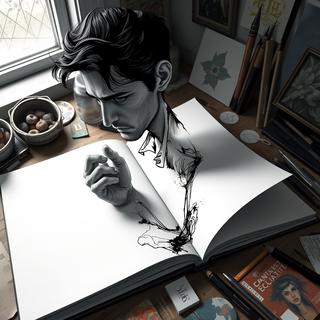


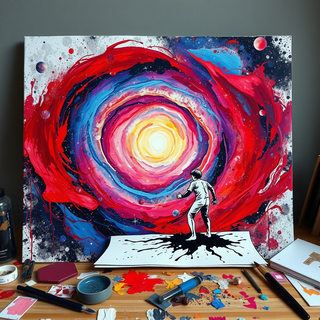
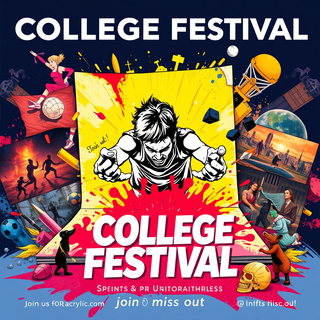
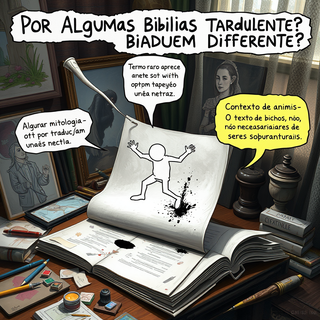
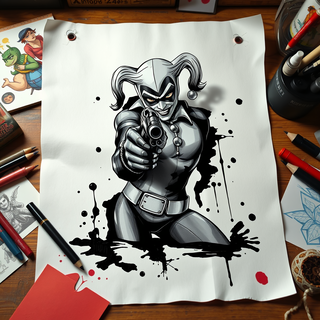

It’s quite nice! It does exactly what it suggests, which is amazing too.












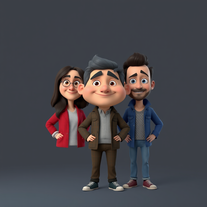
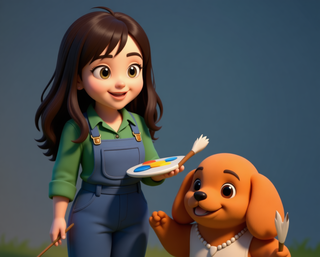
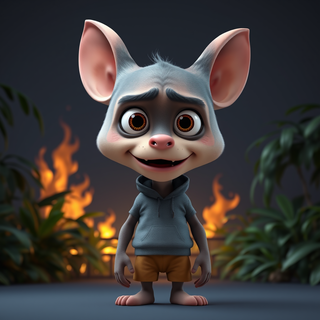


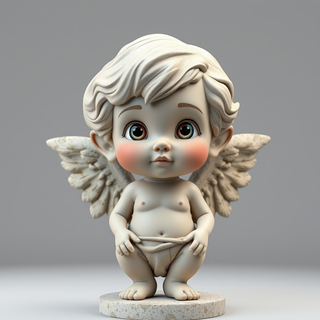


I really appreciate you trying out my tool! The best results come from simple prompts, so no need to overthink it. Follow me, leave a comment with your thoughts or requests, and let’s keep building new tools together. Also, check out the other tools I’ve created—you might find one you really enjoy!










Resurrect historical cityscapes with AI-generated vintage architecture.
Open
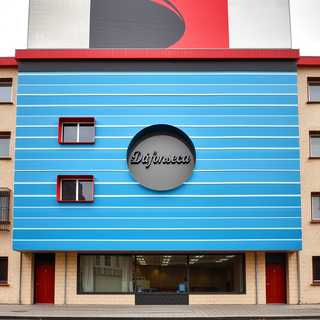
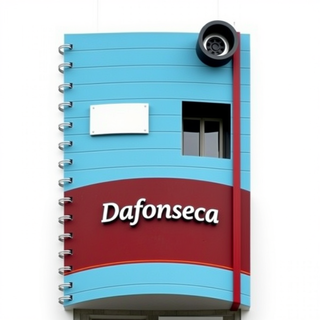
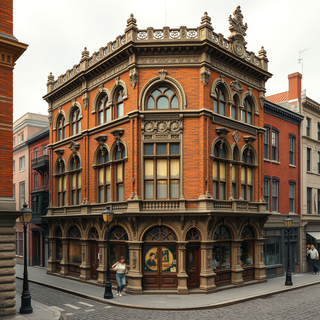



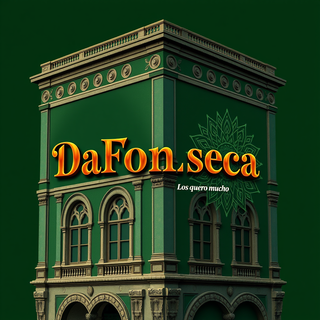
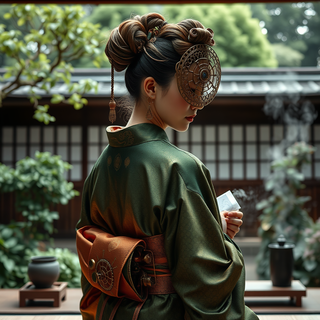
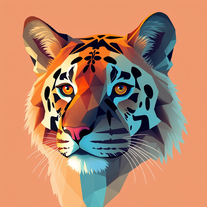
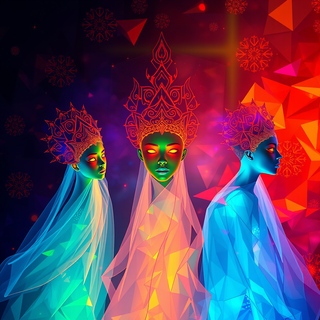
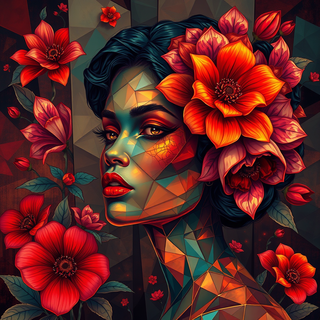
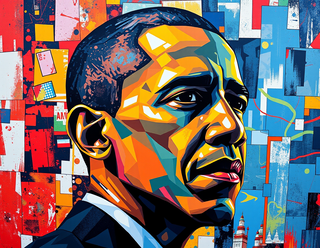
Transform subjects into vibrant, low-poly portraits.
Open

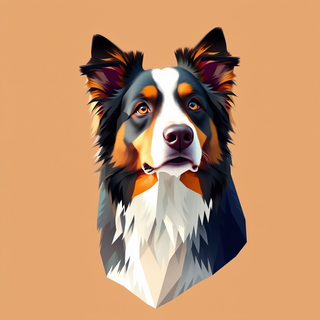

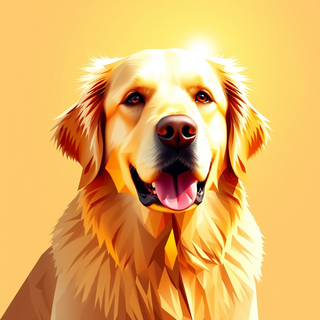
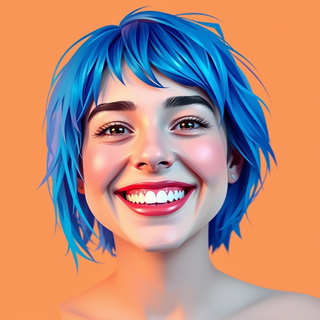
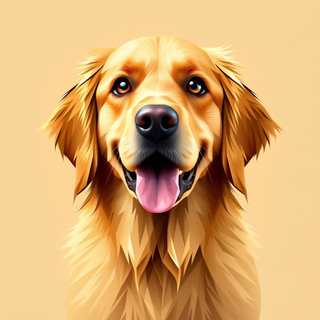

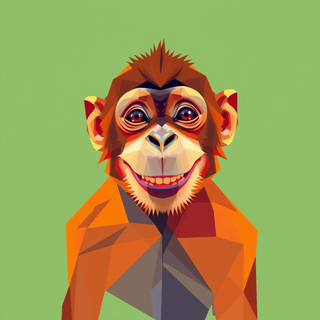
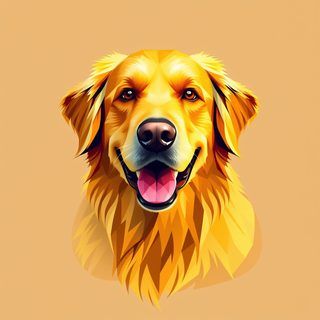





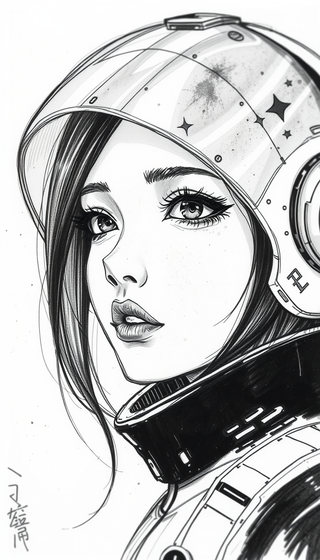
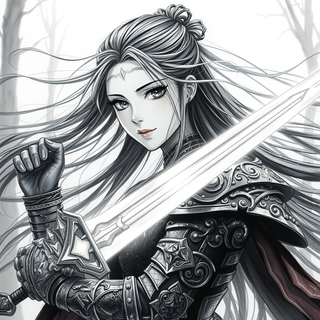
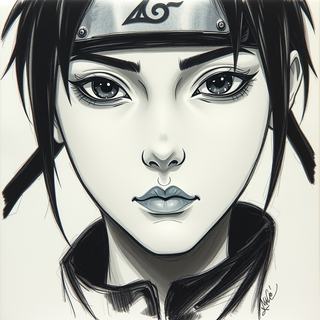
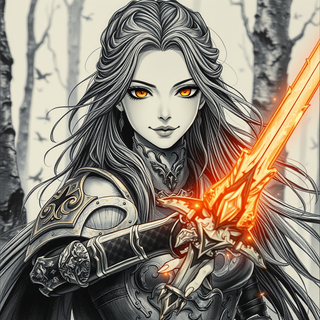
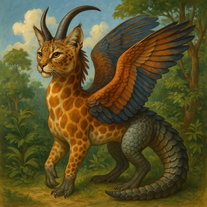

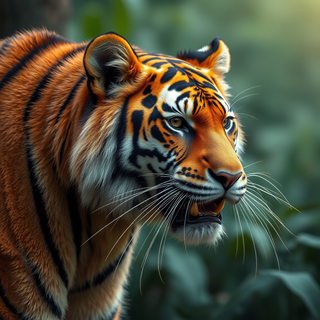


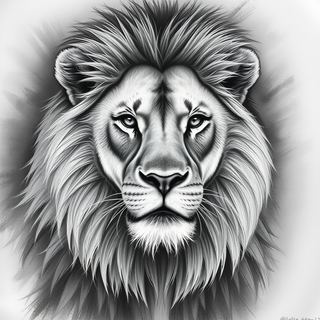
Haha tried this and it surprised me in a good way. Tap once and u get a cute dog or a mad lion, ur choice, I had a lot of fun with it, nice job!
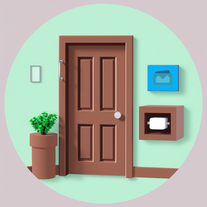
Effortlessly craft Roblox doors with AI-powered Lua scripts.
Open
Here is a script for a sniper rifle in Roblox that includes scope functionality and bullet drop simulation:
```lua
-- SniperRifleScript.lua
-- Services
local Players = game:GetService("Players")
local RunService = game:GetService("RunService")
local TweenService = game:GetService("TweenService")
local UserInputService = game:GetService("UserInputService")
-- Variables
local sniperRifle = script.Parent -- assume the script is a child of the sniper rifle model
local player = Players.LocalPlayer
local character = player.Character
local humanoid = character:FindFirstChild("Humanoid")
local camera = workspace.CurrentCamera
local scopeOverlay = sniperRifle:FindFirstChild("ScopeOverlay") -- a GUI element to display the scope
local fireMode = "Single" -- can be "Single" or "Auto"
local bulletSpeed = 1000 -- meters per second
local bulletDrop = 0.5 -- gravity multiplier
local ammo = 10 -- starting ammo
local reloadTime = 3 -- seconds
local scopeZoom = 10 -- zoom multiplier
-- Functions
local function shoot()
-- Check if the player has ammo
if ammo > 0 then
ammo -= 1
sniperRifle.Ammo.Value = ammo
-- Calculate the direction of the shot
local direction = camera.CFrame.lookVector
-- Raycast to find the target
local ray = Ray.new(camera.CFrame.Position, direction * 1000)
local hit, position, normal = workspace:FindPartOnRay(ray)
-- If a part is hit, create a bullet hole
if hit then
local bulletHole = Instance.new("Decal")
bulletHole.Texture = "http://www.roblox.com/asset/?id=123456" -- replace with your bullet hole decal
bulletHole.Parent = hit
bulletHole.CFrame = CFrame.new(position, normal)
end
-- Simulate bullet drop
local gravity = workspace.Gravity
local bulletDrop Velocity = direction * bulletSpeed
bulletDropVelocity.Y = bulletDropVelocity.Y - gravity * bulletDrop
local bulletPosition = camera.CFrame.Position
local bullet = Instance.new("Part")
bullet.Anchored = true
bullet.CanCollide = false
bullet.Parent = workspace
local bulletTween = TweenService:Create(bullet, TweenInfo.new(1, Enum.EasingStyle.Quad, Enum.EasingDirection.Out), {Position = bulletPosition + bulletDropVelocity * 1000})
bulletTween:Play()
bulletTween:WaitForCompletion()
bullet:Destroy()
else
-- Play an "out of ammo" sound effect
sniperRifle.OutOfAmmoSound:Play()
end
end
local function reload()
-- Play a reload animation
humanoid:LoadAnimation(sniperRifle.ReloadAnimatie).Play()
-- Wait for the reload animation to finish
wait(reloadTime)
-- Refill ammo
ammo = 10
sniperRifle.Ammo.Value = ammo
sniperRifle.ReloadSound:Play()
end
-- Listeners
local function InputBegan(input)
if input.KeyCode == Enum.KeyCode.Mouse0 then
shoot()
elseif input.KeyCode == Enum.KeyCode.R then
reload()
end
end
local function InputChanged(input)
if input.KeyCode == Enum.KeyCode.Mouse2 then
-- Toggle scope
scopeOverlay.Visible = not scopeOverlay.Visible
camera.FieldOfView = scopeOverlay.Visible and 10 or 60
end
end
UserInputService.InputBegan:Connect(InputBegan)
UserInputService.InputChanged:Connect(InputChanged)
-- Initialize
sniperRifle.Ammo.Value = ammo
scopeOverlay.Visible = false
camera.FieldOfView = 60
```
This script assumes that you have already set up a sniper rifle model in Roblox Studio with the following elements:
* A `ScopeOverlay` GUI element to display the scope
* A `ReloadAnimatie` Animation to play when reloading
* An `OutOfAmmoSound` Sound to play when out of ammo
* A `ReloadSound` Sound to play when reloading
* An `Ammo` IntValue to store the current ammo count
The script uses the `UserInputService` to detect when the player presses the left mouse button to shoot, the right mouse button to toggle the scope, and the "R" key to reload. It also uses the `TweenService` to simulate the bullet's trajectory and gravity.
Note that this script is just an example, and you will need to customize it to fit your specific game's requirements. You may also want to add additional features, such as bullet penetration, ricochet, or hit detection.
I hope this helps! Let me know if you have any questions or need further assistance.

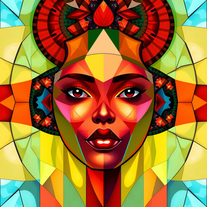































she's so right the app is so hard to see the things around what you create and if you go off it for just one second it deletes everything you have worked for!
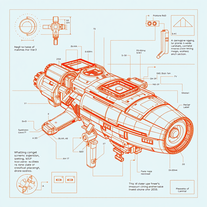
Transform ideas into futuristic sci-fi blueprints.
Open
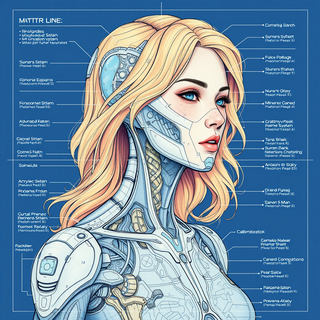
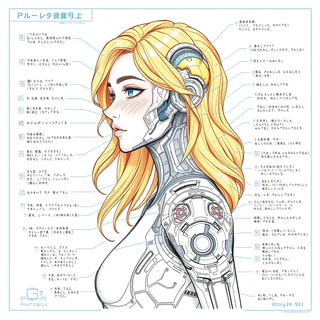
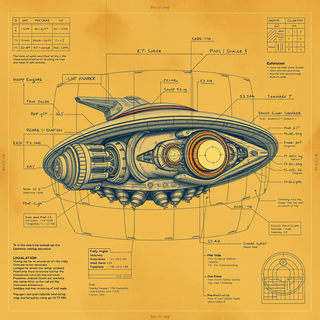

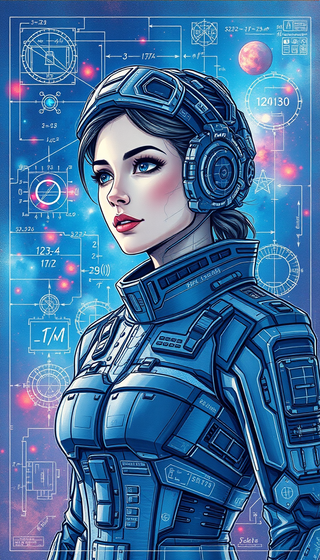
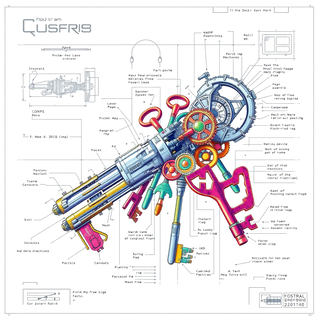
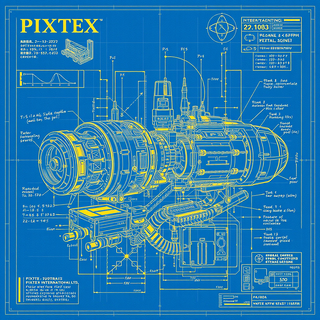
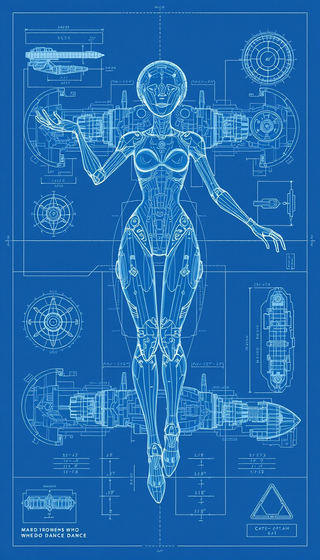
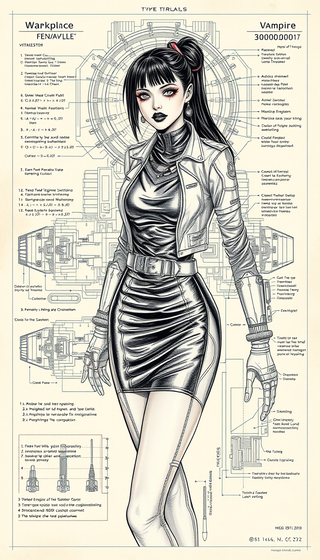
The image generation model uses a basic interpretation and assumes the rest as something random. I am working on improving this and many other factors soon. My tip is to be very objective and basic, that is, let’s say you want to make a cat, simply put black cat on the beach in the prompt, and never use the suggestion because it makes a mess and doesn’t follow it. Take advantage and get to know my tools and again always use key and objective words for your description. You will be successful, ok.

Turn ideas into ethereal paper art masterpieces.
Open
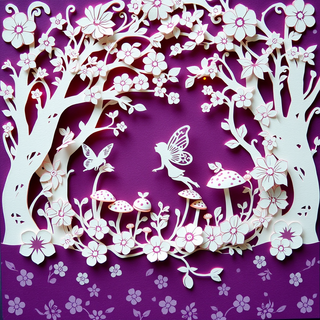

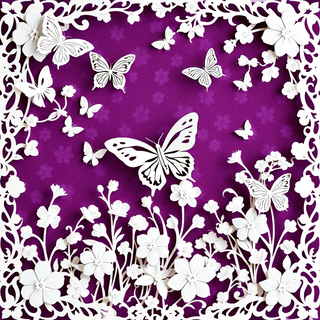


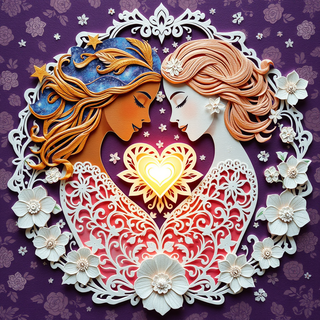
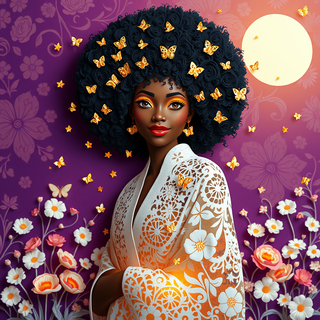

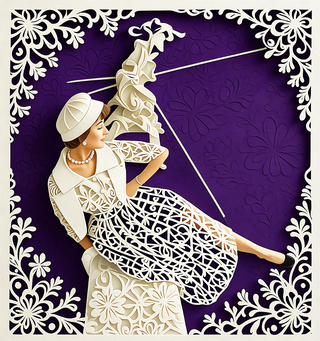

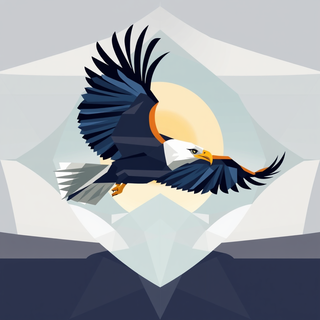



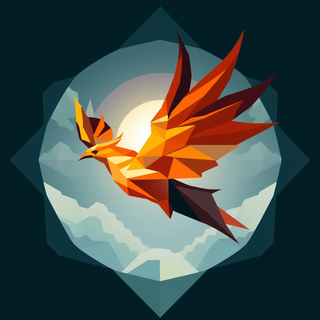
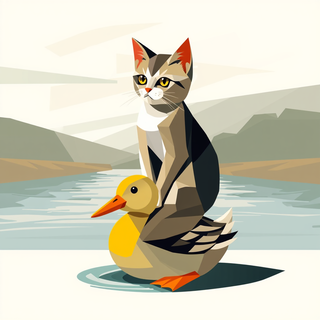

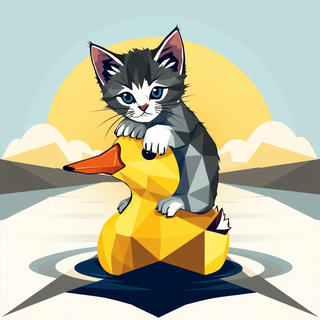
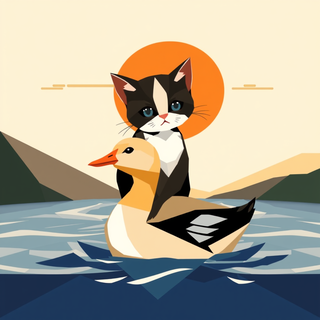


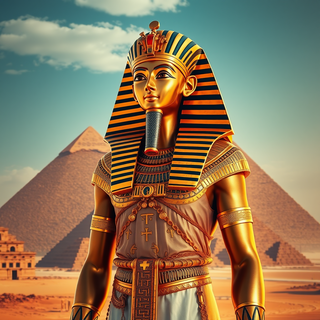

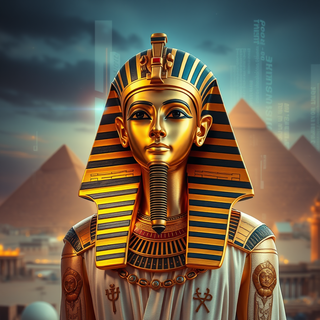
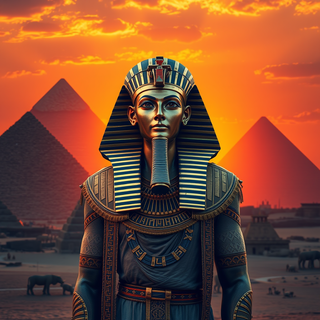

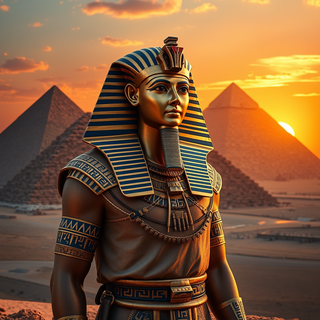
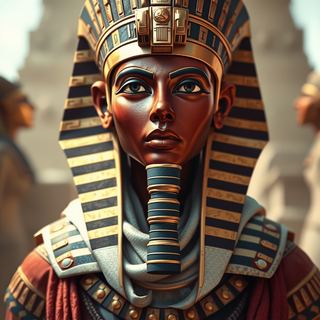

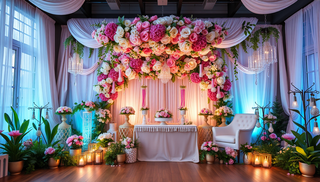

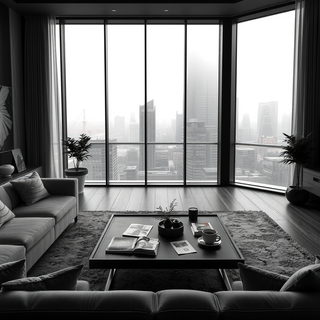
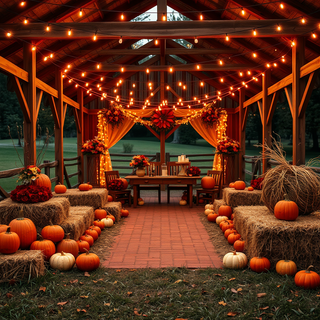
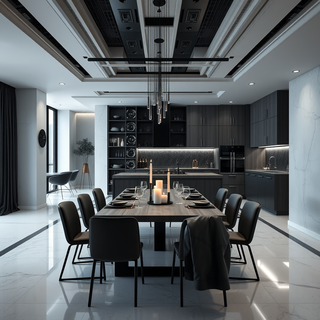
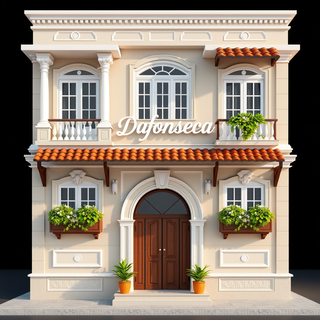
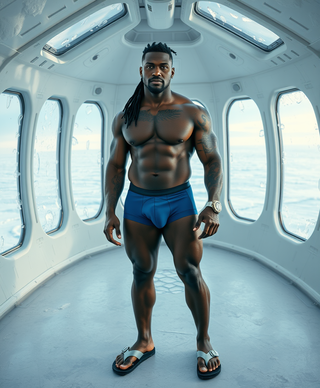
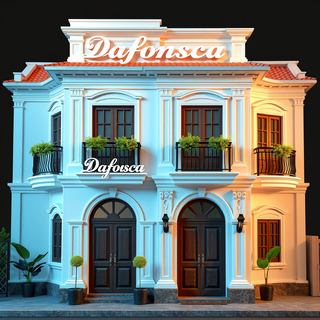
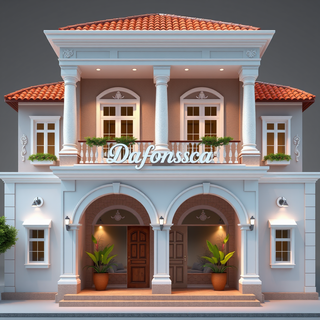

Pretty useful tool for decorating ideas, but they are a bit unrealistic
It does exactly what it promises and follows the prompt very accurately ;-) THX



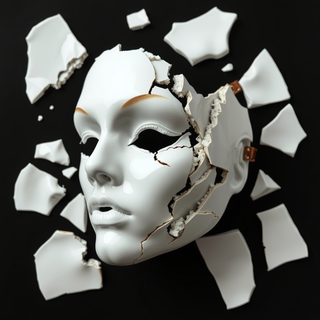
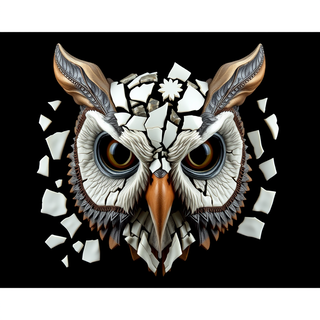
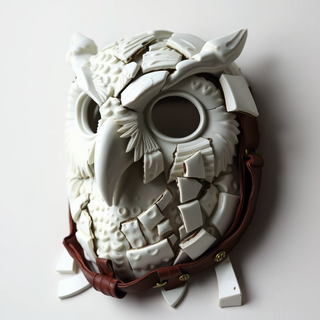


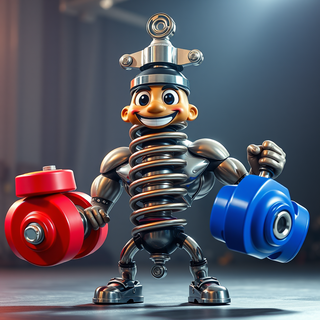










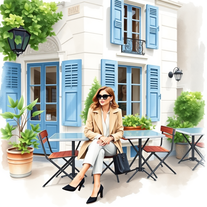
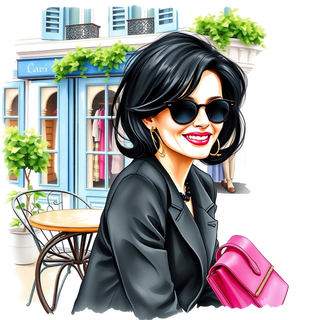
Turn visions into Parisian watercolor scenes.
Open













There were no aristocratic Asians and Africans in ancient Rome.