 PDFClean.ai
 Mini tools
▼ Top rated
Pdf summaries
Free mode
100% free
Freemium
Free Trial
Featured matches
-
 Félix Boittin🛠️ 1 tool 🙏 4 karmaNov 7, 2025@ClivioBest AI document management tool ! :)
 -
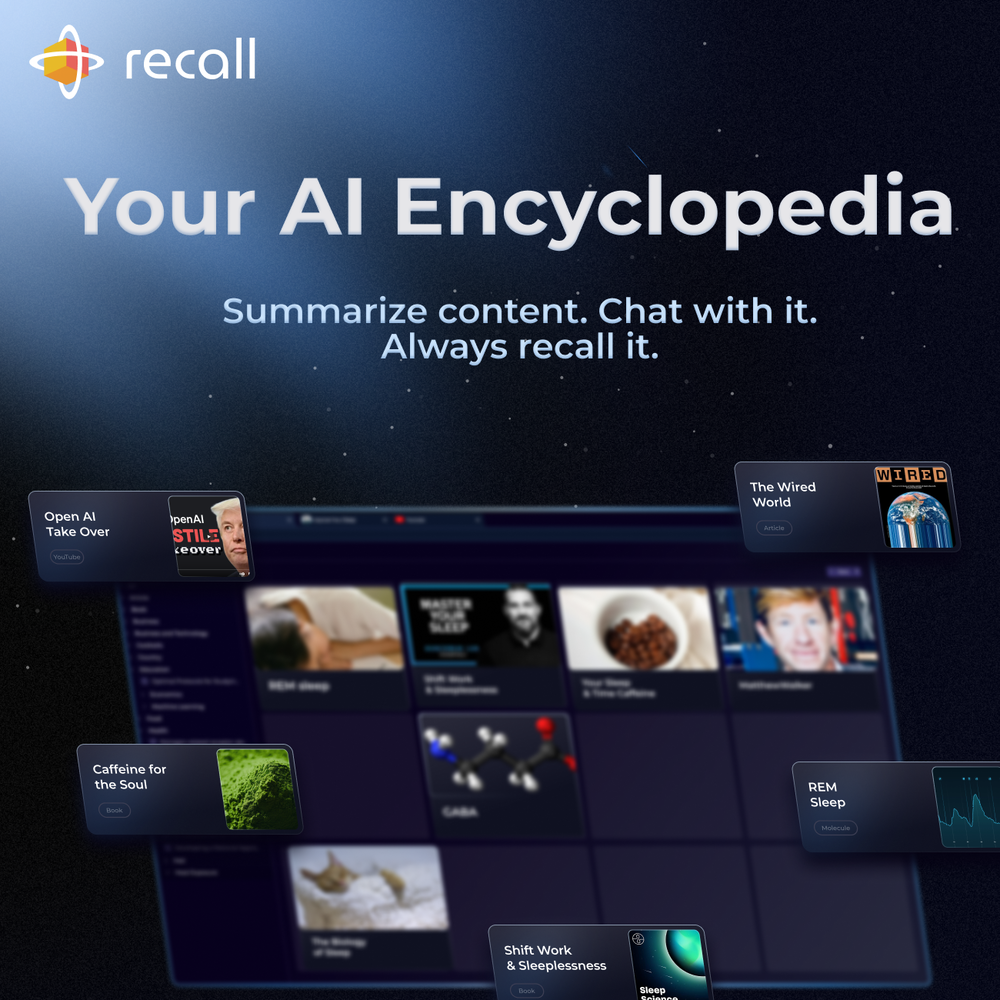 Really like how it finds connection in the content that I save. I don't think any other tool can do that.
 -
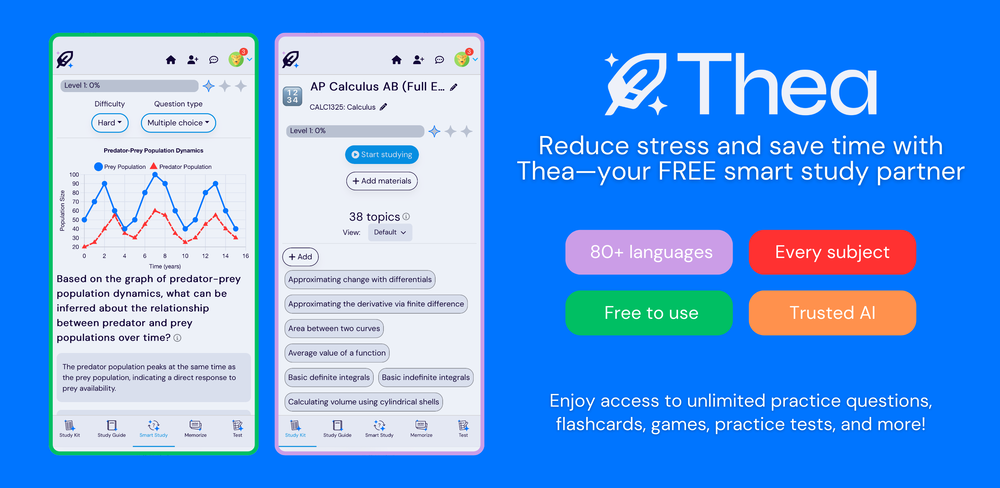 Went from a C to an A in Cognitive Psychology using Thea!!
 -
 very useful AI tool for those who need to work with pdf docs. Thnak you very to the team for offering it free
 -
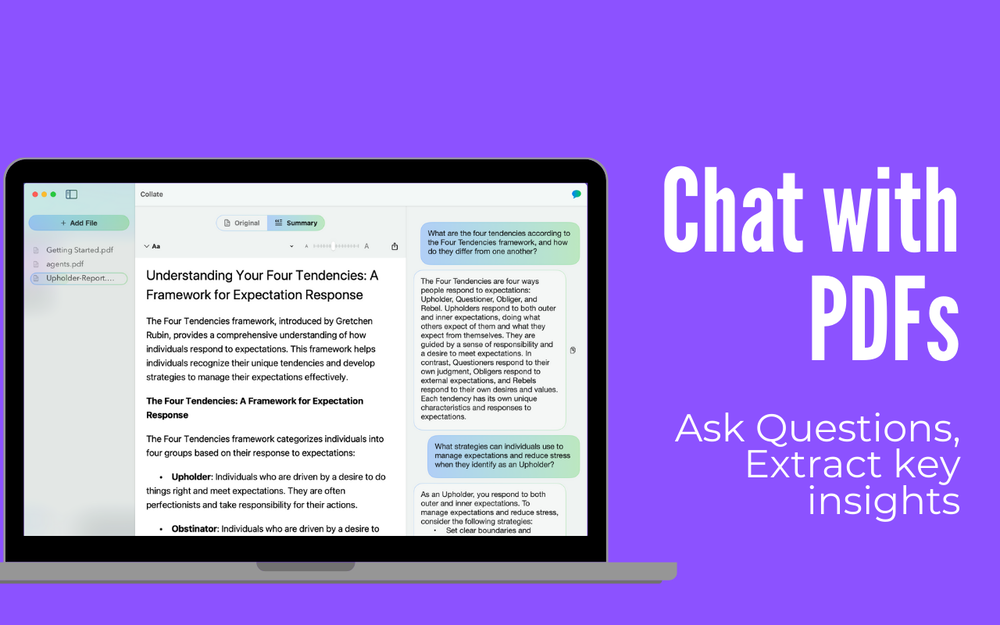 I’ve been using Collate to go through technical PDFs, and it’s been surprisingly handy. Summarizing docs and being able to ask questions directly saves me time, especially when I’m skimming through research or API references. No sign-ups, works offline, and everything stays on my device — which I appreciate.
 -








Other tools
-
 OpenHi all, I am the founder of Futurwise, and we build this tool to help people keep up-to-date on fast-changing topics as the world is changing so incredibly fast. Our objective is to build a next gen media platform and help anyone cut through the noise of information overload and find your next insight faster. At the moment, we do that with an MVP focused on super fast summaries of many types of content but from trusted sources, available with one click, in your style and language. Ready in under 5 seconds, regardless of content type. Securely stored in your private library. Distraction free, no ads, forever. As we collapse hours into seconds and keep professionals aligned on what matters across 25 languages and trusted sources, we envision helping individuals, enterprises and global societies increase awareness on fast changing topics, such as emerging technologies, climate change or healthcare, that will affect humanity in the long run. I hope you enjoy our app!
 -
Really simple approach - you select the part of the page you want the summary to be inserted, add a question to the article or it just sticks to the prompt you defined (even the standard prompt is a fun inspiration - never thought about letting the AI read an article from the angle of my professional background or let it build fun analogies for even the darkest articles). I use it to send articles from website directly to my Kindle - so you can basically read AI summarized articles on Kindle. Of course it could be extended but with the basic features it does the job.
-
Works really well, I will definitely be recommending to our clients. - [email protected]
- Spotlight: PDFClean.ai (PDF to Spreadsheets)
-
AI Notebook does what it promises, it's a decent on the go note-taking app. I like the automated tweak of these newer note-taking apps. I can just throw in pdfs, voice memos or youtube videos, and it'll generate all type oof different format like summaries, mind maps or flashcards. Extremely useful for students and professionals as it digest lengthy materials into small chunks of text. Recommended for anyone looking for a no-frills note taker tool
-
Although not very detailed, the key points are almost all included. Not only can PDFs be uploaded, but other text files as well, and can be translated into the specified language, Overall, it's quite practical!
-
Yes we do so much researching in ny job. Wish we could use this to summarise long email chains
-
10 MB Limit does limit usability best if .pdf contains NO images.
-
 OpenUnable to tried its functionality as its keep asking to pay
 -
It makes me skeptical once the main login page has a typo in "sumbit", instead of "submit". The devil is in the details.
-
These are garbage there are 1000s of these fake free PDF editors. They don’t work and just waste everyones time.
- Didn't find the AI you were looking for?
-
Handles long texts really well. Super useful if you’re into detailed content but want the quick version without losing key info.
-
-
This AI PDF Summarizer worked really well
-
It seems to be working fine right now. Maybe try again and double check if you’re using the book’s original or most recognized title. That might make a difference.
-
They started charging for documents , Please change from no pricing to freemium
-
It only looks at the first 10 or 20 pages of a large document despite claiming to cover 1000 on the plus plan. I'd avoid this and wait a few months until something comes along that can do what this claims to do
-



























Post





