 PDFClean.ai
 Mini tools
▼ Latest
Video content creation
Free mode
100% free
Freemium
Free Trial
Featured matches
-
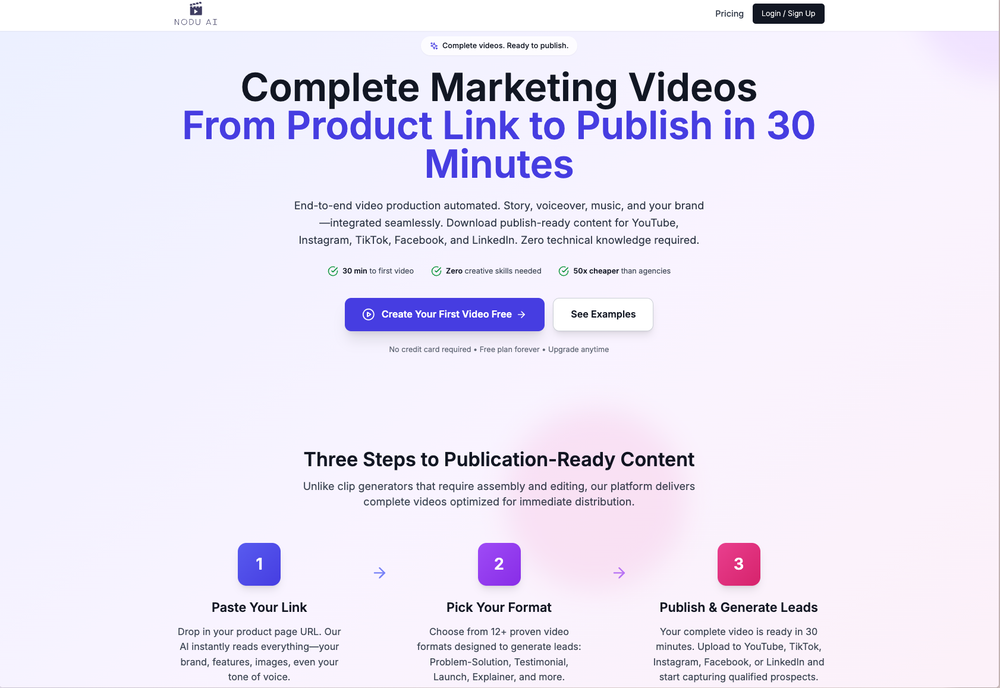 Shalini Deshpande🙏 20 karmaAug 27, 2025@Nodu AIThis is simply amazing. I used Nodu AI to create an employer branding video for our Talent Acquisition team to promote one of our key roles. Very impressed by the high-quality visuals it has generated, including the voiceover based on my brief. I like the way it has so nicely incorporated the brand logo and call to action messaging. My video looks like a professional production. Highly recommend!
 -
 Open
Open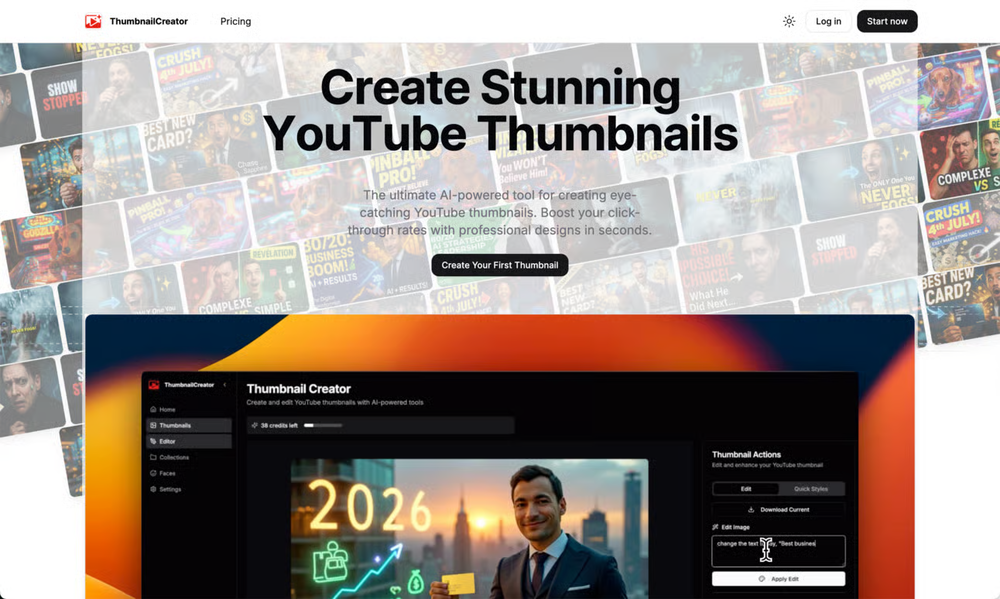 ThumbnailCreator lets you generate YouTube Thumbnails using AI! 🚀
 -
 Solid hub for socials. Schedules to a lot of platforms in one place with ai post ideas and short-form tools, plus a free tier to try things out. I like the planner and analytics, ui feels busy at first but once you learn the flow it moves fast.
 -
 The system responds quickly, the video generation quality is excellent, and the AI voice is perfectly synchronized with the visuals.
 -
-
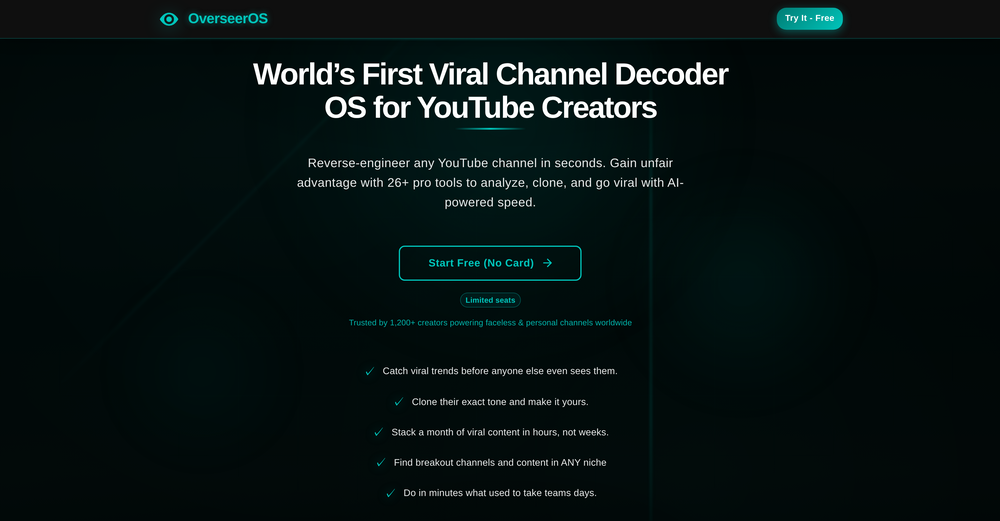 Absolutely HUGE. This gonna be the top AI for YouTube creators!
 -
 Skip the complexity. Create professional-quality music with simple prompts.Open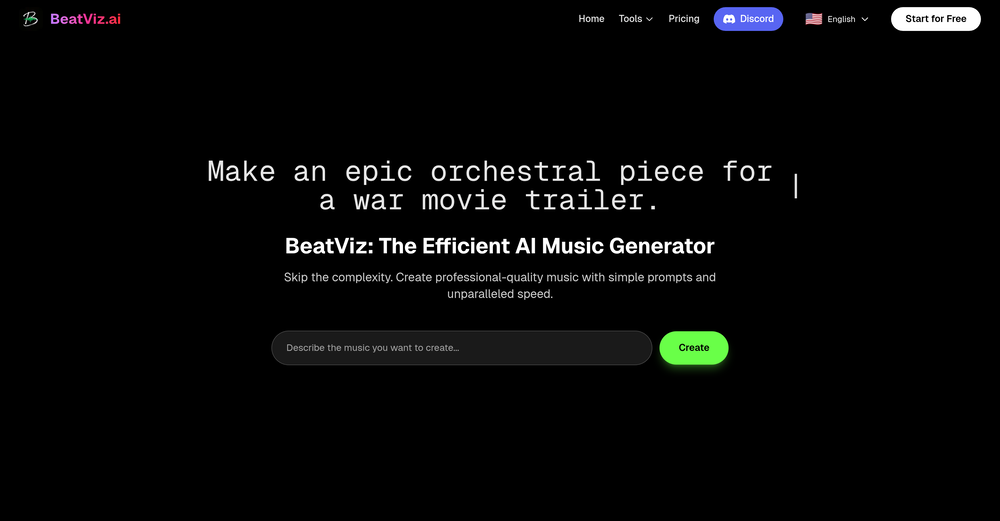
-
-
-








Verified tools
- Spotlight: PDFClean.ai (PDF to Spreadsheets)
-
 Rapidly generate AI training videos without equipment or editing.Open
 -
-
 Turn baby photos into talking podcast videos.OpenWow, The AI tool is so interesting for the AI talking baby podcast. I like it. Thank you for the AI
 -
threw it at our dusty help center and it cooked. pulled context from tickets and updates and wrote clean articles and faqs. inbox got quieter fast. solid tool.
-
Super helpful tool! Saved me hours reading comments and gave great insights. Highly recommend for YouTubers!
-
Hi folks - I'm Charles, the founder of Wizardly. As a sales guy I originally built this app to create training videos for sales reps 10X faster. Many friends started using Wizardly to create all sorts of tutorials for tools I'd never heard of. Excited to get feedback and hear how I can make this app the best how-to video generator on the market.
-
This is truly a wonderful experience that brings joy and delight.
-
-
VideoIdeas.ai Creates YouTube Video Ideas & Scripts
-
Love Dadan's new AI features. I used to hate searching through videos to find specific points and actions. Now I just get AI Assist to transcribe them and use one of the meeting templates to find what I need in a few seconds.
-
 OpenHey everyone, I’m Evaldas, co-founder of Guideless, the fastest way to turn any browser workflow into a polished, AI-narrated video guide in minutes. No screen recording. No tedious editing. Just turn on the extension, click through your process as you normally would, and instantly get a share-ready guide. We recently shipped a major update: a sleeker UX and new high-quality AI voiceover characters — making guides sound and feel more vibrant than ever. Give Guideless a try and see how effortless creating high-quality tutorials can be 🪄
 -
Currently, generating course videos is basically free, and everyone is welcome to use it! If you have any problems during use, you can complain and we will quickly iterate! Thank you~!
-
-
-
 OpenI played around with PodScribe.IO for just 5 minutes, and it helped me save at least 35 minutes when transcribing my first podcast (for free - have not subscribed to the paid version yet). That's pretty sweet! The way it presents and separates podcast data into different formats is really well done. It makes it super easy to find what you're looking for.
 -
The ability to create a short video as a demo of the output is great. It had good imagery and it created a good script.
-
1. AI-powered transcription: Edit videos simply by editing text. 2. AI Virtual Avatars: Use high-quality and diverse virtual presenters to keep video engaged without the need for a real person on camera, helping to solve the issue of camera shyness. 3. AI Voice Enhancement: Elevate your audio to studio-grade quality with one click. Sound professional, no matter what mic you're using. 4. Webcam Background Removal & Replacement: Instantly remove or swap your webcam background for a polished, distraction-free look. 5. AI Subtitles Generation: Support for over 55 languages, generating corresponding subtitles instantly, simplifies the workflow, and enhances video accessibility. 6. Smart Noise Reduction: Eliminate background noise for crystal-clear audio in any recording environment. 7. Stylish Cursor Effects: Highlight your mouse with refined cursors and smooth animations to make your recordings more engaging and dynamic effortlessly. 8. Hide Cursor: Keep your recordings clean by hiding the cursor when you don't need it. 9. Redesigned UI & Interactions: A sleek new interface designed to make video creation faster, smoother, and more intuitive. 10. Smarter Project Naming: Improved default naming conventions help you organize and locate your projects with ease. 11. Performance & Stability Improvements: Under-the-hood optimizations for a faster, more reliable workflow. Less waiting, more doing.
-
 OpenHi! I'm the founder of LyricEdits. After 20 years as a bass player and 20 years in software engineering, I finally combined both passions into one. I'd love to hear your comments and suggestions!
 -
Thanks! So happy to hear you're liking FlowPost.
-
I have a hard time with doing video presentations - I have to brainstorm on paper, write the whole thing out, then painfully spread them out on powerpoint. And after all that I gotta prep for the actual presentation part, which is agonizing (for many different reasons). But Keytake solves all of that, as long as I’ve got a basic idea about what I want to talk about. There’s a couple things I’d wish the team would add like brand kits, but I know they are coming soon so I can’t wait
-
 OpenHey, Zeeshaan here, co-founder of The Influencer AI. I genuinely hope this service enables people to do things that were not possible before. Our goal is to help anyone create pro-level visuals for all needs in minutes. Happy to answer any questions, and open to all feedback. Appreciate the community!
 -
-
-
-
-
Sorry for inconvenience, Its up and running now
-
I use Fliz to create videos to promote my store's products. I also use it for my blog posts. The result is really good and I can post it on tiktok quickly.
-
 Create Your First Viral Video and Start YouTube Monetization with Multilingual Content.OpenIt feels so cool. I think the characters generated by the model are very consistent.
 -
It is easy to use, has a low threshold for getting started, and is inexpensive.
-
good platform to create my short video
-
Hoox app is a very easy and simple app to navigate and generate your script video for social media. My experience so far has been top-notch and the customer service in the name of Alan Hoox is always pronto to assist whenever needed. I recommend it for anyone that want to create a faceless youtube Ai without editing, selecting or mixing all you details. All you need is just drop your script and wellah your video is ready .
-
 OpenI love using sync. labs to dub my content in different languages
 -
It's $47/mo after a short free trial
-
 Unleash your YouTube channel potential with AI-driven analytics.Open
 -
✨ Key Advantages of Pixwith: 1. Wide range of AI models: From video generation to image creation, enhancement, and style transformation — you get access to a full suite of cutting-edge AI models in one place. 2. Affordable and transparent pricing: Our credit-based system is flexible and offers better value compared to many similar platforms. 3. Free trials available: Several models can be used for free, allowing you to test the quality before purchasing credits. 4.Beginner-friendly interface: Simple and intuitive design — generate high-quality content in just a few clicks. 5.Constant updates: We continuously add new models and features, ensuring you always have access to the latest AI capabilities.
-
 All-in-one AI platform for content creation, marketing, automations and business growthOpen
 -
Hey everyone 👋 I’m excited to introduce VidFab, an AI-powered tool that turns text and images into cinematic videos in seconds. We built VidFab to help creators and startups make beautiful videos without complex editing or long render times. Just type an idea — and our AI brings it to life. I’d love to hear your feedback and ideas for what features you’d like to see next. Your thoughts really help us shape the future of VidFab!
-
 Generate custom copyright-free music that fits to your video automaticallyOpenWe built Vidsembly’s Video Music-Score tool to make adding background music simple and fast. Upload your MP4 video, choose a music style, and get a copyright-free soundtrack that is automatically fit to your video and ready for export. No editing skills needed. You can try it free with 15 credits.
 -
I don't know how to use it because it's difficult to use
-
Great tool. I used to be a music producer, now I work in AI and can see this app going far. Even made a video about it https://youtu.be/31_mJql58Ts
-
This tool not only transcribes videos and audio, but also automatically generates summaries, which greatly helps me organize my study notes.
-
 Open
Open -
Looks great, I really appreciated that it gives you credits to test it out first, not many video tools do that. Makes it way easier to actually see what it can do before paying. Nice experience overall :)
-
 Open
Open -
 Turn photos into realistic AI kissing videos instantly.Open
 -
I tried out the AI music generator vlogmusic.io, and it’s absolutely amazing! You can actually generate 66 free songs every day—plus, vocal separation, the AI lyric generator, and commercial licenses are all free too. What’s even more incredible is that if you run out of credits, just email the vlogmusic.io team, and they’ll give you more credits for free. It’s totally unbeatable—I really hope this free period lasts longer!
-
 OpenThe features are incredibly comprehensive. I really love it — the AI videos I created got a ton of praise when I shared them. Likes galore!
 -
Been using CloneViral for my UGC ad campaigns and it's honestly a game-changer. The Agent Mode feature is what sold me - you basically describe what you want, and their AI agents collaborate to handle everything from scripting to final video. No more jumping between 5 different tools. The UGC Ads generator is surprisingly good. I can create authentic-looking user testimonials and product demos in minutes instead of hiring creators or spending days editing. Quality is solid enough that my clients can't tell the difference. Not perfect, but for the price and time it saves me, it's become essential in my workflow. If you're doing any kind of social media marketing or content creation at scale, worth trying out.
-
Amazing and very fast. 300 free credits a month is actually generous. Recommended!
-
It's working very well. AI chat is 100% free, but image and video are not free, though they are still good. You get a few daily credits, but at least you still have some
-
pretty clean tool, i tried a couple product images fast and the controls make sense. model picks, image-to-image and quick batch runs are handy for ad shots or thumbnails. the free tier is tiny at 2 credits, so it's more of a taste test than real use.
-
it does only do one image per time i am looking for multiple images to video
-
 Bulk Image Downloader & AI Video Generator in Your BrowserOpenThis plugin is super useful! It not only extracts images from webpages for bulk download, but its smart selection feature is faster and more accurate than other image downloaders. The most amazing part is that it can even turn images into videos, making static pictures on a page come alive. Such a fun experience!
 -
It has most popular video models on the platform
-
-
It’s a brilliant tool that instantly transforms your ideas into dynamic, professional presentations with ease and impact. Overall a nice one!🙌
-
 Open
Open -
 Turn photos into stunning videos with AI.OpenHi! This is Neo, Founder of Diffra. My goal is to build the most affordable AI model platform on the market. On Diffra, users will be able to access the latest and best AI models, while also experiencing the most popular AI effects. With our plans, users can generate up to 50% more creations at the same price compared to other AI model platforms. We’d love to hear your feedback and suggestions!
 -
 Turn your slides into narrated videos with AI voiceoverOpenWe built Vidsembly to make video creation from presentations as simple as having a conversation. Just upload your slide deck, pick a voice, and get a clean narrated video in minutes. No editing software or mic needed. Great for creators, educators, and sales teams who want their message to land. You can try it free with 30 credits.
 -
YouTube to Doc is freaking awesome! Total lifesaver for turning videos into text. Just paste the URL → boom, you’ve got a doc. Perfect for notes or quotes. 10/10 recommend!
-
I’ve been using this AI video quiz tool and it’s honestly super useful. It automatically creates quizzes from videos, so you can test your knowledge without any extra effort. Great for learning, especially if you’re someone who retains better through interaction.
-
Just found Merlio… Didn’t think an AI workspace could feel this smooth.
-
 WhatsApp AI agent for multi-format content and video short creationOpenThis app is so cool, I use it daily to find trending topics then make a little short video! I’m already seeing results from views on socials like TikTok
 -
Creative, and love the design, great job with scripts and options for video Scripts.
-
Keeps giving me an error, no good
-
 Create Celebrity voices and voiceovers in 120 languages with 800+ AI voices.OpenThis is a cool little generator for a quick clip! Could see some potential quick use cases if you needed to generate something with an accent on the fly. Not a bad little tool!
 -
I like the idea and use of AI for descriptions, labels and sharing. For implementation in our agency workflow it is missing a lot of functionality regarding review and approvals. For example status to show wether or not it is reviewed and approved. In the sharing overview it lacks visibility on added comments and feedback. for example.
-
Amazing tool! Just started working on my videos and I’m loving everything RenderCut offers. It’s super easy to use and saves me a ton of time with subtitles. 5 tacos, no doubt!
-
 Create high-quality multimodal eLearning in minutes from text prompts or documentsOpenIt's an amazing product that generates eLearning from a document or text prompt. It also has a full editor for tweaking after the generation. We use this exclusively for producing our commercial eLearning. Ready in minutes.
 -
 Open
Open -
Amazing app and really easy-to-use! It has all the things I need to create a neat, functional, and clear-cut mindmap.
-
Crazy stuff, it's so useful, i feel like a weight's been lifted off my shoulders. Real game changer 10/10
-
 Sync your sound, elevate your lyrics with AI-powered video creation.Open
 -
-
-
 Generate eye-catching YouTube titles that boost views and engagement.OpenAmazing title choices! I put in a title idea with a one sentence video description and got back amazing title options.
 -
-
-
not that good it cant generate your prompt it can only generate custom prompt as saved by itself
-
I started using Calvin for my channel and results looks really good. Also, the experience feels amazing
-
 Open
Open -
Great! the first tests are convincing, I'm going to use it for my cosmetics store !
-
 OpenThank you for your feedback, and I apologize for any inconvenience you experienced. We are currently working to ease the resolution constraints for user uploads. Your insights are invaluable to us.
 -
I completely agree with the previous comment. I first purchased the $5 package and then upgraded to the Pro package, hoping to create videos longer than 3.5 minutes. However, I was disappointed to find out that I needed to purchase the $99 package to create longer videos. It was not clear that the 5000 characters of script only equated to 3.5 minutes of video. To make things worse, the company has a strict no-refund policy, which feels unfair. They seem more focused on taking your money than providing quality service. I would highly recommend avoiding this service at all costs.
-
I think this is the future of movies, but I have to give you some advice : 1. Make all images automatically animated and animating them does not cost additional credits 2. Make sure it doesn't all have to be family friendly, put age ratings (PG, PG-13, R) This way all your creations won't have to be family friendly and your site will be much more successful.
-
This is so encouraging — thank you! ❤️ We’re putting everything into the next version to make it even better.



































































































Other tools
-
I’ve been an entrepreneur since my early 20s so I don’t often give low ratings even if I don’t like a product as it’s never my intention to potentially hurt a small company that’s just starting out but I’ve got to say that this is beyond worthless as a tool. The promise of street interviews Sounds like an excellent way to promote a product, but after paying you find out that it has a limitation of eight seconds. Barely enough time for an extremely simple question and a one sentence answer at best. It was only 10 bucks to find out but for this to be viable there needs to be an option to extend up to at least 20 or 30 seconds. I’d happily pay the 10 bucks for 1 32nd St. interview that could be solid for marketing than 5 videos of 8 seconds each that are just useless. Also, just a quick update. The first video I generated took maybe five minutes. The next two attempts are still processing after almost a half an hour. I think with something like this, it needs to be made much clearer that the interview is limited to eight seconds. But in my opinion, that’s besides the point as that kind of time limitation is just way too short for any kind of “interview”.
-
-
-
quick and the quality's nuts. tons of presets and styles to pick from, definitely one of those tools that makes you wanna keep testing more stuff.
-
I recently started using Napkin AI, and I couldn't be more impressed! This tool is incredibly user-friendly and intuitive, making it easy to generate clear visual representations from text. Moreover, the interface is clean and visually appealing, which enhances the overall user experience. Napkin AI is a fantastic companion. Highly recommended for anyone looking to elevate their creative process!
- Didn't find the AI you were looking for?
-
Fantastic product - it helped me increase my conversions on my website quite a bit. The support was really helpful too.
-
-
-
-
Great tool! The most complete one if you want to create music video specifically.
-
After trying it out, I find the price is indeed more friendly.
-
 Create consistent character videos from AI images.Open
 -
Easy to use. If you select Trump's voice, type Epsteen rather than Epstein. Pronunciation is perfect hehe.
-
It’s perfect for creators seeking royalty-free, customizable audio for videos, games, or personal projects.
-
This tool has completely transformed my social media content. I can now create engaging talking videos from my photos in minutes. The lip sync is incredibly realistic!
-
it's kinda disappointing that all you get upon registration is enough to make only one 4 second clip that gets hit or miss. it looked promising tho
-
UI is chill, export is fine. Free credits disappear fast if you experiment. 3/5 for now, nothing extremely special :j
-
it does not give you enough credits to use veo3 which it claim to .
-
Hi guys Despite a super complicated start with AI Chat, we can finally say that all processes are working perfectly and are ready for your tests and work. We are sorry that we came to this platform having some bugs in the system. Now everything is working as we intended. One question - many answers from different AI's. Compare and choose further dialogue with the AI you find better. Please feel free to ask or give any feedback about this product. Just one advert I can tell you about AI Chat - we started using it instead of gpt. On a day to day basis. It works. We are getting supermuch feedback and co-launching with ideas on how it can be improved. We are charged up and will update the product until we run out of great ideas for optimisation! Translated with www.DeepL.com/Translator (free version)
-
 Convert YouTube videos to text fast and freeOpenHands down the best ai tool for content creators. Their free YouTube transcriptor is always on point
 -
It does not load the processor. Fast in operation.
-
-
-
-
-
Not really worth it, not only does it only support Youtube, but can only generate up to 30s of video and has no options to control the image style.
-
 OpenIf you can put right text you will get best result.
 -
You can find the customer service with chat button. Tina help me a lot
-
Highly recommend for anyone looking to create engaging videos without the hassle!
-
-
it's a must-have for optimizing video ad strategies. Highly recommended for staying ahead in the digital landscape.
-
Step 1 . Registered first for you to have an access. Make sure you let people in your advert first that registration is required. Not misleading them .
-
AutoEditor is a tool powered by AI that allows users to create highly customized short videos. It is primarily designed to make video editing easier and more efficient, thus enabling users to focus more on content creation. Distinct features include the automatic generation of subtitles in more than 40 languages, detection of silence or non-relevant content in videos, and the ability to enhance videos by adding b-rolls, watermarks, and other effects. The platform provides an easy-to-use interface for video editing, putting users in complete control of their content. Users can change text, styles, and various other aspects of their videos without prior knowledge in video editing. Furthermore, AutoEditor supports editing of long videos, which can be broken down into smaller parts without pre-cutting them. Videos for editing can be directly processed from YouTube, eliminating the need for separate downloading websites. Users can also customize their captions, save their unique styles as presets, and create videos with a few simple clicks for a fast editing experience. AutoEditor's pricing is designed to be simple and affordable, with plans tailored to suit different needs. Users can also access a free tier to get started. Flexibility is one of its key advantages, providing users the means to edit their videos exactly how they want them. The software works best with videos containing any type of voice or talking, such as podcasts, talk shows, documentaries, educational videos, or speeches.
-
-
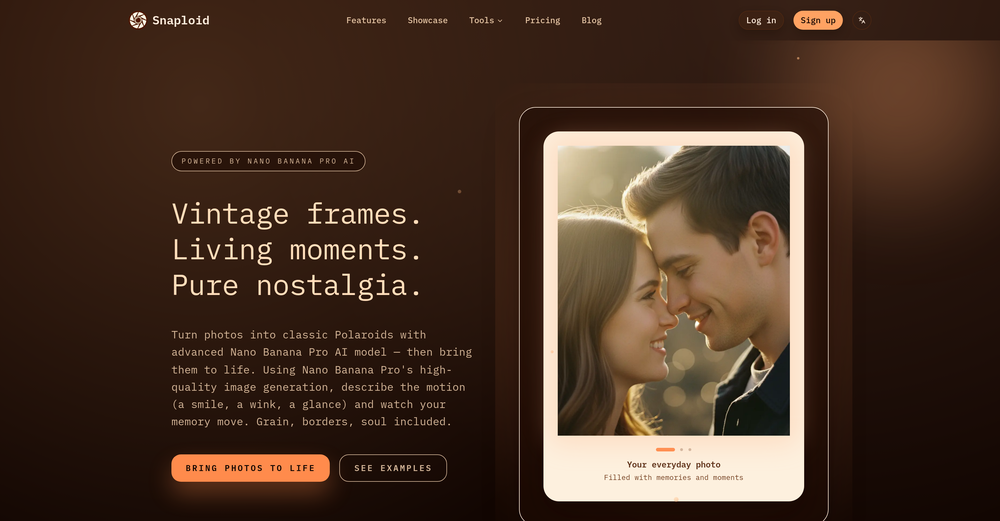
 Generate cinematic overhead shots with vintage film aesthetics.Open




















































































Post





