Base44 Superagents-AI agent that does it all

 Mini tools
kyo_shi's tools
-
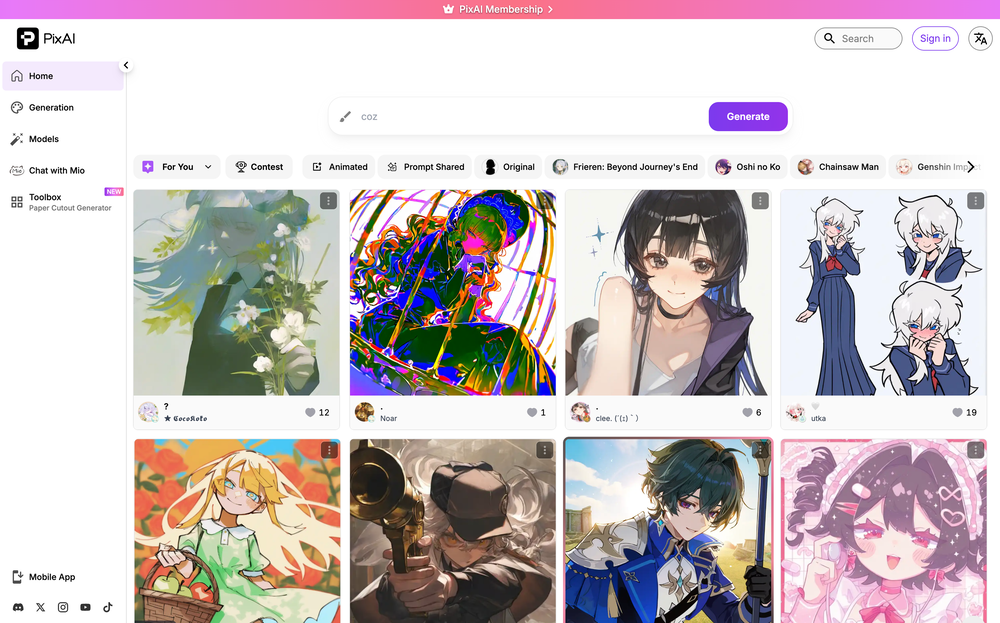 What's New on PixAI - Smarter Prompting: Write prompts in your own language. Prompt Helper automatically interprets and optimizes your input — whether it's natural language, mixed tags, or non-English text — so you spend less time on syntax and more time creating. - Expanded Model Library: PixAI has launched a new series of SDXL models alongside a growing lineup of DiT models, supporting a wider range of artistic styles and more expressive, high-quality outputs than ever before. - One-Click Creative Tools A new suite of one-click tools and generators makes it easy to achieve specific results without manual editing. From Sketch Coloring, Change Emotion, to Galgame UI generator, Character Sheet Generator, and more — professional-quality adjustments in a single click. - Image-to-Video & Text-to-Video: Bring your artwork to life with PixAI's video generation suite. Choose from multiple video models optimized for different needs — character consistency, cinematic motion, fast drafting, and more. Also supports audio generation, including voiceover and sound effects. - Powerful Image Editing: A comprehensive editing suite now covers everything from targeted fixes to full transformations: Inpaint, Outpaint, Flow Edit for natural-language-driven edits, and Reference Pro for multi-image editing that keeps character identity consistent across scenes and panels. - A Cleaner, More Intuitive Interface: The PixAI interface has been redesigned with a focus on usability and visual polish. Navigation is smoother, workflows are more streamlined, and the overall experience — from generation to editing to model browsing — is cleaner and more enjoyable to use. - Regular Events & Community Activities: PixAI runs seasonal events throughout the year — including Christmas, Valentine's Day, and more — where users can earn free credits, win prizes, and join themed art contests. Weekly art contests on the platform and activities across Discord, X, and other social channels keep the community active year-round.