
 Mini tools
▼ Latest
Document
Free mode
100% free
Freemium
Free Trial
Featured matches
-
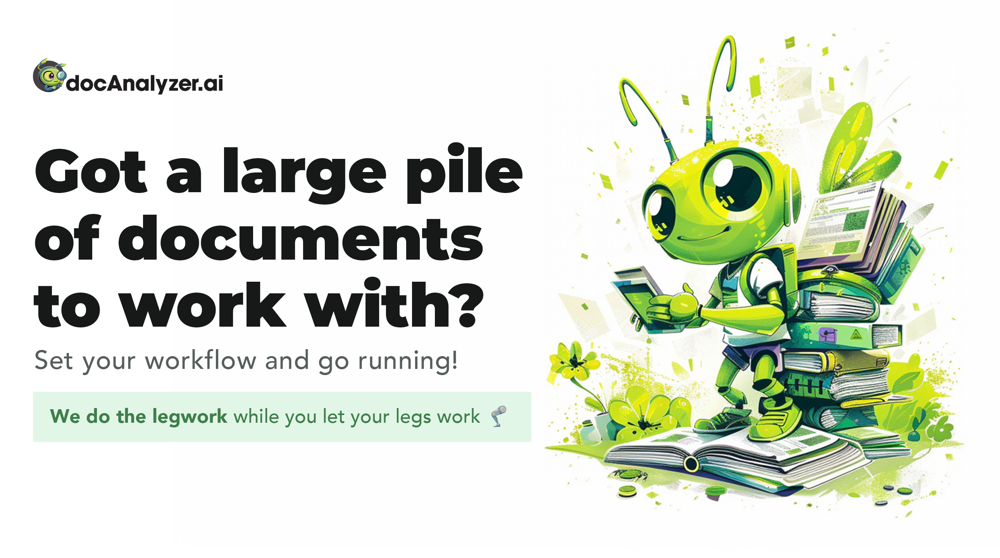 New: XLSX/Excel Support docAnalyzer now works with Excel files. Chat with your spreadsheets to: • Analyze datasets and surface key insights • Detect formula errors and inconsistencies • Extract tables and cross-reference with other documents • Run AI Agents across mixed doc types (PDFs + Excel + Word) Upload any .xlsx file and start asking questions — no data prep required.
 -
-
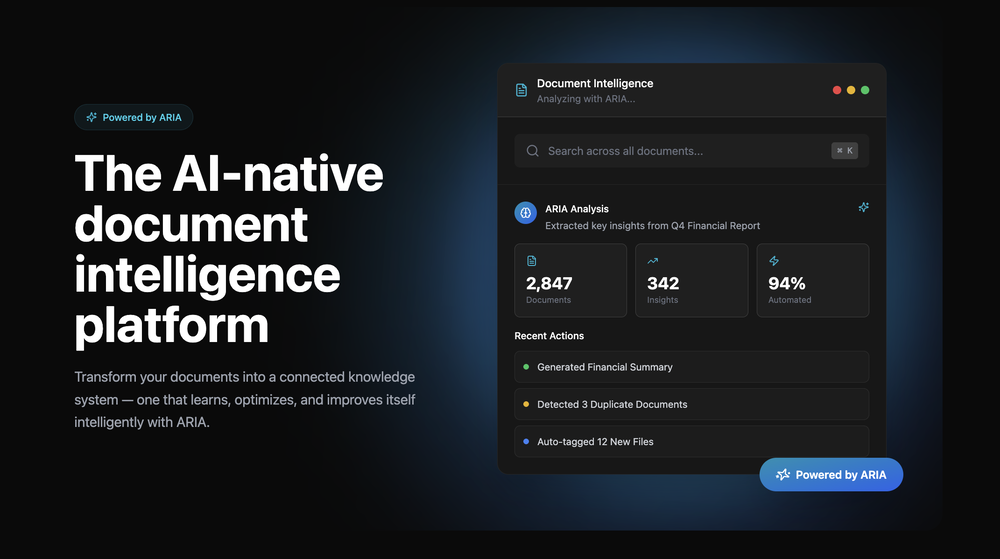 Clara🙏 3 karmaJan 7, 2026@Signal87 AIGreat platform! Very impressed by the ability to combine documents to generate full research reports or extract data in large PDF files.
 -
 Extract data from any document automatically with AI.Open
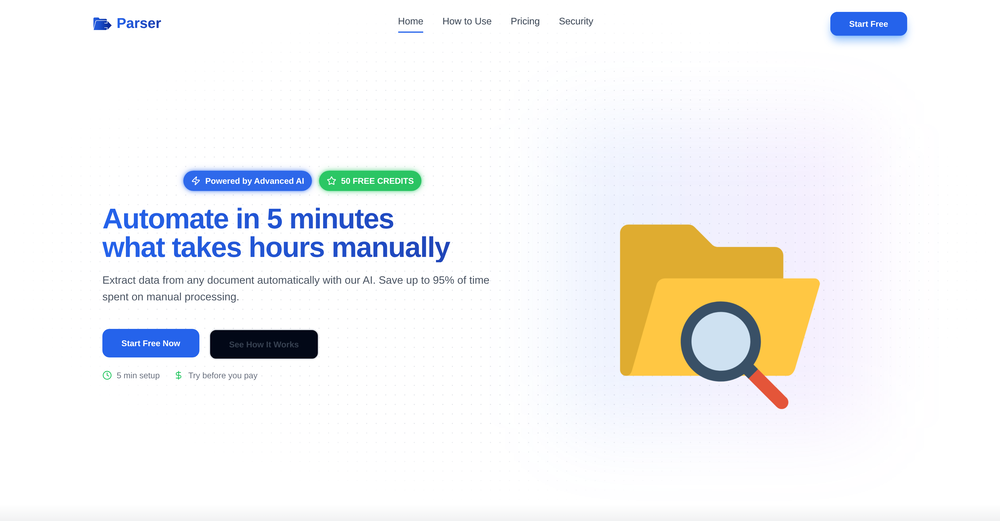 The tool worked really well for us. It was easy to upload our first PDFs and set up an automated flow through the API
 -

-
 NextDocs v1.6.6 - Math Equations, Tables, and Code Blocks Released: March 2026 Technical and academic content, built into your slides. NextDocs v1.6.6 adds real LaTeX equations, structured tables, and syntax-highlighted code blocks directly in presentations and documents. If you're a researcher, teacher, student, or engineer, your slides can finally look the way your content demands. Describe what you need. AI generates proper technical content. You get publication-ready results. --- Math Equations Write real math equations in your slides. Inline equations within paragraphs and full block equations on their own line, all rendered with KaTeX. The AI generates proper LaTeX notation that renders beautifully and exports cleanly to PDF, PowerPoint, and HTML. What this means: - Thesis defenses with real formulas instead of screenshots - Lecture slides with equations that render live, not pasted images - Research presentations with statistical models and proofs displayed correctly - Technical reports with inline equations that flow naturally in text Ask AI to create a slide about machine learning and it includes the relevant equations with proper notation. Not pseudocode approximations. --- Tables in Rich Text Real structured tables with rows, columns, and headers. No more arranging rectangles and text boxes to simulate a table layout. Features: - Add and remove rows and columns - Cell background colors - Header row support - Proper export to all formats (PDF, PPTX, Google Slides) AI uses real tables automatically when your content calls for comparisons, data summaries, schedules, or any organized information. --- Code Syntax Highlighting Code blocks render with proper syntax coloring for all major programming languages. Use cases: - Engineering standups with actual code, not IDE screenshots - Teaching with syntax coloring that helps students read code faster - Technical documentation with copy-paste ready API examples - Conference talks with clean, readable code on stage --- Smoother Group Editing Click a group once to select it as a whole. Click again to drill inside and select individual elements. No double-click, no special key combinations. Adjust a single text block or image within a complex slide layout without ungrouping everything first. --- Faster Canvas Rich text blocks on the canvas only mount their full editor when you click to edit. In view mode, they render as lightweight static content. If your slides have many text blocks, you will notice the difference immediately. Faster loading, smoother scrolling. --- Also in v1.6.6 Page Numbers Automatically re-index when you add, delete, or reorder pages. Broken Images Show a "Replace Image" button so you can fix them without opening the side panel. Theme Generation Now produces a balanced set of 2 light and 2 dark themes. Locale Handling Improved for non-English pages with correct lang attribute in HTML. --- Who is this for? Academics and Researchers Real equations in conference talks and thesis defenses. Teachers and Professors Lecture slides with formulas, code examples, and data tables. Students Coursework, lab reports, and thesis presentations. Engineers and Developers Technical content with code snippets and system diagrams. Data Scientists Statistical formulas alongside analysis. --- Try It Go to nextdocs.io. Open a document. Add an equation, a table, or a code block. If you have ever pasted a screenshot of an equation into a slide, v1.6.6 fixes that. - The NextDocs Team
 -
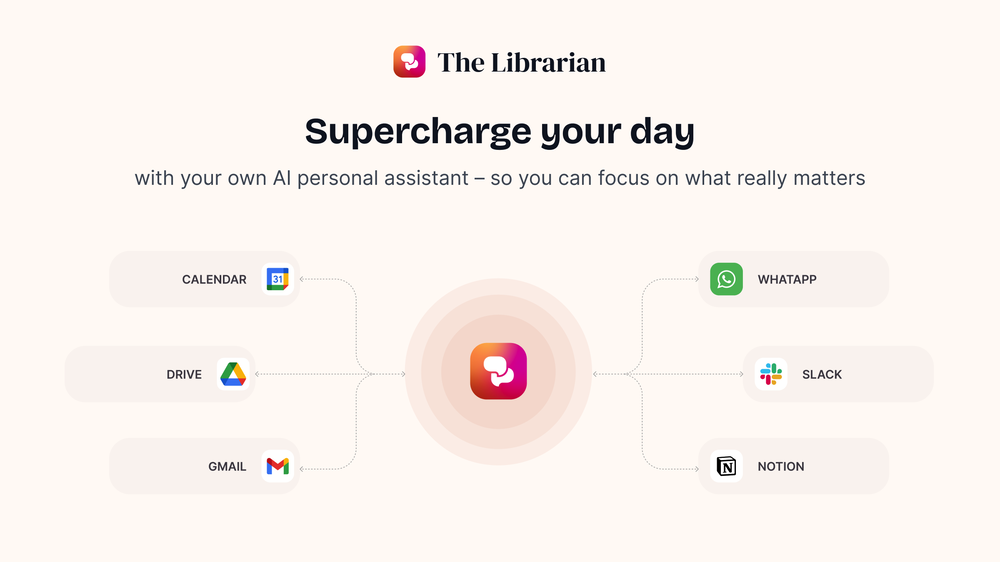 Great tool! Was very helpful in content production
 -
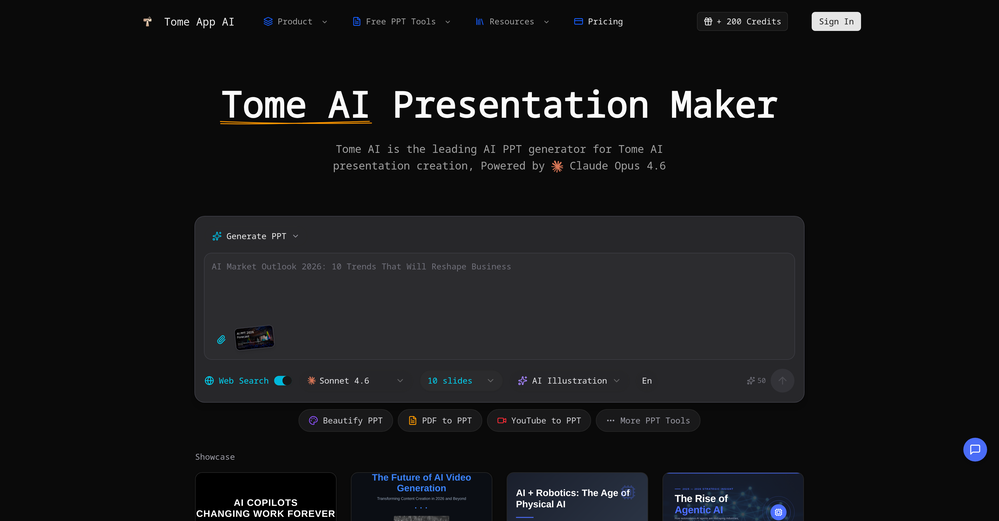 made a presentation for my site with just 1 prompt, lol how did the AI get so much information out of my website lol
 -
 I'm absolutely blown away by the design quality of the presentations they look so vibrant and stylish. I was also pleasantly surprised that the AI asks lots of clarifying questions to make sure the final result is exactly what I wanted, not just something random. Vibes 🔥
 -
















Verified tools
-
 Chain AI tasks with no-code into workflows for chatbots, video, documents, andOpenThis tool removes all of the prep work of getting an LLM API endpoint running. I can try out ideas quickly and see within minutes whether an endpoint concept actually works. And when it does, moving it into a production app is about as easy as it gets.
 - Sponsor
 Rocket - Start building, Now!💻 Vibe coding
 -
 Transform documents into interactive knowledge bases using advanced AI.OpenThis tool is expected to evolve rapidly, we are also taking all feature requests so submit what you like and we'll build it if it aligns with our product vision! Have fun with the tool and let us know what you think!
 -
I would say this is the best document and researsh creation assistant, but it's more than an Assistant it basically does all the work while you comfortably instruct it.
-
No answer. I sent the documents several times and got no reply.
-
 Private Q&A with your Documents on Windows or Mac.Open
 -
 OpenAnythingLLM is easy to use, and allows us to build private databases using several (any) kinds of media (text, pdf, audio, etc) and use it as a source of knowledge for any LLM you might wonder to experiment!
 -
Used it for PPT generation and performed extremely well, especially the numbers and data part.
-
Excellent chatbot, very functional and easy to teach. It took me a while to vary the prompt, but I ended up getting a great result when I put it through a stress test. I give 4 stars because I think this AI can still improve. In any case I recommend it.
-
Just tried yesterday. The first productivity tool which allowed me to create professional slides, reports, and sheets with my data in a few minutes. Was able to connect 20 of my tools in less than 5 minutes.
-
Hello Everyone, My name is Mohamed, the Co-Founder of linesNcircles.com. At linesNcircles our mission is to revolutionize AI & Humen Interaction. Our first product TheBar is an AI agent which can build websites for you, edit them, saves files locally, browses the internet and provide you with answers to your questions all in very simple interface. TheBar runs on your computer without signup. Your website files are saved locally with the option to publish them under our website with one click. All your files are under your creations folders. We built TheBar to be simple to use, super fast in building things for you and we are working tirelessly, to bring in more features for you like writing pdf documents and making presentations which are coming soon. Check TheBar out it is available for free now on our website https://www.linesncircles.com. We would love to hear your feedback and comments
-
 AI documentation that stays fresh and reduces support tickets.Open
 -
 Create high-quality multimodal eLearning in minutes from text prompts or documentsOpenIt's an amazing product that generates eLearning from a document or text prompt. It also has a full editor for tweaking after the generation. We use this exclusively for producing our commercial eLearning. Ready in minutes.
 -
Cool tool. I hope you continue to develop this tool to reach its full potential. Keep it up
-
This is a very useful tool, especially for me as a small business owner. It keeps everything in one place
-
Its an impressive tool , eases the HR key tasks. Highly recommendable for the HR community
-
🚀 Supercharge Your AI Workflow with Keymate! AI enthusiasts, researchers, and productivity power-users — meet Keymate, your new favorite AI-powered assistant to collect, manage, search, and chat with your digital knowledge. ✨ Why Keymate? 🔹 Collect any source – PDFs, Google Docs, YouTube videos, emails, web links — all in one private memory space. 🔹 Chat with your content – Ask complex questions and get grounded answers directly from your own documents. 🔹 Add notes and organize collections – Structure your memory the way you think. 🔹 Boost with AI context – Keymate uses a 128K context window and multi-LLM setup to deliver better, focused results. 🔹 Secure
-
-
 Read aloud PDFs, GDocs, & more using text-to-speech to boost productivityOpengreat app, in school that is fully online to career switch and this app has really saved my degree. it helps me do all my assigned readings alongside my busy job, and has been a lifesaver.




















Other tools
-
 Transform unstructured documents into actionable data instantly.Open
 -
Since there is no feedback possibility on the site, I will leave my comments here. 1. when I put a search term between "" I expect the results to precisely contain this phase, not ...or... 2. the e-mails are called "news summary" so the items should be empty when there is nothing new. Instead, I keep receiving the same search results over and over again. Searching by Google is less time-consuming. 3. there is a 1-day trial period (!) but by the time I discovered the above (day 2) I was hooked for a month. So, de facto, there is no trial period.





Post





