
 Mini tools
▼ Latest
Report
Free mode
100% free
Freemium
Free Trial
Featured matches
-
 NextDocs v1.7.0 - Motion Animations, Video Export, and More Released: March 2026 Animate any object on your slides. Export to video. Present with confidence. NextDocs v1.7.0 adds motion animations to presentations. Select any element on the canvas and assign entrance, exit, or emphasis animations. Preview directly in the editor, then present full-screen with keyboard controls. The AI assigns appropriate animations automatically when generating slides. Describe what you need. AI generates animated presentations. You get ready-to-present results. --- Motion Animations Every object on the canvas can be animated. Text, images, shapes, charts, diagrams. Select an element, open the motion panel, and choose an animation. Animations are organized in beats. Logical groups that play together. Each presentation supports up to 20 beats, reorderable by dragging in the sidebar. What makes this powerful: - Stagger animations: group objects and have them animate one by one with a delay - Drag-and-drop ordering: rearrange animation sequences visually - In-editor preview: see animations without entering presentation mode - Auto-play after generation: AI picks sensible animations and plays them automatically - Keyboard navigation: arrow keys to advance, spacebar to play, escape to exit Use cases: - Pitch decks: reveal key numbers one at a time for dramatic effect - Lecture slides: step through formulas and diagrams progressively - Sales presentations: build visual stories that guide attention - Conference talks: control pacing so the audience focuses on what you are saying --- Video Export Create animated content and export the full sequence as an MP4 file. No external video editing software needed. What you can create: - Short explainer videos for social media - Animated infographics for reports - Product walkthroughs and demos - Educational video content for courses The AI generates motion-ready slides designed for video output. The export pipeline handles concurrent frame capture and produces a clean MP4 you can share directly. --- Page Transitions Presentations now support smooth fade and slide transitions between pages. Combined with motion animations, your slides flow naturally from one to the next. --- Also in v1.7.0 Keyboard Shortcuts Full keyboard control in presentation mode. Arrow keys, spacebar, escape. Faster Template Browsing Images preload in the background for instant display. WebP Blog Images Blog pages load faster with optimized image formats. i18n System New unified management system with audit tooling across 13 languages. About Page New company About page with full localization. Redesigned Marketing Pages New hero section, animated statistics, improved template browsing with category chip labels. Mobile responsiveness improved across all pages. --- Who is this for? Business Professionals Pitch decks, sales presentations, and quarterly reviews with animated reveals. Teachers and Professors Lecture slides with progressive reveal of complex concepts. Students Thesis defenses and coursework presentations with professional animations. Content Creators Animated explainer videos and social media content, exported as MP4. Engineers and Designers Technical walkthroughs and product demos with controlled pacing. --- Try It Go to nextdocs.io. Open a presentation. Add your first animation. If you have ever wished your AI-generated slides had more visual storytelling, v1.7.0 delivers that. - The NextDocs Team
 -
-
 Daniel Edri🛠️ 2 tools 🙏 34 karmaMar 16, 2026@Base44 SuperagentsBase44 Superagents is an AI tool that designs personalized AI agents to automate various tasks without requiring any coding. It offers users a platform where they can deploy apps that are built specifically for AI agents.
 -
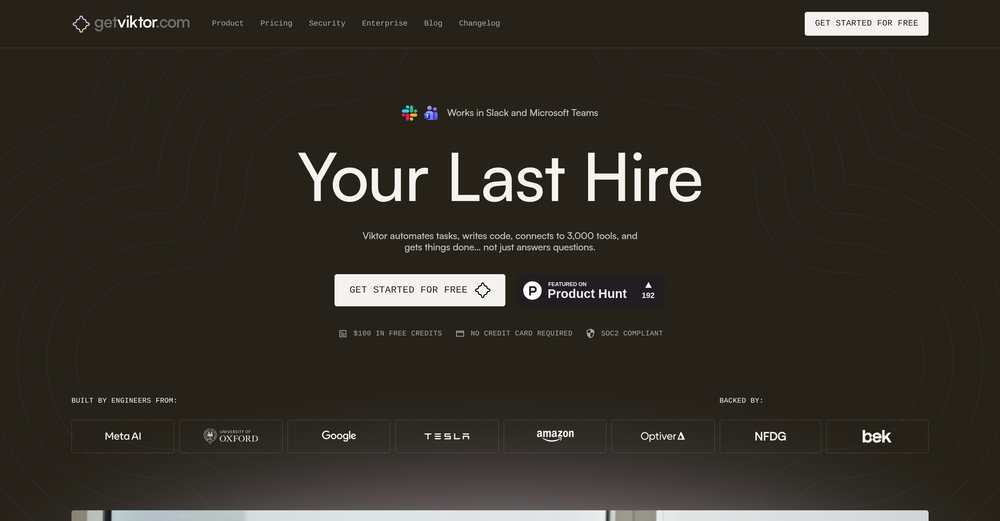 Yes, finally a slack tool that does it all. I wonder how safe it is?
 -
 Insanely easy to use yet reliable automation tool. Recommend to give it a try.
 -
 Build professional, on-brand decks — 10x faster. Inside PowerPoint or online.Open
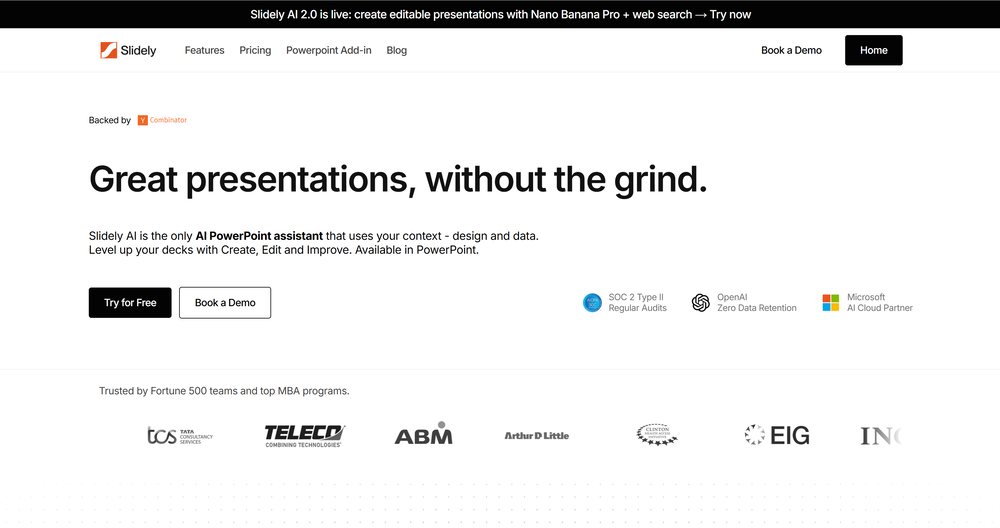 I think Slidely is the only tool that has worked for me when creating my client presentations. The presentations aren't web pages or images like the other tools but actual PowerPoint slides which I really like.



Verified tools
-
Used it for PPT generation and performed extremely well, especially the numbers and data part.
-
Works well and connects with my apps easily. I’m considering using it for daily reports and posts
-
I would say this is the best document and researsh creation assistant, but it's more than an Assistant it basically does all the work while you comfortably instruct it.
-
 OpenGreat tool for quickly assessing any security risks that may be present on a site. Also made a video about it https://www.youtube.com/watch?v=yfHd-vWsUkc
 - Sponsor
 Base44 Superagents-AI agent that does it all
 -
 AI-powered competitive and actionable insights for your smarter decisionsOpen
 -
 Private Q&A with your Documents on Windows or Mac.Open
 -






Other tools
-
Since there is no feedback possibility on the site, I will leave my comments here. 1. when I put a search term between "" I expect the results to precisely contain this phase, not ...or... 2. the e-mails are called "news summary" so the items should be empty when there is nothing new. Instead, I keep receiving the same search results over and over again. Searching by Google is less time-consuming. 3. there is a 1-day trial period (!) but by the time I discovered the above (day 2) I was hooked for a month. So, de facto, there is no trial period.


Lists





Post





