What languages does AccuChats support?
AccuChats comes with a broad language support covering 95+ languages. This makes it conducive for businesses aiming for a global reach, as it can engage with customers in their native languages, thus fostering better communication and engagement.
Can AccuChats integrate with other software through API?
Yes, AccuChats does provide an option for integrating with other software through an API. This allows for further customization, enabling users to extend the capabilities of the chatbot platform to suit their specific business needs and workflows.
What does 'real-time chat testing' mean on AccuChats?
'Real-time chat testing' in AccuChats refers to a feature that allows users to test their chatbot in a live environment. This helps users evaluate the functionality and effectiveness of their chatbots in handling different queries and scenarios before they are deployed for customer interaction.
Can I see and edit the chatbot's knowledge map on AccuChats?
Yes, on AccuChats, you have access to an editable and transparent 'knowledge map'. This map includes a clear visualization of the information that your chatbot uses to generate responses, which can be audited and edited as per your requirements.
How secure is AccuChats?
AccuChats emphasizes strongly on security, it includes features like domain whitelisting. This helps to ensure that your chatbot is deployed only on specified, safe domains, ensuring that misuse and potential security threats are mitigated.
What is domain whitelisting in AccuChats?
Domain whitelisting in AccuChats is a security feature that ensures your chatbot is deployed only on domains that you trust. By whitelisting specific domains, you block all others by default, thereby protecting your chatbot from being misused or exposed to potential security threats.
Can AccuChats help with lead capture?
Yes, AccuChats does support lead capture. It includes capabilities for customer acquisition, implying that the chatbot platform can be used to get contact or vital information about your website visitors, which could assist in lead generation and marketing efforts.
How does AccuChats use my website URL for content extraction?
In AccuChats, your website URL is used for automatic content extraction. After inputting your website URL, the system automatically crawls and extracts the content, logo, brand colors, and internal links from your website. This serves as the knowledge base for your chatbot, ensuring it can respond accurately to queries that are specific to your business or organization.
What are the features of the 'human handoff' in AccuChats?
The 'human handoff' feature in AccuChats enables seamless escalation to human support teams when the chatbot is unable to respond effectively. This integration works with platforms like Slack and Email, allowing a smooth transition between chatbot and human support personnel.
How do I deploy my chatbot with AccuChats?
Deploying your chatbot with AccuChats can be done by simply copying and pasting a JavaScript snippet. Once this snippet is embedded into your website, your chatbot goes live and is ready to answer questions with source citations.
What are the chatbot customizability options in AccuChats?
The chatbot customizability options on AccuChats include key visual elements like name, theme (light or dark), brand colors, and icon. Further, the chatbot's intelligence settings such as brand voice, tone, AI model, system prompt, and confidence threshold can also be personalized.
Can I test my chatbot before deploying it with AccuChats?
Yes, AccuChats offers 'real-time chat testing' functionality which allows you to test your chatbot in a live environment before deploying it. This helps in checking the effectiveness and responsiveness of the chatbot to various queries and scenarios.
Does AccuChats provide an option for automatic content extraction using a website URL?
Yes, AccuChats provides an option for automatic content extraction by using a website URL. The AI system in AccuChats crawls and examines the provided website, extracting its content, logo, brand colors, and internal links to assist in configuring the chatbot's knowledge base.
How does the confidence threshold work in AccuChats?
In AccuChats, the 'confidence threshold' is a setting you can configure while setting up your chatbot. This threshold value dictates the confidence level at which the chatbot decides if it will respond to a query. If the calculated confidence score doesn't meet the set threshold, the AI may choose not to deliver an answer or trigger alternative actions, such as the 'human handoff' feature.
What is AccuChats?
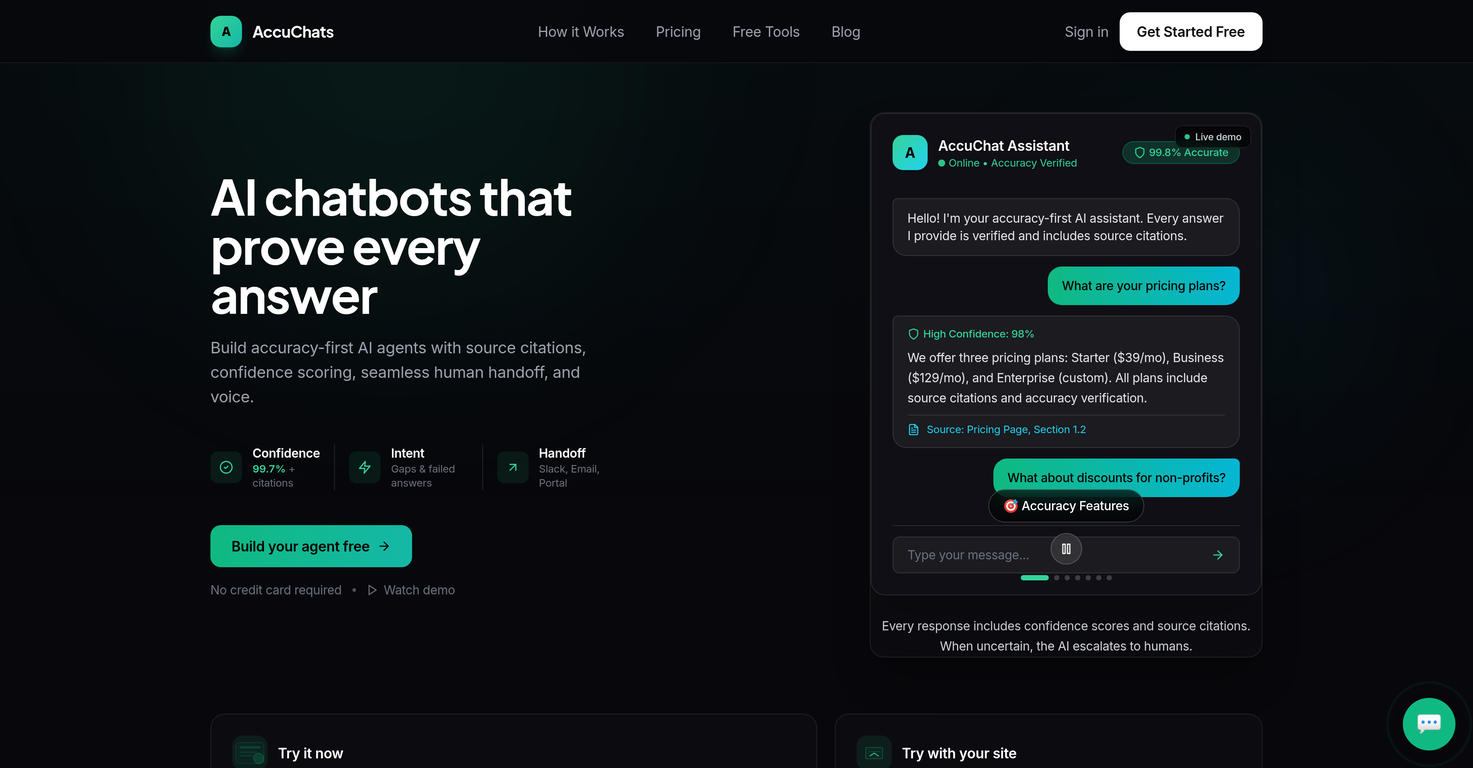
AccuChats is a platform for developing AI chatbots, with a primary focus on accuracy. It provides businesses with the means to build reliable, conversational agents for their respective websites. Uniquely, it prioritizes the validation of responses using source citations and confidence scoring, presenting users with transparently sourced and precisely accurate response instances.
How does AccuChats ensure the accuracy of chatbot responses?
AccuChats ensures the accuracy of chatbot responses through a combination of source citations and confidence scoring. Each query response is sourced, and the source information is provided along with the answer. Additionally, a confidence score is associated with every given response, indicating the predicted correctness of the answer. Through this two-fold approach, AccuChats maintains a high level of accuracy in its chatbot responses.
What is the purpose of the 'confidence scoring' feature in AccuChats?
The 'confidence scoring' feature in AccuChatsmeasures the predicted accuracy of each response. It serves as an assurance indicator for both the user and the company, indicating how reliable a given response is predicted to be based on its sourced information and the artificial intelligence's decision-making algorithms.
How does AccuChats extract website content?
AccuChats extracts website content using a process of automated web crawling. Upon entering a website URL into the system, it carries out a comprehensive scan of the website, fetching all the associated content, including logo, brand colors, and internal links. This extracted content forms the foundation of the chatbot’s knowledge base.
Does AccuChats offer any customization options for chatbots?
Yes, AccuChats offers extensive customization options for chatbots. Users can personalize their chatbot's name, theme, colors, and icon, aligning everything with the associated website’s design. Moreover, users can also fine-tune the voice, tone, AI model, system prompt, and confidence threshold to best represent their brand.
What is the 'human handoff' feature in AccuChats?
The 'human handoff' feature in AccuChats enables the seamless transfer of a customer to a human support team when necessary. This is accomplished through integration with platforms like Slack and Email, making sure that if a user's question goes beyond the chatbot's knowledge, human intervention occurs without disruption.
What languages does AccuChats support?
AccuChats supports a wide variety of languages, with a count of over 95. This enables businesses to deploy their chatbots on a global scale, ensuring that language barriers are minimized and customer reach is expanded.
How does AccuChats' API access work?
AccuChats' API access provides users with the capability to incorporate the AI chatbot into their customized systems. This feature allows the chatbot to be integrated within existing infrastructure, providing an avenue for more personalized and deep-rooted user experiences.
What is the function of the 'knowledge map' in AccuChats?
The 'knowledge map' in AccuChats serves as a visual and editable representation of your chatbot’s learning. It provides a clear overview of the content which the chatbot utilizes to derive responses, allowing users full visibility into, and control over, their chatbot's knowledge base.
Does AccuChats offer any security features?
Yes, AccuChats does offer security features. Specifically, it provides the ability to whitelist domains, which restricts the chatbot's functionality to authorized domains only. This helps in preventing any unauthorized or unintended use.
How can AccuChats capture leads for my business?
AccuChats can capture leads through a specific built-in feature. By leveraging live chat, it collects valuable information from potential customers during their interaction with the chatbot. This information, such as contact details or specific user needs, can then be utilized to facilitate customer acquisition strategies.
How do I configure the intelligence of my AccuChats chatbot?
You can configure the intelligence of your AccuChats chatbot by adjusting certain parameters such as the brand voice, tone, AI model, system prompt, and confidence threshold. This allows for significant control over the chatbot's responses and interactions, ensuring it aligns with your brand and fulfills its intended purpose.
How do I deploy an AccuChats chatbot on my website?
Deploying an AccuChats chatbot on a website involves the simple insertion of a JavaScript snippet into the webpage's code. Once this snippet is placed, the chatbot becomes live and operational on the website.
How does the 'source citation' work in AccuChats?
The 'source citation' feature in AccuChats provides transparency to users by attaching the source of information to each response provided by the chatbot. As a result, responses come with a reference, making it clear where the answer was derived from, further establishing trust with the user by showing the accuracy and authenticity of the information given.
Can I edit the brand voice and tone of my AccuChats chatbot?
Yes, you can edit the brand voice and tone of your AccuChats chatbot. AccuChats gives you the ability to set your brand voice, tone, and even the AI model being used. This provides a great degree of personalization, allowing you to shape the chatbot to best represent your brand.
How does AccuChats achieve real-time chat testing?
AccuChats achieves real-time chat testing through a feature known as 'Playground'. This allows users to interact with their chatbot in real-time before deploying it. As a result, users can assess the chatbot's performance and make necessary changes before it goes live on the website.
How do I white-list a domain on AccuChats?
Domain whitelisting is carried out in AccuChats by specifying a list of permitted domains in the chatbot's settings. This restricts the chatbot’s functionality to those authorized domains, providing an added layer of security against potential misuse.
Does AccuChats support JavaScript deployment?
Yes, AccuChats does support JavaScript deployment. In fact, deploying an AccuChats chatbot on a website is done by simply adding a JavaScript snippet to your site code. This methodology is preferred due to its simplicity and wide compatibility with various web platforms.
What training sources can be added to the AccuChats chatbot's knowledge base?
The AccuChats chatbot's knowledge base may include the contents of your website, as well as any additional files (like PDF, DOC, TXT), plain text, or Q&A pairs that you wish to add for more detailed training. This provides flexibility in training the AI to accurately answer a broad spectrum of user queries.
What are the pricing options for AccuChats?
AccuChats offers three pricing tiers: the Starter Plan, costing $39/month, offers 1 chatbot and supports 10,000 messages/month, including source citations and confidence scoring. The Business Plan, at $129/month, provides 5 chatbots, supports 50,000 messages/month, and includes additional features such as human handoff, API access, and lead capture. There's also an Enterprise Plan with custom pricing, offering unlimited chatbots, white-labeling, custom domains, and SLA support.