 Rocket - Start building, Now!
 Mini tools
 Point at UI elements, let Claude fix code automatically.
 Explain by Whybug
 HelpMoji
 DebugPT
 Andres GPT
 Decipher
 Multiplayer.app
 Flo
Flo
 Jam
Jam
 Metabob
 CodeAnt AI
 Grit.io
 Corgea
 Flytrap AI
 HTML, CSS, JAVASCRIPT (generator/fixer)
 Autoblocks
 Playrun
 Anycode AI
 UnfoldAI
 Code Fixer
 Raygun
 So You Want To Be A Writer?
 Ancient AI powered spirits
 Minka
Minka
 Jvb ai
 somacguffin
 Cuty
Cuty
 Superfly Stoner

 OnSpace.AI - No Code App Builder
 Cursor
 Kilo Code
 CodingFleet
 Programming Helper
 Github Copilot
 Devra
Devra
 Codeium
 Autocoder.cc
 Qoder
Qoder
 Phala Cloud
 Warp
Warp
 Qodo (Formerly Codium)
 Verdent AI
 Who Codes Best?
 Jovu
Jovu
 Google Antigravity
 GoCodeo
 Refraction
 Zzzcode

DevLensPro
 HelpMoji
 Vivgrid
 AgentDesk
 Kilo | Cloud Agents
 ETLR
ETLR
 Flowova AI
 Lovelace
Overview
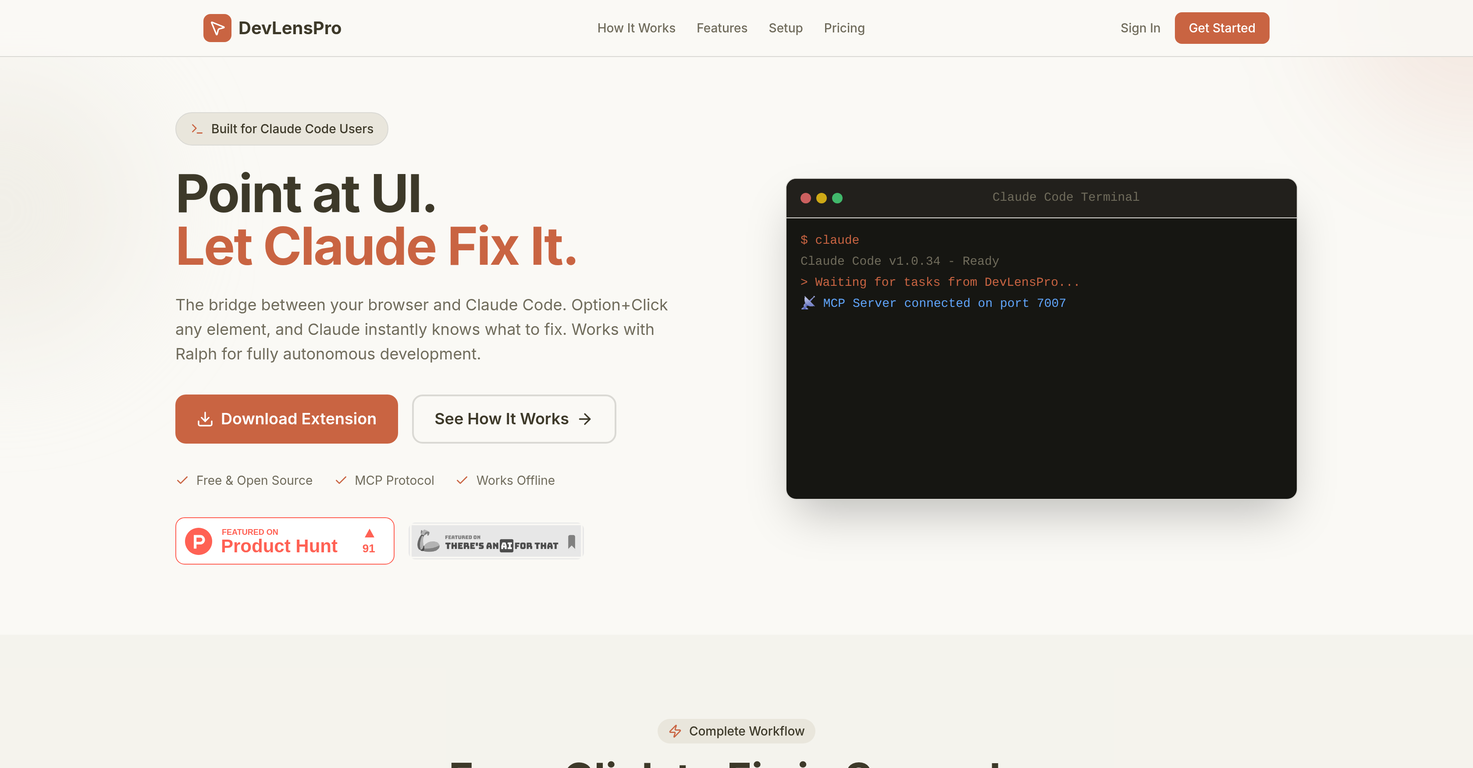
DevLensPro is a tool designed to streamline the process of debugging code. It functions as a bridge between your web browser and Claude Code, a code editor and debugging tool.
By simply pointing and clicking on any UI element with this tool, the related issues in your code are identified and fixed by the integrated AI functionality automatically.
This way, the tool eliminates the time-consuming process of locating and fixing bugs manually.DevLensPro is provided as a browser extension and works in harmony with Claude Code via the Model Context Protocol (MCP).
Additionally, it can work with the autonomous agent Ralph, facilitating fully autonomous development.Upon a user's click on a UI element, DevLensPro gathers extensive data such as screenshots, CSS, selectors, and URLs, creating a rich context for the AI to understand and resolve the issue.
It also captures any error, warning, and log from the browser console, assisting further in debugging.When working with a React framework, the tool automatically detects React components, providing source file locations through Fiber inspection.
A real-time WebSocket connection ensures instant task delivery to Claude Code as the user clicks. DevLensPro also maintains a privacy-first architecture, keeping all data on the user's machine, with no requirement for cloud storage.
DevLensPro's local and cloud setups enhance its flexibility. The tool can be used for quick debugging sessions, new feature development as well as full project development and is geared not only for individuals but also for teams.
All in all, it provides a swift and effective solution for reducing the time taken to report and resolve UI issues.
Releases





Pricing
Top alternatives
-
Gogi Kashyap🙏 16 karmaMar 18, 2024@DebugPTVery good too see this ai to work for me..


Related topics
 0
0



