 Rocket - Think it. Type it. Launch it.
 Mini tools
 Split, sort and organize documents automatically with AI.

 Younet
 CleeAI
 Avataar's GenAI Creator
 Activepieces
 BigTeam
 Olivya
 Abstra
 DoubleO
 Sreda.ai
 AI Agents
 Pipefy
 Neferdata
 Quixl
Quixl
 Cubeo
Cubeo
 Sema4.ai
 Ridvay
 Cognition by Mindcorp
 Tray.io
 UiPath
 Mr David
 genset

Docusplit AI
 Signal87 AI
 Quillz
 Safe Appeals
 Rosey
Rosey
 TidyDocs
 DocNexus
 The Drive AI
Overview
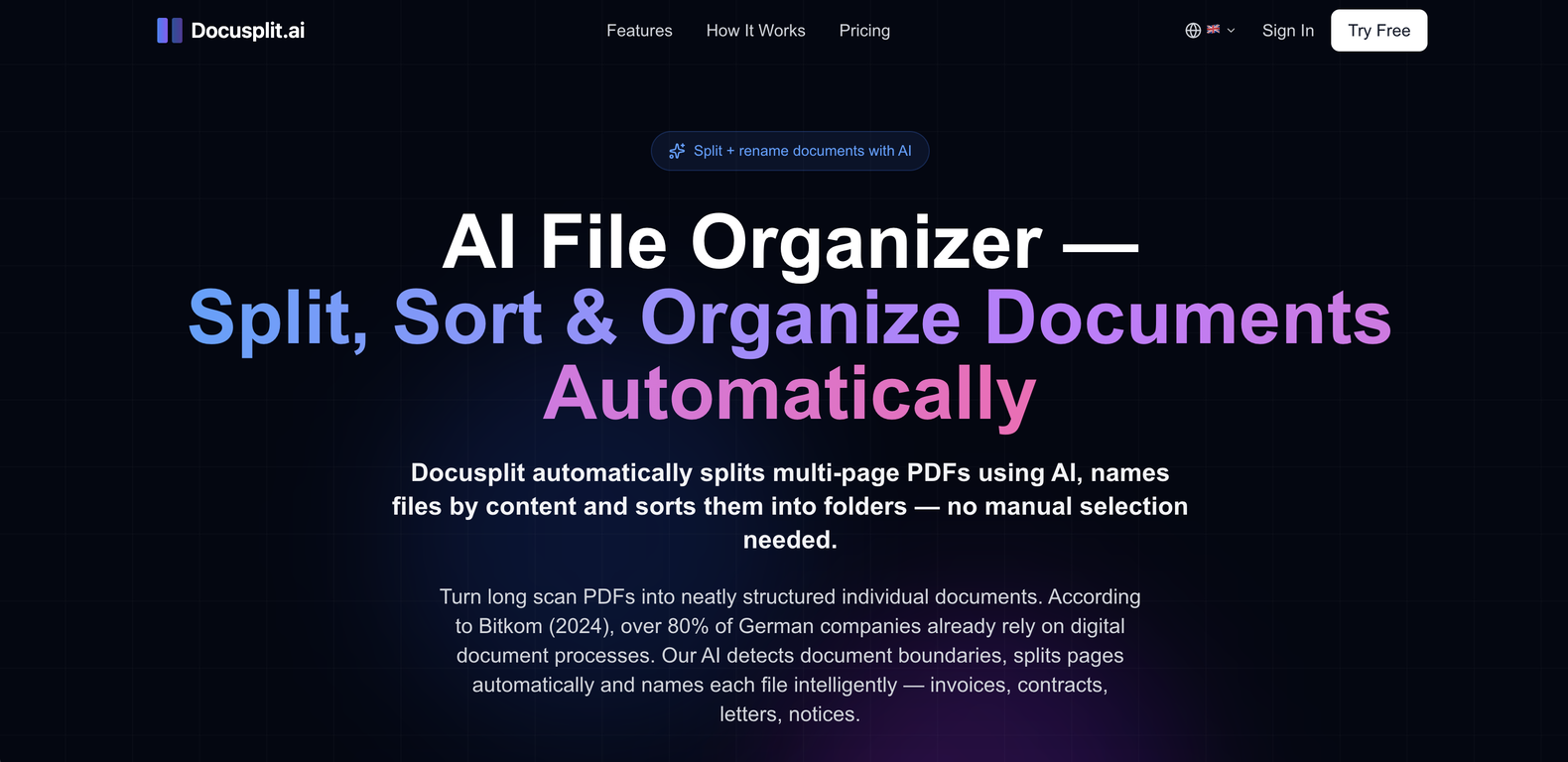
Docusplit AI is a file organization tool designed to automate the process of splitting, renaming, and organizing documents. The tool uses AI to detect and process varied types of documents such as invoices, contracts, receipts, and more.
Upon receiving a multi-page PDF, Docusplit splits it into separate documents, each named based on its content, eliminating the need for manual selection.
The tool is capable of transforming a cluttered PDF scan into a collection of neatly structured individual files. Moreover, Docusplit offers intelligent file renaming based on the document type, sender, and date.
Various types of document use cases can be supported by Docusplit, including not only auto-splitting multi-page PDFs, but also naming and sorting documents, digitizing mail, scanning stacks of mail to create named and sorted individual documents, and invoice detection and separation.
Docusplit can be used by different user groups, including individuals, freelancers, and office teams to manage their documents more efficiently and structurally.
In terms of security, Docusplit complies with the EU General Data Protection Regulation (GDPR), offers TLS 1.3 encryption for maximum data security, doesn't store PDFs permanently, and processes all data in accordance with GDPR.
Releases


Pricing
Top alternatives
-
Rodrigo Cardoso de Melo🙏 96 karmaNov 30, 2024@didocs.aiThis tool is different. I was impressed with its ability to process different file formats and the quality delivered.



 0
0





