 Notis
Notis Mini tools
Free AI Video Upscaler
 Upscale videos or images with AI for free, right in your browser


Go to 🎨 Creativity
📷
Images
(2738)
🔠
Text
(1941)
💻
Software
(1643)
🎥
Videos
(844)
🔊
Audio
(659)
🎨
Art
(483)
🎨
Design
(245)
🌪️
Brainstorming
(199)
🖌️
3D
(55)
📸
Multimedia
(9)
 GoEnhance
 Remini
 Creative Minds Think Alike
 cre8tiveAI
 Unboring
 Ceacle tools
 So You Want To Be A Writer?
 Minka
Minka
 Ancient AI powered spirits
 somacguffin
 Cuty
Cuty
 Jvb ai
 Superfly Stoner
GoEnhance
16,522
Remini
11,081
Creative Minds Think Alike
9,651
cre8tiveAI
7,421
Unboring
5,841
Ceacle tools
2,394
So You Want To Be A Writer?
198
Minka
122
Ancient AI powered spirits
115
somacguffin
85
Cuty
78
Jvb ai
70
Superfly Stoner
58
Go to 🎥 Videos
🔍
YouTube
(146)
🎥
Movies
(125)
🎬
Video editing
(90)
🎥
Short videos
(52)
🎬
Animations
(51)
📽️
Image to video
(29)
📝
Video captions
(26)
🕵️
Faceless videos
(18)
🎥
Video avatars
(17)
🎬
Video dubbing
(17)
📹
Video scripts
(16)
🎥
Product videos
(15)
🎤
Lip sync videos
(7)
🎥
Personalized videos
(6)
🎥
Video analysis
(5)
🎥
Audio to video
(3)
🎬
PDF to videos
(3)
🎬
Video repurposing
(3)
🎥
Interactive videos
(2)
📹
Video ideas
(2)
 freebeat AI
 D-ID
D-ID
 MagicLight
 Kaiber
 ByteCap
 HeyGen
 Sora
Sora
 Manga TV
 AI Video Generator by RenderFlow AI
 Keytake - AI Video Editor
 neural frames
 ViGi
ViGi
 Kling
Kling
 Videnly
 Viddo AI - AI Video Generator
 D-ID Creative Reality Studio
 AI Studios
 VUBO
VUBO
 VideoGen
 Hoox
Hoox
freebeat AI
420,661
D-ID
177,910
MagicLight
144,567
Kaiber
124,388
ByteCap
119,232
HeyGen
112,978
Sora
82,993
Manga TV
76,286
AI Video Generator by RenderFlow AI
75,059
Keytake - AI Video Editor
65,076
neural frames
58,171
ViGi
51,652
Kling
51,655
Videnly
47,797
Viddo AI - AI Video Generator
47,604
D-ID Creative Reality Studio
43,974
AI Studios
40,974
VUBO
37,672
VideoGen
37,215
Hoox
37,012
Go to 🎬 Video editing
🎥
Video enhancement
(12)
🎥
Video shortening
(5)
🎶
Logic Pro
(4)
🎞️
Video upscaling
(4)
🎵
Soundtracks
(2)
📽
Video background removal
(2)
⚙️
Video repair
(2)
🎥
Video effects
(1)
📱
Video verticalization
(1)
 CapCut Online Creative Suite
 Gling - AI Video Editing Software for YouTube
 Captions
 Picsart
 Video Editor AI
 Vidio
Vidio
 bigmp4
 Munch
Munch
 AutoCut
 Pixop
Pixop
 Jupitrr
 Overlap - AI that clips, edits, and posts
 FireCut
 Videoleap
 AutoEditor
 Tellers
 Wondershare Filmora
 Dojoclip
 Morise
 GhostCut
CapCut Online Creative Suite
47,171
Gling - AI Video Editing Software for YouTube
28,726
Captions
24,539
Picsart
16,190
Video Editor AI
14,643
Vidio
13,704
bigmp4
12,810
Munch
10,709
AutoCut
10,394
Pixop
8,883
Jupitrr
8,618
Overlap - AI that clips, edits, and posts
7,959
FireCut
7,872
Videoleap
7,478
AutoEditor
6,935
Tellers
6,376
Wondershare Filmora
6,353
Dojoclip
6,145
Morise
5,663
GhostCut
5,431

Free AI Video Upscaler
Inputs:
Outputs:
Local
Open Source
No Signup
Upscale videos or images with AI for free, right in your browser
Overview
Featured alternatives
 ImgUpscaler.Online
ImgUpscaler.Online
1,273
Overview
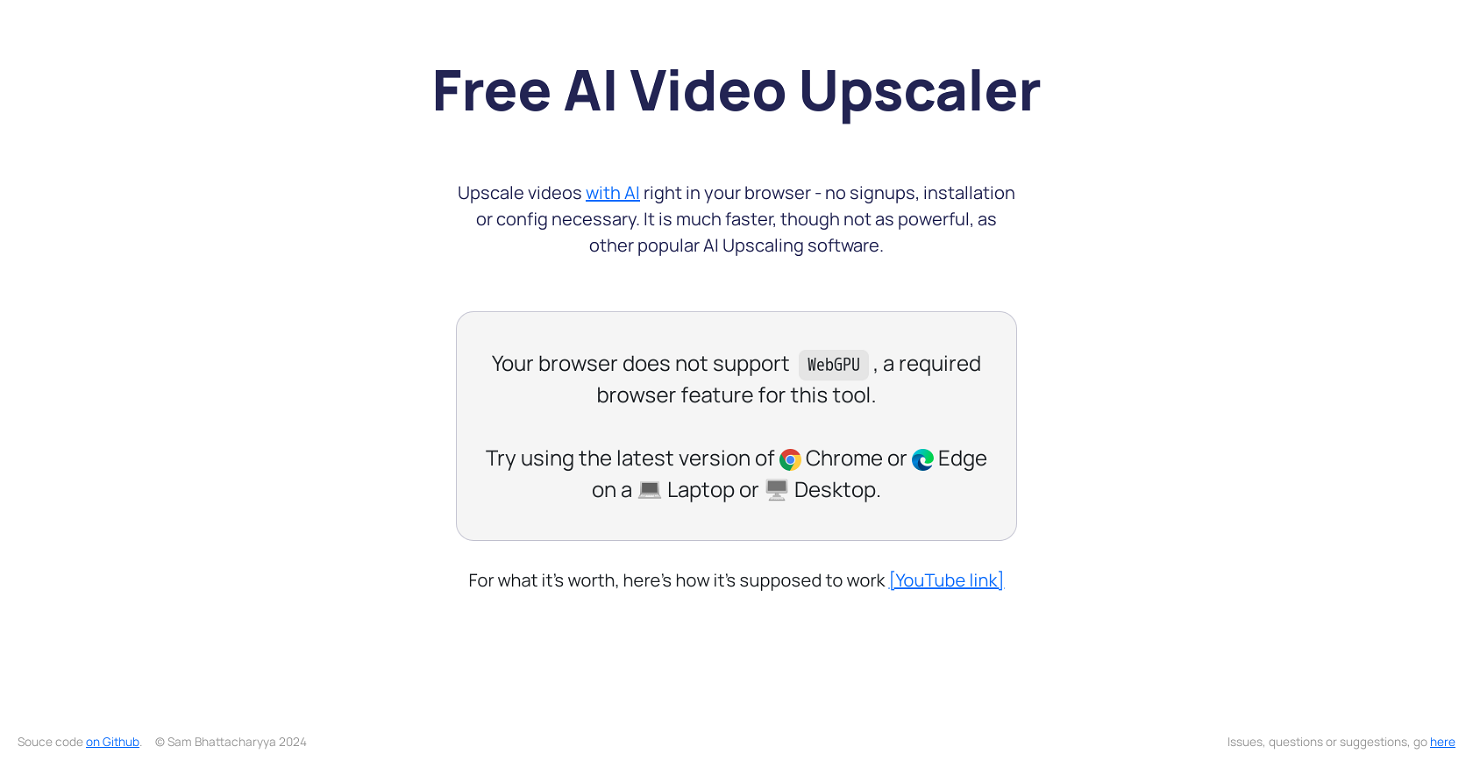
Free AI Video Upscaler is a web based tool that enables users to upscale videos and image directly in the browser, for free, and without signups, installations or complex configurations.Key Features
? Completely Free: Access the tool without any costs or hidden fees.
? No Signup Required: Start using the tool immediately, without the hassle of creating an account.
? Browser-Based: Perform all processing directly in your browser without the need for software installation.
? Open Source: Built on open-source technology, ensuring transparency and community support.
? Quick and Easy to Use: Upscale videos in just a few simple steps, perfect for casual users.
? Unlimited usage: Because this software works in your browser, you can use it as much as you want as long as you want.
? Privacy Focused: Videos are processed locally in your browser, meaning no one, not even the developers of the tool can access the videos, it is 100% private.
How It Works:
The Free AI Video Upscaler adapts advanced AI Upscaling algorithms like Anime4K or RealESRGAN for deployment on the web, and have been updated to handle new types of content like AI generated images and video.
By porting these algorithms into WebGPU and WebGL, the tool allows users to upscale each frame of their videos seamlessly within their browsers.
Benefits¨
? Fast Processing: Experience quicker upscaling compared to other popular AI tools.
? User-Friendly: No complicated setups or configurations are necessary.
? Ideal for Non-Professional Use: A perfect solution for casual users who want to enhance video quality without the complexity of professional software.
This tool is ideal for:
? Casual users looking to enhance personal video collections.
? Content creators needing quick upscaling solutions for AI generated content
? Anyone who wants to improve video quality without investing in expensive software.
Getting Started
To upscale a video, simply choose a video file, select your desired upscaling settings (Small, Medium, or Large), and let the browser handle the processing. This tool will work on all major browsers, on desktop or mobile, but for the best experience, use a modern browser like Chrome or Edge on a desktop.
Show more
Releases
Get notified when a new version of Free AI Video Upscaler is released
Notify me
December 27, 2023

Sam Bhattacharyya
Initial release of Free AI Video Upscaler.

🇺🇸 United States
Stats
1 tool
Beginner
Joined: December 2025
Follow
Pricing
Pricing model
Free
Paid options from
Free
Top alternatives
-
Tomer Dean🙏 24 karmaDec 18, 2024@UpscaleMy.VideoCool service. Used it just now on a video I took of my son's soccer game, which came out a bit blurry. The final result was significantly sharper.



#693
 43
43
43





