 PDFClean.ai
 Mini tools
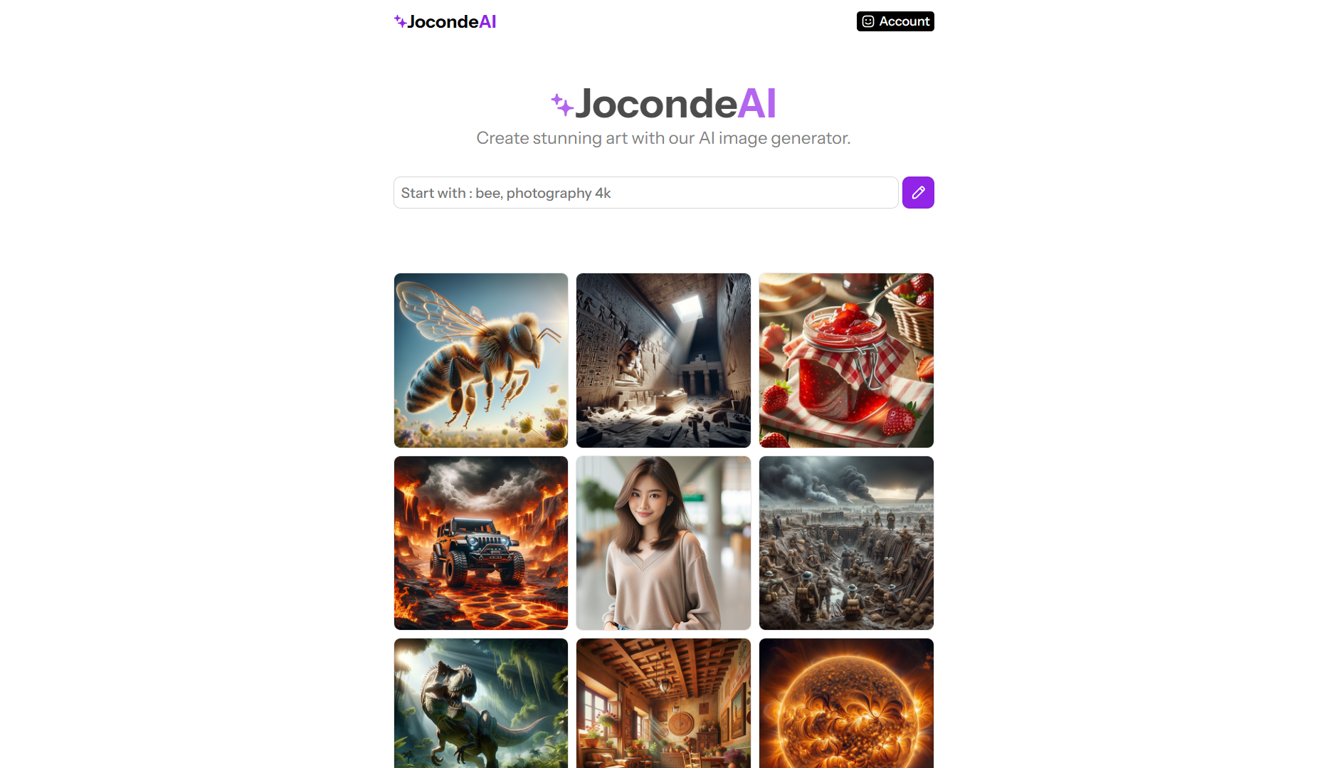
 Create stunning art with our AI image generator.
 Photo AI
 Stockimg AI
 Freepik AI Image Generator
 Midjourney
 CreativePixel
 INLINER
 SD Telegram bot
 Imagine Anything
 Ideogram
 Getimg.ai
 Shoots by Diktatorial
 Picsman - AI Photo Editor
 NewHero AI
 Reface
 TinderProfile.ai
 Stable Diffusion
 Auto Draw
 AIImageGenerator
 Artificial Art
 GenTube
 GoEnhance
 Remini
 Creative Minds Think Alike
 cre8tiveAI
 Unboring
 Ceacle tools
 So You Want To Be A Writer?
 Minka
Minka
 Ancient AI powered spirits
 somacguffin
 Cuty
Cuty
 Jvb ai
 Superfly Stoner







Overview
JocondeAI is an artificial intelligence tool that allows users to create stunning art in the form of images. The AI generates images according to the users' specific prompts, maintaining a high-quality standard of 1024x1024 pixels per image.
The process to generate an image varies in time, typically ranging from a few seconds to a minute, depending on factors such as complexity of the image and server load.
Users are granted full rights to utilize the generated images for both personal and commercial projects. The AI system also provides support for various input types, including specific themes like 'bee', 'Italian house interior', and more.
As of now, JocondeAI does not provide the function to alter image quality to ensure the consistent high-standard. In addition to its core services, JocondeAI offers different levels of pricing packages for users to choose from.
Each package comes with a certain number of image generations and email support. The secure online payment method, Stripe, is used on this platform with PayPal and GooglePay.
Users can reach out for additional support or enquiries at their official email address.
Releases



Pricing
Other tools by this author
-
Takata 54🙏 41 karmaOct 16, 2024@WebFillI've known WebFill for a while, I use it almost every day, the interface is pretty good, what I like the most is that it solves any MCQ. Congratulations on the launch!


Top alternatives
-
It's not free, it forces you to input an email before shoving a price tag in your face.
-
-
Freepik helps people to create better designs, faster.
-
-
Six months ago I was building some landing pages and found myself wasting way too much time downloading stock photos, cropping them, resizing, rehosting... the whole thing felt broken. I looked around for a tool that just let me describe the image I wanted and get it in the right format instantly—but nothing really existed. So I built Inliner AI. Now when I need an image, I just write what I want directly into a URL like this: https://img.inliner.ai/my-project/panda-playing-guitar-on-stage_1200x750.png Hit enter and boom Inliner generates an original AI image, intelligently cropped, resized for the web, and served instantly via CDN. Need a quick edit? Just append it to the URL: .../remove-the-guitar_900x750.png No uploads, no UI, no waiting. You can also upload your own products, people, or logos and compose them into generated scenes. For more control, there's a Studio web GUI where you can play with prompts and dimensions and compare variants side by side before committing. Where this gets really powerful is when you show your LLM how to use these URLs. Once it knows the pattern like: https://img.inliner.ai/my-project/xxx-yyy-zzz.png It can generate, tweak, and iterate on image assets dynamically, right inside your prompts or your code. Everything stays self contained in the link. We also include copy/pasteable instructions for Claude, GPT, Cursor, and more so you can wire this up in minutes. If you're building a product, designing a page, or just prototyping something new try it out and let me know what you think!






 0
0




