

 Mini tools
Kuse
 Your All-in-One AI Workspace for Smarter Work, Faster Results.
Go to 🚀 Productivity
 TheLibrarian.io
 Supernormal App
 Saidar
 MiroAI
 Collate
 Runable
 ComputerX
 Slashspace (Formerly RabbitHoles AI)
 AiAssistWorks - GPT Gemini Claude AI for Sheets Docs Slides
 ConsoleX AI
 Ask Steve
 Kolva
Kolva
 Alfred by Simbli.ai
 Affint
 Octofy
 Sup AI
 ZeroTwo
 BrowseWiz
 Support Flow
 Hyperis
TheLibrarian.io
646,576
Supernormal App
210,657
Saidar
134,014
MiroAI
131,867
Collate
131,274
Runable
125,662
ComputerX
124,623
Slashspace (Formerly RabbitHoles AI)
120,659
AiAssistWorks - GPT Gemini Claude AI for Sheets Docs Slides
114,316
ConsoleX AI
68,810
Ask Steve
52,436
Kolva
44,647
Alfred by Simbli.ai
43,642
Affint
40,476
Octofy
40,240
Sup AI
37,387
ZeroTwo
37,118
BrowseWiz
37,010
Support Flow
33,784
Hyperis
30,464

Kuse
Inputs:
Outputs:
Your All-in-One AI Workspace for Smarter Work, Faster Results.
Overview
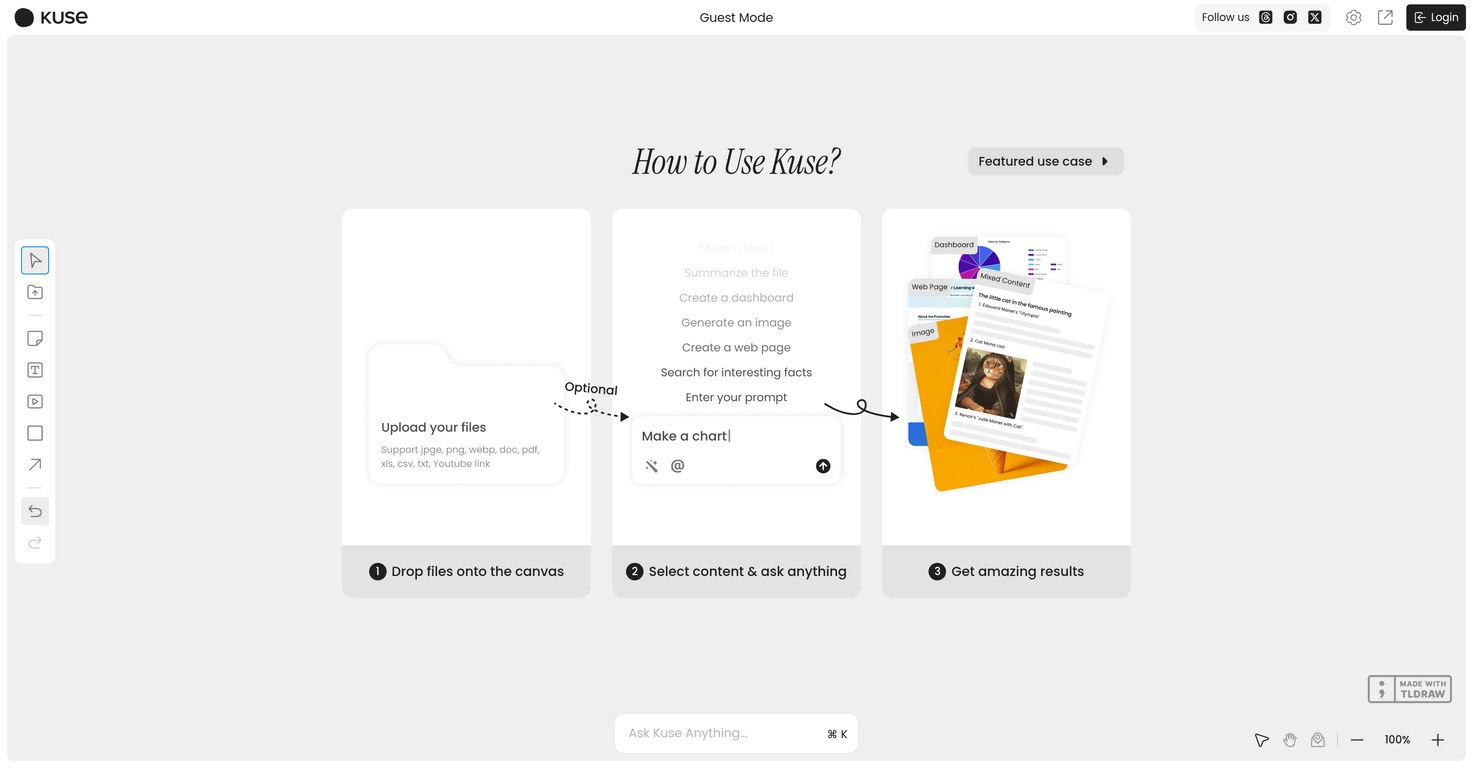







Overview
Kuse is an intelligent AI-powered workspace designed to supercharge productivity in both professional and academic environments. With a clean, limitless canvas interface, Kuse combines the power of modern AI models with a user-centric design, making it effortless to brainstorm, research, write, analyze, and organize—all in one place.At its core, Kuse serves as your personal AI assistant, offering advanced content generation, comprehensive web search capabilities, and intelligent content processing. Whether you're drafting proposals, analyzing documents, summarizing reports, or exploring creative ideas, Kuse enhances your efficiency by turning hours of work into minutes. It adapts to your workflow, providing smart suggestions, formatting, and organizational tools that evolve with your needs.
Unlike traditional productivity tools, Kuse seamlessly merges AI interaction with collaborative editing features. Its modular toolbar system allows you to fine-tune text, insert visuals, manage multi-layered projects, and harness AI-generated outputs—all without needing to switch apps or rely on external tools. From knowledge workers and students to team leads and enterprise users, Kuse offers tailored utility for everyone.
With built-in security protocols, easy project management, and support for diverse AI tasks, Kuse is more than just an app—it’s a platform that transforms the way you work and learn. Whether you’re building strategy documents, studying for exams, or simply organizing your thoughts, Kuse is your always-on AI partner for clarity, creativity, and performance.
Show more
Releases
Get notified when a new version of Kuse is released
Notify me
July 7, 2025
Initial release of Kuse.

Top alternatives
-
 Your WhatsApp AI assistant for instant productivity.Duck Typer🙏 263 karmaFeb 12, 2025@TheLibrarian.ioGreat tool! Was very helpful in content production
 -
 The AI assistant app that turns meetings into completed work
 -
 Your AI Secretary for Admin Tasks, now on SMSWorks well and connects with my apps easily. I’m considering using it for daily reports and posts
 -
 Unlock creative power with AI-driven collaboration.Miro has massively improved how we collaborate and execute. The AI features have made a real difference in day-to-day productivity, helping us structure ideas quickly and get to decisions faster. What really surprised me is the new prototyping feature: it’s now much easier to turn a workshop board into an actual prototype and iterate with the team. If you’re running product work, workshops, roadmaps, or even GTM planning, Miro is worth it.
 -
 Unlimited free and private summaries and chat with PDFI’ve been using Collate to go through technical PDFs, and it’s been surprisingly handy. Summarizing docs and being able to ask questions directly saves me time, especially when I’m skimming through research or API references. No sign-ups, works offline, and everything stays on my device — which I appreciate.
 -
 The Best Way to Work with AIUsed it for PPT generation and performed extremely well, especially the numbers and data part.


0
0






