 Rocket - Think it. Type it. Launch it.
 Mini tools
 Jason AI
 Intuo - AI Sales Intelligence Brief
 Cora Intelligence
 Vuepak
 Extruct AI
 Expertise AI (Chatsimple)
 MagicBlocks
 Splutter AI
 Syndie.io
 Dealism
 Strama
 GodmodeHQ
 NoForm
 MagicForm
 Solda AI
 GoAgentic
 Demodesk
 Ungrind
 Sellestial
 Pod
Pod
 Younet
 CleeAI
 Avataar's GenAI Creator
 Activepieces
 BigTeam
 Olivya
 Abstra
 DoubleO
 Sreda.ai
 AI Agents
 Pipefy
 Neferdata
 Quixl
Quixl
 Cubeo
Cubeo
 Sema4.ai
 Ridvay
 Cognition by Mindcorp
 Tray.io
 UiPath
 Mr David
LeadDelta
 Jason AI
 AutoReach
 Lightfield
 Sensorhub
Ungrind
MagicBlocks
Sensorhub
Ungrind
MagicBlocks
 Intedat
Overview
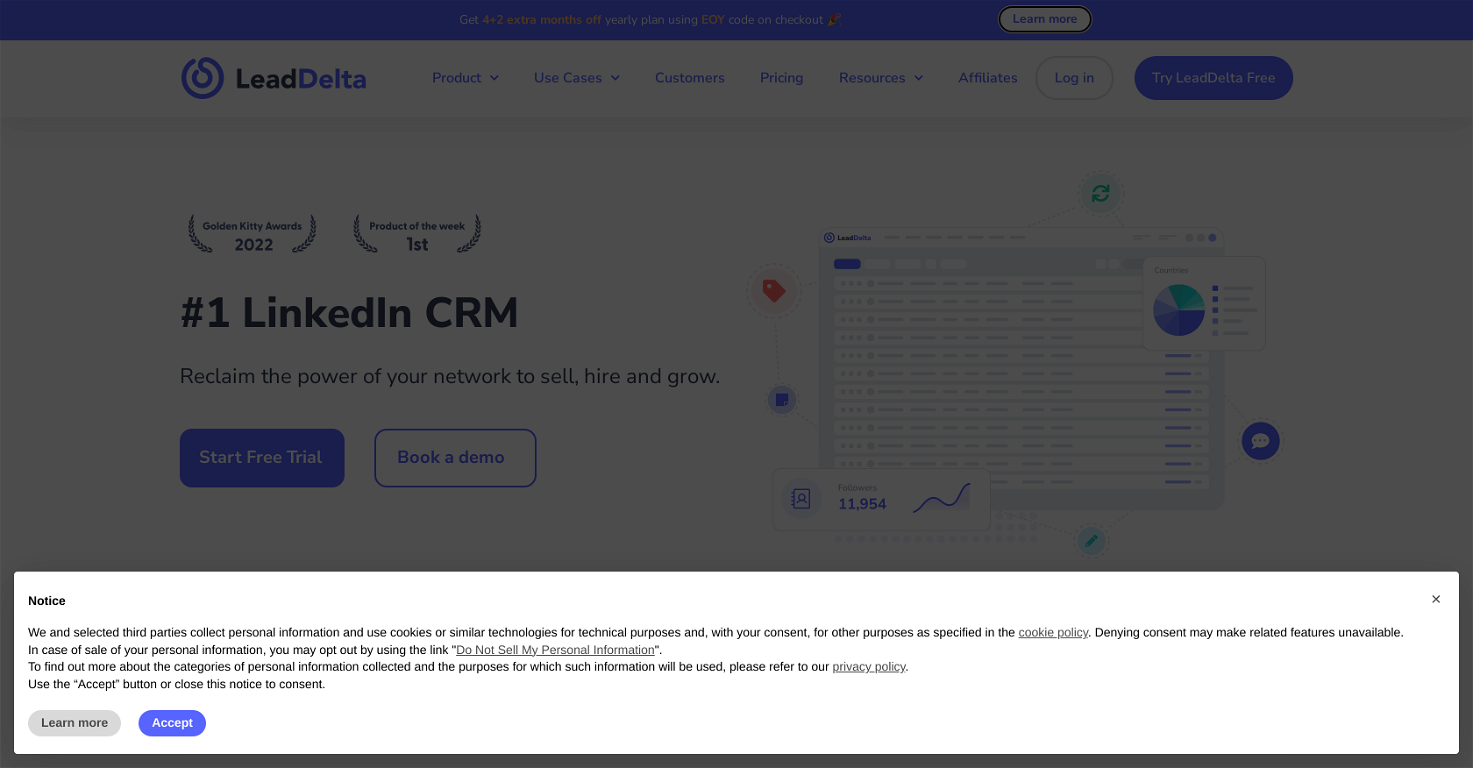
LeadDelta is a tool designed to streamline the management of LinkedIn relationships. It allows users to organize and engage their network through several features including a 'Connections Manager' for organizing LinkedIn contacts in a single place, with options to sort, filter, add tags and notes, and create tasks and reminders.
With its 'Smart Inbox', users can maintain crucial conversations by pinning, starring, filtering, and tagging messages, and sending personalized messages using customizable templates.
Additionally, it provides an 'AI assistant' feature to help users generate messages. Other features of LeadDelta include a 'Sidebar' for unlocking contact details, and the ability to build lead lists and import followers.
Its 'Workspaces' feature facilitates team collaboration, allowing members to combine their connections, create team tasks, and reminders. Furthermore, its 'Data Integration' feature helps users leverage contacts data, with possibilities of updating, exporting, or centralizing the network data.
Lastly, it offers native integrations with platforms like Zapier and HubSpot, facilitating effortless workflow creation. LeadDelta serves various use cases, beneficial for CEOs, Founders, salespeople, marketers, recruiters, venture capitalists, and more.
It aids in proactively managing professional connections, aimed at helping professionals utilize their networks effectively.
Releases

Top alternatives
-
 piw🙏 69 karmaOct 8, 2025@Jason AIthat's such a great AI
 -
 Your AI-powered daily brief that tells you what matters and whyOpen
 -
It’s an very interesting project, it helps me a lot to speed up my process.
-
 AI-powered outreach and multimedia delivery to help sales and marketing teams close.Open
 -
I was searching for such a tool literally two days ago, and today I found it on theresanaiforthat. That's funny and awesome. It seems to work well.
-
has been an absolute game changer. Easy to use and offers the flexibility of enterprise level integrations at a fraction of the cost of some other tools. Training models are easy.





Related topics
 0
0





