What is LinkedGrow's Bring Your Own Key (BYOK) feature?
LinkedGrow's Bring Your Own Key (BYOK) feature allows users to leverage their own AI API key to significantly reduce costs. By using your own key, you directly pay the AI provider, effectively avoiding marks up in AI usage costs. The BYOK model implies that your cost for using the AI post generation feature of LinkedGrow can be as low as your agreement with the AI provider, typically between $2-4 per month.
How does LinkedGrow's AI-powered post generation work?
LinkedGrow uses AI technology to generate unlimited LinkedIn posts for its users. The actual workings of this AI-powered post generation are based on advanced machine learning models trained on a broad corpus of content. This model predicts and generates content based on the input and requirements given by users. What makes this feature even more attractive is the BYOK option, where users can use their own AI API key and hence keep the operational costs very low.
How can I use the advanced post editor in LinkedGrow?
LinkedGrow's advanced post editor offers a rich text editing environment with formatting options and a LinkedIn preview. This interface allows users to craft their LinkedIn posts with precision and visualize how they would appear once published. It incorporates necessary editing and formatting tools to enhance the readability and appeal of your posts, making it easier to create professional and engaging content.
What is the process for scheduling and planning content in LinkedGrow?
LinkedGrow offers features for content scheduling and planning. You can plan your posts with a visual content calendar and set up when they should be automatically published on LinkedIn. This ensures a regular posting schedule, which is crucial to maintaining a high engagement rate on social media platforms. Scheduling also means you can plan your content ahead of time, allowing you to maintain consistency even when you're busy.
What is the capability of LinkedGrow's AI Image Generator and how does it aid in creating images?
LinkedGrow has a unique AI Image Generator feature which is designed to create eye-catching images for LinkedIn posts. It utilises AI technology to produce customised graphics, thus aiding in generating more appeal for your content and enhancing user engagement. The image generation process is automated and tailored to complement the content of the post.
How does LinkedGrow's Carousel Generator enhance the engagement potential of my posts?
LinkedGrow's proprietary Carousel Generator is designed to enhance the engagement potential of your posts by creating multi-slide carousels. Carousels are statistically proven to garner higher engagement due to their interactive nature and the ability to tell a more comprehensive story. The Carousel Generator uses automation and optimized templates making it easier to create these types of posts, even for users without extensive design background.
What is the Hooks Generator feature in LinkedGrow?
Hooks Generator is a feature on LinkedGrow designed for creating viral opening lines – the hooks. This feature uses AI to generate captivating opening lines that can considerably increase viewer engagement and click rates. An effective hook grabs the attention of the audience, generating curiosity and interest in your content.
What does content repurposing in LinkedGrow entail?
Content repurposing in LinkedGrow refers to the ability to turn a single content concept into multiple formats and angles, thus maximizing productivity and efficiency. It ensures that unique and engaging content is regularly available without the need for creating a completely new idea from scratch every time. This is especially useful in making the most out of your valuable content and reaching a wider audience.
How does the first comment scheduling feature in LinkedGrow work?
First comment scheduling is a feature on LinkedGrow that automatically posts a first comment when your post goes live. Adding a first comment to your LinkedIn posts enables you to add more context, include additional information or CTA's, or ask a question to promote engagement, without cluttering the main post.
How does LinkedGrow's analytics dashboard help in tracking post performance?
LinkedGrow's analytics dashboard provides a comprehensive overview of your post performance, including information about engagement, impressions, and growth metrics. It is a tool for tracking trends in your post interactions, measuring the efficacy of your posts, and inspiring data-driven content strategies.
What kinds of engagement tools does LinkedGrow offer?
LinkedGrow offers a suite of engagement tools that allow users to react and interact from their dashboard itself. These features include the ability to like, comment, and interact with LinkedIn posts directly via LinkedGrow, thereby facilitating proactive audience engagement without needing to open LinkedIn separately.
What is the role of the algorithm optimizer in LinkedGrow?
LinkedGrow's algorithm optimizer aids in enhancing the reach of your LinkedIn posts. It provides AI-powered suggestions that can help boost post visibility and engagement, such as the optimal time for posting, the type of content that works best, and other factors that can positively influence the LinkedIn algorithm.
How does LinkedGrow support team collaboration?
LinkedGrow supports team collaboration by providing options for inviting team members with role-based access. This means you can effectively manage who has access to what, enabling smooth teamwork within the platform. It fosters a collaborative environment where team members can work together on content generation, scheduling, and analysis.
What advanced analytics does LinkedGrow provide?
LinkedGrow offers advance analytics helping you understand deep engagement trends, providing insights on the best times for posting, and thepotential to export reports. These analytics tools provide an in-depth analysis of your content performance, empowering you to make informed decisions to optimize your content strategy.
How can I utilize LinkedGrow's REST API access for custom integrations?
LinkedGrow includes REST API access, allowing users to integrate other services and custom features into the platform. This feature can be particularly beneficial for businesses looking to extend functionality, streamline operations, or integrate LinkedGrow with their existing marketing or automation tools.
Why does LinkedGrow emphasize on affordability?
LinkedGrow emphasizes on affordability by cutting out the markup on AI usage. It operates on a BYOK model where users can utilise their own AI API key, directly paying the AI provider and thereby saving costs on content generation. This ensures you are only paying for what you use and not for unnecessary markups.
How does LinkedGrow's Unlimited AI post generation work?
LinkedGrow enables unlimited AI post generation. Using the Bring Your Own Key (BYOK) option, users can use their own AI API key, enabling the LinkedGrow AI to generate a limitless number of LinkedIn posts based on the user's content requirements. This feature is a significant game-changer for continuous content creation without worrying about excessive costs.
What kind of support can I expect from LinkedGrow team?
LinkedGrow offers priority support to its users. This includes fast, dedicated support from the team behind LinkedGrow, offering timely assistance and resolution to any issues or queries that users may have.
How do future updates work within LinkedGrow?
All future updates on LinkedGrow will be available to users as part of their plan. Regardless of when an user subscribed to LinkedGrow, they will not be left out from any new features or improvements. This ensures that LinkedGrow users always have the most up-to-date and efficient tools available in the content creation and scheduling realm.
Can I integrate my own AI API key with LinkedGrow?
Yes, LinkedGrow allows users to integrate their own AI API key. Through the Bring Your Own Key (BYOK) feature, users can leverage their own AI API for generating LinkedIn posts on the platform. This move reduces cost by enabling direct payment to the AI providers, eliminating any markups on AI usage by LinkedGrow.
What is the Bring Your Own Key feature in LinkedGrow?
The Bring Your Own Key feature, commonly known as BYOK, in LinkedGrow allows users to leverage their own AI API key from providers like OpenAI, Anthropic, or Google. This means that users can pay AI providers directly, instead of having a marked-up cost added to their usage bill. This approach is a cost-effective solution that can lead to significant savings over traditional AI services.
How does the AI post generation feature work in LinkedGrow?
The AI post generation feature in LinkedGrow works by enabling users to generate numerous LinkedIn posts using their own AI key. This provides a virtually unlimited stream of potential content, allowing for diverse and engaging posting on the LinkedIn platform.
Is the post editor of LinkedGrow easy to use?
Yes, the post editor in LinkedGrow is designed to be user-friendly. It supports rich text with formatting options and offers a preview option compatible with LinkedIn. This allows users to easily format and customize their posts before publishing.
How does content scheduling and planning work in LinkedGrow?
Content scheduling and planning in LinkedGrow is made seamless with the help of a visual content calendar. Users can systematically plan and schedule their posts. This helps manage content output and aids in maintaining a consistent presence on LinkedIn.
Can the Carousel Generator in LinkedGrow really increase engagement?
Yes, the Carousel Generator in LinkedGrow is intended to significantly boost user engagement by creating multi-slide carousels. These interactive slides are proven to grab viewers' attention and encourage interaction, leading to engagement that is potentially three times higher than standard post types.
Tell me more about the Hooks Generator feature in LinkedGrow.
The Hooks Generator feature in LinkedGrow is designed to aid in creating compelling opening lines for your posts. By crafting viral, intriguing openings, it's possible to stop the scroll of LinkedIn users browsing their feed, increasing the likelihood of engagement.
How does LinkedGrow handle content repurposing?
LinkedGrow handles content repurposing by providing the ability to express a single content idea in various formats and from different angles. This extends the lifecycle and reach of the original content, allowing for a diverse range of audience engagement without creating entirely new content.
Does LinkedGrow offer first comment scheduling for posts?
Yes, LinkedGrow offers a first comment scheduling feature. This functionality can be set to automatically post a first comment whenever your post goes live, encouraging interaction and kickstarting engagement.
What analytics does LinkedGrow's dashboard provide?
LinkedGrow's analytics dashboard provides deep and actionable insights into the performance of your content. Users can track engagement, impressions, growth, and trends, as well as get suggestions for the best times to post. These insights and data help users to optimize their content strategy for maximum impact.
Does LinkedGrow help in optimizing my LinkedIn post's engagement?
LinkedGrow aids in optimizing LinkedIn posts' engagement through features such as the Algorithm Optimizer, which provides AI-driven suggestions to boost reach. It also allows for content A/B testing and has tools for interacting directly from the dashboard. In addition, it encourages social proof through the Cross Promotion feature which lets users join groups that interact with each other's posts to boost reach.
Can I do team collaboration in LinkedGrow?
Yes, LinkedGrow does support team collaboration. It provides options for inviting team members and setting role-based access. This allows multiple members within a team to work collaboratively and effectively on the same platform, making LinkedGrow a valuable tool for team-based content creation efforts.
How does the REST API access work for custom integrations in LinkedGrow?
LinkedGrow provides REST API access which can be used for custom integrations. This means users have the flexibility to seamlessly integrate and use LinkedGrow with other existing systems or applications according to their specific requirements.
What does priority support in LinkedGrow include?
Priority support in LinkedGrow includes dedicated, fast responses from the LinkedGrow team. Users can expect swift and effective resolution of any issues or queries they might have, ensuring seamless operation with minimal disruption to content creation activities.
How does the algorithm optimizer in LinkedGrow improve my content's reach?
The Algorithm Optimizer in LinkedGrow is a feature that gives AI-driven suggestions to boost the reach of your post. This includes recommendations and optimizations that can help increase post visibility, suggesting adjustments based on data-driven findings.
What is the advantage of the BYOK feature in terms of cost savings?
The BYOK feature in LinkedGrow significantly reduces operational costs. By allowing users to bring their own AI API key from providers like OpenAI, Anthropic, or Google, costs associated with markups in AI usage are substantially cut down. Instead of paying for AI services through a third-party provider with added costs, users pay the AI provider directly. This cost-effective solution makes LinkedGrow highly affordable for content generation.
Which AI service providers are compatible with LinkedGrow's BYOK feature?
LinkedGrow's BYOK feature is compatible with AI services from OpenAI, Anthropic, and Google. This allows users to utilize a range of AI services depending on their preference, individual needs, and operational requirements.
Does LinkedGrow really allow unlimited AI post generation?
Yes, LinkedGrow allows for unlimited AI post generation. With the user's own AI key, they can generate as many posts as they desire, resulting in endless potential for unique and engaging content.
What does the advanced analytics in LinkedGrow include?
The advanced analytics provided by LinkedGrow offer deep insights into engagement trends, the best times for posting, and options to export reports. These insights provide users with actionable data to strategically optimize their LinkedIn content for maximum reach and user engagement.
What is the AI Image Generator feature in LinkedGrow for?
The AI Image Generator feature in LinkedGrow helps in creating visually appealing images for LinkedIn posts. This feature leverages the power of AI to generate stunning images that would complement and enhance the user's written content, making their LinkedIn posts more engaging and visually impressive.
How does the Lifetime Deal for the LinkedGrow Business Plan work?
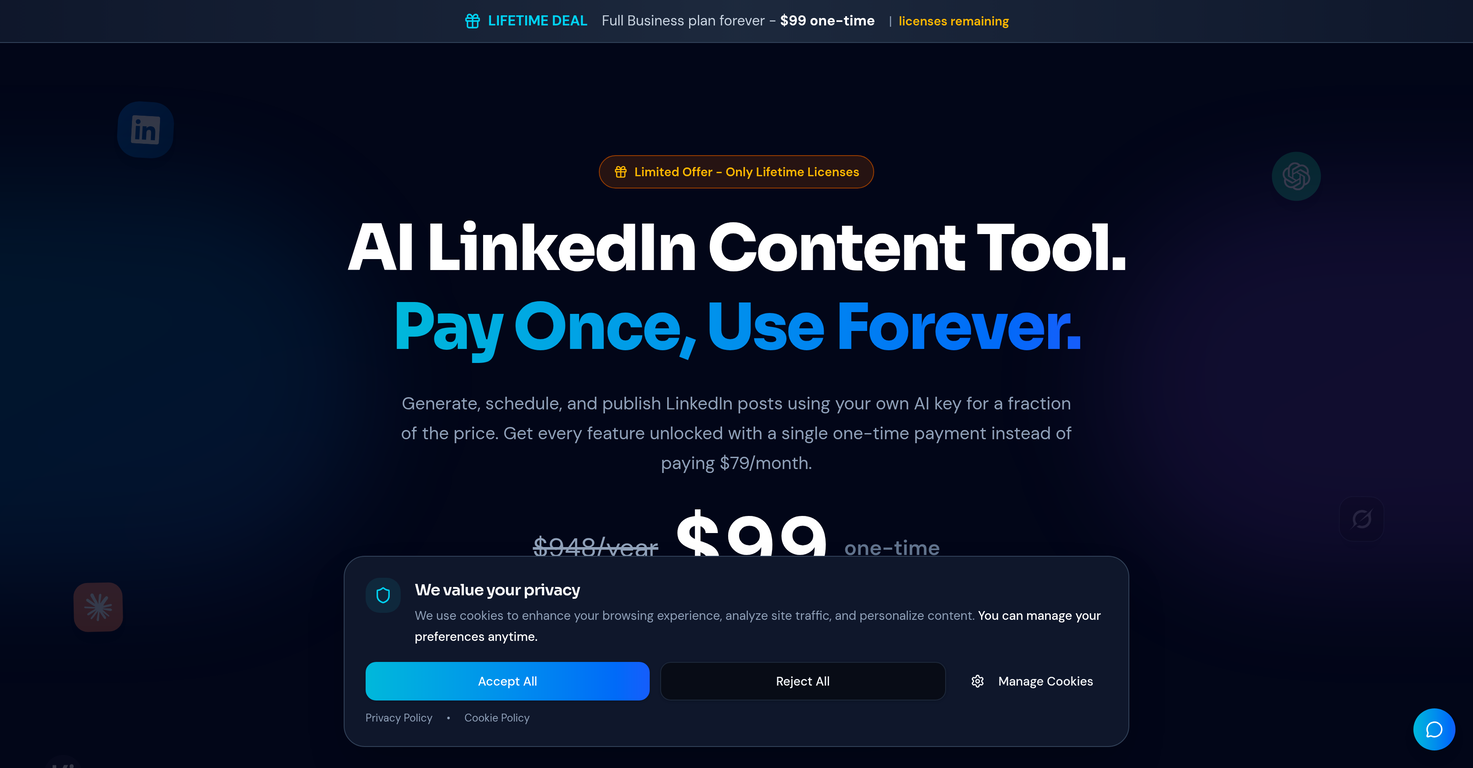
The Lifetime Deal for the LinkedGrow Business Plan offers users access to every feature of LinkedGrow for a one-time payment. Users unlock all the features that the Business Plan offers under a normal monthly subscription, but they get these features for life. That means no recurring charges ever. Moreover, any future updates or new features are included in this deal. Currently, the deal is priced at $99, but the price is subject to increase as licenses get closer to selling out.