What export formats does Magiscan support?
Magiscan supports multiple export formats to enhance its compatibility with other platforms and softwares. These formats include USDZ, GTLF, GLB, OBJ, STL, FBX, and PLY, among others.
How often is Magiscan updated?
Magiscan is frequently updated to ensure its functionality, performance, and compatibility with various platforms. Updates are based on user feedback, reflecting the app's commitment to meeting user demands and continually improving its service.
How does Magiscan incorporate user feedback?
Magiscan incorporates user feedback with regular updates. The developers of the app understand the importance of user inputs for the app’s continuing improvement, which is why they prioritize the integration of feedback into their update process for enhanced user satisfaction.
How affordable is Magiscan compared to other 3D scanning tools?
Magiscan is an affordable choice for 3D scanning technology. While exact costs are not detailed on their website, it is described as 'probably the cheapest way to make high-quality 3D models', suggesting significant cost benefits compared with similar technology in the market.
In what ways is Magiscan useful for businesses, particularly those in eCommerce?
Magiscan extends its utility to businesses, particularly those in eCommerce. The ability to generate high-quality 3D models of products allows businesses to provide potential customers with a more comprehensive view of their offerings. This technology also paves the way for immersive shopping experiences that can significantly enhance the appeal of an eCommerce platform.
What goals do the developers of Magiscan have for the future of the app?
The developers of Magiscan aim to erase the boundary between the real and virtual worlds. Their commitment to this mission is reflected in their consistent work on expanding and improving the app's functionalities.
How does Magiscan contribute to closing the gap between real and virtual worlds?
Magiscan significantly helps to bridge the gap between real and virtual worlds by providing high-quality, user-friendly 3D scanning capabilities. By allowing individuals and businesses to capture and digitize real-world objects and environments, the app offers tools to enhance virtual and augmented reality applications, thus making the virtual experience much closer to reality.
How can I install Magiscan on my device?
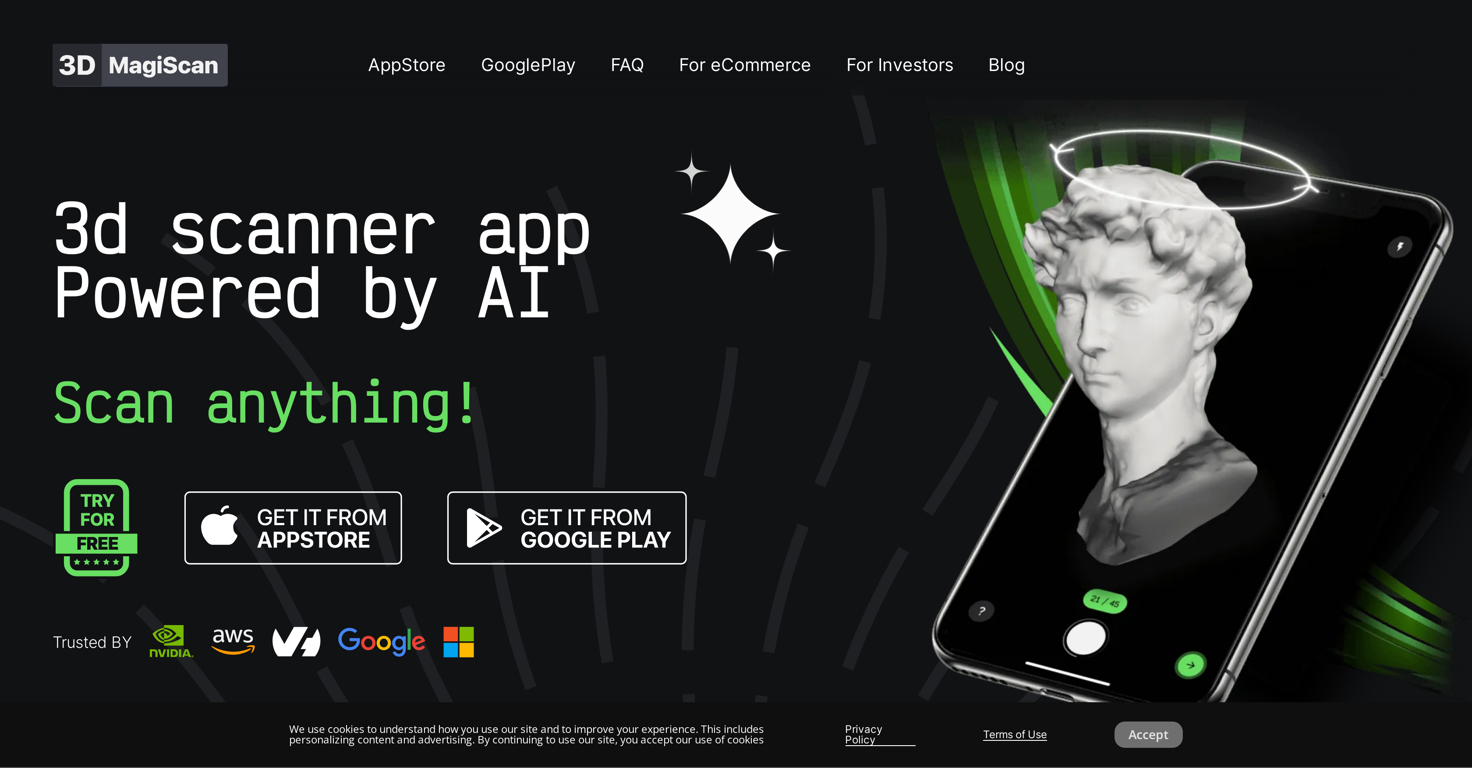
Magiscan can be installed on any iOS or Android device through the respective app stores. On iOS, it can be downloaded from the Apple App Store, and on Android, it can be downloaded from Google Play.
Can ordinary people use Magiscan?
Yes, ordinary people can use Magiscan. The app is designed to be simple, making it usable by both professionals and ordinary people who may not have specialized knowledge in this area. It has been trusted and used by a wide range of users because of its simplicity and performance.
How does Magiscan perform in comparison to other 3D scanning apps?
On their website, Magiscan is recognized for its quality and high performance, with emphasis on how it is trusted and used globally. While specific comparisons to other 3D scanning apps are not cited, it is positioned as a top 5 app in many countries across the AppStore and Google Play, highlighting its competitive performance in the market.
What does the Magiscan app specifically offer for professionals?
For professionals, Magiscan offers sophisticated features like a wide range of export formats, compatibility with NVIDIA Omniverse for virtual and augmented reality applications, and the ability to generate high-quality 3D models. It also has an API feature for third-party platform integration.
What types of 3D content can be created using Magiscan?
With Magiscan, 3D models of objects and environments can be created. The versatility of the AI-powered scanner makes it suitable for use in a wide variety of instances, catering to diverse demands for 3D content.
What are some practical uses for the 3D models created with Magiscan?
The 3D models created with Magiscan can be used in a wide range of applications, including but not limited to virtual reality, augmented reality, eCommerce product modeling, real estate virtual tours, educational purposes, gaming, and 3D printing.
Is there an option for real-time feedback in the Magiscan app?
There isn't explicit information about real-time feedback in the Magiscan app on their website.
How can the Magiscan API feature benefit my own platform or application?
If your platform or business application integrates the Magiscan API feature, you can take advantage of its AI-powered 3D scanning technology. This allows you to create high-quality 3D models directly within your platform or application, enhancing your offered services, and potentially increasing user engagement.
 Rocket - Think it. Type it. Launch it.
 Mini tools
 Amino: Supplement Scanner

 0
0






How would you rate Magiscan?
Help other people by letting them know if this AI was useful.