 KiloClaw - Managed 🦀
  Mini tools
 Anything - AI App Builder
 AppDeploy
 LaunchLemonade
 Dreamflow
 BuildAI.Space
 Momen.app
 Chef by Convex
 Zoer
Zoer
 Glowbom
 Superapp
 Solid
Solid
 AppsMakerStore
 120.dev
 Imagica
 Whacka
 RapidNative
 Skillfusion
 Swiftspeed
 AppifyText
 MageGPT
 So You Want To Be A Writer?
 Minka
Minka
 Ancient AI powered spirits
 Jvb ai
 somacguffin
 Cuty
Cuty
 Superfly Stoner


Microsoft Power Apps





Overview
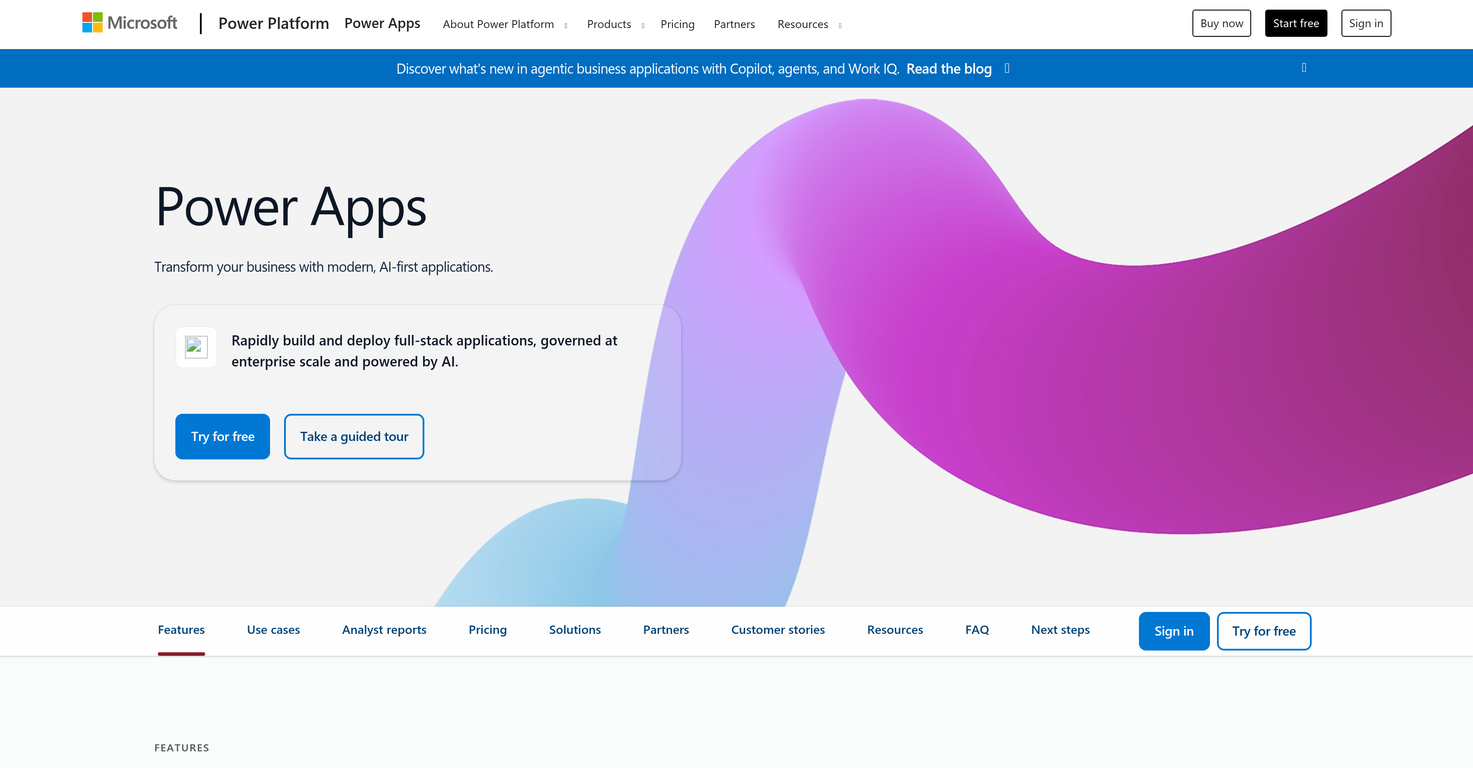
Microsoft Power Apps serves as a low-code custom business app builder, designed to streamline processes and enhance productivity across organizations. This application enables users to rapidly construct and deploy modular, AI-assisted business applications, which can be adjusted to align with the scale of enterprise operations.
Translating natural language into structured project blueprints, Power Apps facilitates the capture of requirements, smoothing process mapping and data modeling procedures.
This assists in the creation of secure data models that can be easily refined through visual interfacing. Power Apps provides recommendations for the optimal combination of key components, such as apps, flows, portals, and agents, to address unique business requirements efficiently.
Equipped with capabilities for drag-and-drop designing, AI-assisted construction, and custom code writing, it enables versatility across a range of tasks, from application-building to UI design and data modeling.
Microsoft 365 Copilot, an affiliated chat-based tool, can be integrated to offer contextual assistance and oversight of AI agents within the apps. Additionally, Power Apps supports the acceleration of data entry and minimizes errors using AI auto-filling of forms from diverse sources such as emails, chats, and images.
Fast insights can be obtained through AI-generated summaries, supplemented with natural language queries. Functioning as part of Power Platform on Microsoft Cloud, Power Apps provides security, governance, and operational controls, helping IT to supervise and standardize environments without impeding innovation.
Releases
Other tools by Microsoft
-
 Oleg John🛠️ 2 tools 🙏 56 karmaAug 19, 2025@Microsoft Designerquick to pick up, slick results. turned my prompts into clean logo drafts n poster layouts fast; pixel-art style worked after a couple tweaks. wish it had true vector export and tighter font control, but for fast art ideas it’s great. 5/5
 -
 Improve Your Productivity with Copilot–Your AI-Powered ChatAssistantOpenCopilot on mobile keeps me sharp during sales calls. I use it to quickly draft follow up emails right after meetings or pull contract language on the fly. Voice input works smooth and it formats responses professionally.






Top alternatives
-
Added support for mobile notifications and built-in AI.
-
-
Hi there! I tested it myself and didn’t run into any errors, maybe try again now




 0
0





