How does the semantic search feature of NovaKit CLI function?
The semantic search feature of NovaKit CLI involves a vector-indexed codebase for context. This feature enables more precise and efficient searches within the codebase, providing users with the most appropriate contextual results.
Which providers can I use with NovaKit CLI's multi-provider support?
With NovaKit CLI's multi-provider support, users can tap into different LLM providers. This includes providers like GPT-5, Claude, Copilot, Gemini, Groq, and OpenRouter.
What are the three modes of NovaKit CLI?
NovaKit CLI is equipped with three usable modes: Agent, Review, and Plan. These modes have been baked in to accommodate varying use cases and preferences, considering the diversity of user needs in coding environments.
Why is NovaKit CLI designed with a keyboard-first approach?
The 'keyboard-first' approach in NovaKit CLI's design aids in providing a more fluid and faster coding experience. It allows for efficient navigation and execution of commands, making it a preferred choice for users who prioritize direct keyboard interaction over other interfaces.
Is NovaKit CLI compatible with GitHub Copilot subscriptions?
Yes, NovaKit CLI is completely compatible with existing GitHub Copilot subscriptions. It provides a seamless integration allowing users to utilize the tool without the need for additional setup.
Can I start using NovaKit CLI with my own API keys?
Yes, users can start using NovaKit CLI with their own API keys free of charge. This encourages user flexibility and the ability to jumpstart their experience with NovaKit CLI without initially incurring extra costs.
What does NovaKit's bundled multi-model access offer?
NovaKit's bundled multi-model access is a packaged offering which, for ease of usage, comprises access to various LLM providers mentioned on their website. It promotes convenience by eliminating the need for individual API key management.
What extra features do the premium plans of NovaKit CLI offer?
Premium plans for NovaKit CLI offer additional benefits and features enhancing the functionality of the tool. Although the specific features provided under premium plans are not stated, they inferentially might include advanced versions of the basic features or entirely unique capabilities for advanced users.
Does NovaKit CLI offer any signup bonus?
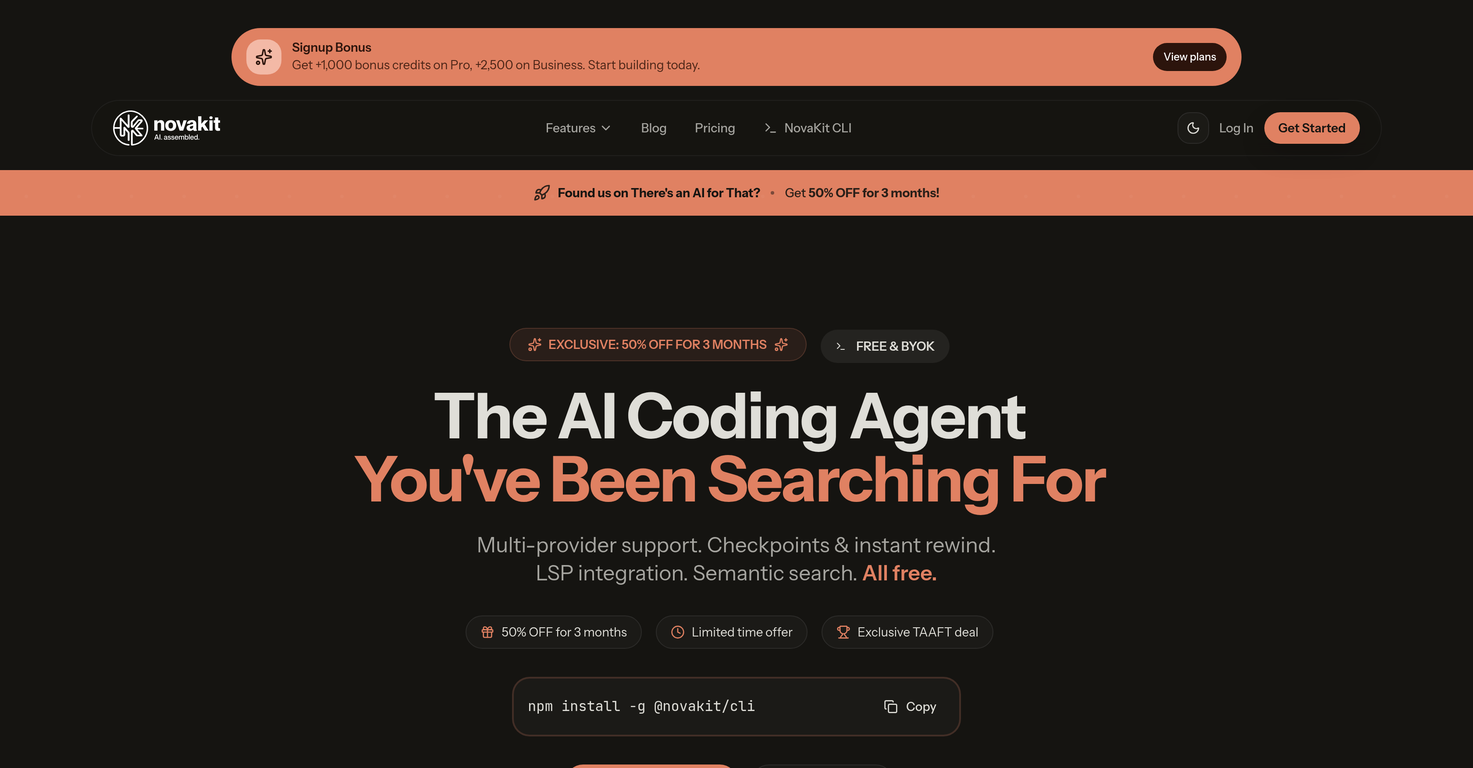
Yes, NovaKit CLI offers a signup bonus. New users can receive +1,000 bonus credits on the Pro plan, and +2,500 bonus credits on the Business plan.
What kind of discount offers are currently available for NovaKit CLI?
NovaKit CLI is currently offering 50% off for 3 months as part of an exclusive discount deal. New users can avail of this exclusive TAAFT discount by using the provided discount code 'TAAFT50'.
How can I get started with NovaKit CLI?
Users can get started with NovaKit CLI by installing it using npm in the terminal. After installation, users connect a provider (for example, GitHub Copilot) and can then commence coding aided by the AI.
How does NovaKit CLI compare with other similar tools?
NovaKit CLI is compared with other similar AI coding agents by its array of features, its compatibility with various providers, its reasonable pricing, and user-friendly approach. While specific competitor names are not given, NovaKit CLI stands out within this tool category. It offers checkpoints, rewind functionality, semantic search, LSP integration, and multi-provider support, alongside being economical and available for free forever with BYOK (Bring Your Own Keys), with the option for premium plans at exclusive discounts.
What is NovaKit CLI?
NovaKit CLI is an artificial intelligence coding assistant integrated into the user's terminal. It is designed to improve and simplify programming procedures, making them more efficient.
How does NovaKit CLI streamline coding processes?
NovaKit CLI streamlines coding processes by providing a range of features that enhance productivity and maintain the flow of work. These features include multi-provider support, checkpoints, and instant rewind functionality, thus letting developers undo any AI-made changes instantly. These amenities, coupled with Language Server Protocol (LSP) integration and a semantic search feature, make coding a much smoother and effective process.
What are the key features of NovaKit CLI?
The key features of NovaKit CLI are multi-provider support, checkpoints and instant rewind functionality, Language Server Protocol (LSP) integration, semantic search, along with three unique modes including Agent, Review, and Plan mode. It also offers support for existing GitHub Copilot subscriptions and a keyboard-first approach for intuitive use.
What is meant by NovaKit CLI's multi-provider support?
Multi-provider support of NovaKit CLI refers to its ability to facilitate access to different lower-level machine (LLM) providers. Users are not tied to one specific vendor and can leverage different AI models, including GPT-5, Claude, Copilot, Gemini, Groq, and OpenRouter.
How does the instant rewind functionality work?
NovaKit CLI's instant rewind functionality allows users to undo any modifications made by the AI immediately. It's as simple as hitting a button. This feature gives users full control over their coding process.
What benefits does Language Server Protocol integration offer?
Integration with Language Server Protocol (LSP) offers a set of convenient functionalities like go-to definitions, finding references, and hover information. It enhances the interaction with the source code, and as a result, reduces the time spent on coding tasks.
Can NovaKit CLI provide instant context to a codebase via its semantic search feature?
Yes, NovaKit CLI can provide instant context to a codebase via its semantic search feature. This allows for a vector-indexed search through the codebase, enhancing code understanding and navigation.
What is the role of NovaKit CLI's Agent mode, Review mode, and Plan mode?
NovaKit CLI offers three modes to accommodate various use cases and preferences. Agent Mode adapts and acts on user's commands, Review Mode lets users inspect AI suggestions before they are implemented, and Plan Mode enables users to oversee the AI's planning of code prior to implementation.
Does NovaKit CLI support keyboard-first approach?
Yes, NovaKit CLI supports a keyboard-first approach. This design decision complements the coding process, making it more natural and efficient for the users.
How can NovaKit CLI be compatible with existing GitHub Copilot subscriptions?
NovaKit CLI is compatible with existing GitHub Copilot subscriptions. Users can use their current subscription with GitHub Copilot, thereby providing an effortless transition along with the added benefits of NovaKit.
How to start using NovaKit CLI with my own API keys?
To start using NovaKit CLI with your own API keys, you need to install the tool using the command 'npm install -g @novakit/cli'. Afterwards, you can connect your chosen provider by logging into it via the command 'novakit auth login -provider
', where 'provider' is your provider of choice.
What additional features does NovaKit CLI's premium plan offer?
NovaKit CLI's premium plan offers additional benefits such as more monthly credits, access to multiple AI models, and no hassle of API key management. Depending upon the chosen plan, users can also get bonus credits on sign-up.
How does NovaKit CLI's multi-provider support include GPT-5, Claude, Copilot, Gemini, Groq, and OpenRouter?
NovaKit CLI's multi-provider support leverages different AI models, including GPT-5, Claude, Copilot, Gemini, Groq, and OpenRouter. This means that users can switch between different LLM providers depending upon the project's need.
How easy is it to install the NovaKit CLI?
Installing NovaKit CLI is a straightforward process. All it requires is running a single command in the terminal: 'npm install -g @novakit/cli'.
How can NovaKit CLI streamline my coding workflow?
NovaKit CLI offers users several features that can streamline the coding workflow. The multi-provider support and the seamless integration with existing systems let users maintain their current workflow. Integration with Language Server Protocol (LSP) and semantic code search functionality aid in better navigation and understanding of the code. The various modes - Agent, Review, Plan - allow users to choose how they want to work with the AI.
Can NovaKit CLI support unlimited AI usage?
Yes, NovaKit CLI has the capability of supporting unlimited AI usage by allowing you to bring your own API keys, thereby bypassing any restrictions on use.
What is NovaKit CLI's bundled multi-model access?
Bundled multi-model support in NovaKit CLI means that users get access to numerous AI models under one roof. This lets developers take advantage of multiple AI technologies without any added complexity.
How does the tool integrate with my existing coding system?
NovaKit CLI can integrate with your existing coding system smoothly. The tool is well-designed to work with your current system and streamline tasks. Moreover, the multi-provider support lets you use the platform of your choice without vendor lock-in.
What benefits can I expect with NovaKit's multi-provider support?
With NovaKit CLI's multi-provider support, users can benefit from the flexibility and freedom of using different lower-level machine (LLM) providers. It allows users to leverage a range of AI models, including GPT-5, Claude, Copilot, Gemini, Groq and OpenRouter, depending on their needs and preferences.
Where can I find more info or help on NovaKit CLI functionality and usage?
For more detailed information on NovaKit CLI functionality and usage, you can explore NovaKit's official website. Additionally, the comprehensive documentation that comes with the tool will provide an in-depth, step-by-step guide on how to effectively use this AI coding assistant.