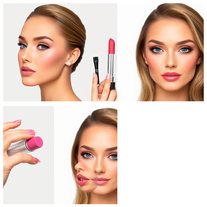
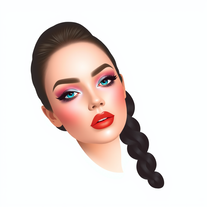
Can I use the Oh My Images tool to plan professional makeup looks?
Yes, the Oh My Images tool is an excellent resource for professionals planning makeup looks. It provides high-resolution results optimal for professional planning and can be used for client consultations, look planning, and portfolio creation.
How can I share the results I get from the Oh My Images tool?
Users have the option to either download their virtual makeovers in high resolution or share them directly to social media. It's the perfect way to get feedback or to show the results to makeup artists for reference.
Can I try makeup looks from specific brands with Oh My Images?
Yes, users can specify particular makeup brands, product types and even exact shade names to experiment with on the Oh My Images tool. It simulates how these specific products would look on your skin tone.
How does the tool adjust color intensity for unique complexions?
The Oh My Images tool adjusts color intensity for unique complexions through its advanced AI technology. It caters to diverse skin tones and automatically adjusts makeup application, color intensity, and shade recommendations to complement each unique complexion.
Is the Oh My Images tool suitable for both professionals and makeup enthusiasts?
Yes, the Oh My Images tool is suitable for both professionals and makeup enthusiasts. It provides a multifaceted functionality that benefits everyone, from professionals needing a resource for makeup planning and client consultations to enthusiasts wanting to experiment with different looks.
How does the AI ensure professionally applied makeup looks?
The AI in Oh My Images ensures professionally applied makeup looks through its advanced technology features. These include skin smoothing, contouring and highlighting, eyeshadow with gradient blending, and lipstick application. This ensures the makeup looks professionally applied with proper symmetry and natural lighting interaction.
What features does the AI technology of Oh My Images have?
The AI technology features of Oh My Images include the ability to provide virtual makeup trials. This includes perfect skin tone matching, realistic texture blending, professional color accuracy, skin smoothing, contouring and highlighting, eyeshadow with gradient blending, and lipstick application.
Does the tool allow for makeup simulation and high resolution results?
Yes, the Oh My Images tool allows for both makeup simulation and high-resolution results. The high-resolution results are perfect for sharing or professional makeup planning, while the simulation feature provides an accurate representation of how real makeup products will look.
Does the Oh My Images AI cater to diverse skin tones?
Yes, the Oh My Images AI caters to diverse skin tones. It adjusts makeup application, color intensity, and shade recommendations to complement the unique complexions of different users.
Can I test various makeup products, colors and styles with this AI tool?
Yes, users of the Oh My Images tool can test out various makeup products, colors, and styles virtually. The tool provides an accurate color and texture representation, allowing users to see how specific makeup brands and products might look on them.
Does the tool require a login for use?
No, the Oh My Images tool does not require a login for use. Users can freely use the tool to experiment with different makeup looks without needing to create an account or log in.
How does skin smoothing and contouring work within the tool?
In the Oh My Images tool, skin smoothing and contouring are achieved through its AI technology. The tool applies foundation that smoothens the skin, and then contours and highlights for a refined and defined look.
Does the virtual makeup look natural in different lighting conditions?
The virtual makeup applied by the Oh My Images tool looks natural in different lighting conditions. The tool has the ability to adjust in various lighting conditions to show an accurate makeup application.
Can I use the tool for client consultations if I am a professional?
Yes, if you are a professional, you can use the Oh My Images tool for client consultations. The tool is an excellent resource for makeup planning, client consultations, and it provides high-resolution results that are optimal for professional use.
What is Oh My Images AI Virtual Makeup Try-On Tool?
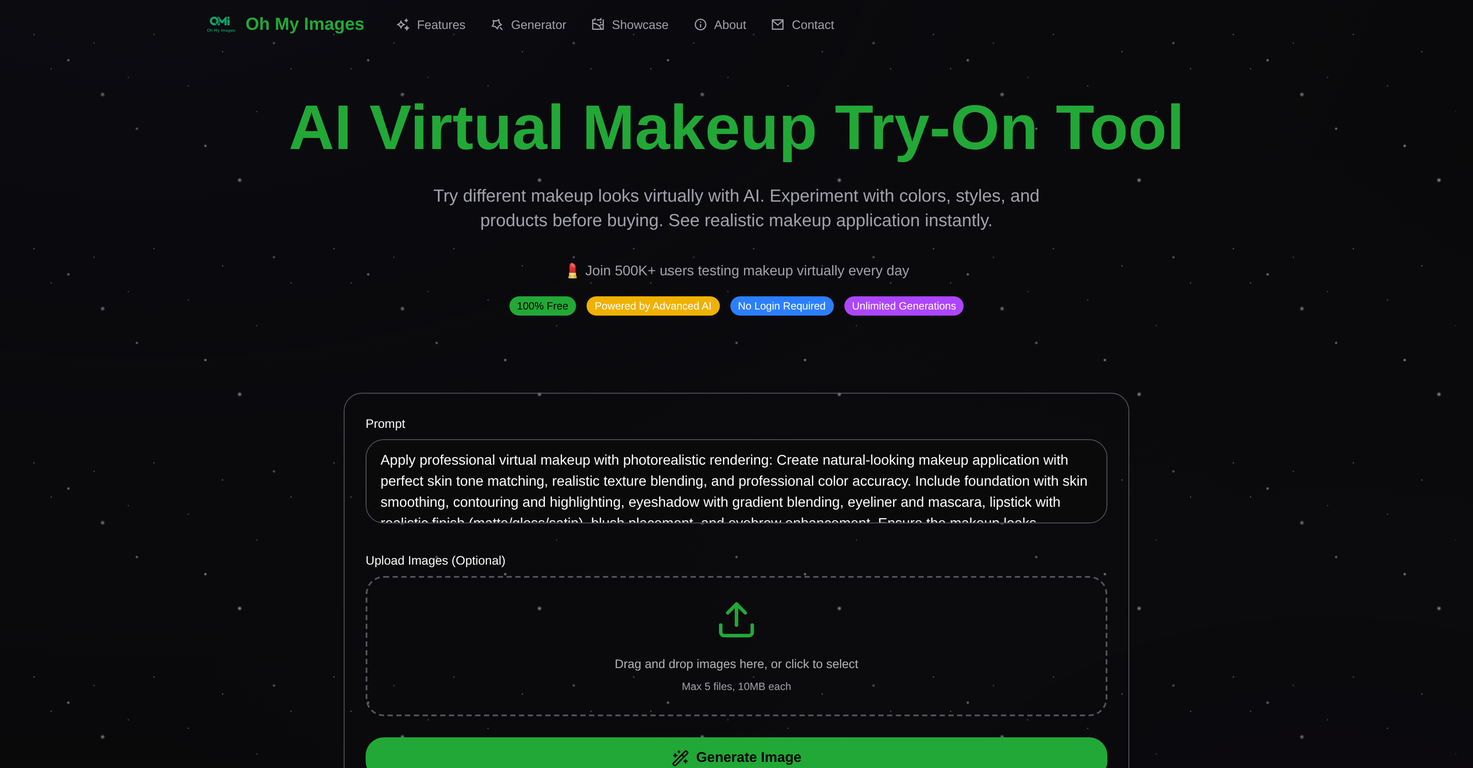
Oh My Images AI Virtual Makeup Try-On Tool is a cutting-edge solution that enables users to test virtual makeup looks with the power of AI. It showcases a range of makeup products, colors, and styles, and provides natural-looking makeup application with accurate color, texture, and skin tone matching. This tool also incorporates features such as skin smoothing, contouring, highlight, gradient eyeshadow blending, and lipstick application. It caters to diverse skin tones, recommending colors and intensity levels that best complement the user's complexion, allowing for highly personalized makeup color suggestions. This tool, sophisticated yet user-friendly, is ideal for both professionals and makeup enthusiasts to plan looks, consult with clients and share high-resolution results on social media.
What makeup products can I try using the Oh My Images Tool?
With the Oh My Images Tool, you can try various makeup products including foundation, eyeshadow, lipstick, eyeliner, mascara, and blush, but also other products like concealer, bronzer, lip gloss, highlighter, and even special effects makeup.
How does the Oh My Images AI Tool ensure natural-looking makeup application?
Oh My Images AI Tool ensures natural-looking makeup application by using advanced AI technology that perfectly matches skin tone, creates realistic texture blending, and displays professional color accuracy. The makeup looks professionally applied with proper symmetry and natural lighting interactions, all whilst preserving the user's natural features.
Can I test how specific makeup brands and products will look on me using the tool?
Yes, absolutely! The Oh My Images Tool allows users to test how specific makeup brands and products will look on them. It offers accurate color and texture representation, allowing you to specify particular brands, product types, and even exact shade names.
Does the Oh My Images tool work well in different lighting conditions?
Yes, absolutely! Oh My Images tool adjusts to different lighting conditions to display accurate makeup application. It enhances and adjusts for various lighting conditions to show the most accurate and optimal results.
Does the AI tool have a skin tone analysis feature?
Indeed, the Oh My Images tool does include a skin tone analysis feature. It provides personalized makeup color suggestions by analyzing the user's skin tone and undertones. The AI recommends the most flattering makeup colors that best complement your skin.
Can the tool be used by both makeup enthusiasts and professionals?
Certainly, the Oh My Images tool is suitable for both makeup enthusiasts and professionals. Makeup artists, beauty influencers, and professionals can use the tool for client consultations, look planning, and portfolio creation.
Can I share the results of the virtual makeup trial on social media?
Yes, absolutely! The Oh My Images tool allows users to directly share their makeover images to social media. The high-resolution outputs are perfect for sharing or for professional planning purposes.
Does the Oh My Images tool simulate different makeup styles?
Yes, the Oh My Images tool simulates a wide variety of makeup styles. Users can try everything from natural daily looks to dramatic evening styles, allowing for flexible and diverse virtual makeovers.
How does the AI Tool ensure perfect skin tone matching and realistic texture blending?
The Oh My Images AI Tool uses advanced AI technology to perfect skin tone matching and realistic texture blending. It analyses the user's skin tone to accurately match the foundation and other makeup items. It also ensures realistic texture blending for seamless integration of virtual makeup with the user's skin.
What are the benefits of using the Oh My Images AI Virtual Makeup Try-On Tool?
The benefits of using the Oh My Images AI Virtual Makeup Try-On Tool are numerous: getting to experiment with diverse makeup products, colors, and styles before making a purchase, obtaining personalized makeup color suggestions through skin tone analysis, accurately seeing how specific makeup brands and products look on you, adjusting to different lighting situations, and enabling easy sharing of high-resolution results on social media or for professional use.
Can the tool be used for client consultations and look planning by professional makeup artists?
Absolutely! The Oh My Images Tool is perfect for professional makeup artists as they can use it for client consultations, look planning, and portfolio creation, providing a visually interactive method for communicating with clients and setting makeup expectations.
Can I upload my own images for performing the virtual try-on?
Absolutely, the Oh My Images tool allows users to upload their own images for the virtual try-on. This provides the convenience of tailoring the virtual makeup try-on to their unique facial features and skin tones.
How does the AI tool adjust makeup application for diverse skin tones?
The Oh My Images tool adjusts makeup application for diverse skin tones by employing advanced AI technology that's trained to understand and work with a broad range of skin tones. It automatically adjusts makeup application, color intensity, and shade recommendations to cater to each user's unique complexion.
Is it possible to customize the effects I want using the Oh My Images tool?
Absolutely, users can customize the effects they desire with the Oh My Images tool. They can choose from trendy looks, brand collections, or adjust individual products and colors to create their desired look.
What are the main features of the AI Virtual Makeup Try-On Tool by Oh My Images?
The main features of the AI Virtual Makeup Try-On Tool by Oh My Images include virtual makeup try-on powered by AI, skin tone analysis, high-resolution result generation, diverse skin tone support, social media integration, realistic rendering and blending, smart color analysis, and brand simulation. They also include product sampling, the ability to upload personal pictures, and tools beneficial for both makeup enthusiasts and professionals.
Can the user save and share their make-over images using this tool?
Yes, the user can save and share their makeover images directly to social media or download them using the Oh My Images tool. The high-resolution results are perfect for both sharing and future reference.
How does the tool simulate different brands, product types, and shades of makeup?
The Oh My Images tool simulates different brands, product types, and shades of makeup by using smart color analysis and product simulation technology. It accurately represents various brands and products, taking into account their specific color characteristics and texture.
How can this tool be helpful before purchasing a makeup product?
The Oh My Images tool can be extremely helpful while planning to purchase a makeup product. It lets you experiment with different products, colors, and styles before committing to a purchase. It also makes personalized makeup color suggestions based on your skin tone, and lets you see how specific brands and products might look on you.
Can this tool help me in choosing shades that best compliment my skin tone?
Indeed, the Oh My Images tool can help you choose shades that complement your skin tone. By analyzing your skin undertones, the tool recommends the most flattering makeup colors that would look best on you.