How do I use Photolapse?
Using Photolapse involves three simple steps. First, you upload up to 200 photos of yourself or another subject. These photos can include other individuals as Photolapse will automatically center the intended subject. Second, you customize the video settings to your preference. You can slow it down or speed it up and decide how long and how frequently each photo appears. Finally, you preview the final video for free and then have the option to download it without a watermark for $5.99.
Is Photolapse easy to use for beginners?
Yes, Photolapse is beginner-friendly. It involves a straightforward three-step process which includes uploading photos, customizing video settings, and previewing the video before downloading. No advanced editing skills or software are required.
What is the face-detection technology used in Photolapse?
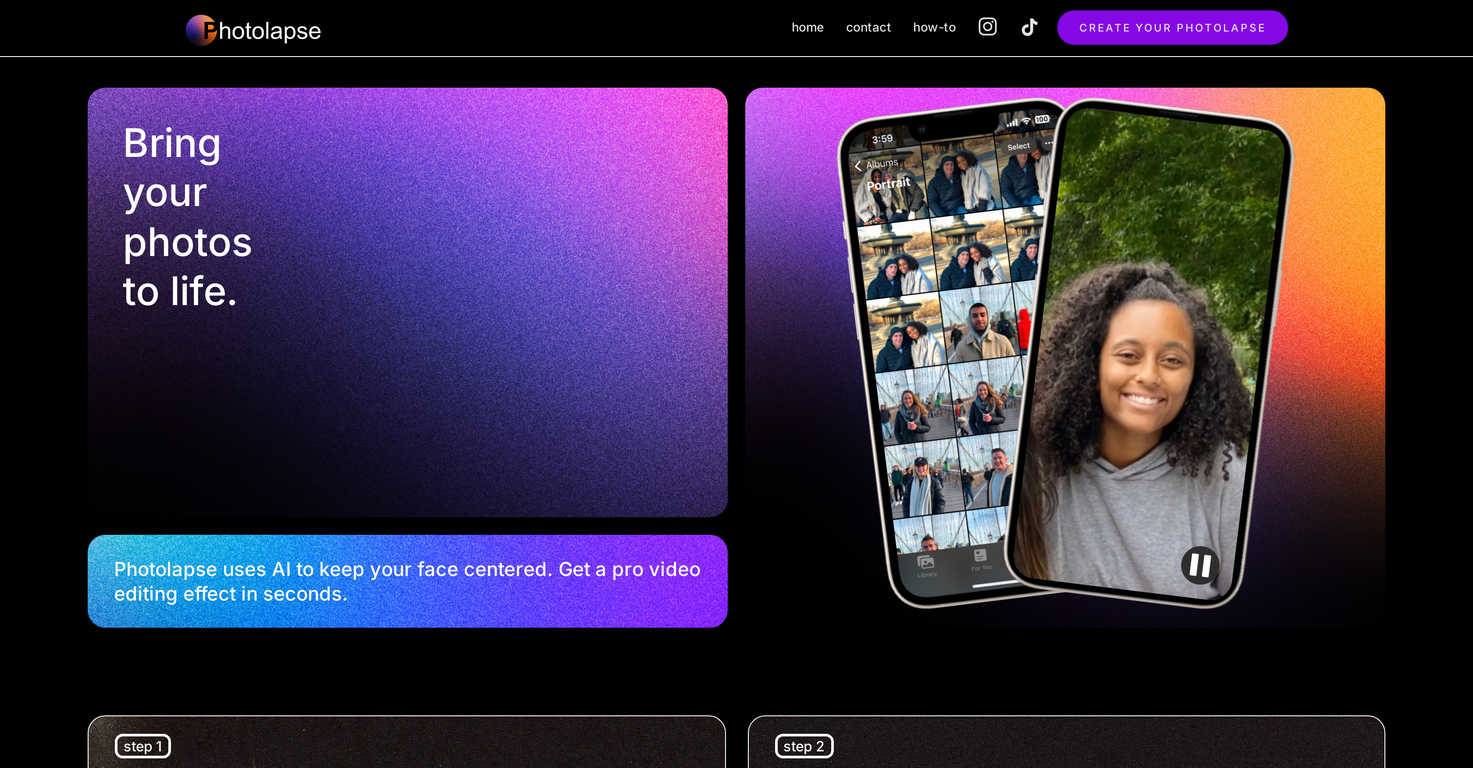
Photolapse uses AI-powered face-detection technology. This technology executes a critical role in maintaining the consistency of the subject’s face at the center of the video throughout a sequence.
Can I customize video settings in Photolapse?
Yes, Photolapse allows for customization of video settings. You can dictate the speed of the video and precisely control how long and how frequently each photo will appear.
Is there a preview option in Photolapse?
Yes, Photolapse provides a free preview option. After setting up your video, you can preview the final result without cost before deciding whether to download it.
Do I need any software to use Photolapse?
No, you do not need any other software to use Photolapse. It is fully web-based, and no downloads of software are necessary.
What are the potential uses of Photolapse?
Photolapse offers a multitude of use cases outside of simply showcasing personal growth or transformation. It can be utilized for creating marketing materials, building slow slideshows for commemorations, sharing personal transformations, and even gifting unique timelines.
How does Photolapse make the face centered in a video?
Photolapse uses AI-powered face-detection technology to automatically center your subject's face. Even if the photos include other individuals, Photolapse ensures that the intended subject remains the focal point.
Can Photolapse be used to create marketing materials?
Yes, Photolapse can be utilized to create marketing materials. Unique and engaging timelapses crafted using the platform can serve as effective visual content in a marketing context.
Is there a cost to download videos from Photolapse?
Yes, there is a cost associated with downloading videos from Photolapse. Users are required to pay $5.99 to download a video without a watermark.
Can I use Photolapse for creating slow slideshows?
Yes, Photolapse can be used for creating slow slideshows. Apart from making face aging timelapse videos, the tool also caters to building slower slideshows, which can serve excellently for commemorations.
What type of video effects can you create with Photolapse?
With Photolapse, users can execute professional video editing effects such as face-centered timelapses. The face-detection technology always keeps the subject's face at the center of the video, enabling a pro video editing effect in seconds.
Can you create timers in Photolapse to determine photo appearance?
Yes, in Photolapse you can determine how long and how frequently each photo should appear. This essentially acts as a timer, allowing you to customize the exact duration and frequency of each photo's display.
Is there a watermark on Photolapse videos?
Videos directly downloaded from Photolapse are devoid of a watermark, provided the user pays the $5.99 fee. The free preview, however, may come with a watermark.
Can you use Photolapse to track personal transformations over time?
Yes, Photolapse can be leveraged to track personal transformations over time. By uploading a sequence of photos over a certain period, the tool can craft a video delineating the change and growth in an individual.
Does the platform allow group photos or just individual photos?
Yes, Photolapse can support photographs that feature multiple individuals. However, the platform's face-detection technology will ensure that the intended subject is always automatically centered, maintaining them as the focal point of the video.
 Rocket
 Mini tools
 Extrapolate
 future view
 Zygore_Erosion_Decay
 Becoming Old
 1
1






How would you rate Photolapse?
Help other people by letting them know if this AI was useful.