What does Image Fusion do in Pikodee?
Image Fusion in Pikodee allows users to create unique images by blending multiple images or ideas into one. It is useful for remixing styles and refining concepts.
How can Pikodee enhance the resolution of my images?
Pikodee uses an AI-powered tool called Upscaler to preserve an image's quality while enhancing its resolution. This feature helps to increase the image's resolution, turning photos and graphics into sharper, cleaner results, while maintaining textures and important details.
What kind of text prompts should be used for image generation in Pikodee?
In Pikodee, users can write any text prompt to start with. For instance, a user might write 'Serene mountain landscape at sunrise' as a text prompt.
How many images can I generate at once with Pikodee?
Pikodee's website mentions the Multi-image Generation feature which allows up to 4 images to be generated at once, providing users with multiple options and results.
Which features of Pikodee can be used for professional visuals?
Pikodee is packed with various features that can be used to create professional visuals. This includes AI Image Generator for high-quality image generation, Image Enhancer for refining the quality of images, Upscaler for increasing image resolution, and the upcoming AI Product Studio for generating professional-grade product visuals.
How can Pikodee be useful for YouTube thumbnails?
Pikodee has a feature known as the Thumbnail Creator. This particular feature is designed to create optimized thumbnails specifically for platforms like YouTube, helping to draw viewers' attention to create a higher chance of click-through.
Which features in Pikodee aid in visual art and creative experiments?
Pikodee offers the AI Image Generator feature and Image Fusion capability, both of which can be utilized for visual art and creative experiments. These features allow users to transform text prompts into high-quality images or blend multiple imageries into a unique result.
Can I edit images once generated by Pikodee?
Yes, images can indeed be edited once generated by Pikodee. Users have permission to edit, enhance, and even recreate the images according to their preferences.
How can creators benefit from Pikodee?
Pikodee is designed to benefit creators in numerous ways. It allows them to transform text prompts into high-quality images swiftly, drastically reducing the time spent on image creation. It also includes several automatic features such as the Image Enhancer, AI Image to Video, and AI Product Studio, each of which simplifies the design process for them.
Does Pikodee have features for SEO and marketing?
While Pikodee isn't specifically an SEO or marketing tool, it includes features that can greatly assist in these areas. Features like the Thumbnail Creator and AI Image to Video can be invaluable for creating engaging and optimized visual content for marketing campaigns.
What kind of content can be created using Pikodee?
Pikodee is a versatile tool that can facilitate the creation of a variety of content. Users can use Pikodee for generating unlimited images, conducting creative experiments, producing digital content, and creating professional-grade product visuals.
Can Pikodee generate unlimited images?
Yes, Pikodee does allow the generation of unlimited images. This can include but is not limited to high-quality visuals, thumbnails, remixed images, and professional product visuals.
How can Pikodee help with automated design and image quality improvement?
Pikodee is equipped with a combination of features that aid in automated design and image quality improvement. Noteworthy among these are the AI Image Generator for rapid visual creation, Image Enhancer for automatically improving image quality, and the Upscaler for enhancing image resolution without compromising quality.
What is the AI Product Studio feature of Pikodee?
AI Product Studio is one of the upcoming features in Pikodee. It's designed to create stunning, professional product visuals within seconds. Its role involves generating high-quality mockups, realistic backgrounds, and best-quality marketing images, all done in an automated fashion.
What is Pikodee?
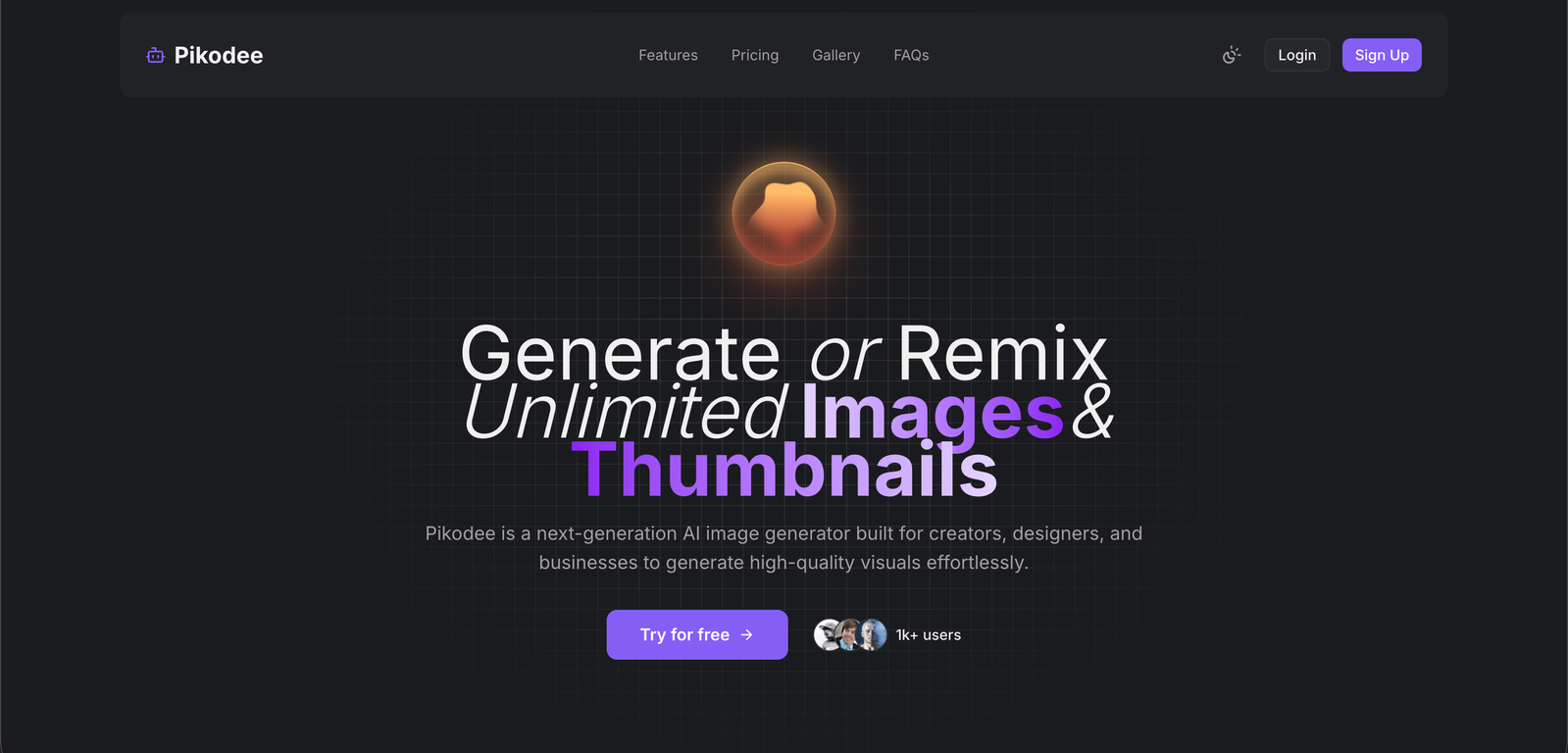
Pikodee is an Artificial Intelligence (AI) powered image generation tool. It is built to facilitate creators, designers, and businesses in creating or remixing unlimited images and thumbnails. It offers several features such as AI Image Generator, Image Enhancer, Image Fusion, and a Thumbnail Creator among others.
How does Pikodee generate images?
Pikodee generates images based on text prompts provided by the user. This is facilitated through its AI Image Generator feature, that utilizes advanced AI algorithms to convert input text into high-quality images within seconds.
Can Pikodee create images based on textual prompts?
Yes, Pikodee can create high-quality images based on textual prompts. This is facilitated through its AI Image Generator feature, which enables users to input text prompts and instantaneously generate corresponding images.
What is the Image Enhancer feature in Pikodee?
The Image Enhancer feature in Pikodee is designed to improve image quality automatically. It refines images to look more professional, making them appear more polished and appealing.
What is the Image Fusion feature and how does it work?
Image Fusion is a distinct feature offered by Pikodee that allows users to blend multiple images or ideas into a unique result. This is particularly helpful for remixing styles and refining concepts.
How does Pikodee aid in creating YouTube thumbnails?
Pikodee aids in creating YouTube thumbnails through its Thumbnail Creator feature. It is designed to generate eye-catching and optimized thumbnails specifically for platforms like YouTube and other social media platforms.
What is the purpose of the AI Image to Video feature in Pikodee?
The purpose of the AI Image to Video feature in Pikodee is to enable users to turn any image into a dynamic, eye-catching video. It adds motion, depth, and cinematic effects to images, making content perfect for social media, ads, and engaging visual content.
Can Pikodee increase the resolution of images without losing quality?
Yes, Pikodee can increase the resolution of images without losing quality. This functionality is provided by its AI-powered Upscaler feature. It enhances resolution to produce sharper, cleaner results while preserving important details and textures.
What kind of visuals can be produced using the AI Product Studio in Pikodee?
The AI Product Studio in Pikodee is designed for creating stunning, professional product visuals. It can generate high-quality mockups, realistic backgrounds, and polished marketing images within seconds.
How many images can I generate or remix using Pikodee?
Pikodee permits users to generate or remix unlimited images, providing vast possibilities and freedom for visual content creation.
Does Pikodee offer any feature to generate professional-grade product visuals?
Yes, Pikodee does offer an AI Product Studio feature that is designed to generate professional-grade product visuals. With this tool, users can create high-quality product visuals within seconds.
Can I use the prompt library in Pikodee to simplify my image creation processes?
Yes, the prompt library in Pikodee is a utility to access previous generations and prompts used, helping to simplify the image creation processes.
Does Pikodee provide options for editing and enhancing generated images?
Yes, Pikodee provides options for editing and enhancing generated images. After the generation of an image based on the prompt, the user can edit and enhance it further according to their preference.
Does Pikodee involve any complex processes for generating images?
No, Pikodee does not involve complex processes for generating images. It follows a simple process where a user starts with writing a text prompt, prompting the tool to generate an image which could be further edited and enhanced.
What type of outputs does the AI Image Generator produce?
The AI Image Generator feature in Pikodee outputs high-quality images based on text prompts provided by the user. The images created can range from simple concepts to intricate visuals, suitable for various use-cases.
How does the AI-powered Upscaler in Pikodee work?
The AI-powered Upscaler in Pikodee works by increasing an image's resolution without sacrificing quality. It sharpens and cleans up images, while preserving important details and textures, to deliver high-resolution results.
Can Pikodee transform text prompts into images within seconds?
Yes, Pikodee can transform text prompts into images within seconds. This is facilitated through the AI Image Generator feature, utilizing advanced AI algorithms for quick and accurate image generation from text prompts.
How does the Thumbnail Creator in Pikodee function?
The Thumbnail Creator feature in Pikodee functions by creating optimized thumbnails for platforms like YouTube. Users can generate eye-catching thumbnails without needing any design skills.
How can I use Pikodee as a Business Tool for content creation or digital marketing?
Pikodee can be used as a business tool for content creation or digital marketing due to its various features. It can instantly generate high-quality visuals from text prompts, enhance image quality, blend images, create thumbnails, upscale images, and much more, simplifying digital content creation.
What is the Application of Image Fusion in Pikodee?
The application of Image Fusion in Pikodee is prevalent in instances where users want to blend or remix styles. This feature allows the blending of multiple images or ideas into a unique result, which is particularly useful for refining concepts and creating innovative visual content.