
 Speechmatics - API for Voice AI Agents
 Mini tools
QueryPal
 Seamlessly search and generate reports within Slack or Teams.
Go to 🚀 Productivity
 TheLibrarian.io
 Supernormal App
 Saidar
 MiroAI
 Collate
 Runable
 ComputerX
 Slashspace (Formerly RabbitHoles AI)
 AiAssistWorks - GPT Gemini Claude AI for Sheets Docs Slides
 ConsoleX AI
 Ask Steve
 Alfred by Simbli.ai
 Kolva
Kolva
 Affint
 Octofy
 Sup AI
 BrowseWiz
 ZeroTwo
 Support Flow
 Hyperis
TheLibrarian.io
640,665
Supernormal App
200,559
Saidar
132,052
MiroAI
130,708
Collate
128,863
Runable
124,494
ComputerX
123,644
Slashspace (Formerly RabbitHoles AI)
118,193
AiAssistWorks - GPT Gemini Claude AI for Sheets Docs Slides
112,772
ConsoleX AI
68,531
Ask Steve
52,309
Alfred by Simbli.ai
43,409
Kolva
42,538
Affint
39,927
Octofy
37,908
Sup AI
37,074
BrowseWiz
36,392
ZeroTwo
34,984
Support Flow
33,697
Hyperis
30,411

QueryPal
Seamlessly search and generate reports within Slack or Teams.
Overview





Overview
Socials:


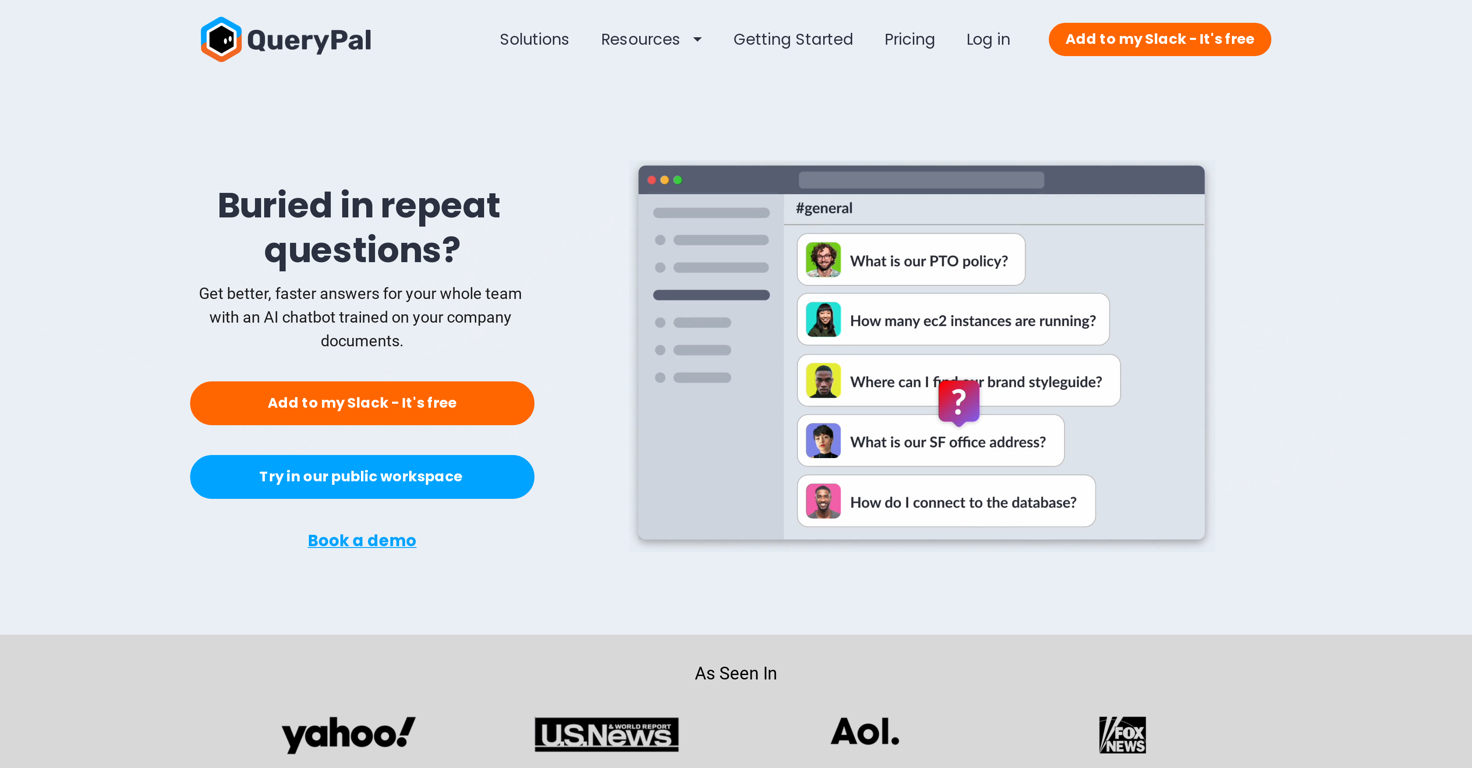
Tired of repetitive tasks slowing down your support team?
QueryPal empowers support representatives and teams to deliver exceptional service by automating ticket responses, freeing up time for more complex issues that require a human touch.
With advanced AI-driven workflows, you can reduce response times, increase efficiency, and ensure consistent, accurate support every time. Whether it's handling common inquiries or managing bulk requests, your team stays focused on what matters most—delighting your customers.
Key Benefits:
Faster Resolutions: Automate responses to common questions and tickets, accelerating your team’s ability to resolve issues.
Consistency & Accuracy: Ensure every customer interaction is handled with the same level of care and detail, reducing errors.
Increased Productivity: Free your team from routine tasks, giving them more time to focus on complex or high-priority cases.
Seamless Integration: Works with your existing systems to enhance your support process without any disruption.
Let automation do the heavy lifting—so your support team can shine.
Show more
Releases
Get notified when a new version of QueryPal is released
Notify me
March 30, 2024
Initial release of QueryPal.
Author

Follow
Pricing
Pricing model
Free Trial
Paid options from
$49/month
Billing frequency
Monthly
Top alternatives
-
 Your WhatsApp AI assistant for instant productivity.Duck Typer🙏 263 karmaFeb 12, 2025@TheLibrarian.ioGreat tool! Was very helpful in content production
 -
 The AI assistant app that turns meetings into completed work
 -
 Your AI Secretary for Admin Tasks, now on SMSWorks well and connects with my apps easily. I’m considering using it for daily reports and posts
 -
 Unlock creative power with AI-driven collaboration.Miro has massively improved how we collaborate and execute. The AI features have made a real difference in day-to-day productivity, helping us structure ideas quickly and get to decisions faster. What really surprised me is the new prototyping feature: it’s now much easier to turn a workshop board into an actual prototype and iterate with the team. If you’re running product work, workshops, roadmaps, or even GTM planning, Miro is worth it.
 -
 Unlimited free and private summaries and chat with PDFI’ve been using Collate to go through technical PDFs, and it’s been surprisingly handy. Summarizing docs and being able to ask questions directly saves me time, especially when I’m skimming through research or API references. No sign-ups, works offline, and everything stays on my device — which I appreciate.
 -
 The Best Way to Work with AIUsed it for PPT generation and performed extremely well, especially the numbers and data part.


0
0



