 Base44 Superagents-AI agent that does it all
 Mini tools
 Hedy AI
 Meet-Ting
 Vexa
Vexa
 Convo
Convo
 Fathom
 Waitroom
 Amie - AI Note Taker
 Teameet
 Chadview
 Zoom IQ
 Superpowered Me
 TimeOS
 Timetics.ai
 Meeting Ink by DeepWave
 Leexi
Leexi
 Meeting culture
 Calendly Notetaker
 Rumi
Rumi
 Nyota
Nyota
 Qik Meeting
 Younet
 CleeAI
 Avataar's GenAI Creator
 Activepieces
 BigTeam
 Olivya
 Abstra
 Sreda.ai
 DoubleO
 AI Agents
 Pipefy
 Quixl
Quixl
 Cubeo
Cubeo
 Sema4.ai
 Ridvay
 Cognition by Mindcorp
 Tray.io
 UiPath
 Mr David
 Super Amplify
Read Highlights





Overview
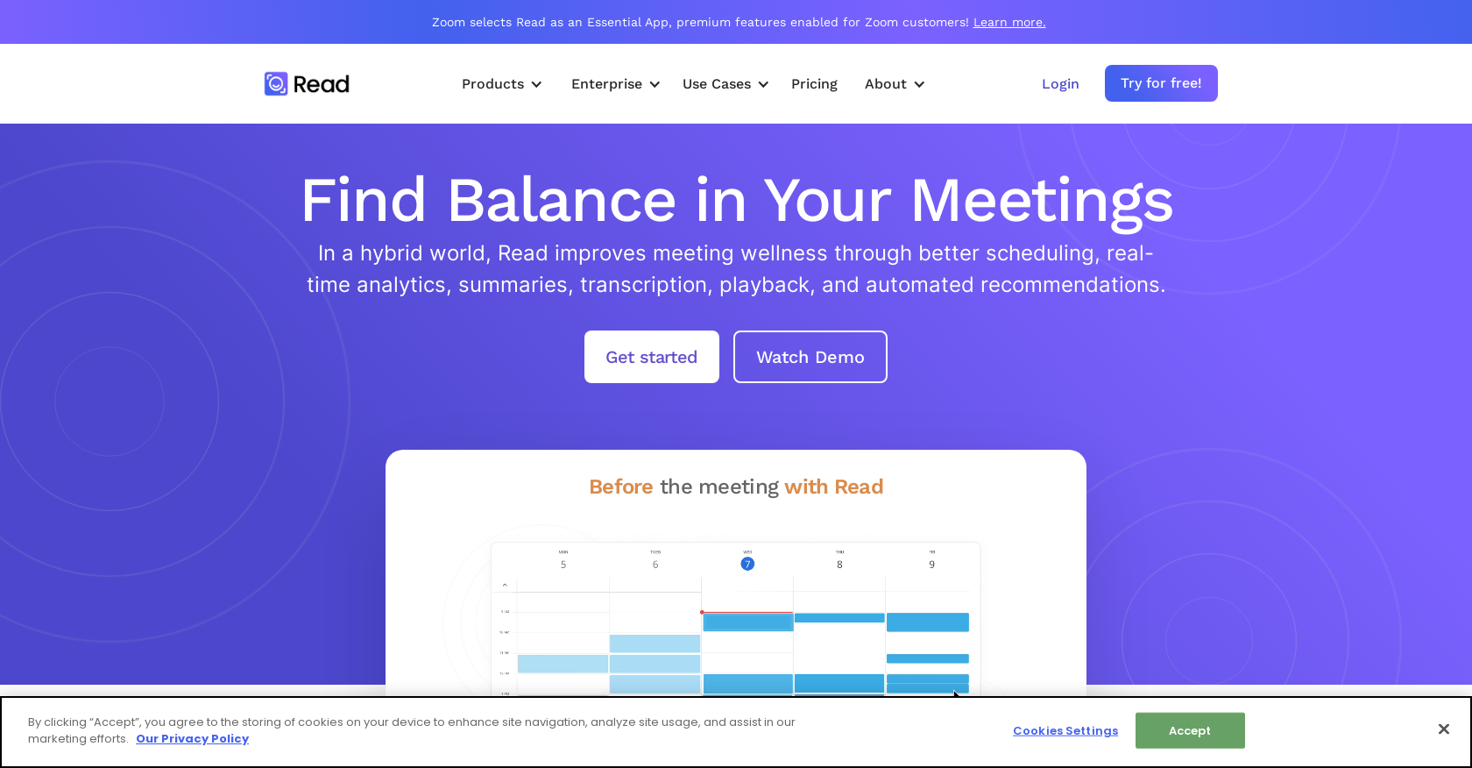
Read is an AI-powered tool that offers a range of meeting solutions to help improve meeting wellness and productivity. It offers features such as real-time analytics, summaries, transcriptions, automated recommendations, and playback that help to reduce meeting hours and ensure that meetings are more efficient.
It can identify up to 20 meeting hours a month that could be removed or eliminated. Read has been selected as an Essential App by Zoom, and its premium features are enabled for Zoom customers.
Read offers a suite of meeting tools that can be used before, during, and after a meeting to improve meeting quality, scheduling, note-taking, team efficiency, communication, and overall meeting wellness.
Its core features include dashboard analytics, meeting Navigator, assistant, playback & transcriptions, recommendations, and smart scheduling. One of the advantages of Read is that it integrates with existing video conferencing and calendar solutions, making it easier to use for those familiar with these tools.
It also provides unbiased programmable feedback based on data from millions of interactions, allowing actionability and clarity in implementing recommendations.
It offers a single platform for all meetings and interactions, providing a comprehensive source of truth, and can be used across platforms like Webex, Zoom, and Teams.
Read is featured in reputable media outlets such as Techcrunch and Adweek and is trusted by many organizations. It offers a 14-day free trial for its services and is committed to improving meeting wellness and efficiency across teams and organizations.
Releases

Pricing
Other tools by Read AI

Top alternatives
-
Dipak Rautela🙏 80 karmaMar 3, 2025@Hedy AIIts a promising project and works well so far. Wishing them all the best and godspeed.
-
good multilingual transcription helps with active listening
-
Hi there, Markus from Convo here. Let us know if you have any questions we can answer :)
-
The live AI feed during meetings is a game changer. All AI summaries and action items are also emailed to you and your team right away.





 0
0





