How can the Resume Parser of ReadyData help standardize candidate profiles?
The Resume Parser model standardizes candidate profiles by pulling relevant data from resumes and structuring it in a uniform format, making candidate comparison and evaluation easier and more efficient.
Can ReadyData's PDF Parser handle any document type?
Yes, the PDF Parser of ReadyData is flexible enough to handle various document types, irrespective of their structure.
How does ReadyData ensure the secure processing of my documents?
ReadyData ensures the secure processing of documents through its web-based platform. Your files are encrypted and processed securely, prioritizing your data privacy.
Do I need to install any software to use ReadyData?
No, ReadyData is a web-based tool so there is no need to install any software to use it.
What file formats can be uploaded to ReadyData for extraction?
ReadyData supports multiple formats for upload, including PDF, JPG, PNG, and TIFF files.
Which formats does ReadyData support for exporting the extracted data?
ReadyData can export the extracted data in formats such as Excel, CSV, or JSON depending on the user's needs.
Can I export the extracted data as Excel files for analysis?
Yes, ReadyData allows the export of extracted data in Excel format, enabling users to perform further analysis conveniently.
Can I export the extracted data as CSV files for databases?
Yes, ReadyData supports the export of extracted data in CSV format, which can be easily imported into databases.
Can I export the extracted data as JSON files for developers?
Yes, with ReadyData, developers can choose to export the extracted data in JSON format.
How to get started with the extraction process on ReadyData?
You can start the extraction process on ReadyData by uploading your file, then selecting or customizing a template for data extraction. After this, you can review the extracted data for accuracy.
What types of documents can the PDF Parser of ReadyData handle?
ReadyData's PDF Parser is flexible enough to handle any type of document making it ideal for transforming various document types into structured data.
How does ReadyData transform unstructured documents into actionable data instantly?
ReadyData uses AI models to extract structured data from unstructured documents instantly. After the extraction, users can export the data right away in Excel, CSV, or JSON format.
Can I extract data from both PDF and image files using ReadyData?
Yes, you can upload both PDF and image files (JPG, PNG, TIFF) to ReadyData for data extraction.
How does ReadyData turn my static files into dynamic data without requiring any coding?
ReadyData utilizes AI-powered extraction techniques to transform static files (PDF or images) into dynamic, structured data without requiring any coding from the user.
What is ReadyData?
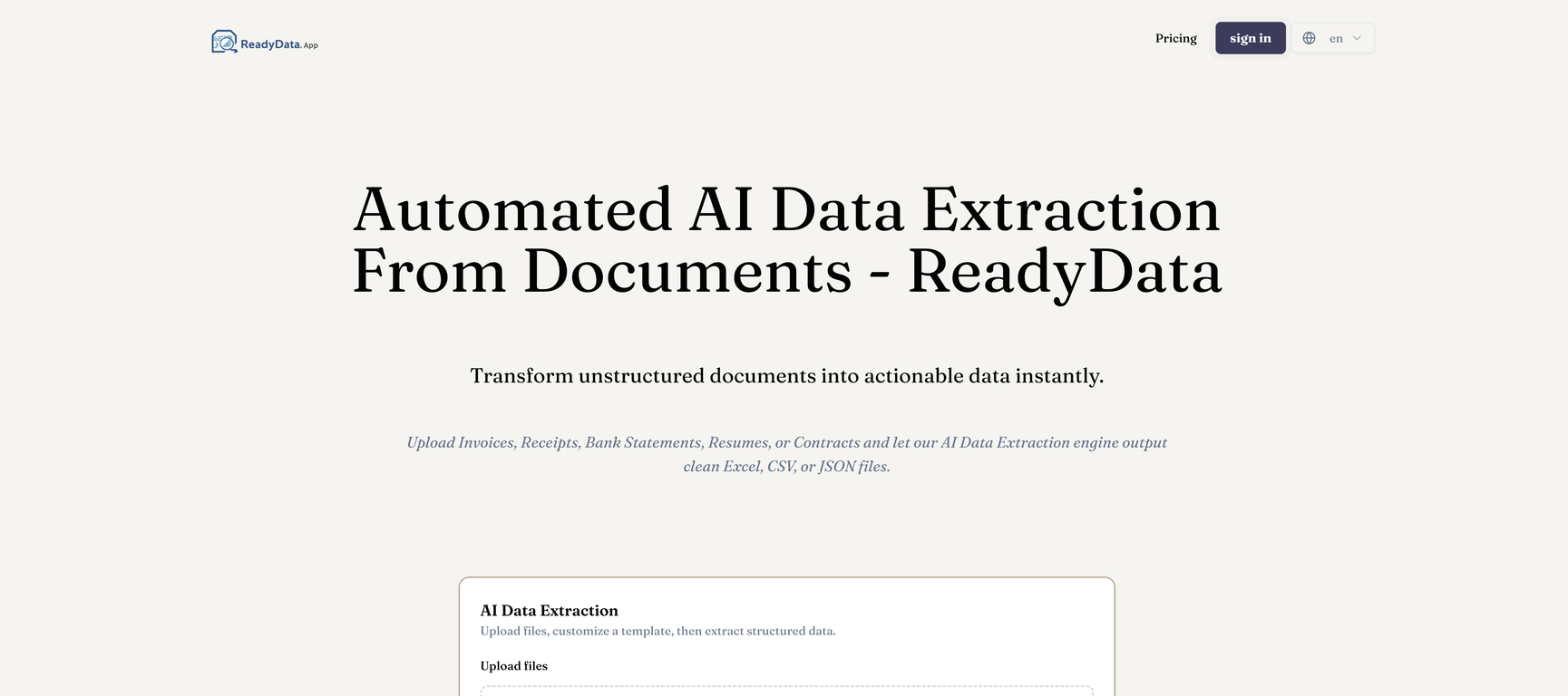
ReadyData is an AI-powered tool tailored for the automated extraction of structured data from various document types like invoices, receipts, bank statements, contracts, and resumes, making the data easily accessible in Excel, CSV, or JSON format.
What types of documents can ReadyData process?
ReadyData can process a variety of documents including invoices, receipts, bank statements, contracts, resumes, both in the form of PDFs or images.
How does ReadyData handle the extraction of data from PDFs?
ReadyData uses an AI engine to process PDFs, automatically extracting structured data without the need for user coding. The user specifies the desired fields through predefined templates or customized field selections. The extracted data and the original document are then side by side for review before exporting the data.
What are the exporting options for the extracted data in ReadyData?
With ReadyData, extracted data can be exported as per user preference in three suitable formats: Excel - for data analysis, CSV - suitable for databases, and JSON - ideal for developers.
Can ReadyData help reduce errors in manual data entry?
Yes, ReadyData is designed to drastically reduce manual data entry errors by automating the extraction of data, ensuring speed and accuracy of data extraction from various document types.
Does ReadyData require any software installation?
No, ReadyData operates as a web-based platform and does not require any software installation. Users can start extracting data immediately upon accessing the platform.
How secure is the data processing in ReadyData?
Data security is a priority for ReadyData. Their platform ensures secure processing as all user files are encrypted to protect data privacy during the extraction process.
Does ReadyData support images for data extraction?
Yes, ReadyData supports images for data extraction. It can handle multiple file formats including JPEG, PNG, and TIFF for data extraction.
How does the Invoice Capture AI model in ReadyData work?
The Invoice Capture model in ReadyData is specifically trained to automate AP (Accounts Payable). This specialised AI model can accurately extract needed data from invoices with high fidelity.
How does the Resume Parser AI model in ReadyData work?
The Resume Parser model in ReadyData streamlines recruiting processes by extracting and standardizing candidate profile information from resumes.
Can I customize a data extraction template in ReadyData?
Yes, users are given the flexibility to customize a data extraction template in ReadyData. This feature enables users to define specific fields from which they need data to be extracted.
How does ReadyData transform unstructured documents into actionable data?
ReadyData employs its powerful AI engine to transform unstructured documents into actionable data. The platform allows users to upload their documents, select extraction fields, and the AI engine does the rest, producing structured data which can be reviewed and immediately exported.
How is the AI engine in ReadyData used for data extraction?
The AI engine in ReadyData is designed to process files and transform static information into dynamic, actionable data. The engine takes input from user-specified fields or templates and accurately extracts necessary information.
What file formats does ReadyData support for data extraction?
ReadyData supports various file formats for data extraction. This includes, but is not limited to, PDF, JPG, PNG, and TIFF files.
What is the purpose of having different AI models in ReadyData?
Different AI models in ReadyData provide specialized processing depending upon the nature of the document for extraction. For example, the tool uses the Invoice Capture model for invoices, Resume Parser for resumes etc. This ensures high-quality extraction targeted towards meeting specific business needs.
Can ReadyData automatically extract structured data?
Yes, ReadyData can automatically extract structured data from diverse document types. The AI engine ensures that static information is transformed into dynamic, actionable data without the need for user coding.
How is the extracted data reviewed in ReadyData for accuracy?
To review the extracted data for accuracy in ReadyData, users are allowed to visualise the extracted information side by side with their original file. This facilitates a convenient accuracy check before exporting the data.
Can I instantly download the extracted data in ReadyData?
Yes, once the data is extracted and reviewed for accuracy, users can instantly download the structured data as an Excel spreadsheet, CSV file, or JSON object.
Does ReadyData provide an option to handle any document type with its PDF parser?
Yes, outside of its specialized models for specific processing needs, ReadyData also offers a flexible PDF parser that can be used to handle any other document type for data extraction.
Can I use customized fields in ReadyData for data extraction?
Yes, ReadyData provides the option to customize fields for data extraction. Users are able to define their own fields according to the specific data they require from their documents.