 Flow - 4x faster than typing

 Mini tools
 Turn any idea into professional video in minutes.
 freebeat AI
 ClipMode
 Magik Face
 D-ID
D-ID
 MagicLight
 HeyGen
 Kaiber Superstudio
 Seedance
 Kling
Kling
 AI Video Generator by RenderFlow AI
 neural frames
 Funy AI: AI Dance, AI Bikini, AI Kiss
 Chraft AI
 ViGi
ViGi
 Videnly
 Vidu AI Video Generator
 Viddo AI - AI Video Generator
 VidGen AI Video Generator
 Wan Video
 CreatorFrames
 So You Want To Be A Writer?
 Minka
Minka
 Ancient AI powered spirits
 Jvb ai
 somacguffin
 Cuty
Cuty
 Superfly Stoner

Scenes AI









Overview
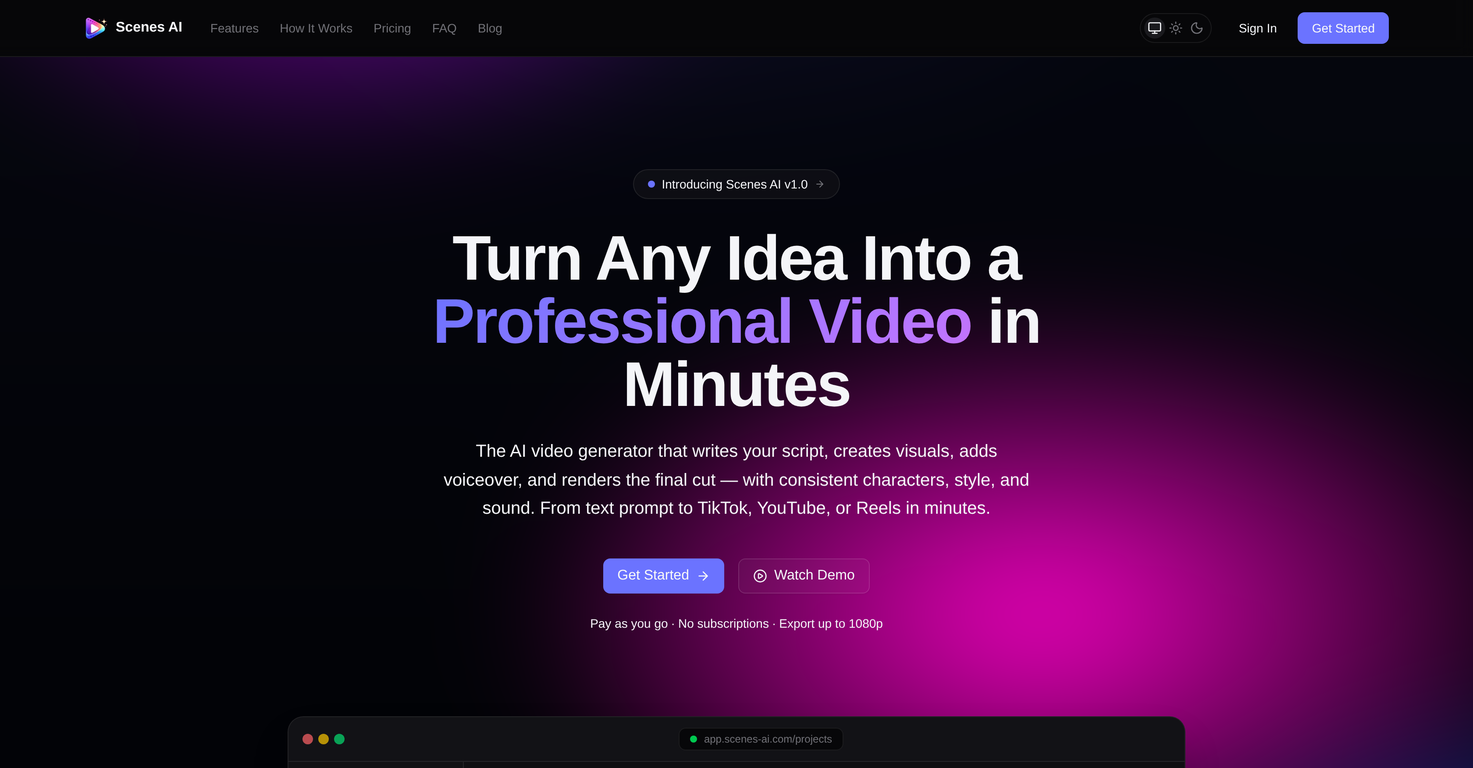
Scenes AI is an AI-powered video generation platform that turns any idea into a professional video output. The platform's functionality ranges from drafting a script to visual generation and final rendering, ensuring consistency in characters, style, and sound.
The generative process is simple and intuitive, starting with a plain-language prompt describing the purpose, intended audience, tone and desired duration of the video.
Following the prompt provision, Scenes AI's AI engine takes over and begins the various phases of video creation. These phases include prompt analysis, script writing, and scene breakdown.
The first preview of the AI-generated script is then provided for user approval or further editing. Following this approval, the AI proceeds to generate visuals and audio, once again pausing for review before the final rendering steps.
The final video product can be exported as an MP4, optimized for various platforms like YouTube, TikTok, Instagram, and LinkedIn. The service supports aspect ratios of 16:9, 9:16, or 1:1 and allows for duration settings ranging from 15 seconds up to 5 minutes.
Another unique aspect of Scenes AI is its capacity to maintain style continuity, making it ideal for series creators. Users can generate an entire season in one sitting with consistent characters, styles, and sound across all episodes.
Moreover, Scenes AI offers choices among six distinct visual styles, catering to various brand aesthetics.
Supported features
Releases

Scenes AI is a professional-grade AI video generation platform that enables teams and creators to produce high-quality video content without a studio, editing software, or technical expertise. From a single plain-language prompt, the platform generates a complete video — including a written script, matched visuals, synthesized voiceover, background music, and a final MP4 at up to 1080p — through an intelligent 8-phase production pipeline that pauses only at key review checkpoints where your
Pricing
Top alternatives
-
 Turn Music & Ideas into Viral Videos In One Click🔥 freebeat introduces Realtime Music Video generation, live prompt interaction, flexible world customization, and instant video download. ----- What’s New - ⚡ Realtime Music Video – Generate video while your music is playing, with no waiting for a full render pass. - 🎮 Live Prompt Control – Interact with the visuals in real time and guide scene content as the track unfolds. - 🌍 World Presets & Custom Styles – Choose from preset worlds or define your own visual universe, style, and direction. - 👁️ Multiple Perspectives – Explore different POV options, including immersive viewpoints, for different kinds of visual storytelling. - ⬇️ Instant Download – Save the generated music video directly once your session is complete. ----- How It Works 1. Upload or play your track. 2. Choose a world preset or define your own visual style. 3. Guide the visuals live with prompts as the music plays. 4. Download the finished music video directly when you are done. ----- Why It Matters Realtime Music Video removes the gap between idea and output. Instead of waiting for results, creators can now shape visuals as the song unfolds, making music video creation faster, more expressive, and far more interactive. 👉 Try it now – www.freebeat.ai
 -
 Create AI-generated videos with easeFranco Arteseros🙏 67 karmaOct 23, 2024@D-IDWE USE D-ID AT THE COLORADO VIRTUAL CREATIVE FACTORY...AND LOVE IT.
 -
 Transform text into captivating videos instantly.You get 300 credits upon signing up, which is enough to test out the app and see its potential. I had a bit of fun with it. It takes a few minutes to generate content, but the results are impressive. There are many styles, modifiers, and customization options available. I would definitely use this for content creation or storytelling.
 -
 Create AI spokesperson videos from text
 -
 AI Video GenerationThey're dreaming if they think I'd give them my credit card info just for a free trial. Most useless thing ever...
 -
 Multi-shot video generation from text and image.








