 KiloClaw - Managed 🦀
  Mini tools




 55club
 Personal Performance
 The Mid Life Magic Woman
 Auramind
 Vertech Academy
 Findsight
 Learn Earth
 LearnGPT
 Justlearn
 StudyGPT
 Nolej
Nolej
 Tutorly
 PhotoSolve
 YouLearn
 To Teach AI
 TurboLearn
 Heuristica
 College Tools
 LanguagePro
 Retinello
 AI Tutor Pro
 Super Teacher
 getMindmap
 Study Fetch
 Guidejar
 Guideless
 Guidde
 video2docs
 Scribe
 OpsBerry
 Dubble
 Wizardshot
 Supademo
 MotionShot
 Floik
Floik
 Glitter AI
 SureSteps
 How to
 TUTORIALS: Every Detail
 HowTo AI
 How do I do that?
 Content Tutorial Generator Blogs
 Guide Instruction Manual Generator
 Step Step Guide Generator
ScreenStory
 VibrantSnap
 AIPex AI Browser Automation Assistant
Overview
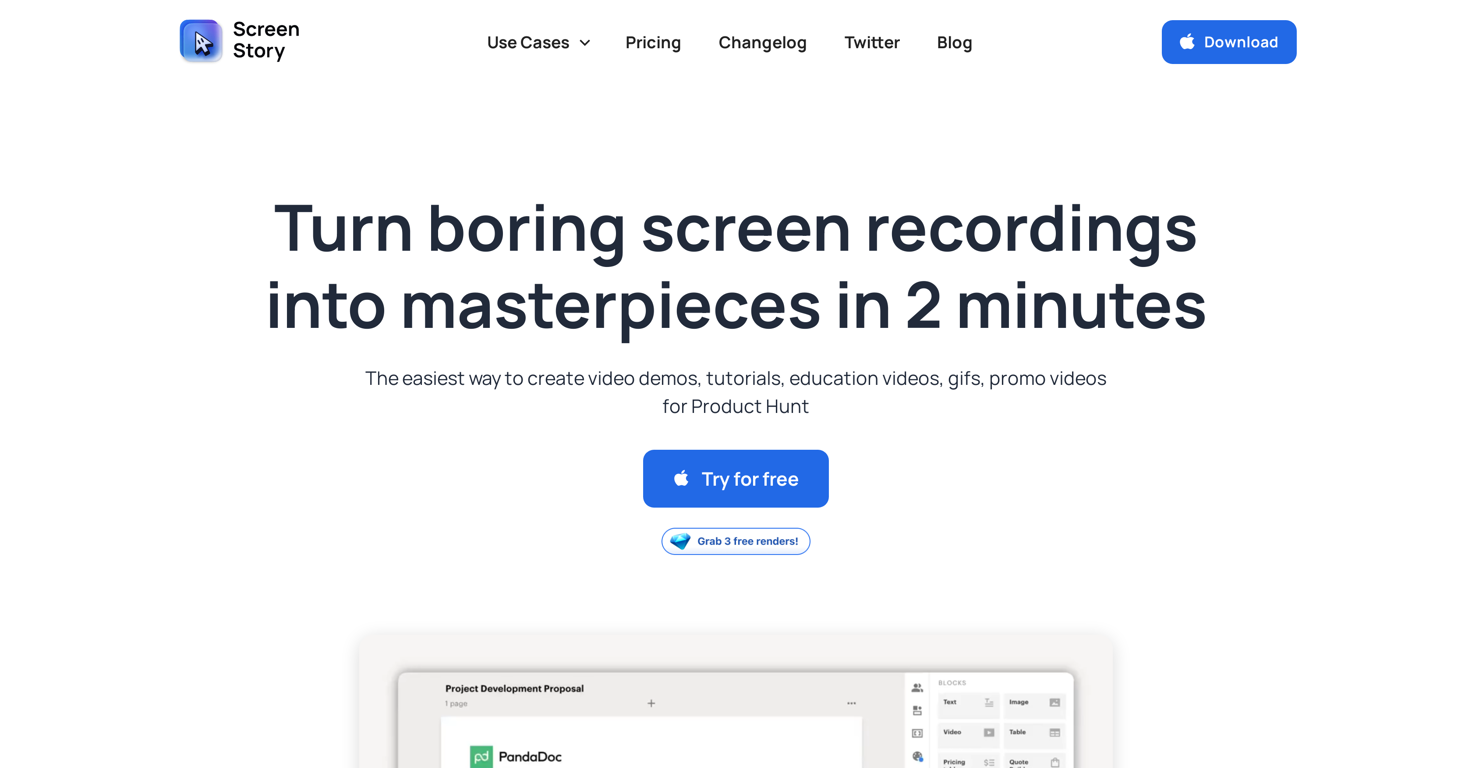
ScreenStory is a Mac screen recorder tool designed to capture and record screens with user-friendly functionality. The primary application of this tool is in creating a wide range of video content, including product demos, tutorials, video reactions, presentations, prospecting videos, and employee onboarding materials.
The tool has the potential to transform mundane screen recordings into masterpieces, offering features to enhance video demos, promos, educational videos, and graphics interchange format (GIFs) creations.
It applies automatic enhancements to your videos, such as cursor animation, AutoZoom and AutoFollow clicks which saves users a significant amount of time.
Furthermore, ScreenStory offers options to alter cursor settings, choose from a variety of backgrounds, and record in different formats including GIF, mp4, 60 FPS, and 4K.
ScreenStory enables the recording of voiceover and supports selfie camera functionality, permitting an efficient switch between user, screen or a combination of both.
The tool is currently compatible only with MacOS and a Windows OS version is in development. It offers multiple pricing options to cater to different needs, from free trial to monthly and yearly plans.
ScreenStory commits to regularly updating the tool with new and exciting features, and has a roadmap for the development of additional functionality such as recording mobile apps.
Releases

Pricing
Top alternatives
-
 Instantly create professional screen recordings in perfect English.Open
 Charles Brun (Charles)🛠️ 1 tool 🙏 73 karmaJul 17, 2025@WizardlyHi folks - I'm Charles, the founder of Wizardly. I built this app to help marketing, product, and sales teams instantly create polished product videos without requiring expensive professional video editing. Try it out to see how to turn a quick screen recording into professional, customer-ready video today. We have lot's of cool features in the pipe but feel free to share feedback and suggestions once you give the app a spin! 🙏🏻
 -



 0
0





