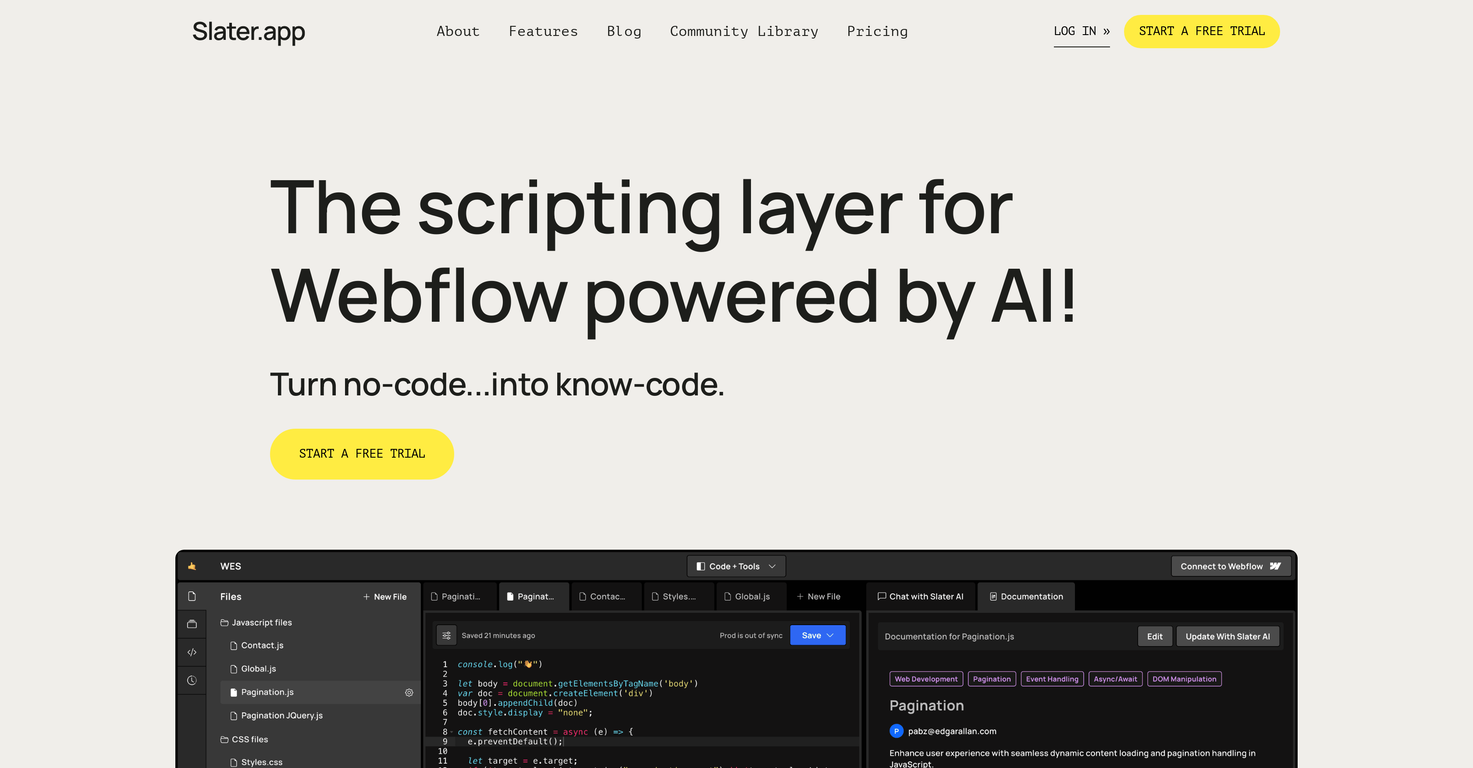
How does Slater benefit Webflow developers?
Slater assists Webflow developers by offering an environment where they can create custom code without restrictions on the volume of characters. With its built-in AI tool, it aids in code generation, allowing users to work on JavaScript without publishing constantly. The platform is designed to streamline the development process and increase speed for Webflow professionals.
What kind of AI technology does Slater use?
Slater uses advanced artificial intelligence technology to generate custom code. This AI-driven tool understands user's code needs and generates the required code based on their input. However, the specific AI technology utilized by Slater is not mentioned on their website.
Does Slater have any limitation on the volume of characters used in coding?
No, Slater does not have any character limitations. Users can generate custom code without worrying about volume restrictions, enabling freedom and flexibility in code generation.
How is Slater different from traditional coding methods?
Unlike traditional coding tools requiring constant publishing, Slater offers an environment where users can work on JavaScript extensively without the need to publish frequently. This drastic change from the traditional method reduces disruption in the development process and enhances productivity.
How does Slater help in working with JavaScript without constant publishing?
Slater provides an environment where JavaScript code can be worked on extensively without the need for constant publishing. This feature is particularly useful for project development, making the development process smoother for Webflow professionals.
How does Slater contribute to the no-code landscape?
Slater aims to help transform the no-code landscape into a platform where users are proficient and knowledgeable in coding. It provides a hands-on coding experience which makes it an essential tool for Webflow designers and developers, regardless of their JavaScript knowledge level.
Can beginners use Slater efficiently?
Yes, Slater is designed to be used efficiently by users at various knowledge levels, from beginners to experts. Its user-friendly platform and AI capabilities make for a comfortable, enriching, and efficient coding experience even for those starting from scratch.
How user-friendly is Slater?
Slater is exceptionally user-friendly. User testimonials suggest the platform offers ease of use. Its features like AI-powered custom coding, simplified code generation process, and hassle-free JavaScript handling without constant publishing enhances usability for both beginners and professional developers.
Does Slater enhance speed in the web development process?
Yes, Slater significantly enhances the speed of the web development process. It streamlines the process of adding custom code, minimizing the time spent publishing and making project development smoother and faster.
How does Slater allow saving for development or production purposes?
Slater provides users with the option to save their work for either development or production purposes. This optimizes the workflow, ensuring efficient project management and facilitating a smoother development process.
How can I start a free trial on Slater?
You can start a free trial on Slater by navigating to their website and clicking the 'Start a free trial' button. This will prompt you to sign up and start your trial period.
Is Slater helpful for both individual users and teams?
Yes, Slater is beneficial for both individual users and teams. Whether you're a part of a team or working individually, Slater helps you improve your website through seamless integration of custom code.
How does Slater assist with team collaboration?
Slater allows multiple people to work on the same project simultaneously, enabling collaborative development. With Slater, different pages can be coded in the same file which aids in reducing development time and enhances teamwork.
How does AI in Slater assist in reducing development time?
The AI tool built into Slater generates the exact code needed for your project based on the prompt you provide, significantly reducing the time spent on manual code generation. Hence, it helps teams develop faster without any restrictions.
Are there any additional features Slater offers like code explainers?
While the website doesn't explicitly mention 'code explainers', Slater does promise features like collaboration aside from AI-powered code generation. Additional features have not been detailed.
Does Slater provide any tutorials or learning resources?
Yes, Slater offers resources including a range of articles on JavaScript and AI applications, introductions to APIs, and other relevant topics on their website blog. This not only aids in learning but also provides insights into optimizing the use of Slater for web development.
How does Slater integrate with my Webflow project?
Slater has a direct integration with Webflow projects. This feature allows you to work directly on your project without leaving the Webflow project tab, thereby enhancing the convenience and efficiency of the development process.
Is there a community or forum for Slater users to share ideas and solve issues?
While there is no explicit mention of a community or forum on their website, with the level of engagement seen through testimonials, it can be inferred that there is an active Slater user community. More detailed information is not provided on the website.
How would you rate Slater?
Help other people by letting them know if this AI was useful.