 Rocket - Think it. Type it. Launch it.
 Mini tools
 Photo AI
 Freepik AI Image Generator
 Stockimg AI
 Midjourney
 CreativePixel
 BestPhotoAI
 INLINER
 Ideogram
 SD Telegram bot
 Getimg.ai
 Shoots by Diktatorial
 Seedream
 Picsman - AI Photo Editor
 PixAI Art
 NewHero AI
 GenTube
 Reface
 FLUX
FLUX
 Stable Diffusion
 TinderProfile.ai
 So You Want To Be A Writer?
 Minka
Minka
 Ancient AI powered spirits
 Jvb ai
 somacguffin
 Cuty
Cuty
 Superfly Stoner







Overview
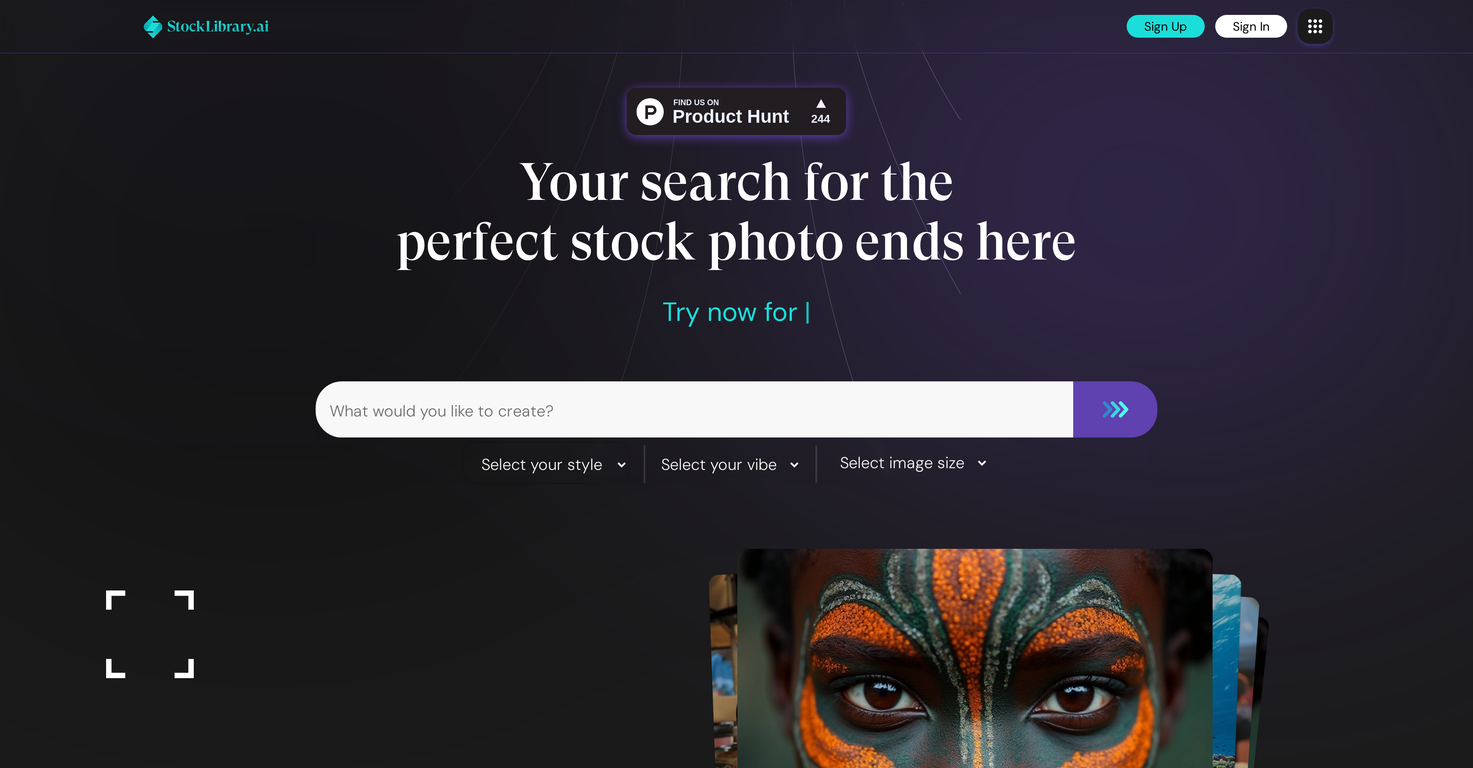
StockLibrary is an artificial intelligence tool that generates premium stock images. This tool focuses on providing diverse and authentic photos specifically tailored for your needs.
StockLibrary allows users to create and customize ultra-realistic stock photos instantly. Users can choose their preferred photographic style, ranging from minimalistic and cinematic to candid and classic looks, as well as the mood of the image, such as peaceful, professional, playful or nostalgic.
Users can select their desired image size or choose a custom size to create the perfect stock photo for their specific requirement. All images downloaded from StockLibrary come with complete royalty-free licensing, allowing content to be used across various platforms from websites to billboards without any restrictions.
StockLibrary also places a strong emphasis on ensuring cultural and ethnic accuracy within the photographs. Users are charged via a credit system with each downloaded image costing one credit.
However, various tiered payment plans are available. Free trial credits are given to new users to start generating and downloading images. StockLibrary also includes a Brand Profile feature that allows users to input brand-specific details to ensure the generated images align with their brand identity.
Releases
Top alternatives
-
Arvoly XSL🙏 122 karmaOct 31, 2023@Photo AIIt's not free, it forces you to input an email before shoving a price tag in your face.
-
Freepik helps people to create better designs, faster.
-
-
-
Love how it offers stuff for both free and premium users. huge thanks to the devs and keep it up!





 0
0





