What is the main purpose of Vidon.ai?
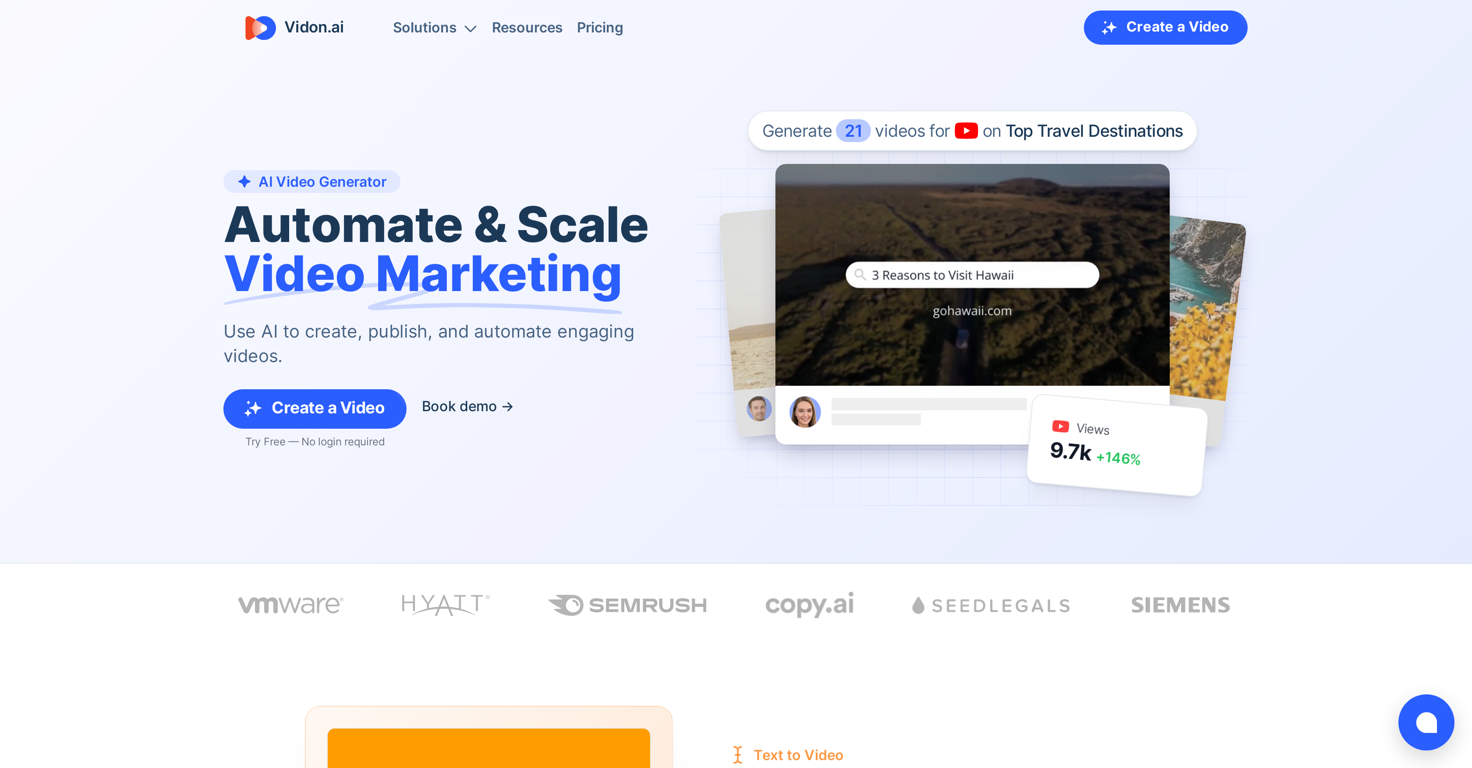
Vidon.ai's main purpose is to enable users to create engaging videos quickly and efficiently. It is designed to help users enhance their Google rank, increase their social media presence, and repurpose existing content in a video format.
How does Vidon.ai work?
Vidon.ai operates by transforming blog posts into videos. Users input the URL of their blog, select their preferred style, and Vidon.ai generates an engaging video from the blog's text, images, and style. The system also creates voiceovers in multiple languages using ultra-realistic AI voices.
What are the key features of Vidon.ai?
Some of the key features of Vidon.ai include automatic resizing of videos, instant sharing to social media, subtitles and transcription, and one-click translation. It also offers AI-powered voiceovers, a REST API for programmatically creating videos and spreadsheet editor for batch video creation.
How can I transform my blog into a video on Vidon.ai?
To transform a blog into a video on Vidon.ai, you simply enter the URL of your blog post and choose your preferred style. Vidon.ai will then generate a video using the blog's text, images, and style.
Does Vidon.ai offer any editing assistance or tips?
Yes, Vidon.ai offers real-time editing tips through the AI Video Assistant feature.
Can I share my videos on social media directly from Vidon.ai?
Yes, Vidon.ai provides an Instant Sharing feature allowing users to publish their video to social media in just a click.
What is the process to batch-create videos on Vidon.ai?
Batch-creating videos on Vidon.ai is done through the spreadsheet editor. This tool enables users to create a multitude of videos at once, saving them time and effort.
How does Vidon.ai's pricing model work?
Vidon.ai has a flexible pricing model. Users pay either for the number of videos they create each month or buy video credits that can be used when needed. Packages are differentiated based on the number of articles converted into videos each month and range from Individual, Team to Agency levels.
In what ways can Vidon.ai enhance SEO?
Vidon.ai enhances SEO by transforming written content into engaging video content, which Google prefers. This can improve a website's ranking on Google search results. Additionally, the tool's built-in subtitles and transcription feature can further boost SEO.
What kind of increases in social reach and click-through rates have Vidon.ai users reported?
Users of Vidon.ai have reported significant increases in their social reach, in some cases by over 600%. Click-through rates have also shown improvement, with some users reporting a two-fold increase.
What types of videos can I create with Vidon.ai?
With Vidon.ai, you can create a variety of video types including blog post teasers, testimonials, and explainer videos for marketing, training, or support.
Does Vidon.ai offer one-click translation?
Yes, Vidon.ai offers a one-click translation feature that can automatically translate your video into over 20 languages.
What are the benefits of using Vidon.ai for my Google rank?
By creating engaging video content, Vidon.ai can help your website rank better on Google, as Google tends to prefer sites with video content. Moreover, given that there's less competition in video content compared to written content, your videos have a greater chance of standing out and ranking higher.
How does Vidon.ai provide subtitles and transcription?
Vidon.ai provides subtitles and transcription by building them into the videos. This not only benefits SEO but also enhances accessibility for viewers.
Can I programmatically create videos using Vidon.ai?
Yes, Vidon.ai provides a REST API which allows users to create videos programmatically.
What support options does Vidon.ai have?
Vidon.ai provides Live Chat support for users. Additionally, depending on the package subscribed, Phone support is available too.
What happens to my unused video credits on Vidon.ai if I downgrade or stop using the service?
If you downgrade or stop using Vidon.ai service, all your unspent video credits are kept intact. You do not lose those credits.
Can I customize the colors, fonts, and logos on my Vidon.ai videos?
Yes, Vidon.ai allows you to customize the colors, fonts, and logos on your videos.
 KiloClaw - Managed 🦀
  Mini tools











 OpenThank you for your feedback, and I apologize for any inconvenience you experienced. We are currently working to ease the resolution constraints for user uploads. Your insights are invaluable to us.




 0
0





