 KiloClaw - Managed 🦀
  Mini tools
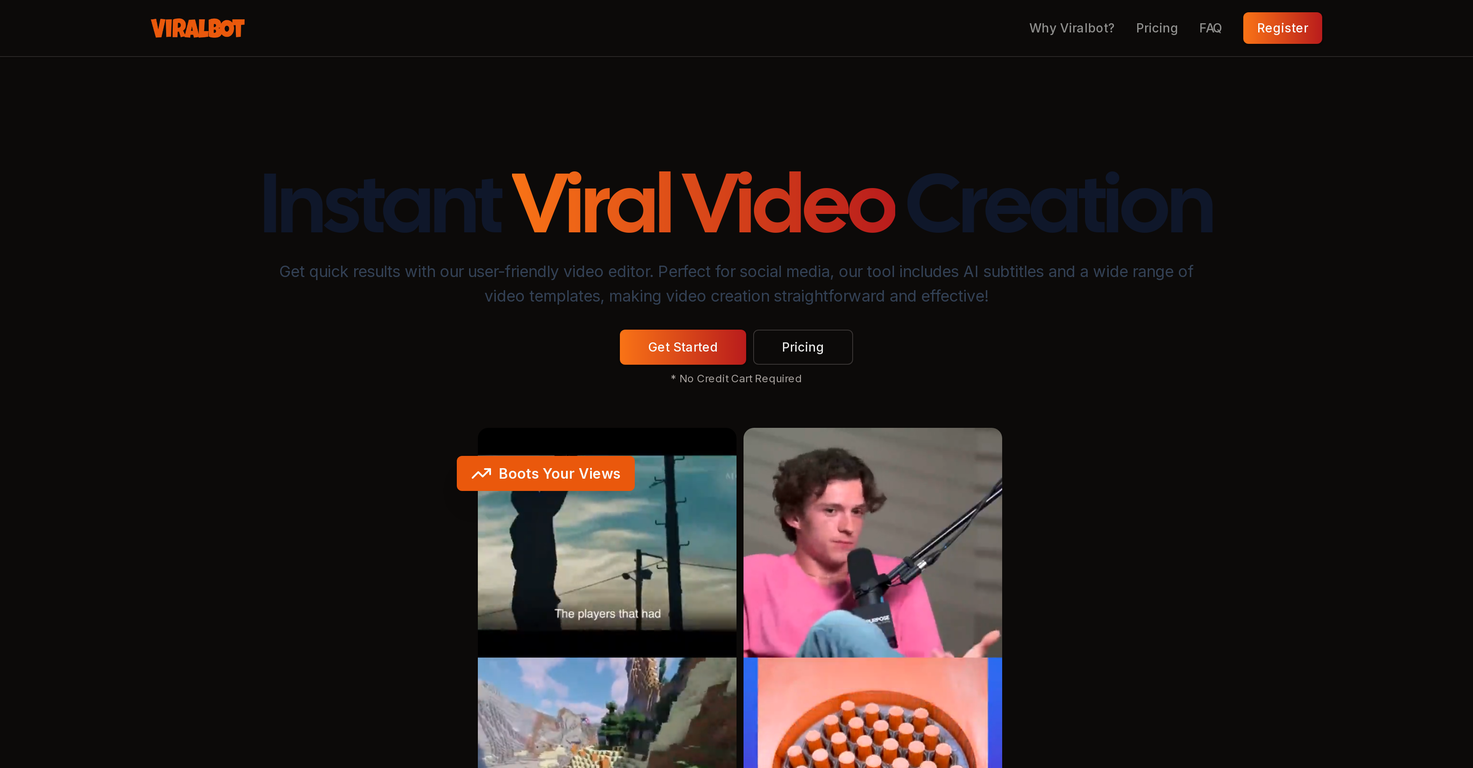
 Create viral videos with AI subtitles instantly

 Younet
 CleeAI
 Avataar's GenAI Creator
 Activepieces
 BigTeam
 Olivya
 Abstra
 Pipefy
 DoubleO
 Sreda.ai
 AI Agents
 Neferdata
 Quixl
Quixl
 Cubeo
Cubeo
 Sema4.ai
 Ridvay
 Cognition by Mindcorp
 Tray.io
 UiPath
 Mr David
 Averi AI
 Digibate
 The AI CMO
 DFIRST AI
 BrandJet AI
 Beno One
 BlueAlpha
 Markifact
 Layers
 ActiveCampaign
 Octo
Octo
 mavic.ai
 Swipe Insight
 BOSCO
BOSCO
 Planist
 Zenie
Zenie
 InstantPersonas
 LiftKit
 Sleek
Sleek
 Social Hub.AI
 Postiz
 Tufa
Tufa
 Statuz
 Contents Pilot
 Prismix
 Infinite∞Creator
 FlickBloom
 Sydium
 SocialEcho
 FameFlame
 Followr
 Quuu
Quuu
 SocialBu
 Planable
 SocialPost
 Munch Studio
 AI Marketer for LinkedIn
 BrandSocial
 Robopost AI
 Social Curator
 FlowPost
 RightBlogger
 EasyAI – AI Flow - No Code Content (Video/Image) Generation long form, Chatbots & Document Automation
 myAIninja
 Easy-Peasy.AI
 Leonardo AI
 Magicley AI
 ZestScout
 Clever CSV
 ChaiBar
 Storybeat
 Aiter – Marketing Content, Strategy and Ads Generator
 TextFX
 CASi Scout by Cntent
 Noiz Agent
 Akool
Akool
 Cabina.AI
 Notion AI
 HyperWrite | AI Writing Assistant
 Krater.ai









Overview
ViralBot is a user-friendly and intuitive video editor designed to simplify the video creation process, especially for social media platforms such as TikTok, YouTube Shorts, and Instagram.
As an automated tool, ViralBot can generate engaging and high-quality content with little effort from the user, making it ideal for those who require fast production without sacrificing the quality of their videos.
A distinct feature provided by ViralBot is the AI-generated subtitles, enhancing the accessibility of videos by automatically adding accurate subtitles in multiple languages.
This feature assists in making videos more inclusive, engaging, and far-reaching. ViralBot's process involves adding a video by uploading or using a Youtube link, after which their tool auto-pairs the main video with a secondary random video, making it unique to other editors.
Users can review, regenerate if unsatisfied, and finalize the video combination before downloading the finalized version. Keep in mind, the performance on social media platforms tends to favor shorter videos.
The tool also offers different pricing options, including free trials for first-time video creations.
Releases


Pricing
Top alternatives
-
 AI creates complete viral videos instantly.OpenRooh Ul amin🛠️ 2 tools 🙏 4 karmaFeb 23, 2026@Meta Description Template Generator SeoptimerBest working



 0
0





