

 Mini tools
VM0 - Zero
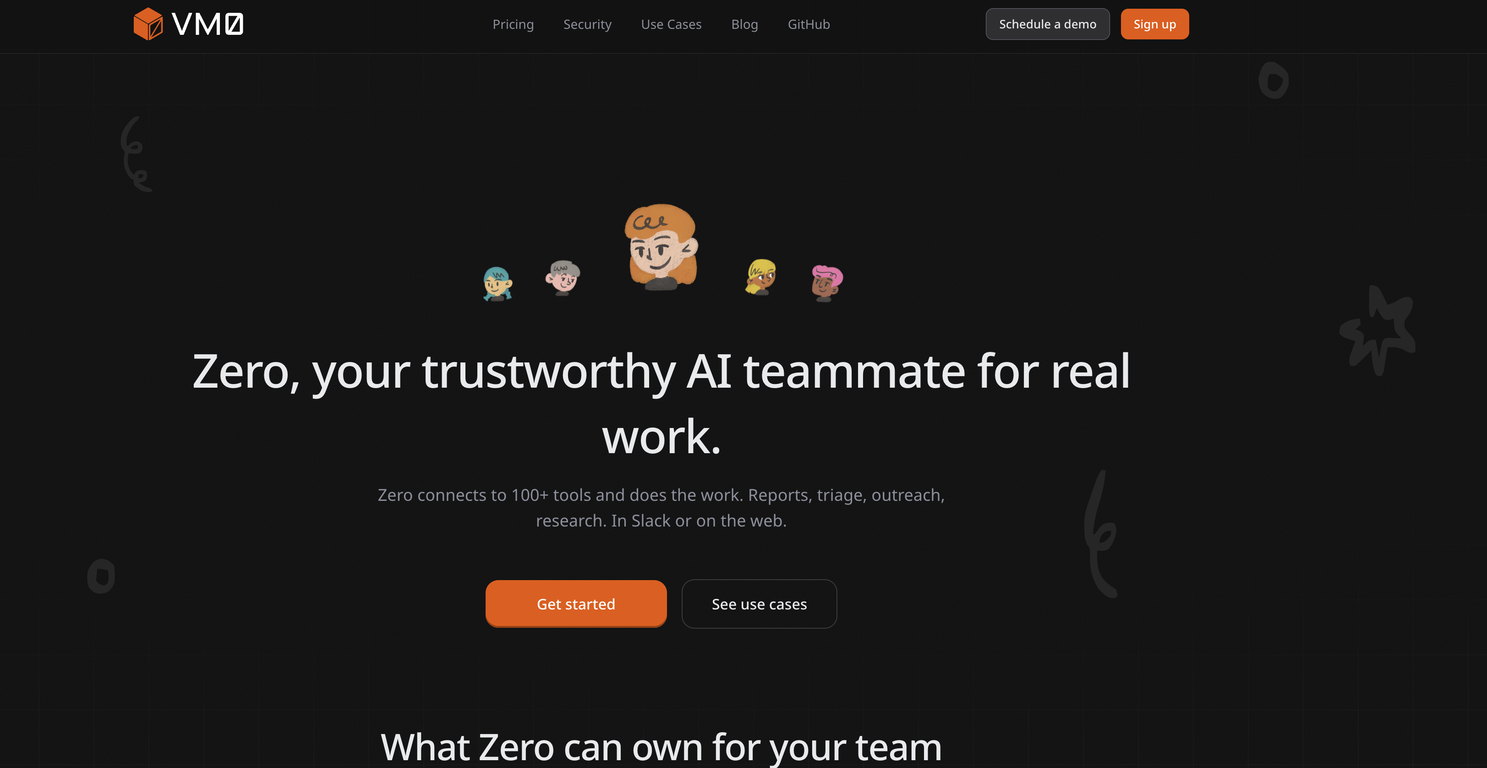
 Your trustworthy AI teammate for real work.
Go to 🤖 Task automation
 SureThing.io - "OpenClaw" for Beginners
 Tendem
 Manus
Manus
 Raccoon AI
 Autopilots by Athena AI
 Adapt
Adapt
 Barie AI
 Taskade
 Lindy
Lindy
 Hints
Hints
 Base44 Superagents
 Palmos AI: Automate with AI Agent Teams
 Viktor
 Perplexity Computer
 DoMyWork
 Adaptive AI
 Aident AI
 Bardeen
 Kortix Suna
 Komos - Meet your AI coworker
SureThing.io - "OpenClaw" for Beginners
298,603
Tendem
251,258
Manus
89,949
Raccoon AI
67,643
Autopilots by Athena AI
53,853
Adapt
53,461
Barie AI
41,655
Taskade
34,914
Lindy
27,832
Hints
23,748
Base44 Superagents
20,247
Palmos AI: Automate with AI Agent Teams
18,647
Viktor
17,096
Perplexity Computer
10,982
DoMyWork
8,610
Adaptive AI
8,485
Aident AI
8,082
Bardeen
7,450
Kortix Suna
7,191
Komos - Meet your AI coworker
6,931
Go to 🚀 Productivity
📚
Knowledge
(248)
🔍
Research
(180)
📧
Email
(145)
💼
Personal assistant
(106)
🤖
Task automation
(100)
🔎
Search
(87)
📋
Task management
(85)
📝
Notes
(50)
🌐
Web browsing
(46)
💻
Operating systems
(41)
🎯
Goals
(32)
🔎
Problem solving
(24)
⌛
Time management
(20)
🗄️
Workspace organization
(10)
📈
Productivity advice
(9)
📝
Form filling
(8)
 TheLibrarian.io
 Supernormal App
 Saidar
 MiroAI
 Collate
 Runable
 ComputerX
 Slashspace (Formerly RabbitHoles AI)
 AiAssistWorks - GPT Gemini Claude AI for Sheets Docs Slides
 ConsoleX AI
 Ask Steve
 Kolva
Kolva
 Alfred by Simbli.ai
 Affint
 Octofy
 Sup AI
 BrowseWiz
 ZeroTwo
 Support Flow
 Hyperis
TheLibrarian.io
646,174
Supernormal App
208,149
Saidar
133,889
MiroAI
131,810
Collate
131,170
Runable
125,592
ComputerX
124,581
Slashspace (Formerly RabbitHoles AI)
120,533
AiAssistWorks - GPT Gemini Claude AI for Sheets Docs Slides
114,218
ConsoleX AI
68,787
Ask Steve
52,429
Kolva
44,558
Alfred by Simbli.ai
43,624
Affint
40,450
Octofy
40,088
Sup AI
37,365
BrowseWiz
36,976
ZeroTwo
36,937
Support Flow
33,781
Hyperis
30,463

VM0 - Zero
Inputs:
Outputs:
Your trustworthy AI teammate for real work.
Overview





Overview
Socials:





https://www.vm0.ai
Zero is an AI teammate. Available in Slack and Web. It handles the operational work your team is already doing manually: communication updates, cross-functional alignment, documentation, etc., and gives that time back to the people you're paying to do real work.
Here's what it actually does:
- Pulls context from the tools your team already uses: emails, calendars, meetings, Linear, Notion and more, so nothing important falls through the cracks across platforms
- Monitors project status on automated schedules and reports to the right people and departments, so everyone stays aligned without someone manually chasing updates
- Goes beyond just reading information: Zero drafts emails, messages, posts, and operates, loops in the right people, and assigns tasks: all traceable and auditable so nothing happens outside your control
It's designed for leaders and teams wanting to spend time on real work, not coordination overhead.
Supported features
Show more
Releases
Get notified when a new version of VM0 - Zero is released
Notify me
April 15, 2026
Initial release of VM0 - Zero.
Author

Pricing
Pricing model
Freemium
Paid options from
$20/month
Billing frequency
Monthly
Keeping you safe
Good to know
Top alternatives
-
 First General AI Agency. Designed for long-horizon tasks.Bonnie🙏 31 karmaMar 5, 2026@SureThing.io - "OpenClaw" for BeginnersI've put about 30-40 hours into SureThing, and it's seriously been a game-changer, basically acting like a virtual COO for my business!
 -
 AI + Human Agent to get tasks doneI work on the Tendem team, so take this with that context — but I also use the product constantly for my own work. I've used Tendem to research AI directories — finding relevant ones, pulling submission requirements, organizing everything into a spreadsheet I could act on. I've also used it for copy edits — sending over drafts and getting back tightened, polished versions without going back and forth with a prompt ten times. The thing that keeps me coming back is how little I have to think about the handoff. I describe what I need, send it, and move on to something else. It's slower than getting a ChatGPT response, sure. But I get something finished — not a starting point I still need to rework. When you use AI tools for this kind of work, you trade waiting time for cleanup time. Tendem flips that. I'd rather wait and get a result I can use than get a fast draft I have to fix myself.
 -
 Turn your thoughts into actions with AI
 -
 The AI Coworker for Apps, Research, Docs & Everything ElseWe're live folks! Do check us out and drop your feedback or requests.
 -
 Autonomous AI agents that execute tasks for you.Fast, Easy to use and makes repetitive tasks easy
 -
 The AI-native Way to Work | Company Brain | Universal AI agent


#2335
1
0



