What is Vmake AI?
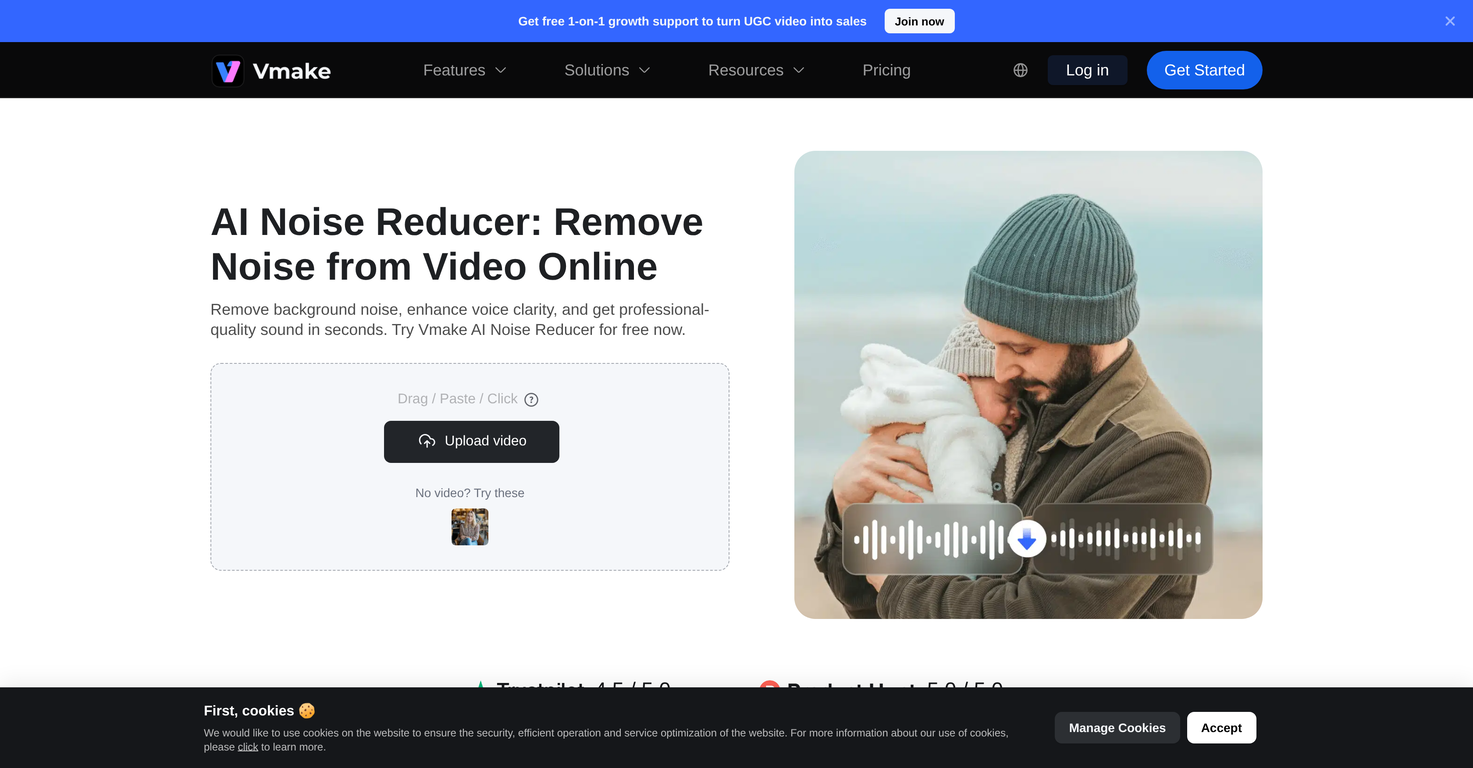
Vmake AI is a noise reduction tool specifically designed to enhance audio quality by identifying and reducing background noises in videos. It is suitable for a wide range of users, including content creators, marketers, educators, interviewers, podcasters, and field reporters. The tool's functionality allows it to remove noises from videos, improve the clarity of human voices, and maintain the authenticity of real-world recordings. It operates exclusively online and requires no traditional software installations.
What makes Vmake AI different from other noise reduction tools?
Vmake AI differentiates itself from other noise reduction tools with its comprehensive feature set. It supports both small and large video file handling, offers intuitive interface for an effortless user experience, and provides preview option before the final download of the improved clip. Unique to Vmake AI, it enhances human voice in the videos and retains the real-world feel of the video after noise reduction. Furthermore, Vmake AI employs advanced AI technology to accurately detect and minimize unwanted noises while keeping the main voices clear.
Is Vmake AI accessible online?
Yes, Vmake AI is fully accessible online. All its features and functions, including video uploading, noise reduction processing, and video downloading, are conducted in your web browser.
Is Vmake AI user friendly?
Yes, Vmake AI is unequivocally user-friendly. It features an intuitive interface, making for an effortless usage experience. Users don't need to handle tasky steps or processes — they simply upload the video and let the AI handle the noise reduction. Plus, users can effortlessly preview their clip before downloading, ensuring a smooth process even for those who are not technologically savvy.
How does Vmake AI enhance the human voice?
Vmake AI enhances human voice in videos by accurately identifying and reducing background noises, while preserving the main voices in the video. This makes the videos much easier to watch and understand. It doesn't employ robotic voices, keeping all voices natural and genuine.
Can Vmake AI remove all background noises?
While Vmake AI is designed to reduce a wide range of background noises in videos, including wind, traffic, static, and various other distractions, it might not remove extremely loud sounds. However, it works meticulously to ensure voices are as clear as possible.
Does Vmake AI change the original voice in the video?
No, Vmake AI doesn't change the original voice in the video. It is not a voice changer or voice-over tool, and it is designed to keep your voice authentic while eliminating unwanted noises.
Can Vmake AI support video optimization?
Yes, Vmake AI supports video optimization. By accurately identifying and reducing background noises while enhancing the clarity of the main voices, it considerably improves the viewing experience.
Do I get the chance to preview my video after noise reduction before downloading?
Yes, Vmake AI provides an option for users to preview their videos after noise reduction and before downloading. This feature ensures user satisfaction with the process and the results before completing the download.
Does Vmake AI provide audio clarity?
Yes, Vmake AI provides significant audio clarity. It accurately identifies and eliminates background noises, whilst ensuring the main voices in the video remain clear, thereby improving the overall sound quality of the video.
Is Vmake AI suitable for use in educational content creation?
Absolutely, Vmake AI is well-suited for educational content creation. It helps educators by creating clean, professional audio for recorded lessons, reducing noise from fans, streets, or room echoes, and enhancing the clarity of human voices, thereby improving the quality and the teaching effectiveness of the educational content.
Can Vmake AI handle real-world noises from field recordings?
Yes, Vmake AI is capable of handling real-world noises from field recordings. Be it street noises or sounds in the natural surroundings, it can identify and reduce these while keeping the necessary voices clear and intact, ensuring the real-world feel of the video is not lost post processing.
How efficient is Vmake AI in unwanted noise detection?
Vmake AI shows high efficiency in unwanted noise detection. It employs advanced AI technology to identify and eliminate background noise such as wind, traffic, static, and other distractions, while enhancing the clarity of the main voices in the video.
Can Vmake AI be used in podcasting?
Yes, Vmake AI can be used in podcasting. Podcasters can benefit from its noise reduction capabilities, improving the audio quality of their video podcasts, guest recordings, and group talks, making their content more professional and enjoyable.
Is Vmake AI a suitable tool for marketers?
Yes, Vmake AI is a highly suitable tool for marketers. It helps improve product demos, brand videos, ads, training materials, and user-generated content by reducing background noises and enhancing the clarity of the audio, leading to a more engaging and superior viewing experience for the target audience.
Can Vmake AI be used to enhance social media videos?
Yes, Vmake AI can be used to enhance social media videos. It offers significant improvements to audio quality by reducing background noise and bringing clarity to voices, making videos easier to watch and understand, which can contribute to more user engagement and better retention on social media platforms.
Does Vmake AI lose the real-world feel when removing noise?
No, Vmake AI maintains the real-world feel of videos despite background noise reduction. It is designed to reduce unwanted sound in videos, but it does so in a way that does not compromise the authentic ambience of the original recording.
What types of background noises can Vmake AI handle?
Vmake AI can handle various types of background noises, from common disturbances like wind, traffic, static, air conditioners, and fans, to crowd noises and other distractions. By doing so, it ensures the main voices stay clear and comprehensible.
 KiloClaw - Managed 🦀
  Mini tools



 So You Want To Be A Writer?
 Minka
Minka
 Ancient AI powered spirits
 Jvb ai
 somacguffin
 Cuty
Cuty
 Superfly Stoner








 Velma Transcribe by Modulate


 0
0





