
 Mini tools
▼ Latest
Editing
Free mode
100% free
Freemium
Free Trial
Other tools
-
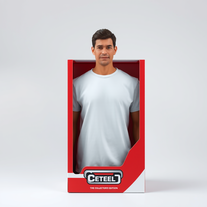 Transform yourself into a hyperrealistic collectible action figure.Open
 -
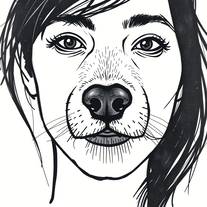 Transform photos into cinematic graffiti portraits.OpenLogInGamezYT🙏 2 karmaOct 30, 2025@Hand-Sketched Urban Graffiti Portrait — Realistic Reference Edition:D :D :D :D :D :D :D :D :D :D :D :D :D :D :D
 -
 Turn academic jargon into human conversation.Open
 -
It has content filters and there is no option to use a system prompt.
- Sponsor:
 Base44💻 Vibe coding
 -
 AI writing assistant that detects your intent and creates tailored content.Open
 -
 Craft AI-powered single-purpose tools autonomouslyOpenGood app if u struggling with prompt
 -
 AI-powered writing enhancer for polished, professional text.OpenSays I submitted inappropriate content. It's a freeking report on Puerto Rico.
 -
Creative improvement of an existing professional logo. Not all prompt instructions were applied.
-
 Become a fantasy tavern character for Christmas.Open
 - Didn't find the AI you were looking for?
-
 Professional comic book script writing correction, correcting it into the anatomy of comic book script writing formatTurn comic scripts into industry-standard masterpieces.Open
 -
 Translate complex ideas into mystical insights.Open
 -
 Elevate your Hindi writing with AI-powered guidance.Open
 -
 Your AI assistant for dynamic, genuine dating chats.Open
 -
 Open
Open -
 Transform any scene into mesmerizing long-exposure art.OpenChanged the prompt to improve results.
 -
 Transform your images with AI — effortlessly enhance, edit, or reimagine any picture using advanced image-to-image generation. Perfect for creatives, designers, and anyone looking to bring visual ideas to life.OpenNot at all accurate…. The only thing similar between original and generated images were the clothes and accessories… face was absolutely new and unconnected.
 -
-
 Professional AI email generator for persuasive business communication.Open
 -
 Open
Open -
your answer is much too general, so useless. You could have just tell me to ask Perplexity.
-
-
 Open
Open -
 Open
Open -
 Creates ultra-realistic cinematic portraits from your photos.Open
 -
 Open
Open -
 Transform photos into cinematic selfies with gorilla companions.Open
 -
 Transform yourself into cinematic dessert scenes.Open
 -
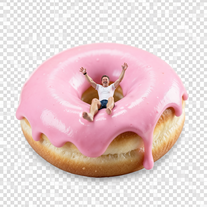
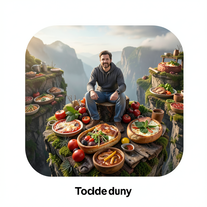 Transform photos into cinematic giant food landscapes.Open
 -
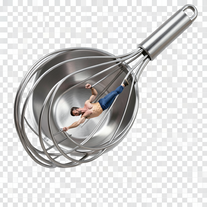
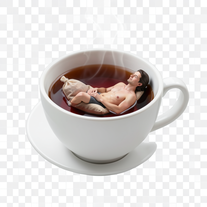
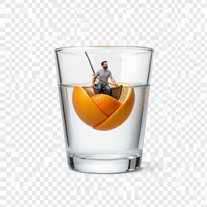
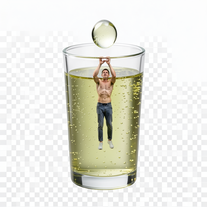
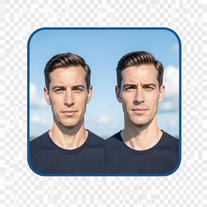 Create cinematic photos with giant and miniature versions of yourself.Open
 -
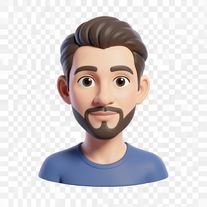 Transform photos into bold 3D caricature portraits.OpenAlways generate a portrait with earrings, even when it's a man?
 -
 Generate ultra-realistic candid photography with facial recreation.Open
 -
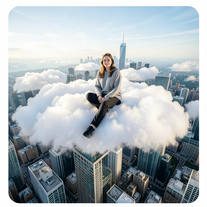 Open
Open -
 Transform ordinary photos into ultra-realistic cinematic scenes.Open
 -
 Transform photos into cinematic scenes with perfect precision.Open
 -
 Create cinematic photos of specific people in surreal scenarios.Open
 -
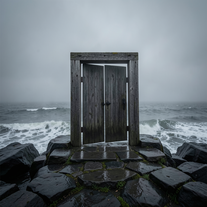 Creates ultra-realistic cinematic photographs of people through mystical doorways.Open
 -
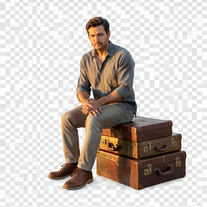 Creates hyper-realistic 8K cinematic photographs featuring surreal human-animal interactions.Open
 -
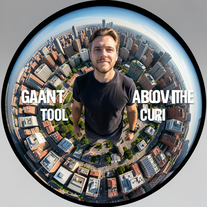 Transform portraits into cinematic fisheye masterpieces.Open
 -
 Transform ordinary scenes into extraordinary cinematic adventures.Openjust put your photo ok
 -
 Transform photos into cinematic 8K investigation boards.Open
 -
 Transform photos into stunning 8K architectural blueprint portraits.Open
 -
 Transform any portrait into a hyper-realistic volcanic stone masterpiece.Open
 -
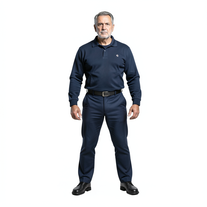 Transform photos into cinematic exoskeleton portraits.Open
 -
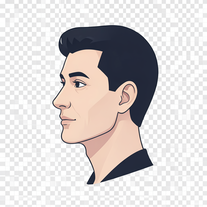 Transform photos into stunning 8K futuristic artwork.Open
 -
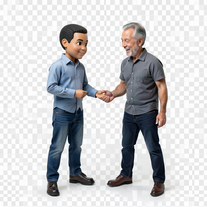 Transform photos into hyper-realistic miniature scenes.Open
 -
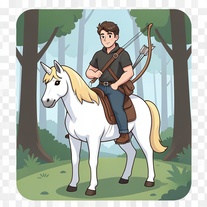 Open
Open -
 Open
Open -
 Open
Open -
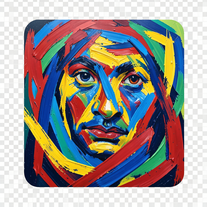 Transform photos into de Kooning-style abstract masterpieces.Open
 -
 Open
Open -
 Transform photos into cinematic synthwave masterpieces.Open
 -
 Open
Open -
 Open
Open -
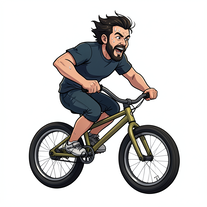 Transform photos into cinematic action portraits.Open
 -
 Transform photos into Hollywood-style action movie posters.Open
 -
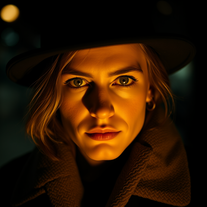
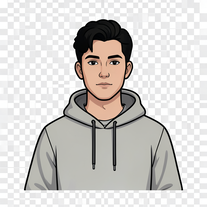 Transform your portrait into a cinematic night street scene.Open
 -
 Transform photos into epic 3D cartoon characters.Open
 -
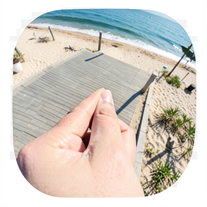 Creates ultra-realistic forced-perspective beach photos where you appear tiny.Open
 -
 Transform your photo into a cinematic masterpiece.Open
 -
 Transform photos into vibrant comic book illustrations.Open
 -
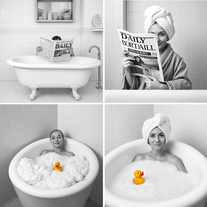
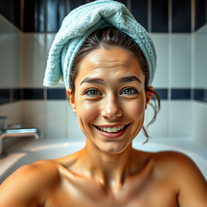
 Transform photos into hilarious cartoon wake-up scenes.Open
 -
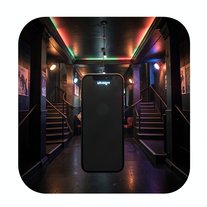 Create ultra-realistic selfies with The Mask characters.Open
 -
 OpenVideo editing is the process of selecting, trimming, and arranging footage to create a cohesive story or visual narrative. Here are some fundamental concepts and techniques: Types of Video Editing Linear editing: A straightforward, sequential approach to editing, where clips are arranged in a linear timeline. Non-linear editing: A more flexible approach, where clips can be arranged and rearranged freely in a timeline. Key Video Editing Techniques Cutting: A transition between two clips, where one clip ends and another begins. Cutting on action: Cutting between two clips while an action is in progress, to create a seamless transition. J-cut: Cutting from one clip to another while audio from the second clip starts playing before the video cuts to it. L-cut: Cutting from one clip to another while audio from the first clip continues to play. Video Editing Software Popular video editing software includes: Adobe Premiere Pro: A professional-level editing software with advanced features and integration with other Adobe tools. Final Cut Pro: A professional-level editing software for Mac users, known for its user-friendly interface and advanced features. DaVinci Resolve: A free and paid editing software that offers advanced color grading and audio editing tools. Best Practices for Video Editing Plan your edit: Develop a clear vision and storyboard before starting to edit. Organize your footage: Label and categorize your clips to make them easily accessible. Keep it simple: Avoid overusing transitions and effects; focus on telling a clear story. Advanced Video Editing Techniques Color grading: Adjusting the color and brightness of footage to create a specific mood or atmosphere. Audio ducking: Automatically reducing the volume of background audio when dialogue is present. Motion graphics: Adding animated text, logos, or other graphics to enhance the visual narrative. Video editing involves selecting, trimming, and arranging footage to create a cohesive story. Linear and non-linear editing are two fundamental approaches. Key techniques include cutting, cutting on action, J-cuts, and L-cuts. Popular software includes Adobe Premiere Pro, Final Cut Pro, and DaVinci Resolve. Best practices involve planning, organizing footage, and keeping it simple. Advanced techniques include color grading, audio ducking, and motion graphics. Capcat pro Capcat pro Download image-to-image-generator generated imagetransparent pixel Image to Image Generator Image to Image Generator Download image-to-image-generator generated imagetransparent pixel Image to Image Generator Image to Image Generator Download image-to-image-generator generated imagetransparent pixel Image to Image Generator Image to Image Generator Download image-to-image-generator generated imagetransparent pixel Image to Image Generator Image to Image Generator Download image-to-image-generator generated imagetransparent pixel Image to Image Generator Image to Image Generator Download image-to-image-generator generated imagetransparent pixel Image to Image Generator Image to Image Generator Download image-generator generated imagetransparent pixel Image Generator Image Generator Copy Video Editing Basics Video editing is the process of selecting, trimming, and arranging footage to create a cohesive story or visual narrative. Here are some fundamental concepts and techniques: Types of Video Editing Linear editing: A straightforward, sequential approach to editing, where clips are arranged in a linear timeline. Non-linear editing: A more flexible approach, where clips can be arranged and rearranged freely in a timeline. Key Video Editing Techniques Cutting: A transition between two clips, where one clip ends and another begins. Cutting on action: Cutting between two clips while an action is in progress, to create a seamless transition. J-cut: Cutting from one clip to another while audio from the second clip starts playing before the video cuts to it. L-cut: Cutting from one clip to another while audio from the first clip continues to play. Video Editing Software Popular video editing software includes: Adobe Premiere Pro: A professional-level editing software with advanced features and integration with other Adobe tools. Final Cut Pro: A professional-level editing software for Mac users, known for its user-friendly interface and advanced features. DaVinci Resolve: A free and paid editing software that offers advanced color grading and audio editing tools. Best Practices for Video Editing Plan your edit: Develop a clear vision and storyboard before starting to edit. Organize your footage: Label and categorize your clips to make them easily accessible. Keep it simple: Avoid overusing transitions and effects; focus on telling a clear story. Advanced Video Editing Techniques Color grading: Adjusting the color and brightness of footage to create a specific mood or atmosphere. Audio ducking: Automatically reducing the volume of background audio when dialogue is present. Motion graphics: Adding animated text, logos, or other graphics to enhance the visual narrative. Video editing involves selecting, trimming, and arranging footage to create a cohesive story. Linear and non-linear editing are two fundamental approaches. Key techniques include cutting, cutting on action, J-cuts, and L-cuts. Popular software includes Adobe Premiere Pro, Final Cut Pro, and DaVinci Resolve. Best practices involve planning, organizing footage, and keeping it simple. Advanced techniques include color grading,
 -
 Transform photos into vintage woodcut engravings with facial accuracy.Open
 -
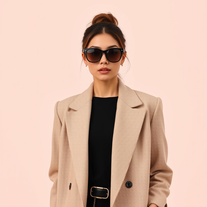 Open
Open -
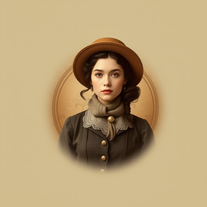 Transform photos into stunning vintage portraits with AI.Open
 -
 Transform blurry images into stunning ultra-high resolution masterpieces.Open
 -
 Open
Open -
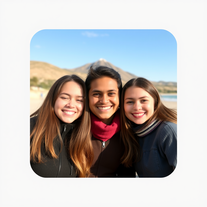
 Generate hyper-realistic portraits while preserving 100% facial identity.Open
 -
 Transform photos into hyper-realistic wooden twig portraits.Open
 -
 Generate professional headshots for job applications.OpenI have just used this to build out headshot images for my team – roughly 40 people! I think two of the images were not exactly correct (myself, to be fair, and another who only has a poor-quality image), and that is what I want to note! Even so, most of the images were very low-rez and poor-quality – this programme was freaking amazing! I actually cannot praise it enough!! The free version is actually incredible!!! xx I will be using it in the future as my go-to, and I will gladly pay for the extended benefits!
 -
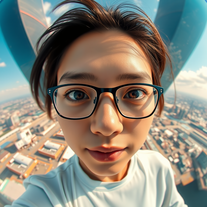 Create hyper-realistic fisheye skyscraper selfies with precise facial reproduction.Open
 -
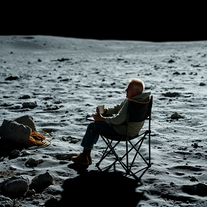
 Transform your vision into stunning futuristic realities.Open
 -
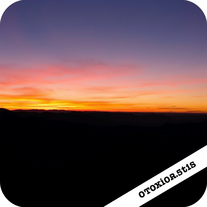 Transform ordinary scenes into stunning visual masterpieces.Open
 -
 Transform your photo into a cinematic New Year celebration.Open
 -
 Transform portraits into cinematic window masterpieces.Open
 -
 Transform ordinary images into luminous masterpieces with AI-powered shining effects.Open
 -
 Open
Open -
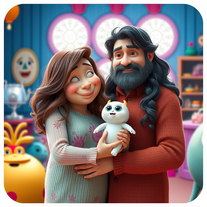 Transform family photos into magical Monsters Inc. scenes.Open
 -
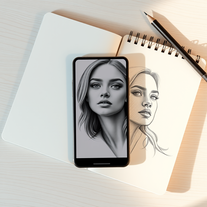
 Transform any photograph into elegant engraving-style line art.Open
 -
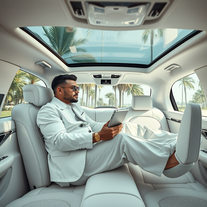 Transform yourself into luxury lifestyle photos.OpenFlipping crazy good!
 -
 Transform your photo into El Chavo del 8 memories.Open
 -
 Open
Open -
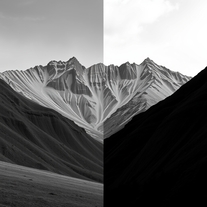
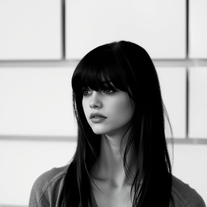 Transform colorful photos into stunning black-and-white masterpieces.Open
 -
 Create hyper-realistic beach party scenes for personal branding.Open
 -
 Transform yourself into a Fast & Furious action hero!Open
 -
 Open
Open -
 Star in paparazzi photos with celebrities.Open
 -
 Turn your photo into cinematic 8K poster magic.Open
 -
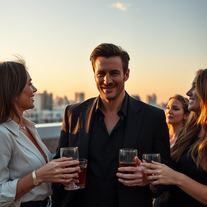 Transform yourself into hyper-realistic celebrity group photos.Open
 -
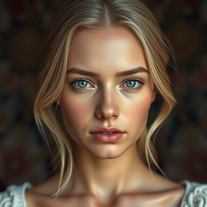
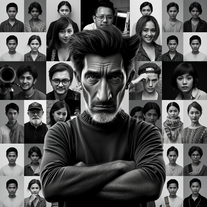 Transform your photo into stunning 8K hyper-realistic portraits.Open
 -
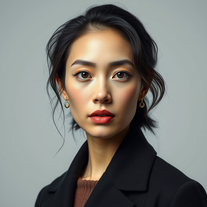 Transform your photos into stunning hyper-realistic studio portraits.Open
 -
 Transform photos into stunning, business-ready portraits.Open
 -
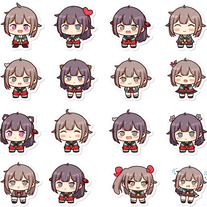 Transform any image into adorable chibi sticker sheets.Open
 -
 Open
Open -
 Transform photos into cinematic movie scenes.Open
 -
 Transforms verbose text into razor-sharp, high-impact language.Open
 -
 Transform any photo into a giant parade balloon.Open
 -
 Transform any photo into hilarious Christmas lap portraits with Santa!Open
 -
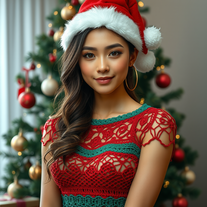 Transform photos into cinematic Christmas portraits.Open
 -
 Transform photos into epic warrior battle scenes.Open
 -
 Transform photos into ultra-realistic studio portraits.Open
 -
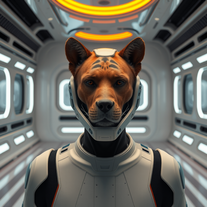 Transform photos into cinematic movie scenes instantly.Open
 -
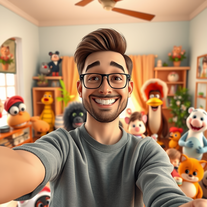
 Transform photos into cinematic scenes with cartoon characters.OpenNot what I expected . Need more info
 -
 Transform photos into whimsical art masterpieces.Open
 -
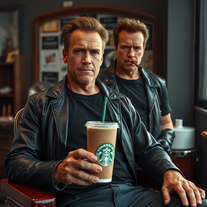 Transform photos into cinematic Arnold Schwarzenegger barbershop scenes.Open
 -
-
 Open
Open -
 Transform messy lyrics into polished song structures.Open
 -
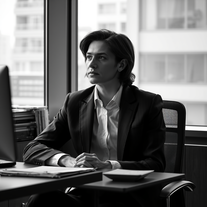 Transform any photo into stunning black-and-white editorial portraits.Open
 -
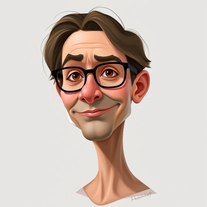 Transform photos into stunning semi-realistic caricature portraits.Open
 -
 Transform photos into ultra-realistic Disney park portraits.Open
 -
 Open
Open -
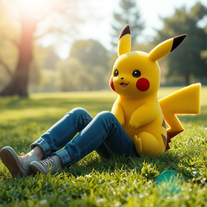 Transform photos into cinematic scenes with lifelike Pikachu.Open
 -
 Transform photos into cinematic 8K portraits with Minions.Open
 -
 Transform your photo into an ultra-realistic beach scene with SpongeBob!Open
 -
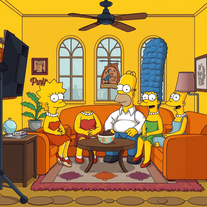 Transform yourself into a live-action Simpsons character.Open
 -
 Open
Open






















































Lists
-
Tools for Editing Wedding Videos and PhotosPublicSubscribe3413









-
Best AI tools for photo editingPublicSubscribe88






Post





