
 Mini tools
▼ Latest
Ai tool maker
Free mode
100% free
Freemium
Free Trial
Featured matches
-
 NextDocs v1.7.0 - Motion Animations, Video Export, and More Released: March 2026 Animate any object on your slides. Export to video. Present with confidence. NextDocs v1.7.0 adds motion animations to presentations. Select any element on the canvas and assign entrance, exit, or emphasis animations. Preview directly in the editor, then present full-screen with keyboard controls. The AI assigns appropriate animations automatically when generating slides. Describe what you need. AI generates animated presentations. You get ready-to-present results. --- Motion Animations Every object on the canvas can be animated. Text, images, shapes, charts, diagrams. Select an element, open the motion panel, and choose an animation. Animations are organized in beats. Logical groups that play together. Each presentation supports up to 20 beats, reorderable by dragging in the sidebar. What makes this powerful: - Stagger animations: group objects and have them animate one by one with a delay - Drag-and-drop ordering: rearrange animation sequences visually - In-editor preview: see animations without entering presentation mode - Auto-play after generation: AI picks sensible animations and plays them automatically - Keyboard navigation: arrow keys to advance, spacebar to play, escape to exit Use cases: - Pitch decks: reveal key numbers one at a time for dramatic effect - Lecture slides: step through formulas and diagrams progressively - Sales presentations: build visual stories that guide attention - Conference talks: control pacing so the audience focuses on what you are saying --- Video Export Create animated content and export the full sequence as an MP4 file. No external video editing software needed. What you can create: - Short explainer videos for social media - Animated infographics for reports - Product walkthroughs and demos - Educational video content for courses The AI generates motion-ready slides designed for video output. The export pipeline handles concurrent frame capture and produces a clean MP4 you can share directly. --- Page Transitions Presentations now support smooth fade and slide transitions between pages. Combined with motion animations, your slides flow naturally from one to the next. --- Also in v1.7.0 Keyboard Shortcuts Full keyboard control in presentation mode. Arrow keys, spacebar, escape. Faster Template Browsing Images preload in the background for instant display. WebP Blog Images Blog pages load faster with optimized image formats. i18n System New unified management system with audit tooling across 13 languages. About Page New company About page with full localization. Redesigned Marketing Pages New hero section, animated statistics, improved template browsing with category chip labels. Mobile responsiveness improved across all pages. --- Who is this for? Business Professionals Pitch decks, sales presentations, and quarterly reviews with animated reveals. Teachers and Professors Lecture slides with progressive reveal of complex concepts. Students Thesis defenses and coursework presentations with professional animations. Content Creators Animated explainer videos and social media content, exported as MP4. Engineers and Designers Technical walkthroughs and product demos with controlled pacing. --- Try It Go to nextdocs.io. Open a presentation. Add your first animation. If you have ever wished your AI-generated slides had more visual storytelling, v1.7.0 delivers that. - The NextDocs Team
 -
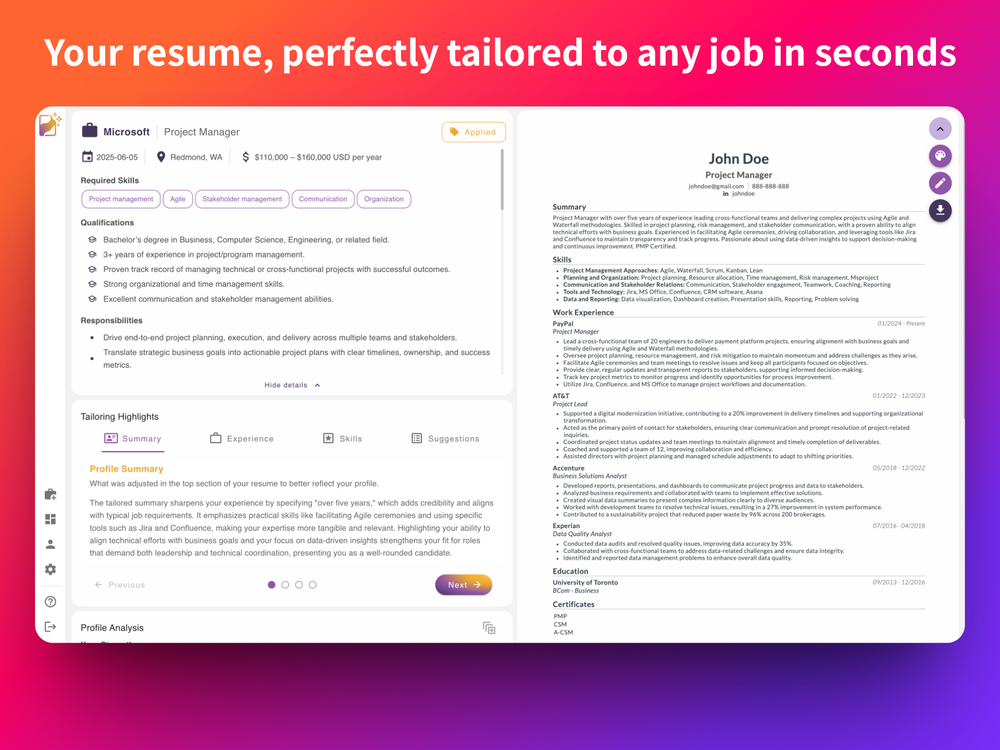
 Carlos🙏 24 karmaJun 19, 2025@ReztuneDefinitely the best AI resume tailoring I've used so far. Easy to use, without the typical bloat, and the results were actually impressive.
 -
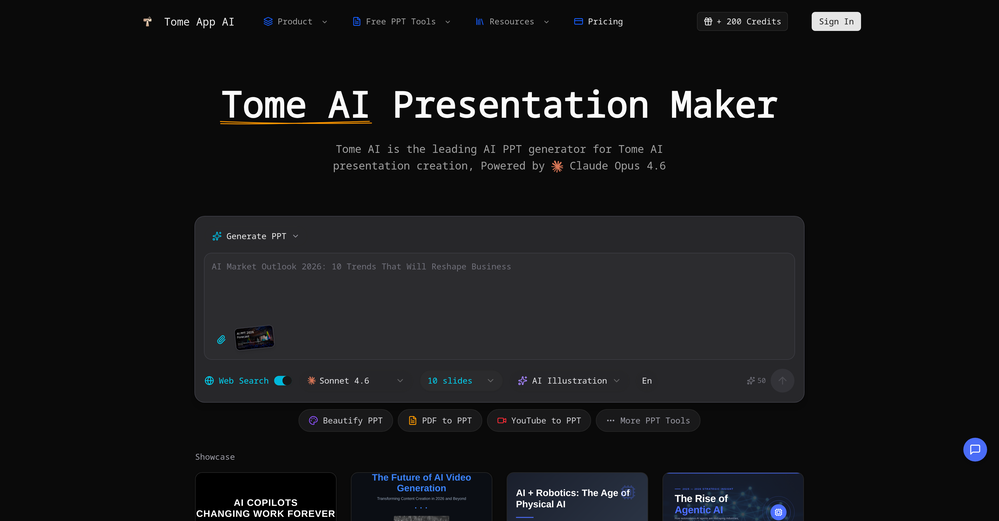 made a presentation for my site with just 1 prompt, lol how did the AI get so much information out of my website lol
 -
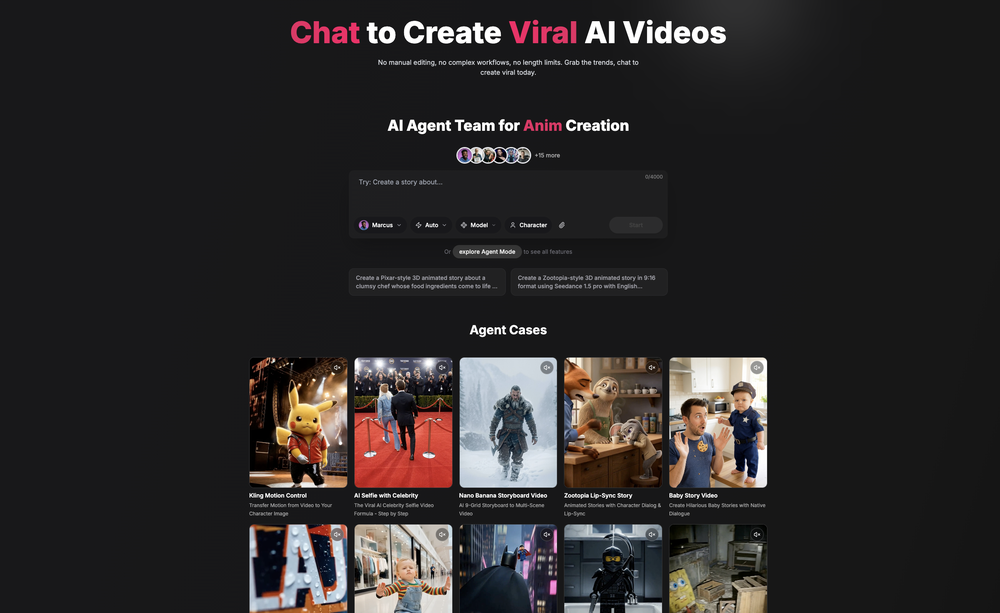 Been using CloneViral for my UGC ad campaigns and it's honestly a game-changer. The Agent Mode feature is what sold me - you basically describe what you want, and their AI agents collaborate to handle everything from scripting to final video. No more jumping between 5 different tools. The UGC Ads generator is surprisingly good. I can create authentic-looking user testimonials and product demos in minutes instead of hiring creators or spending days editing. Quality is solid enough that my clients can't tell the difference. Not perfect, but for the price and time it saves me, it's become essential in my workflow. If you're doing any kind of social media marketing or content creation at scale, worth trying out.
 -
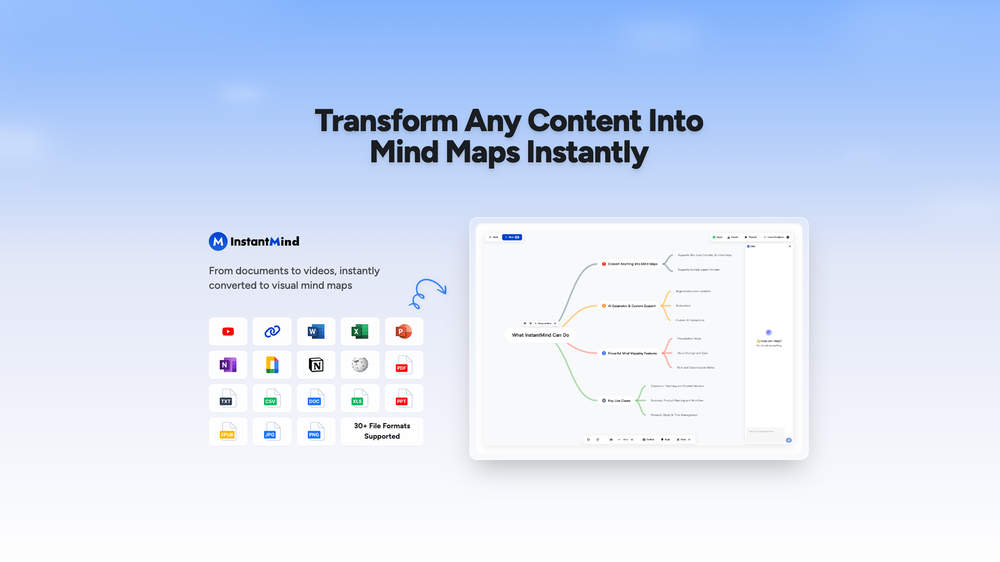 This is truly a wonderful experience that brings joy and delight.








Verified tools
-
 The Smartest Way to Capture, Transcribe & Summarize AnythingOpenVery smooth and effective. It could detect even Hindi language and could summarise pretty reasonably
 -
Generating captions was super fast like seconds. Wish they had Anton font though
-
We're live folks! Do check us out and drop your feedback or requests.
-
ppt.ai has saved me at least 80% of the time spent on making PPTs. I just need to submit rough ideas or drafts to ppt.ai, and it can create a relatively usable PPT. This is simply amazing! Although some revisions and optimizations are still needed afterward, it’s already a huge relief compared to starting from scratch.
- Sponsor
 Base44 Superagents-AI agent that does it all
 -
 Your AI presentation agent for instant professional slides.OpenA great AI presentation maker
 -
 OpenThe features are incredibly comprehensive. I really love it — the AI videos I created got a ton of praise when I shared them. Likes galore!
 -
 Create, Edit, and Apply Professional Signatures with AI in SecondsOpenThis product comes with great preset styles, which helps me avoid designing without direction. However, at the same time, the presets also limit creativity to some extent.
 -
It's working very well. AI chat is 100% free, but image and video are not free, though they are still good. You get a few daily credits, but at least you still have some
-
My friends and I are loving these outputs⚡️🔥
-
pretty clean tool, i tried a couple product images fast and the controls make sense. model picks, image-to-image and quick batch runs are handy for ad shots or thumbnails. the free tier is tiny at 2 credits, so it's more of a taste test than real use.
-
Best PDF to Explainer Videos AI Tool
-
poor tool doesn't take your prompts correctly i asked for specific colors and still gave me colors i didn't want even when asked not to.. waste of time
-
-
 OpenYou spent half of hour on describing how your presentation should look like, and just after that getting informed that you need to pay subscription to proceed. Who’ll pay my time back?
 -
-
worked insanely well and super fast. lots of customization options too. honestly just a W tool all around.
-
-
 From idea to launch: professional AI-generated content in one place.OpenHi everyone! I am Adnan, the author of MakerSuite.AI. I am a content creator as well as a software engineer (16+ years of experience). MakerSuite has been created firstly for my own needs with a goal to help me organize content creation workflow (from YouTube scripts to blog and social media posts). The application covers a lifecycle from idea generation to complete script, thumbnail, description, and all the necessary things to prepare you for video recording or to provide you with a script that you can use on your blog or social media platforms. MakerSuite is a result of continuous work from more than 6 months of active day-night and weekend hard work on it. In the end I decided to share it with the world so other people could benefit from it, and also in return I can pay off the hard work and support the platform's future development and maintenance costs. As the models and infrastructure cost a lot. I am open to any form of suggestions or comments; even negative ones are always welcome. The platform has a lot of planned future developments that have to be added to make it even better. Please share your thoughts and feedback in the comments section, as it will help me improve it more! Thanks, everyone! Best, Adnan
 -
The system responds quickly, the video generation quality is excellent, and the AI voice is perfectly synchronized with the visuals.
-
I’m honestly impressed with how far AI music maker has come. I’ve been using this web app daily for more than a week, and it has become an essential part of my workflow. The high-fidelity audio it generates is professional grade. I love that I can experiment with the free credits daily without worrying about copyright strikes. Yes, the downloads are behind a subscription, but given the "pro" output, I find it very reasonable.
-
-































Other tools
-
You get 300 credits upon signing up, which is enough to test out the app and see its potential. I had a bit of fun with it. It takes a few minutes to generate content, but the results are impressive. There are many styles, modifiers, and customization options available. I would definitely use this for content creation or storytelling.
-
-
Fantastic product - it helped me increase my conversions on my website quite a bit. The support was really helpful too.
-
-
Nothing special. It could be done on any imaging app. The images mostly just look like filters.
-
tried it on a pic of my cat pedro wearing glasses and it cooked up a full on storyline like he's some retired tech genius or something 😂 lots of options to mess around with. another W tool added to the list.
- Didn't find the AI you were looking for?
-
 Open
Open -
kaspersky notified me of this platform when I registered it leaked personal data, ip history, name, password, email address.
-
-
Great tool for getting some initial information about your data, especially in the beginning phase when your main goal is to explore your data
-
-
I thought I could upload an existing logo and brand info and generate content based on that, but alas, not possible and more time wasted.
-
 Open
Open -
-
 Craft adorable Kuromi wallpapers with AI magicOpen
 -
 Open
Open -
 Transform ideas into vibrant PNG art illustrations.Open



























Post





