
 Mini tools
▼ Latest
Ats
Free mode
100% free
Freemium
Free Trial
Featured matches
-
-
 Turn everyday items into enriching learning experiences.Open
 Hein Gillespie🛠️ 1 tool 🙏 31 karmaJul 29, 2025@Montessori Activities at Hometried this tool and while it wants you to sign up at some point, it does provide some good options whenever you run out of ideas, definitely recommend it
 -
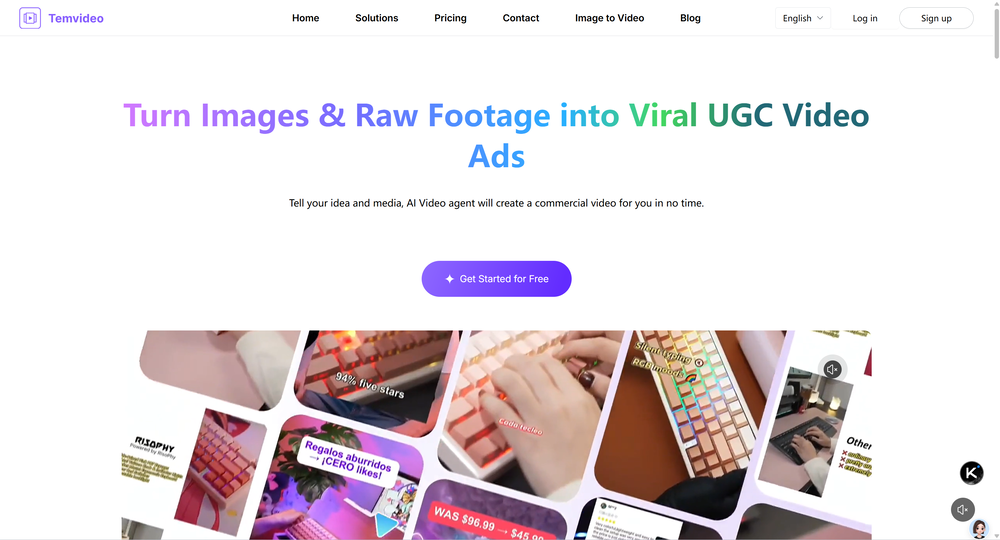 I was skeptical about the "one-click video" claim, but I gave TemVideo a shot for a new product I'm testing. The biggest headache with AI video tools is usually the prompt engineering—you spend 30 minutes typing descriptions just to get a weird-looking hand. TemVideo completely bypasses that. My honest take after using it: The "From Raw Footage" feature is the real MVP. You know those random 10-second clips you take on your phone just to check lighting? The AI somehow turns those messy scraps into coherent ads. It’s almost spooky how well it edits around the product. It’s built for speed. If you are a dropshipper who needs to test 5 different products today, this workflow is unbeatable. Upload, click, done. I had an export ready faster than I could find a coffee. Multi-language is a bonus. It’s smart they included localization. If you sell globally, having the AI handle the lip sync and narration in different languages from one workflow is a massive time-saver. Best part? The built-in "Viral Hooks" library. It takes the guesswork out of what text to put on screen to stop the scroll.
 -
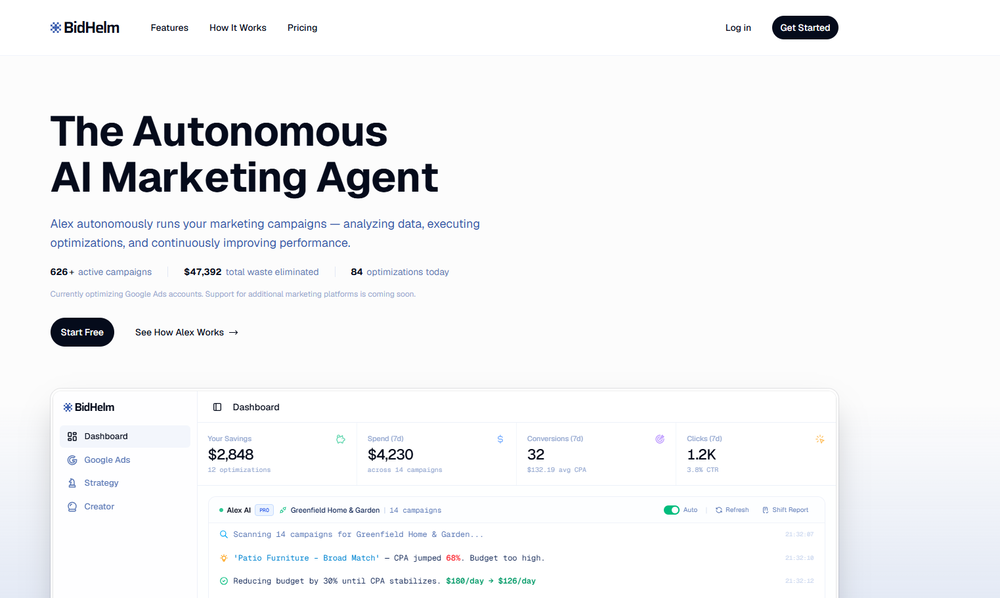 finally don't have to babysit my campaigns at 2am. alex ai actually catches issues before they burn through budget. paused three underperforming ads last night while i was asleep. worth every penny
 -
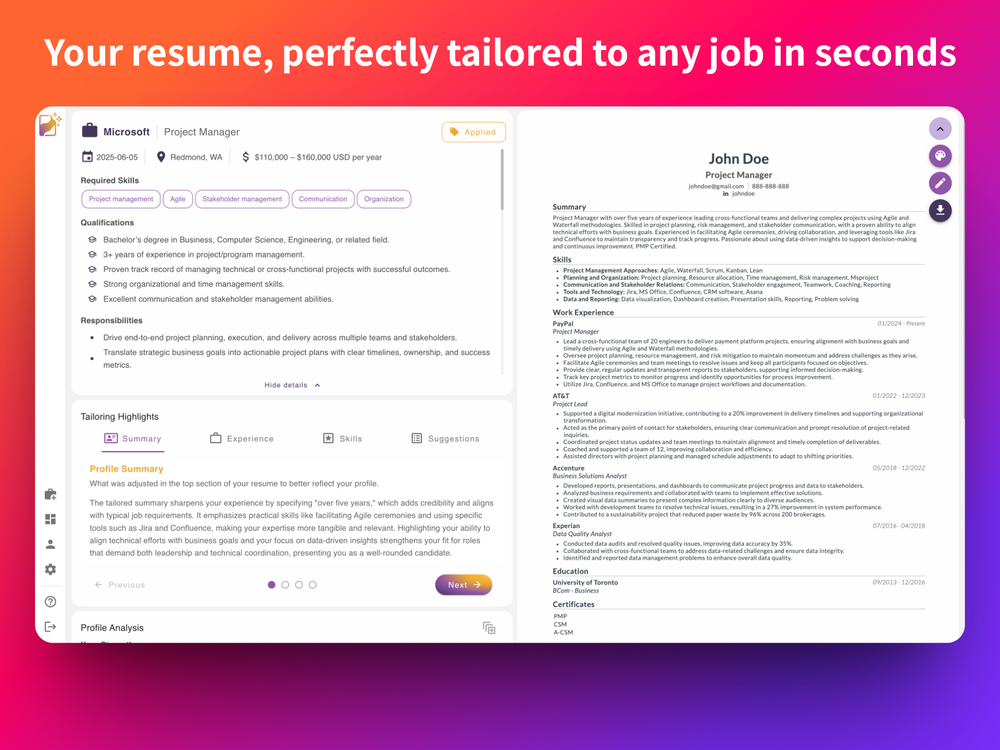 Definitely the best AI resume tailoring I've used so far. Easy to use, without the typical bloat, and the results were actually impressive.
 -
-
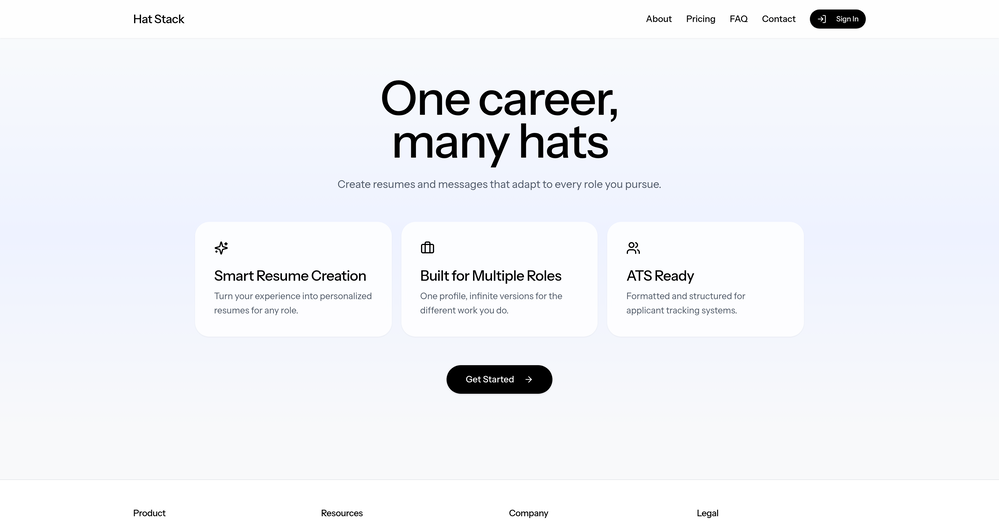 I just went in and made it easier to see where to add a custom role under Roles/Hats (not roles from your existing resumes) and it will create a draft of any resume you want from your profile information.
 -

-
 The inside track to your next job opportunityOpen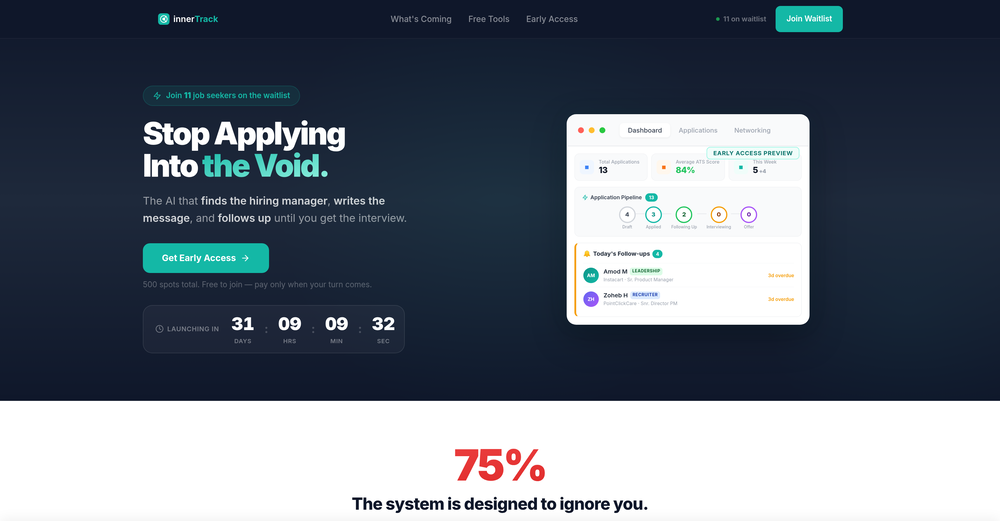
-










Verified tools
-
 One-click Ad, Content and Strategy Generator. Solve 70+ Marketing tasks with aOpenI think the software is really good.
 -
Persuva is such a great tool - our facebook ads are converting so much more since we started using them.
-
 Optimize Google Ads with AI – Smarter, Faster, and More ProfitableOpenIt analyzes my search campaign data exceptionally well. I wouldn’t be able to find so many optimization opportunities manually. With this tool, I save 50% of my time on data analysis.
 - Sponsor
 Base44 Superagents-AI agent that does it all
 -
Love how simple Notch ai is to use. It’s fast, intuitive and always delivers content that is on-brand.
-
I’ve found Jogg.ai to be super convenient, especially for creating short ad videos for products! If you haven’t tried it yet, you should check out this tutorial: https://www.jogg.ai/blog/4-steps-to-create-your-product-video-ads-in-minutes/
-
This was impressive. From just one picture and a few details, it made a really good, professional video. Amazing quality!
-
Honestly, I wasn’t sure if AI could handle all my campaigns, but AdsGo proved me wrong. Generating creatives is super fast, and the AI optimization actually improved my results without me lifting a finger. Love it!
-
I don’t usually leave reviews, but I had to for this one. I just dropped my website URL into Board.ads didn’t have to explain anything it just pulled from my site and created ad copy and visuals that actually made sense for my brand. What really surprised me is it even suggested a logo, which is wild for something this fast. I’ve tried a bunch of AI tools before, but this is by far the easiest and most useful one for creating ads. Super simple, super quick, and the results don’t feel generic or boring.
-
Its been a game changer for me. It shows what’s actually working in my ads without me having to dig through everything. I’ve saved a ton of time and the competitor insights have given me some solid inspiration.
-
The Tailor is the most efficient AI resume optimizer on the market for 2026. While big-name competitors trap users in $5/month subscriptions, this tool delivers exactly what you need—ATS-perfect keyword alignment—in under two minutes for a flat $0.50 or cheaper. It’s a sleek, no-nonsense weapon for any job seeker who wants to beat the bots without the "corporate robot" feel.
-
Quick update: Verify is now live on the Microsoft Edge Add-ons store in addition to Chrome. Same one-click resume red flag check in seconds. Same free first-day trial. Now available in whichever browser your team uses most. Recruiters are already catching issues their ATS missed... sometimes on the very first resume they check. If you’ve been meaning to test it, this is your sign → https://microsoftedge.microsoft.com/addons/detail/hiiappghgofoiionoeloemlkcankbpka
-
Hey, appreciate the feedback! I have to respectfully disagree though. While resumebuild is a great tool, UseResume.ai actually takes a different approach with its AI builder workflow and the editor. As for ATS readiness - all our templates generate documents with machine readable text (not images). I've personally tested them through Workday, Breezy, and others (e.g. Google's job portal), with perfect parsing accuracy. Would be curious to hear what specific ATS issues you encountered? Always looking to improve!
-
-
 Land $100K+ Remote Jobs with AI-Tailored ResumesOpenI have used Jobsolv for my job applications, and one thing I love so much about them is that they tailored my resume to suit each application. That was really awesome!
 -
I'm a Senior SWE with ~8 years of experience in front end and full stack development. I signed up for this tool after leaving my most recent role as the promise of saving 8 hours per week filling out job application forms seemed like a no brainer. Prepping for SWE interviews - especially senior - is incredibly time consuming any optimizations to that process to give more time to practice is invaluable. My expectations were tempered going in, and I was hoping for ~1 - 2 new interview every other week to augment my own efforts. I was blown away by the results, and was regularly receiving 3 - 5 interview requests weekly. Landed a new role end of December that checked my boxes (front end, dev advocacy opportunity, step up in comp -- $35K raise in this case), and am very happy in the investment I made in ApplyPass. Your mileage may vary depending on your experience level, but the premium plan I used which had ~400 applications going out per week was more than worth the subscription plan.
-
 OpenThe fact that it's available through ChatGPT plugin actually helped me find a lot more AI tools to help me do certain tasks. Thanks.
 -
-
-
Super convenient especially for travel- highly recommend!
-
 Learning shouldn't be a chore. Gamify your learning with AISheets.study.Open
 -
It's not even usable anymore, their website is literally a sponsor and that's it
-
The tutor mode is amazing. It helped me understand the equation and how I can solve it step by step with the explanation.





























Other tools
-
No information about the company or its leadership anywhere on the site...very low trust factor.
-
It never works, not even with the ginormous API key! Computers should be allowed to TALK to us for free, like in the Star Trek TV series. Our future grandchildren will laugh at us for "paying" to use this everyday option, biting the hook to "monthly subscriptions" like gullible fish, and then getting "up to 1,000 words per month" under the so-called Pro version. This is crazy!
-
 Open
Open -
I like the concept and the convenience of Refer.me; it gives job seekers like me access to networks I wouldn’t normally have.
-
UI is chill, export is fine. Free credits disappear fast if you experiment. 3/5 for now, nothing extremely special :j
- Didn't find the AI you were looking for?
-
-
-
Make an add for Urban Caretakers: Your one-stop solution for home
-
Allows me to create high-quality banners to promote my products.
-
Just keeps spinning. taken over 30 mins to try and ingest a simple doc. Think something is broken!
-
User Experience is great and the Resume Building is way too simple and easy now
-
-
-
 Open
Open -
 Transform yourself into cinematic miniature adventures.Open
 -
 Transform your photo into hyper-realistic cinematic scenes.OpenThis tool is designed to only receive a photo as a reference; just use this and see the result.
 -
 Open
Open -
 Generate ultra-photorealistic images in surreal snack environments.Open
 -
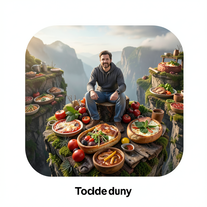 Transform photos into cinematic giant food landscapes.Open
 -
 Transform ordinary photos into ultra-realistic cinematic scenes.Open
 -
 Create cinematic 8K scenes with perfect identity accuracy.Open
 -
 Transform photos into cinematic action portraits.Open
 -
 Transform your photo into a cinematic masterpiece.Open
 -
 AI creates living, breathing architectural organisms.Open
 -
 Transform photos into cinematic 8K portraits with Minions.Open
 -
 Open
Open -
 Transform photos into cinematic dawn portraits.Open
 -
 Open
Open -
 Transform ordinary text into stunning icy letters.Open
 -
 Design custom kitchen islands that double as dining tables.Open
 -
 Transform text into peephole-view cinematic images.Open
 -
 Create BTS wallpapers with dynamic poses and captivating backgrounds.Open
 -
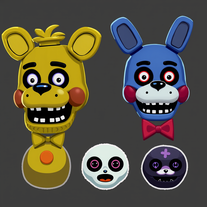 Generate creepy FNAF-inspired animatronic designs.Open
 -
 Create spine-chilling deep-sea monsters with AI.Open
 -
 Transform words into breathtaking desert landscapes.Open
 -
 AI-generated images celebrating Indian farming culture.Open
 -
 AI-powered MMA mentor for personalized combat training.Open
 -
 Craft immersive sagas with AI-powered storytelling.Open
 -
 Open
Open -
-
Artist Tips for Better Results with Somnira Canvas: To help Somnira Canvas render the most compelling and emotionally resonant figures—whether human or animal—users are encouraged to guide the tool with poetic, suggestive phrasing rather than highly technical descriptions. This helps maintain harmony with the platform’s expressive strengths. For human figures, try emotion-based posture phrases like “curled in sorrow,” “reaching toward a fading light,” or “kneeling in wind.” Favor mood-based modifiers over anatomical specifics, such as “a silhouette bathed in dusk” or “a quiet figure in motion blur.” For animals, use mythic or metaphorical phrasing like “a fox made of stars,” “a deer outlined in frost,” or “a lion woven from dusk and gold.” Avoid strict biological realism unless intentionally stylized (e.g., “cubist owl,” “ink-drawn heron”). Best practices include specifying camera perspective or body angle with terms like “3/4 view,” “top-down shot,” or “over-the-shoulder,” and adding atmospheric cues such as “drifting in chalk mist,” “outlined by candlelight,” or “carved in shadow.” You can also add emotion-based tags directly into the prompt—words like “longing,” “grief,” “stillness,” or “wonder” will guide the aesthetic and expressive qualities of the final artwork.
-
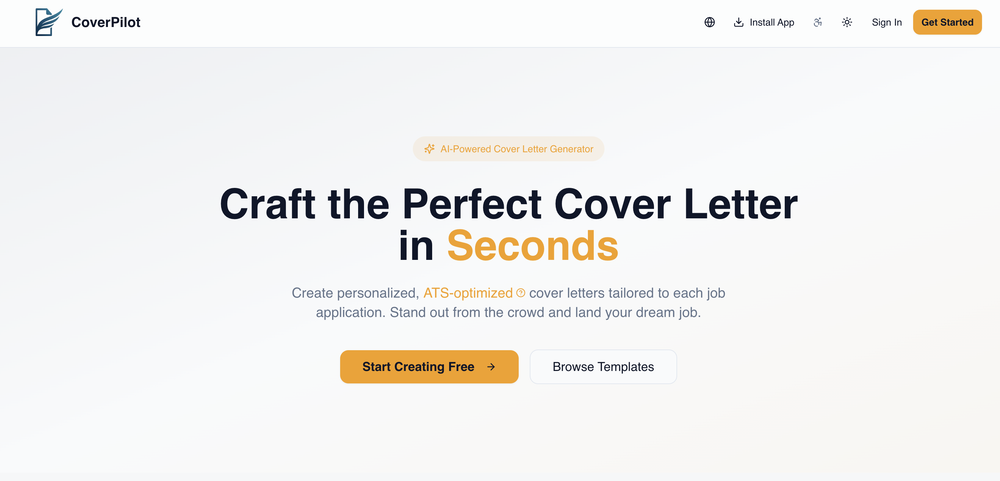
 Transform job details into professional cover letters instantly.Open






























































Post





