
 Mini tools
▼ State of the art
Audio editing
Free mode
100% free
Freemium
Free Trial
Other tools
-
Grzegorz Rolnik🙏 100 karmaAug 3, 2023@ElevenLabstoo expensive for me, I just want to make memes, not pay that much
-
1 credit and boom. greedy ai website wants you to pay for more IN SUCH A HIGH AMOUNT OMFG
-
Privacy Nightmare. Your content will belong to Adobe.
- Sponsor
 Rocket - Think it. Type it. Launch it.
 -
Is this a joke? creator of this web must be deaf, otherwise i honestly don't understand how he/she can make that absolute crap
-
 OpenThank you for your feedback, and I apologize for any inconvenience you experienced. We are currently working to ease the resolution constraints for user uploads. Your insights are invaluable to us.
 -
-
cant test before i pay. autocut doesnt work,but i can install it and watch that it doesnt work autopod cant do it
-
-
It did a great job extracting audio from de music!
- Didn't find the AI you were looking for?
-
 Open
Open -
Amazing app and really easy-to-use! It has all the things I need to create a neat, functional, and clear-cut mindmap.
-
I enjoyed the experience and it certainly cleaned up my audio files. I really wanted to find an AI driven auto-tuning app that would clean up my vocals. But haven't found one yet.
-
-
Really useful for podcast work. the transcription is accurate and speeds things up a lot.
-
-
 Transcribe audio and video in 100+ languages effortlesslyOpenFast - probably the fastest tool I've tried for transcribing from an uploaded MP3. Accuracy was good. My samples was a ~30 min university lecture recorded alone (recorded with a mic and laptop, not in a lecture hall). Only complaint is that the logical sectioning or paragraphing isn't great. (It's hard to do with these stream-of-consciousness type lectures, but some tools do a great job.) If I didn't need the logical breaks, I'd likely come back to this tool solely for the speed and accuracy. Great job!
 -
Love it!!! It still need work, I wish I can add 3 or 4 more voices in my podcast. I trying to make callers call in. That would help.
-
"I was very disappointed to find out that although this AI claims to be free, it requires payment when downloading files. This was not clear upfront and felt misleading. Please provide clearer information about any charges before users get too far in the process."
-
When uploading a 30-minute video file, I was surprised to receive the transcript in just a few seconds. The speed and quality of the transcription process blew me away, especially considering the complexity of the video content.
-
 Create Celebrity voices and voiceovers in 120 languages with 800+ AI voices.OpenThis is a cool little generator for a quick clip! Could see some potential quick use cases if you needed to generate something with an accent on the fly. Not a bad little tool!
 -
 OpenThe app hardly works. Very bugging and very expensive. Not worth it
 -
 Transform your music into stunning visual experiences with AIOpenThe generation effect is good, the pictures are exquisite, and the transition animations of the pictures are smooth The only drawback is that it would be better if the generation time were a little faster
 -
only the part of my own voice is not possible, but it's amazing as application
-
 Hi Marwa — thank you for the love on your first try and for the candid update. We’re sorry about the frustration with verification and downloads — that’s on us. A quick update based on your feedback: • We’ve removed the human‑verification step entirely. It was only in place during our early launch (before login) to prevent abuse; now that sign‑in is live, it’s no longer needed. • The free plan currently includes 2 song generations per day plus unlimited listening/streaming. (Downloads are available on paid plans.) AI music generation is expensive to run, so we can’t make unlimited usage completely free, but we’re committed to keeping a useful free tier and transparent pricing. If you decide to upgrade, use the code TAAFT at checkout for 20% off any plan. If anything still doesn’t work as expected, please email us at [email protected] — we’ll jump on it. Thanks again for helping us make Eleven Music better!
 -
 OpenHi! I'm the founder of LyricEdits. After 20 years as a bass player and 20 years in software engineering, I finally combined both passions into one. I'd love to hear your comments and suggestions!
 -
-
At last, we have a voice AI hub that works like OpenRouter.
-
Worked for me. Try it again might get a pleasant result.
-
Hi there! This ACEStudio sound very cool! Please can we have the cloud-based version? Some of us doesn't have the system requirements for install the ACEStudio for windows.
-
AudioStrip did exactly what I wanted to do, to isolate and denoise an important video I had, there was a lady talking loudly close to the camera but we needed the background conversations to be heard and the noise taken out, this did the job, free and fast!
-
AutoEditor is a tool powered by AI that allows users to create highly customized short videos. It is primarily designed to make video editing easier and more efficient, thus enabling users to focus more on content creation. Distinct features include the automatic generation of subtitles in more than 40 languages, detection of silence or non-relevant content in videos, and the ability to enhance videos by adding b-rolls, watermarks, and other effects. The platform provides an easy-to-use interface for video editing, putting users in complete control of their content. Users can change text, styles, and various other aspects of their videos without prior knowledge in video editing. Furthermore, AutoEditor supports editing of long videos, which can be broken down into smaller parts without pre-cutting them. Videos for editing can be directly processed from YouTube, eliminating the need for separate downloading websites. Users can also customize their captions, save their unique styles as presets, and create videos with a few simple clicks for a fast editing experience. AutoEditor's pricing is designed to be simple and affordable, with plans tailored to suit different needs. Users can also access a free tier to get started. Flexibility is one of its key advantages, providing users the means to edit their videos exactly how they want them. The software works best with videos containing any type of voice or talking, such as podcasts, talk shows, documentaries, educational videos, or speeches.
-
It did nothing after more than 20 minutes on a 90 seconds audio...
-
Great app. I am trying Free version. Working fine. will upgrade to Pro soon to transcribe and summarize my online meetings.
-
Maybe you don’t have a subscription, so there are no credits on your account, and a lot of features require credits to use.
-
-
Seemed good UI at first. But the quality is not good at all.
-
-
TopView is a very good tools to make tiktok/youtube/ig ads video, ecommerce video.
-
Very cool tool that gives me free hours to cut my videos into shorts. Wish to get more referral bonus hours. If it could deal the video faster that would be even better.👍🏻
-
Also I don't know why it says "no pricing" for this app on here when there's clearly a price. I can't tell if people involved with this kind of shit are dishonest pieces of shit or just really fucking stupid. It takes two seconds to find out this app charges you yet the dumbasses on here obviously didn't take the time out to check so they misleadingly put no pricing. This is the kinda shit that makes me hate people with a burning passion.
-
 Ladies and gentlemen, welcome to Pak Udin's duck rice stall. The sun sets in the evening. Accidentally saw an apparition. As night falls, I wish you bon appetit. Where does love begin? From the eyes to the heart. Thank you for your time. Your presence means a lot.
 -
 Transform ideas into cinematic prompts for video production.Open
 -
There is nothing stable about this train wreck! Worst music generator ever!
-
-
Transcriptions seem pretty accurate, especially Piano2Notes does a great job!
-
-
Really cool and intuitive tool, it helps me a lot with my articles!
-
Spelling errors found throughout their website. If they can’t take the time to check for spelling, they can’t take the time to ensure the coding for security is accurate.
-
Appears to be a full-featured video editor. It tried hard…but chose such shit B-roll.
-
Great that you like it! Due to a lot of abuse, we had to disable exports in the free trial. We do have a 14 day money back guarantee for one-time licenses, so you can try out all the features.
-
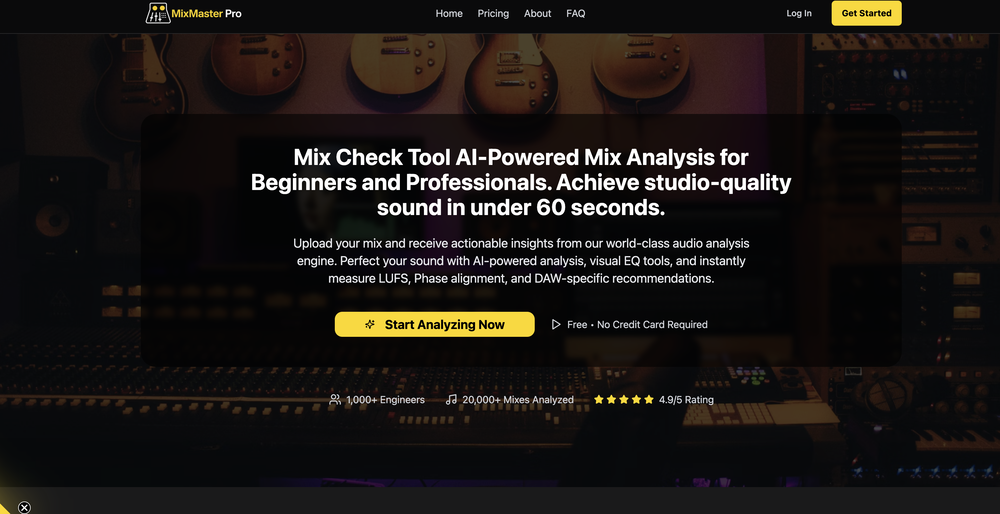
Probably good enough if your standards are low and you're not going to use the tracks for a professional project. If you're a producer, there are far better options out there, especially considering that they immediately want you to pay for credits to be able to download, share, etc.
-
 Open
Open -
-
-
OMG! One of the worst "terms of use" i have ever seen. Basicly They we own your a**. They have every right for your creations on their platform. They can use your creations as however, whenever, whereever they want. Plus if you make money from a creation from their platform, you will end up giving them. Because they are saying you cannot do anything commercially that you have created on their platform unless you made a special agreement on paper.
-
-
-
-
-
Very useful tool with variety of features and new AI models.
-
-
1- No custom email sign up. 2- What is "Resona"? Do mean Persona? 3- Audio analyzing failes for no obvious reason. 4- Why can't I delete my creations, and why can't I delete my account?
-
-
This is surprisingly powerful. I can go from a vague idea to a polished track just by talking to Tunesona. The level of genre control and the instant adjustments make the whole process incredibly efficient.
-
Hey Cherryl, seems to be working just fine for me, can you give it another try?
-
I'm giving it two stars because it does do an ok job on videos but I would NOT recommend this. The "free trial" gives you 80 credits. It's not even enough to make a 60 second video so you can't really "trial" anything. I then spent $35 to make a 60 second video and I did two edits to it and I only have 451 credits left for the month. Until the costs come down, this is not feasible.
-
Easiest lyrics and song generator there is for those that are just learning how to generate and play their own music. I absolutely love it.
-
You can make video narrations in so many different languages and in any style you want! Awesome!
-
Excellent quality with a lot of active development. They really listen to customer feedback.
-
-
-
-
✨ Key Advantages of Pixwith: 1. Wide range of AI models: From video generation to image creation, enhancement, and style transformation — you get access to a full suite of cutting-edge AI models in one place. 2. Affordable and transparent pricing: Our credit-based system is flexible and offers better value compared to many similar platforms. 3. Free trials available: Several models can be used for free, allowing you to test the quality before purchasing credits. 4.Beginner-friendly interface: Simple and intuitive design — generate high-quality content in just a few clicks. 5.Constant updates: We continuously add new models and features, ensuring you always have access to the latest AI capabilities.
-
-
⏺ AI Song Generator v1.0 — Create Full Songs from a Text Prompt in Seconds Multiple AI Models Choose from Suno V3, V4, V4.5+, and V5. Each version offers different tradeoffs between speed, expression, and sound richness. V5 delivers superior vocal expression with faster generation. V4.5+ produces richer, more layered sound with support for up to 8-minute tracks. Text-to-Song Pipeline Describe what you want to hear — genre, mood, theme — and AI generates complete lyrics, melody, vocals, and instrumentals in one shot. No music theory, no DAW, no production skills required. A full track is ready in under 2 minutes. 50+ Genres & Styles From lo-fi hip hop to symphonic metal, EDM to jazz, K-pop to country. Pick a genre and optional sub-genre, and the AI adapts composition structure, instrumentation, and vocal delivery to match. Custom Lyrics & Vocal Control Write your own lyrics or let AI generate them. Choose vocal gender (male/female/auto), adjust style weight and weirdness constraints. Toggle instrumental-only mode for background music and soundtrack use cases. AI Cover with 100+ Voice Styles Upload any track and re-create it with a completely different voice. Choose from 100+ vocal styles — from smooth R&B to raw punk, breathy pop to deep baritone. Custom mode lets you rewrite lyrics, add style prompts, and fine-tune parameters like style weight, weirdness constraint, and audio weight for precise creative control. AI Singing Photo Turn any portrait into a singing video. Upload a face photo and a song, and AI generates a realistic lip-synced video with natural facial expressions and head movements. 3 model tiers — V1 Base for quick social posts, V2 Quality for dynamic HD output, V3 Highest for best eye tracking and professional-grade results. Output at 480p or 720p, optimized for TikTok, Instagram Reels, and YouTube Shorts. Commercial License Included All generated tracks come with full commercial rights on paid plans. Use them on YouTube, TikTok, Spotify, in games, podcasts, or ads — no royalty fees, no licensing headaches. What's included: - 5 AI model versions (V3 through V5) - 50+ music genres with sub-genre options - AI lyrics generation + custom lyrics input - Vocal gender selection and style fine-tuning - Instrumental-only toggle for soundtrack use - AI Cover with 100+ voice styles and custom mode - AI Singing Photo with 3 quality tiers (V1/V2/V3) - Singing Photo 480p and 720p resolution options - MP3 and WAV export - Full commercial license on paid plans - Song extend and remix capabilities
-
It's very easy to use, completely free, and even supports files up to 1GB in size.
-
 Skip the complexity. Create professional-quality music with simple prompts.Open
 -
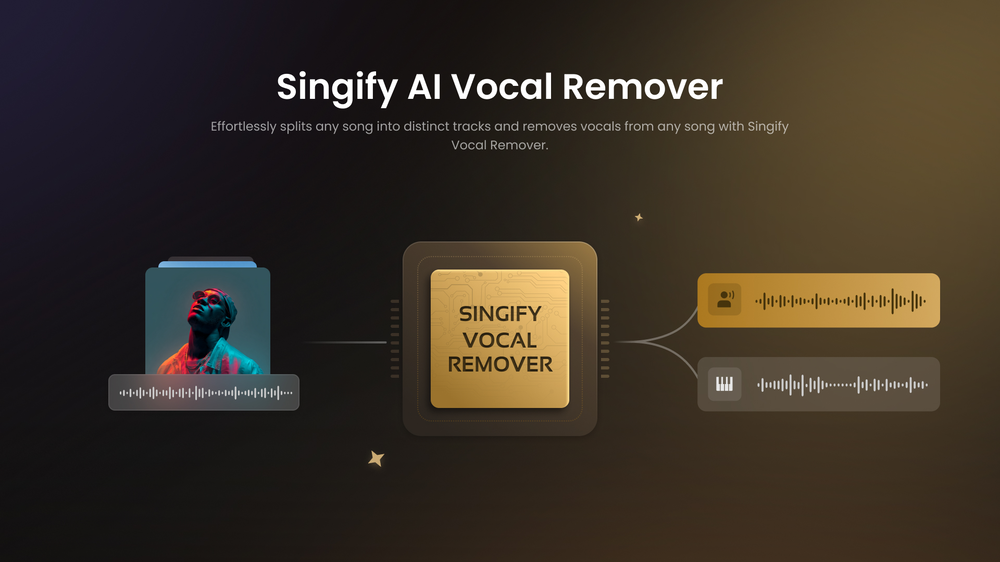
 Extract, isolate or remove vocals and instrumentals instantly.Open
 -
Not available for PC only Mac, it would have been worth mentioning.
-
 Apply spooky Halloween filters and scary makeup effects online for free.Open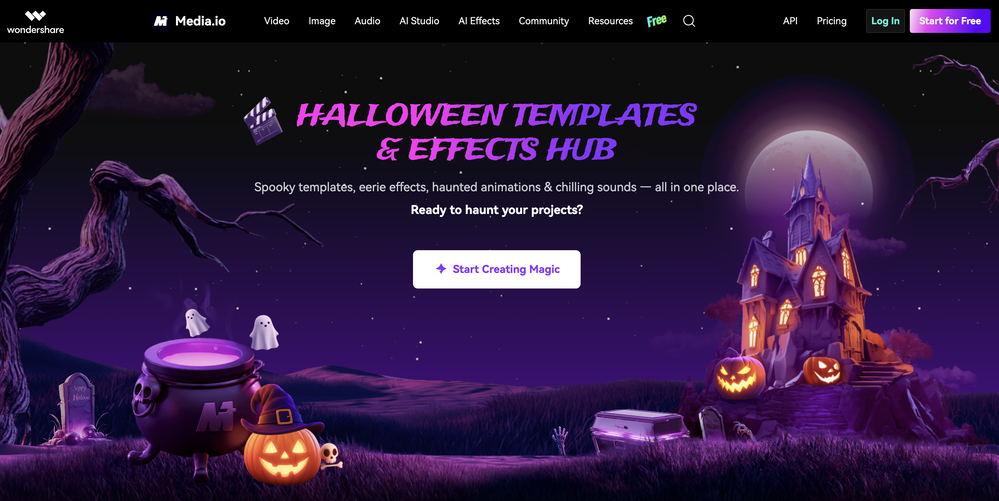
-
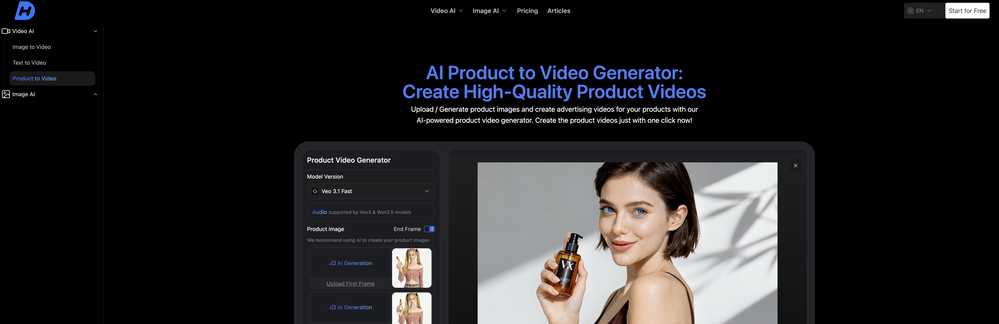
 AI video editor that transforms raw footage into multilingual presentations.Open
 -
 vocal remover, remove vocal, vocal remover online free, vocal remover AIOpen
 -
Brilliant! I'm blow away... the quality and the vocals are on another level. I had my lyrics that I wrote years back. Then I decided to use this Ai to create the song for me... I'm still jamming on the song
-
needed background instrumentals for a demo track and this delivered. the beats are clean and royalty free which is huge.
-
 Create stunning AI-generated videos from text prompts or images.Open
 -
 Open
Open -
Compared with similar AI tools, this one stands out for the clarity and relevance of its outputs. Instead of producing generic results, it adapts well to different inputs and preserves context effectively. This makes the generated content feel more intentional and less “AI-like.” It’s particularly useful when quality matters more than just speed.
-
I paid for the subscription and the video generation has failed. I found no way to access support and the site says no refunds allowed. Hoping to find some help on here with this and I revisit my review
-
Vocallab AI is honestly the easiest tool I’ve ever used. The interface is super simple and intuitive. Generations take less than 2 seconds. The quality is also incredible. The voices sound very realistic — almost like real people. You can even add emotions and details like coughs, laughs, sighs, and other subtle effects, which makes everything feel much more natural and alive. Highly recommend it to anyone working with content, videos, or voice projects.
-
 Break language barriers with instant AI video translations.Open
 -
 Open
Open


































































































































































































Post





