
 Mini tools
▼ Top rated
Coder
Free mode
100% free
Freemium
Free Trial
-
**Simple Chat Application using Python** ===================================== Here is a simple code for a chat application using Python: **Server Side (chat_server.py)** ```python import socket import threading HOST = '127.0.0.1' PORT = 9090 server = socket.socket(socket.AF_INET, socket.SOCK_STREAM) server.bind((HOST, PORT)) server.listen() clients = [] nicknames = [] def broadcast(message): for client in clients: client.send(message) def handle(client): while True: try: message = client.recv(1024) broadcast(message) except: index = clients.index(client) clients.remove(client) client.close() nickname = nicknames[index] broadcast(f'{nickname} left the chat!'.encode('ascii')) nicknames.remove(nickname) break def receive(): while True: client, address = server.accept() print(f"Connected with {str(address)}") client.send('NICK'.encode('ascii')) nickname = client.recv(1024).decode('ascii') nicknames.append(nickname) clients.append(client) print(f'Nickname of the client is {nickname}!') broadcast(f'{nickname} joined the chat!'.encode('ascii')) client.send('Connected to the server!'.encode('ascii')) thread = threading.Thread(target=handle, args=(client,)) thread.start() print("Server Started!") receive() ``` **Client Side (chat_client.py)** ```python import socket import threading HOST = '127.0.0.1' PORT = 9090 client = socket.socket(socket.AF_INET, socket.SOCK_STREAM) client.connect((HOST, PORT)) def receive(): while True: try: message = client.recv(1024).decode('ascii') if message == 'NICK': client.send(nickname.encode('ascii')) else: print(message) except: print("An error occurred!") client.close() break def write(): while True: message = f'{nickname}: {input("")}' client.send(message.encode('ascii')) nickname = input("Choose a nickname: ") receive_thread = threading.Thread(target=receive) receive_thread.start() write_thread = threading.Thread(target=write) write_thread.start() ``` **How to use:** 1. Run the `chat_server.py` script in a separate terminal or command prompt. 2. Run multiple instances of the `chat_client.py` script in separate terminals or command prompts. 3. Each client will be prompted to enter a nickname. 4. Clients can send messages to each other by typing and pressing enter. Note: This is a very basic implementation and you may want to add more features such as error handling, encryption, and more.

Featured matches
-
 Modular & Cross-Platform Vibe Coding Editor and Workflow Automation on Any DeviceOpen
 jerry🙏 3 karmaJan 28, 2026@Pulse Editor: Vibe Code & Automategood!A different kind of AI tool that has been very helpful for my work!
 -

-
 LLM-driven security review and fixes, seamlessly integrated into your GitHub pull requests.Open
-
 Open
Open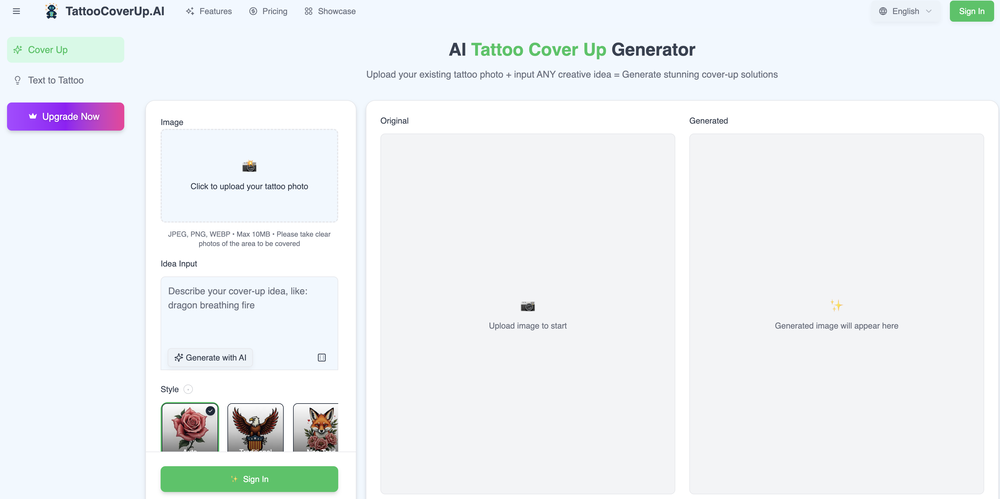
-
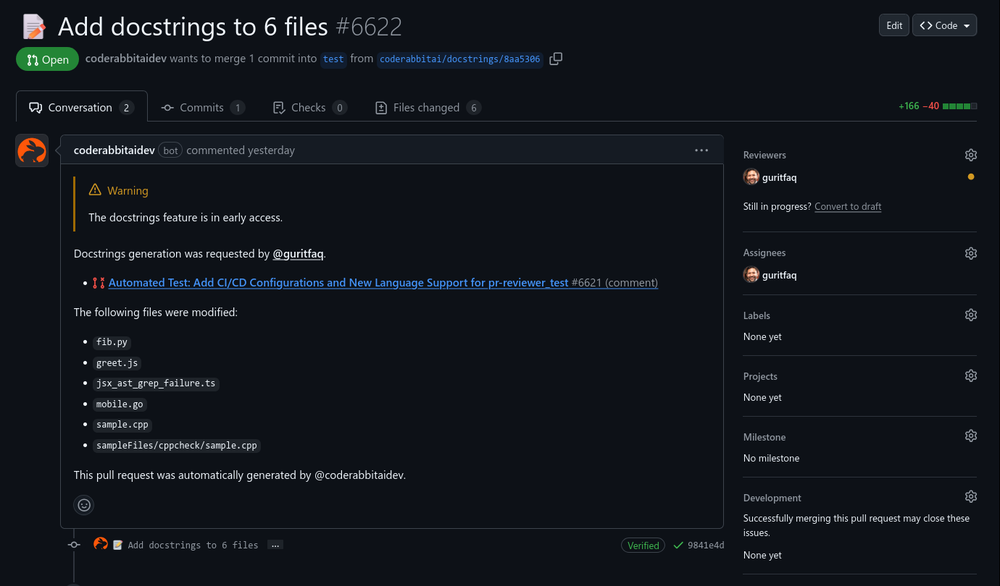 Reducing manual efforts in first-pass during code-review process helps speed up the "final check" before merging PRs
 -
 Nice and simple tool. Not all generated images are perfect, but I like that you can simultaneously generate multiple covers in different styles. Every spin, I get at least a couple of beautiful ones.
 -

-
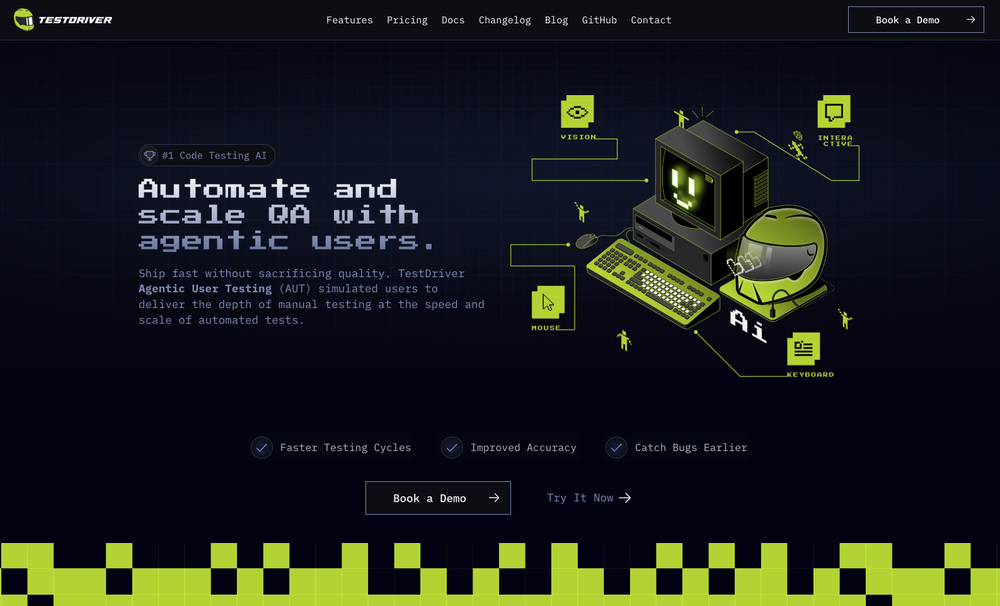 Test failure can be triggered by: - Text not being found - Image not being found - "Assert" condition not being met (according to AI with 90% confidence)
 -

-
 Assign Jira tickets directly to Cursor agents and get PRs and Previews.Open










Other tools
-
 Build AI Mobile & Web Apps - No Code, No Api KeysOpenI built my fitness app and published it to both App Store and Google Play in just 3 days. OnSpace AI handled all the mobile development complexity. I'm now earning from in-app subscriptions.
 -
- Sponsor
 MongoDB - Build AI That Scales🗄️ Database
 -
 Generate code snippets, functions, and components with AI assistance.OpenGreat tool for helping with coding tasks.
 -
 Open
Open -
 Open
Open -
I need to create a relationship between the Excel that contains the phone numbers in column A for the people to whom I want to send their performance sheet via WhatsApp every month with the click of a button automatically and without any intervention from me, knowing that the performance sheet is an image in column C and each person has his own sheet where the only link between the performance sheet and the phone number is their personal names
-
- Didn't find the AI you were looking for?
-
 Transform job postings into personalized cover letters instantly.Open
 -
 Transform programming ideas into crystal-clear pseudocode instantly.Open
 -
 Generate tailored cover letters from resume and job description.OpenIt makes crafting professional, tailored cover letters quick and stress-free, helping you stand out with ease. Highly recommended for everyone!















Post





