
 Mini tools
▼ Most saved
Content retrieval
Free mode
100% free
Freemium
Free Trial
Featured matches
-
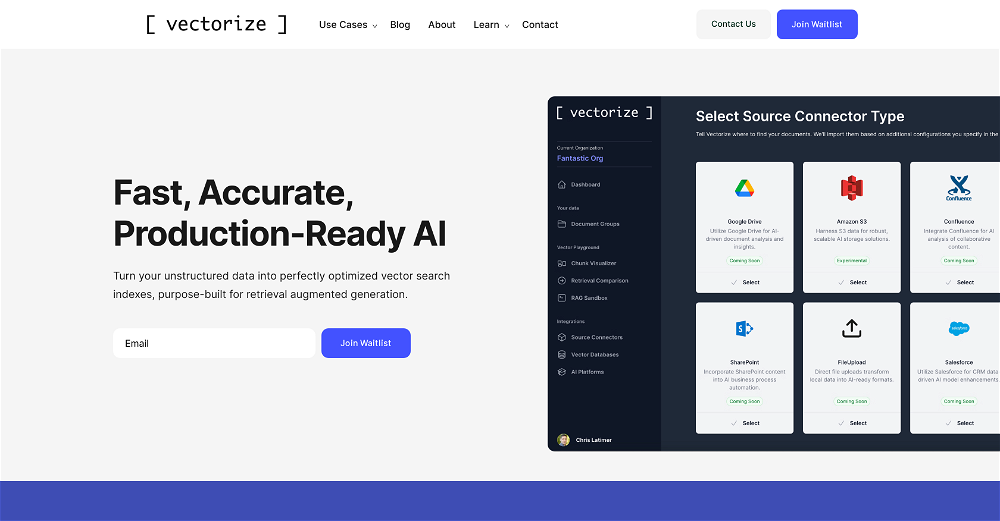 Chris Latimer🛠️ 1 tool 🙏 4 karmaMar 9, 2025@VectorizeWe still have a forever free tier you can use.
 -
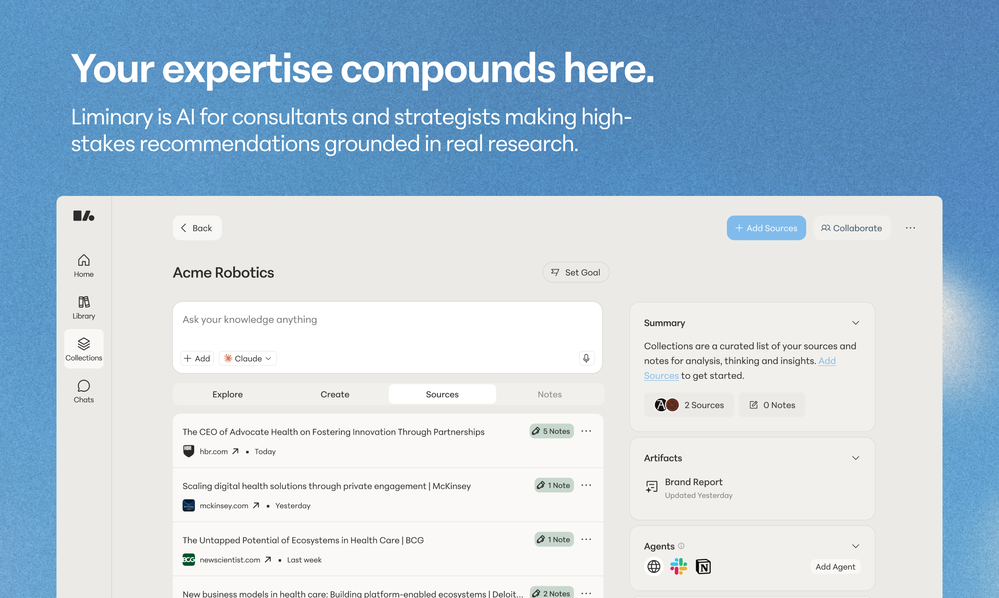 Hello, I'm the founder of Liminary and saw your comment about Liminary and trust. We care deeply about what we are building and making sure we are building the tool with the utmost care and privacy in mind. We'd love to hear your perspective and what you are worried about, and how we can help address any concerns you have.
 -
-
-







Other tools
-
Such an impressive platform for all of us who are looking for more efficient ways to do the investigation. OpenRead has the potential to solve our problems.
-
Great accuracy and easy to crosscheck with the provided hyperlinks to the sources.
-
-
i love it i use it to teach me Italian and ukranian and programing ! and it awesome , because it allows you in the free version send many prints of your screen , not having to explain all the errors by typing diferent from gpt that you can only send 3 photos in the free version. i also use grok to study i frist make the exercise in my book then i take a photo of my exercise then i ask it to see if there is any mistake and dissipate my terryble handwriting it understands
- Sponsor
 KiloClaw - Managed 🦀 OpenClaw hosting
 -
very useful AI tool for those who need to work with pdf docs. Thnak you very to the team for offering it free
-
 Open
Open -
Used it for PPT generation and performed extremely well, especially the numbers and data part.
-
-
You can now ask AI about your typed note. This issue has been fixed.
-
the search engine was good, showed some rare sites I like however as of now the site is "Application error: a client-side exception has occurred (see the browser console for more information)." :(
- Didn't find the AI you were looking for?
-
pretty handy I guess, saves me thinking too much honestly.
-
-
Combines knowledge graphs with AI, reveals main topics and gaps in a discourse.
-
Great website where I can get curated news for my interests.
-
-
Great platform to increase your productivity. The infographic generator is my favorite tool.
-
This tool is really amazing! It gives concise summary of the book that I was looking for.
-
I couldn't use it because it wouldn't let me upload a PDF file, so I can't really review it properly. This tool would work best with audio files. For example, if your teacher gave you an assignment in a PDF file, you wouldn't be able to use it. Until it enables that feature, it's not very useful for students. However, it is useful if you're incorporating audio.
-
This is a nice concept. Anyway app needs to be more polished. Can’t delete notes. I was expecting auto assign of topics, or at least suggestions to be more creative instead of just showing some random words from the text I’ve entered.
-
-
-
-
Without a doubt Petal is the most comprehensively helpful ai for analysing, comparing and paraphrasing multiple papers or websites etc. it’s table feature totally rocks for gathering citations and will answer you]r questions in a table containing your choice of docs - it then mines each uploaded doc for answers to your questions. The multi-doc lit review writer it’s very cool once you get the hang of it’s. Honestly, there are so many things to love in this ai - I’m truly surprised it’s isn’t more widely used … it mines your documents thoroughly and finds all kinds of helpful insights. I use it by preference.
-
 Open
Open -
Either I write like AI, or this tool is really bad at telling the difference. I question these detectors, especially when you give them something you know you wrote and they claim it is 80% AI-generated. I tested it by pasting in something I wrote entirely on my own, without using AI. I didn’t even proofread it, just ran a basic spell check, and that was it. The tool still claimed that 80% of it was written by AI. Then it rewrites the supposedly “AI-generated” text using AI, which essentially makes it AI-written. 😆 That’s kind of a weird concept.

































































Post





