
 Mini tools
▼ Price
Expense tracking
Free mode
100% free
Freemium
Free Trial
Featured matches
-
 Extract structured data from images and PDFs into usable tables with AIOpen
-

-
 Open
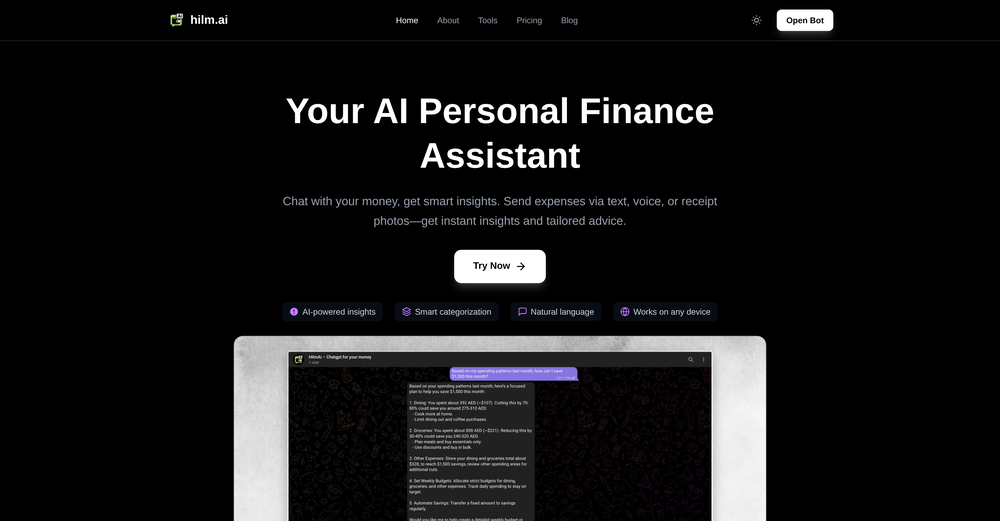
Open DIGITAL ARK🛠️ 1 tool 🙏 4 karmaDec 5, 2025@ChatGiraffeThis is an easy, hassle-free way to track expenses, just snap a pic, speak a sentence, or text it—AI takes care of the rest.
 -

-

-
-
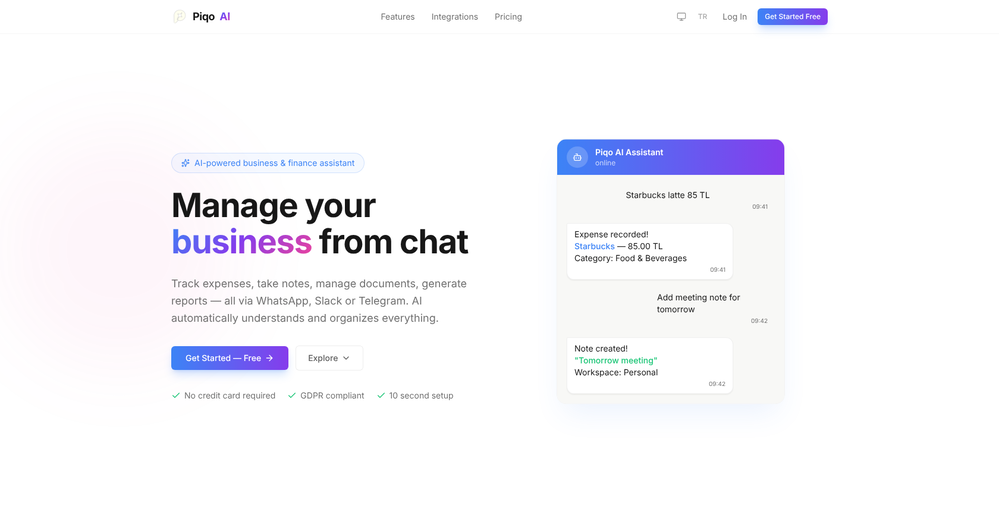
 Really good product, I like that I can take pictures of my receipts and it logged them automatically with all the details.
 -
-
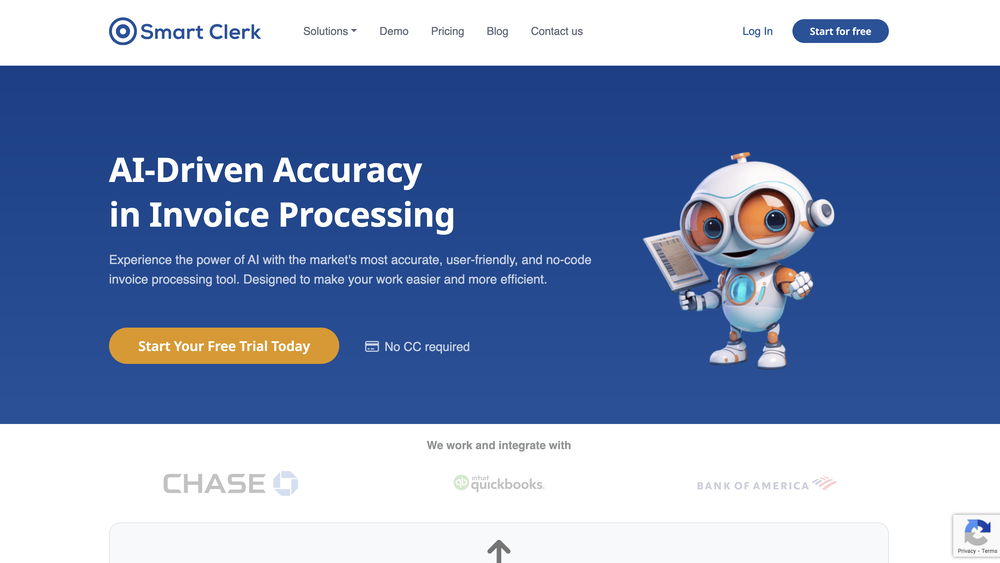 Data extraction is accurate and incredibly efficient. Plus, it's super easy to use - no setup, no onboarding forms, perfectly simple UI. We started using it right away. The bank statements feature quickly imports, categorizes, and matches transactions. Their automatic categorization and matching process fully automates the reconciliation flow in our team.
 -
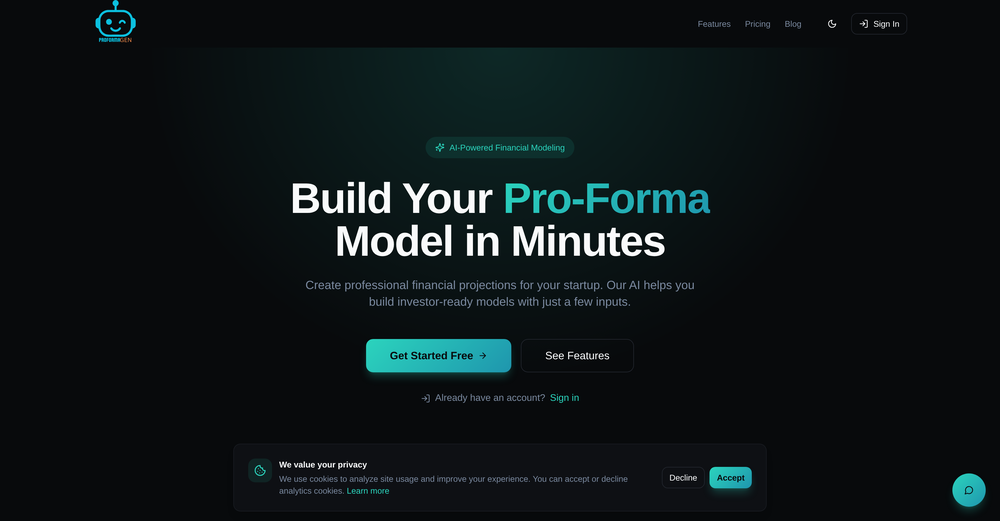 I used this tool to generate a financial model for my startup, and it was super intuitive.







Other tools
-
 Revolutionizing expense tracking with AI-powered receipt management.Open
 -
- Sponsor
 KiloClaw - Managed 🦀 OpenClaw hosting
 -
Its much more than what little you say. Art generator into medical imaging groundbreaking medical research
-
 OpenI’m testing the app and would love a language selector, with prices/values localized to the selected language/locale (currency and formatting).
 -
There was an error when making a group. it kept telling to send an email to support
-
 AI-powered expense tracking through interactive chat interface.OpenRolly AI offers a "cranky" AI chat and custom advisor personalities for expense tracking, delivering hilarious and savage roasts about your questionable spending choices through the app.
 -
-
Thanks for your feedback! Right now, SimplyBudget allows up to 30 transactions per month before the limit resets. However, we truly appreciate your input and are actively working on removing this limit. Instead, we're exploring a monetization strategy that keeps the app free for users while ensuring we can cover the costs of running it. Stay tuned for updates, and thanks again for trying SimplyBudget! (not ads, lol)
- Didn't find the AI you were looking for?
-
- Fina Chat: Fina Chat is completely revamped, you can ask anything: analyze the past activities (eg. "how much was spent on gas in the past 90 days", get recommendations (eg. "what best credit cards to apply"), forecast future (eg. "Monte Carlo of net worth growth"). - Dashboard: Dashboard is single place to hold all interesting blocks you can pin to. - Gsheet Template: Pump your data into spreadsheet and let Fina keep in sync. - Sankey Digram: Easy to visualize cashflow, right on the Categorization page. - Fina API: build your own app or widget through secure Fina API, in addition, you can have a Fina MCP server to use as well. - Comparison: Every block has comparison by default, vs previous period or previous year.
-
These guys are onto something solid. Life changing for me having been in the professional services industry my entire life and soooo over project/admin time tracking.
























Post





