
 Mini tools
▼ Latest
Information extraction
Free mode
100% free
Freemium
Free Trial
Featured matches
-
 Open
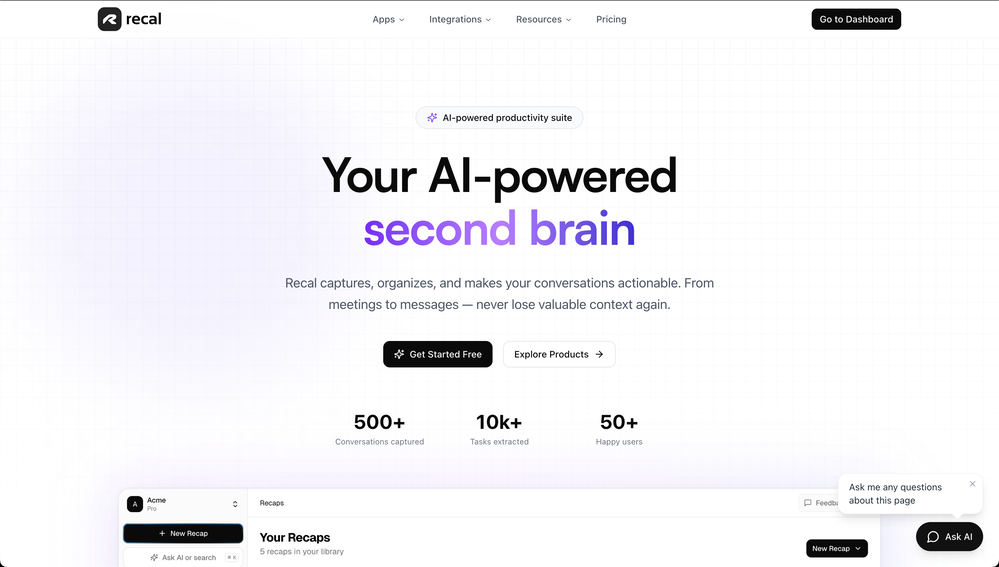
Open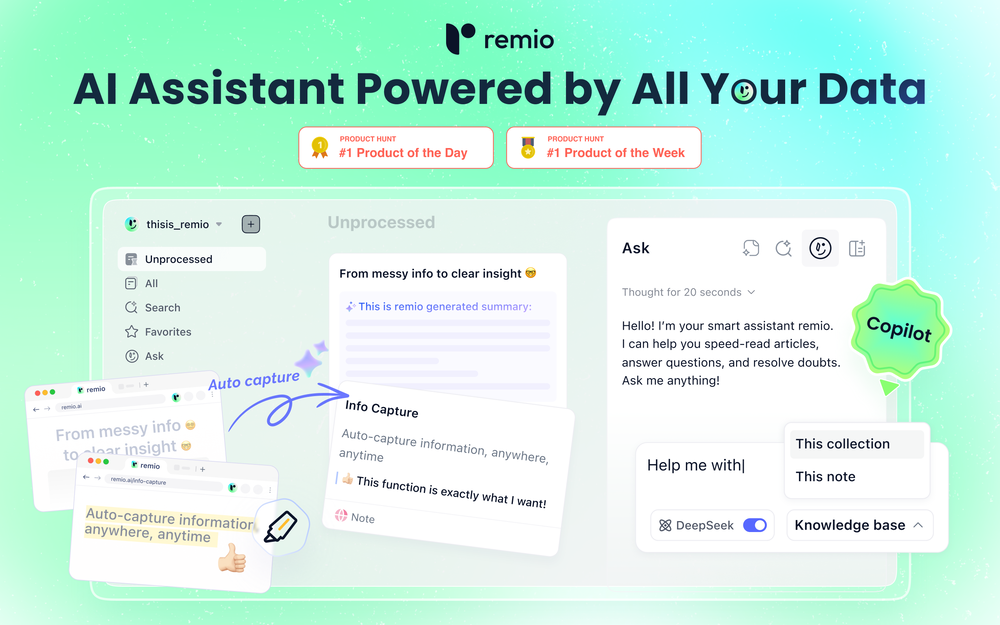 remio v2.10.0 Early Spring Update! With a limited time 30% discount! 1.📱remio Mobile App is now live on the App Store & Google Play Capture notes, voice memos, and photos anytime, anywhere—so every spark of inspiration goes straight into your knowledge base. Everything you add or save on your phone will automatically sync to your computer. 2.🍌Nano Banana Image Generation Unleash your creativity. Generate infographics and design assets directly within your knowledge base using Nano Banana. 3.💬Ask with Chat History Context Your AI chats are no longer isolated. Reference historical chats in your Q&A for deeper context. Adding to favorites/later & rename are also supported to keep your chats organized. 4.📧Outlook Email Sync Expand your knowledge net. Sync, search, and chat with your Outlook emails just like you do with Gmail. 5.📈Enhanced Slides Parsing & Preview Enjoy upgraded parsing accuracy and full visual rendering for all your .pptx presentations. 6.⬆️More experience improvements Q&A prompt suggestions on the Chat home screen, LaTeX formula rendering, and enhanced multilingual meeting features, plus more.
 -
-
 Open
Open P A🙏 4 karmaJan 14, 2026@TubeYakkerTubeYakker matches how I already use YouTube. Saving things for later and processing them bit by bit. The UI is pretty minimal, which I like, though it took me a minute to understand the intended workflow. Keep it up ;-)
 -
-
-
 Instant access to Chinese university admissions data.Open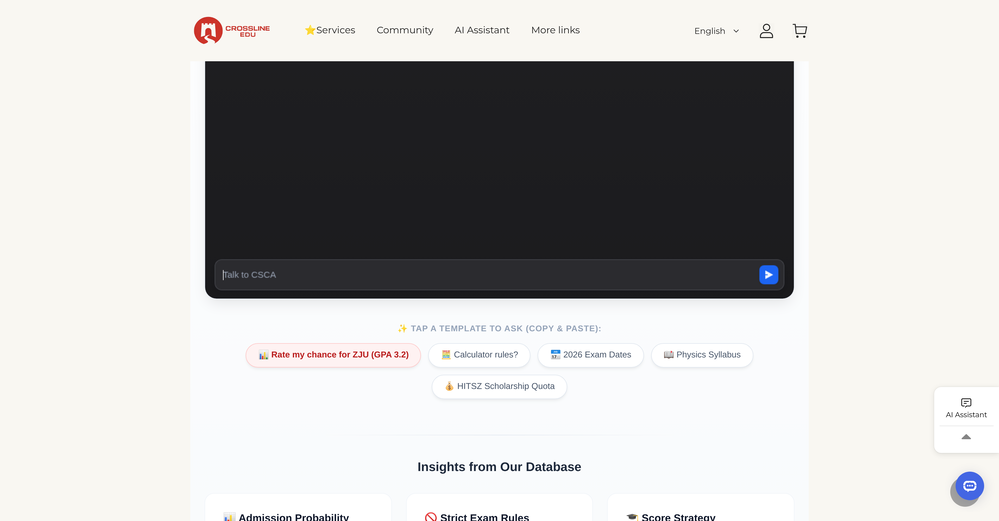
-
-
-
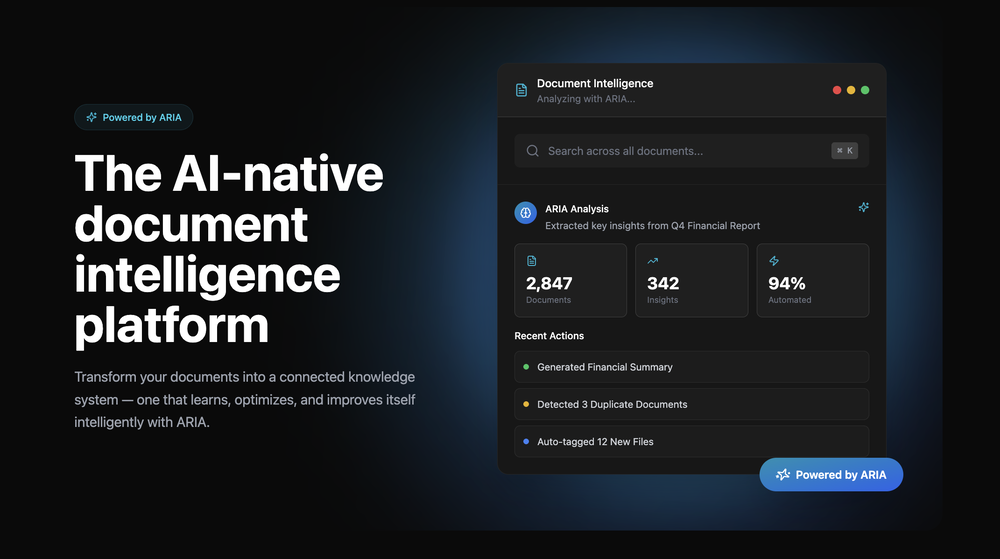 Great platform! Very impressed by the ability to combine documents to generate full research reports or extract data in large PDF files.
 -








Verified tools
-
 Extract Wisdom from Any Link -- 6 AI Models, Haiku 4.5 SynthesizedOpenDeep Research -- Full long-form research articles from a single question -- 4-layer Mixture-of-Agents pipeline: parallel web search (deep search + YouTube + Perplexity), 3 reasoning models, 2 revision models, final synthesis -- Inline citations linking to every source used -- Search filters: language, date range, academic-only sources -- Prompt optimizer to sharpen your question before the pipeline runs -- Organize articles into projects Mind Maps -- Turn any deep research article into an interactive visual mind map -- Sections branch into subtopics with spatial connections Research Slides -- Generate a full presentation from any deep research article -- 12 style presets across dark and light themes -- Title slides, content slides, quote callouts, two-column comparisons, FAQ slides, sources slide -- Downloads as a single HTML file — present from anywhere with no dependencies -- Quick-access Slides button in the library listing and export dropdown Voice Input -- Microphone button on every major text input (deep research, extraction Q&A, synthesis Q&A) -- Chrome/Edge/Safari use native Web Speech API -- Firefox gets Vosk — an offline speech model running entirely in-browser via WebAssembly (no audio leaves your machine) Model Council -- Ask the same question to 2–6 AI models simultaneously from 16+ providers (Claude, GPT, Gemini, DeepSeek, Llama, Mistral, Qwen, and more) -- Responses stream in side by side so you can spot agreements, contradictions, and unique angles -- GPT 5.2 runs a comparative synthesis: convergence table, divergence breakdown, unique discoveries, and a bottom line -- Follow-up questions build on the full multi-model context -- Web search toggle gives models live internet context -- Save your preferred model combination as a default Debate Arena -- Models don't just answer — they evaluate each other's responses with honest critiques -- Multi-round debates with thinking indicators as models deliberate -- Arbiter (GPT 5.2) delivers a structured verdict: consensus findings, research scorecard, blind spots, unresolved questions -- Debate insights route into the Synthesis Engine for further analysis -- Debate content persists to database — come back to it anytime Text Highlighting & Notes -- Select any text in an extraction or research article and pick from six highlight colors -- Highlights persist permanently across sessions -- Notes drawer with Markdown support and auto-save -- Highlight a passage and send it directly to your notes Creative Domain Focus -- New extraction mode built for creative content (filmmaking, music, writing, design) -- Captures creative philosophy, techniques, process, key tensions, and inspiration — not generic bullet points -- Set per-extraction or as your default in Profile Settings -- Four domain modes total: All Purpose, Research Paper, Tutorial, and Creative X (Twitter) Support -- Paste any tweet URL for full multi-model extraction -- Video tweets are transcribed, text tweets are analyzed -- Same extraction pipeline as YouTube, articles, and PDFs Mistral OCR for Scanned PDFs -- Automatic fallback for PDFs with no text layer (scanned docs, photographed handouts) -- Detects when standard extraction returns near-empty results and switches to Mistral vision OCR Achievements System -- Added 6 starter achievements to guide feature discovery -- Used to gain quicker access to CORE+ features -- Perplexity Sonar Deep Research - After extracting a video/article/PDF, run Sonar Deep Research to get a sourced analysis with cited sources. The Q&A then draws from both the original extraction AND the deep research. -- Grok & Mistral as extraction providers -- Extract Later - Bookmark/save content on the Discover page for later extraction. Persistent playlist at the top of Discover. -- Web Search on Discover - "Web" tab powered by Perplexity with AI-synthesized results + source citations. Discover 5 sources: YouTube, TikTok, Instagram, Reddit, Web. -- Research Paper domain focus — Specific system prompt and formatting for this domain focus; best with research reports -- "Synthesized by" badge — Every extraction now shows which synthesis engine produced the result. -- Spotify Podcast Support | Auto-finds RSS feed, matches episode, pulls direct audio for transcription. Reliability -- Fixed occasional OOM crashes -- PDF service startup timeout extended with early crash detection -- Captionless video detection and fallback system
 -
- Sponsor
 Wispr Flow-Now on Android!🎤 Dictation
 -
-
This AI PDF Summarizer worked really well
-
 Private Q&A with your Documents on Windows or Mac.Open
 -
 Summarize any YouTube video, any size, under 30 seconds, for free.Open
 -
This tool is different. I was impressed with its ability to process different file formats and the quality delivered.
-
-
 Summarize any webpage portion with ChatGPT.Open
 -
I was searching for such a tool literally two days ago, and today I found it on theresanaiforthat. That's funny and awesome. It seems to work well.
-
 Extract data instantly: Grab text, images, emails & links from any websiteOpen










Other tools
-
Tried using it to clean up a messy dataset and generate some quick formulas. It actually got most of them right, but sometimes overcomplicates simple stuff. Still, way faster than doing it all manually.
-
The AI property description tool works really well. I haven’t gotten around to using the poster feature yet, but all in all, it’s worth an 8 out of 10.
-
 Open
Open -
- Didn't find the AI you were looking for?
-
 AI researcher: Questions to literature reviews from 200M+ papers.OpenThis is a great tool for researches like us and our research community, it makes the literature review so easy. all the data is extracted automatically related to our query along with citation. Truly commendable tool and recommendable to those who are not using it till now.
 -
 AI-powered legal document analysis for rapid insightsOpen
 -
Only extension that Worked well for large PDFs for Free.
-
Super useful tool I use daily. Seamless and easy to use without any installs.
-
Absolutely PERFECT!!! After several image files with multiple fonts and subtleties therein, it never missed a single character. Several files transcribed accurately in less time than it would have taken me to do one manually. I can see myself needing to do this in "batches" possibly and it appears as though I'll be able to do that as well, although I have no idea as to the parameters there, but I'm sure it'll tell ya if you are trying to process too many at once. If I could add one constructive addendum, a line of text on the super clean UI to tell folks the file formats for the input. PNG files uploaded and processed quickly, but only figured that out when I couldn't get a .JPG to upload, but I figured it out quickly ... some may not. Thanks Lexy, It's Sweet to use something in today's world that completes a complex task, yet is simple, and simply works!!! Much love!!! ✌ "Without ART, the eARTh would just be 'eh'!" ოΓ. e
-
These are garbage there are 1000s of these fake free PDF editors. They don’t work and just waste everyones time.
-
I have used this for several personal assistant applications and it works amazingly. Obviously it is still restricted to the flaws of any model you are using it with, but the ability to constrain prompts is incredibly helpful (especially when it comes to getting things like JSON format from the AI).
-
They started charging for documents , Please change from no pricing to freemium
-
-
I wasn't able to use this one (I have my API key)
-
Had several issues with app, beginning with a refresh needed to find the upload (figured out while waiting for help desk). Relatively straightforward conversion, rearranged fields, merged integer and text field. Conversion was Ok on first 30 lines and 2 pages, second 25 lines needed more manual editing. Was going to rate lower, tried Parseur was even worse.
-
Combines knowledge graphs with AI, reveals main topics and gaps in a discourse.
-
 Intelligent browser assistant for deep content analysis and instant translations.Open
 -
-
-
-
 Extract contact data from email signatures using AI.Open
 -
Such an impressive platform for all of us who are looking for more efficient ways to do the investigation. OpenRead has the potential to solve our problems.
-
-
I couldn't use it because it wouldn't let me upload a PDF file, so I can't really review it properly. This tool would work best with audio files. For example, if your teacher gave you an assignment in a PDF file, you wouldn't be able to use it. Until it enables that feature, it's not very useful for students. However, it is useful if you're incorporating audio.
-
Without a doubt Petal is the most comprehensively helpful ai for analysing, comparing and paraphrasing multiple papers or websites etc. it’s table feature totally rocks for gathering citations and will answer you]r questions in a table containing your choice of docs - it then mines each uploaded doc for answers to your questions. The multi-doc lit review writer it’s very cool once you get the hang of it’s. Honestly, there are so many things to love in this ai - I’m truly surprised it’s isn’t more widely used … it mines your documents thoroughly and finds all kinds of helpful insights. I use it by preference.
-
-
It does exactly what is expected and more. I asked it to create a map with pins for 30 addresses and it did exactly that within a few seconds. It has great customization options also.
-
Very expensive for most common pages, no way you pay that
-
Think its a fab tool but why wont it allow you to save your workflows?
-
 Book Summarizer instantly transforms any book into a crisp, intelligent summary.OpenBy far the most complete summary I received. Thank you.
 -
Pretty handy, not always helpful since sometimes notes are not in a simple text format, but it does the job
-
Could you please guide me step by step on how you found the pricing page? All I can find is a Pro subscription page that doesn't display any prices.
















































































































Post





