
 Mini tools
▼ Top rated
Interactive editing
Free mode
100% free
Freemium
Free Trial
Featured matches
-
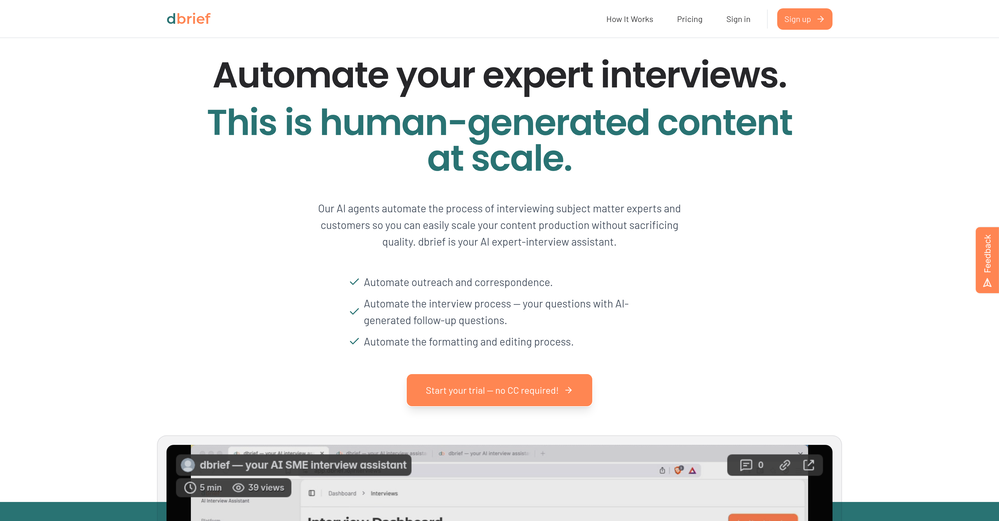
 James Fleischmann🛠️ 1 tool 🙏 8 karmaJul 1, 2025@dbrief5 stars! But I'm biased :)
 -
 AI agent for Jupyter: Generate code, run cells with natural language.Open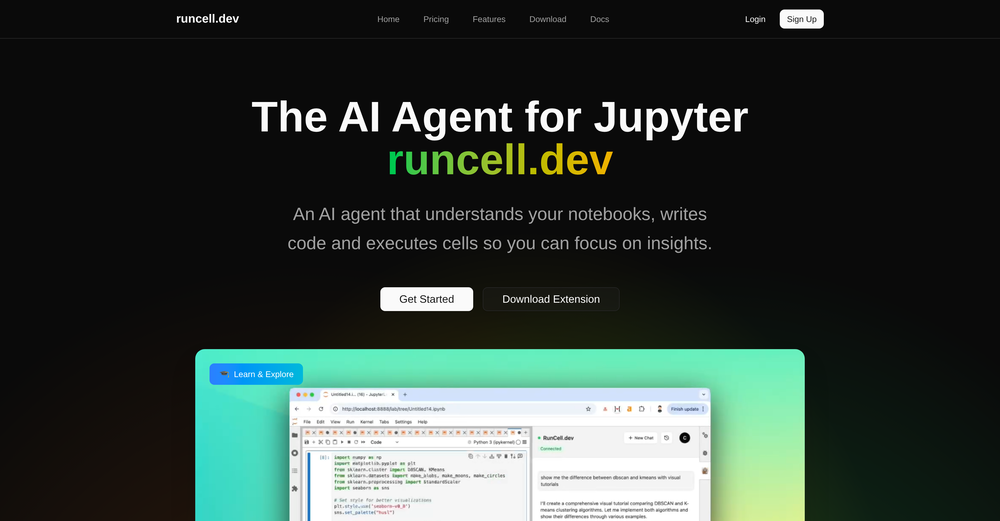
-
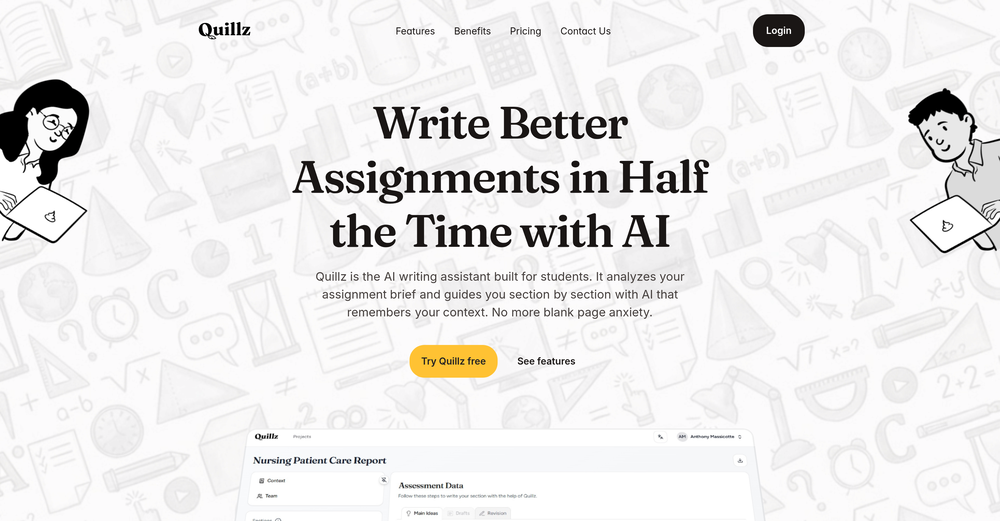 Pretty good tool for writing assignments or essays even, easy to use, gives a structured way to use AI and the outputs are better than expected, looks human.
 -
 Open
Open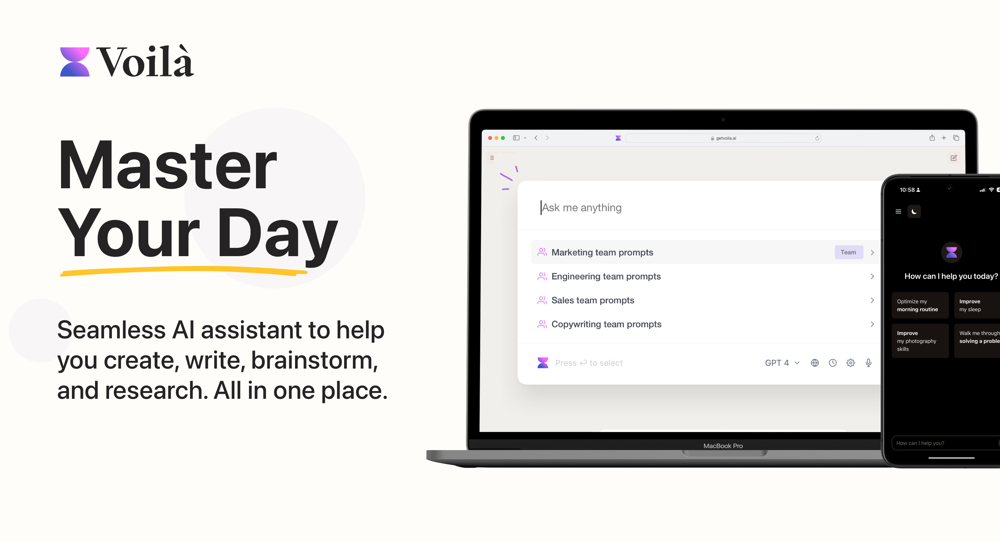 I love this extension, mobile app and desktop software! I use it everyday and everywhere. Generated text are amazing. Well done to the team and continue your incredible work! For me, Voilà is the best AI assistant, copilot and AI writer on the market. I stopped my ChatGPT plus subscription since I discoverer it.
 -
-
 Turn baby photos into talking podcast videos.Open
 Wow, The AI tool is so interesting for the AI talking baby podcast. I like it. Thank you for the AI
 -
 Hi Marwa — thank you for the love on your first try and for the candid update. We’re sorry about the frustration with verification and downloads — that’s on us. A quick update based on your feedback: • We’ve removed the human‑verification step entirely. It was only in place during our early launch (before login) to prevent abuse; now that sign‑in is live, it’s no longer needed. • The free plan currently includes 2 song generations per day plus unlimited listening/streaming. (Downloads are available on paid plans.) AI music generation is expensive to run, so we can’t make unlimited usage completely free, but we’re committed to keeping a useful free tier and transparent pricing. If you decide to upgrade, use the code TAAFT at checkout for 20% off any plan. If anything still doesn’t work as expected, please email us at [email protected] — we’ll jump on it. Thanks again for helping us make Eleven Music better!
 -
 Open
Open I was struggling to create some free Christmas and New Year's e-cards, and these templates are really good. I recommend giving them a try. The only downside is that each free template can only be used once.
 -


Other tools
-
 Build AI Mobile & Web Apps - No Code, No Api KeysOpenI built my fitness app and published it to both App Store and Google Play in just 3 days. OnSpace AI handled all the mobile development complexity. I'm now earning from in-app subscriptions.
 -
This is surprisingly powerful. I can go from a vague idea to a polished track just by talking to Tunesona. The level of genre control and the instant adjustments make the whole process incredibly efficient.
- Sponsor
 Base44 Superagents-AI agent that does it all
 -
Fantastic product - it helped me increase my conversions on my website quite a bit. The support was really helpful too.
-
 Transform yourself into a Fast & Furious action hero!Open
 -
 Rapidly generate AI training videos without equipment or editing.Open
 -
I hope students will enjoy using Olovka: AI Essay Writer as much as I enjoyed developing the product. Looking forward to your feedback and feature suggestions!
-
 AI-powered PDF assistant for summarizing, translating, and creating content.Open
 - Didn't find the AI you were looking for?
-
 OpenVideo editing is the process of selecting, trimming, and arranging footage to create a cohesive story or visual narrative. Here are some fundamental concepts and techniques: Types of Video Editing Linear editing: A straightforward, sequential approach to editing, where clips are arranged in a linear timeline. Non-linear editing: A more flexible approach, where clips can be arranged and rearranged freely in a timeline. Key Video Editing Techniques Cutting: A transition between two clips, where one clip ends and another begins. Cutting on action: Cutting between two clips while an action is in progress, to create a seamless transition. J-cut: Cutting from one clip to another while audio from the second clip starts playing before the video cuts to it. L-cut: Cutting from one clip to another while audio from the first clip continues to play. Video Editing Software Popular video editing software includes: Adobe Premiere Pro: A professional-level editing software with advanced features and integration with other Adobe tools. Final Cut Pro: A professional-level editing software for Mac users, known for its user-friendly interface and advanced features. DaVinci Resolve: A free and paid editing software that offers advanced color grading and audio editing tools. Best Practices for Video Editing Plan your edit: Develop a clear vision and storyboard before starting to edit. Organize your footage: Label and categorize your clips to make them easily accessible. Keep it simple: Avoid overusing transitions and effects; focus on telling a clear story. Advanced Video Editing Techniques Color grading: Adjusting the color and brightness of footage to create a specific mood or atmosphere. Audio ducking: Automatically reducing the volume of background audio when dialogue is present. Motion graphics: Adding animated text, logos, or other graphics to enhance the visual narrative. Video editing involves selecting, trimming, and arranging footage to create a cohesive story. Linear and non-linear editing are two fundamental approaches. Key techniques include cutting, cutting on action, J-cuts, and L-cuts. Popular software includes Adobe Premiere Pro, Final Cut Pro, and DaVinci Resolve. Best practices involve planning, organizing footage, and keeping it simple. Advanced techniques include color grading, audio ducking, and motion graphics. Capcat pro Capcat pro Download image-to-image-generator generated imagetransparent pixel Image to Image Generator Image to Image Generator Download image-to-image-generator generated imagetransparent pixel Image to Image Generator Image to Image Generator Download image-to-image-generator generated imagetransparent pixel Image to Image Generator Image to Image Generator Download image-to-image-generator generated imagetransparent pixel Image to Image Generator Image to Image Generator Download image-to-image-generator generated imagetransparent pixel Image to Image Generator Image to Image Generator Download image-to-image-generator generated imagetransparent pixel Image to Image Generator Image to Image Generator Download image-generator generated imagetransparent pixel Image Generator Image Generator Copy Video Editing Basics Video editing is the process of selecting, trimming, and arranging footage to create a cohesive story or visual narrative. Here are some fundamental concepts and techniques: Types of Video Editing Linear editing: A straightforward, sequential approach to editing, where clips are arranged in a linear timeline. Non-linear editing: A more flexible approach, where clips can be arranged and rearranged freely in a timeline. Key Video Editing Techniques Cutting: A transition between two clips, where one clip ends and another begins. Cutting on action: Cutting between two clips while an action is in progress, to create a seamless transition. J-cut: Cutting from one clip to another while audio from the second clip starts playing before the video cuts to it. L-cut: Cutting from one clip to another while audio from the first clip continues to play. Video Editing Software Popular video editing software includes: Adobe Premiere Pro: A professional-level editing software with advanced features and integration with other Adobe tools. Final Cut Pro: A professional-level editing software for Mac users, known for its user-friendly interface and advanced features. DaVinci Resolve: A free and paid editing software that offers advanced color grading and audio editing tools. Best Practices for Video Editing Plan your edit: Develop a clear vision and storyboard before starting to edit. Organize your footage: Label and categorize your clips to make them easily accessible. Keep it simple: Avoid overusing transitions and effects; focus on telling a clear story. Advanced Video Editing Techniques Color grading: Adjusting the color and brightness of footage to create a specific mood or atmosphere. Audio ducking: Automatically reducing the volume of background audio when dialogue is present. Motion graphics: Adding animated text, logos, or other graphics to enhance the visual narrative. Video editing involves selecting, trimming, and arranging footage to create a cohesive story. Linear and non-linear editing are two fundamental approaches. Key techniques include cutting, cutting on action, J-cuts, and L-cuts. Popular software includes Adobe Premiere Pro, Final Cut Pro, and DaVinci Resolve. Best practices involve planning, organizing footage, and keeping it simple. Advanced techniques include color grading,
 -
 OpenSimply upload your photo; you don't need to type anything in the prompt field. Just click "generate" and watch the magic happen.
 -
AutoEditor is a tool powered by AI that allows users to create highly customized short videos. It is primarily designed to make video editing easier and more efficient, thus enabling users to focus more on content creation. Distinct features include the automatic generation of subtitles in more than 40 languages, detection of silence or non-relevant content in videos, and the ability to enhance videos by adding b-rolls, watermarks, and other effects. The platform provides an easy-to-use interface for video editing, putting users in complete control of their content. Users can change text, styles, and various other aspects of their videos without prior knowledge in video editing. Furthermore, AutoEditor supports editing of long videos, which can be broken down into smaller parts without pre-cutting them. Videos for editing can be directly processed from YouTube, eliminating the need for separate downloading websites. Users can also customize their captions, save their unique styles as presets, and create videos with a few simple clicks for a fast editing experience. AutoEditor's pricing is designed to be simple and affordable, with plans tailored to suit different needs. Users can also access a free tier to get started. Flexibility is one of its key advantages, providing users the means to edit their videos exactly how they want them. The software works best with videos containing any type of voice or talking, such as podcasts, talk shows, documentaries, educational videos, or speeches.
-
 Transform photos into epic 3D cartoon characters.OpenSimply upload your photo; you don't need to type anything in the prompt field. Just click "generate" and watch the magic happen.
 -
I like it. It answers simple questions accurately and by the book. The Ref (reference) page is not usually accurate though. I'll keep you updated on how it responds to complex questions.
-
Looks great, I really appreciated that it gives you credits to test it out first, not many video tools do that. Makes it way easier to actually see what it can do before paying. Nice experience overall :)
-
Made writing my first book simple and fast. I turned scattered ideas into a full, professional manuscript in a weekend. The guided flow kept me focused, and the editing felt natural.
-
A very clean website — simple, clear, and fast to generate results.
-
They removed the face swap features without any warning. This app should not appear when you search a face swap app anymore.

























Post





