
 Mini tools
▼ Latest
Interactive image
Free mode
100% free
Freemium
Free Trial
Featured matches
-
-
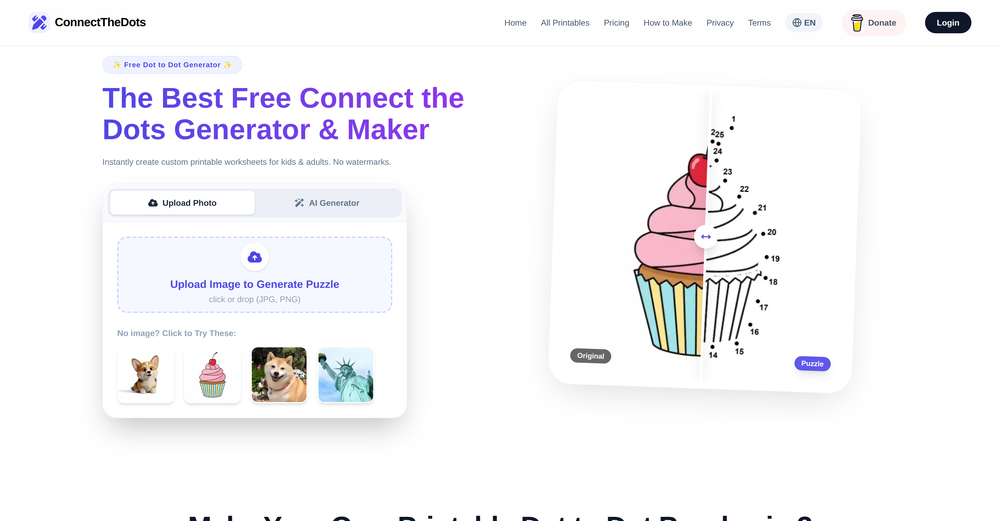 Mihnea Stanila🛠️ 1 tool 🙏 21 karmaFeb 23, 2026@ConnectTheDots GeneratorI just published a children's drawing book on Amazon in 2-3 hours of fiddleing with this tool. Really really good!
 -
 Open
Open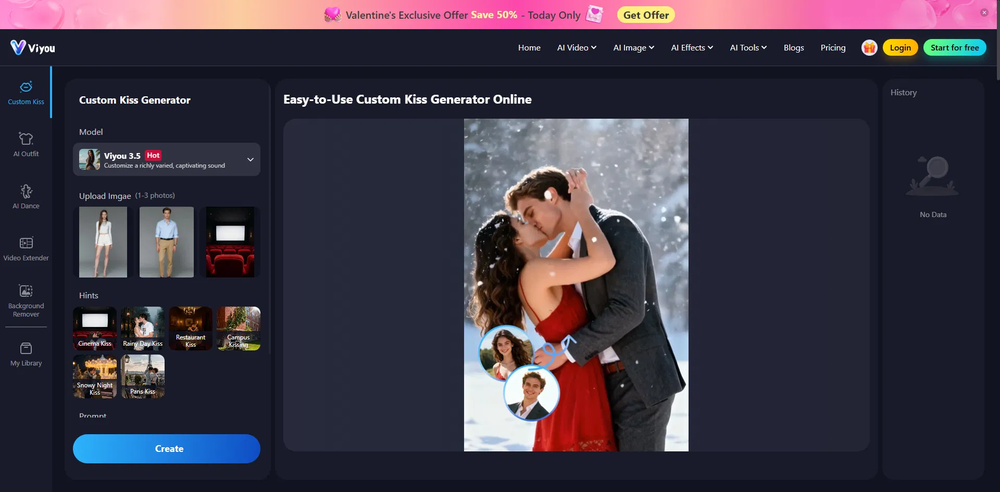 Honestly, the kissing effect on Viyou is remarkably fluid—way better than other AI tools I’ve tried. The preset scenes are a great touch and super fun to play with. My only tip? The default prompts could be a bit more polished to get even better details, but the results are already top-tier. Definitely worth checking out!
 -
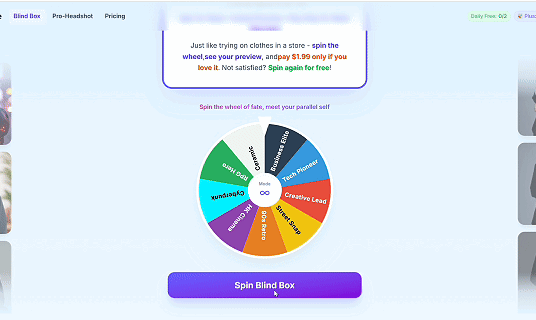 I like pay for what I love, just like go shopping and buy clothes. what do you think?
 -
 Great tool for experimenting with paint effects. It's like an AI-powered version of microsoft paint. Also made a video on it https://youtu.be/ZWOP1M7pgSE
 -
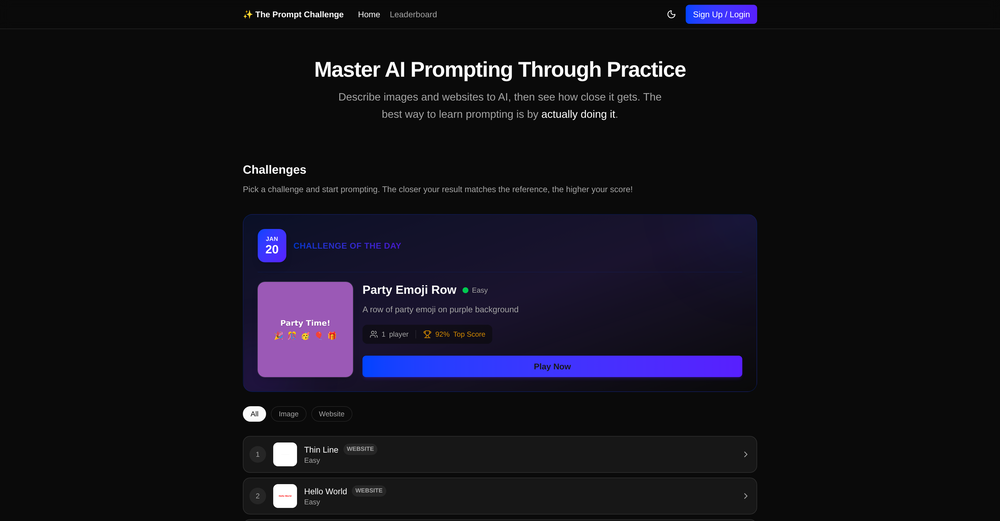 Great way to improve you prompting skills through daily exercises. This should be implemented in schools, would really help students. Can also see it being really valuable for adults. Not just for prompting, but for articulation in general. Also made a video about it: https://www.youtube.com/watch?v=A8ZRJgLCFy8
 -
 Open
Open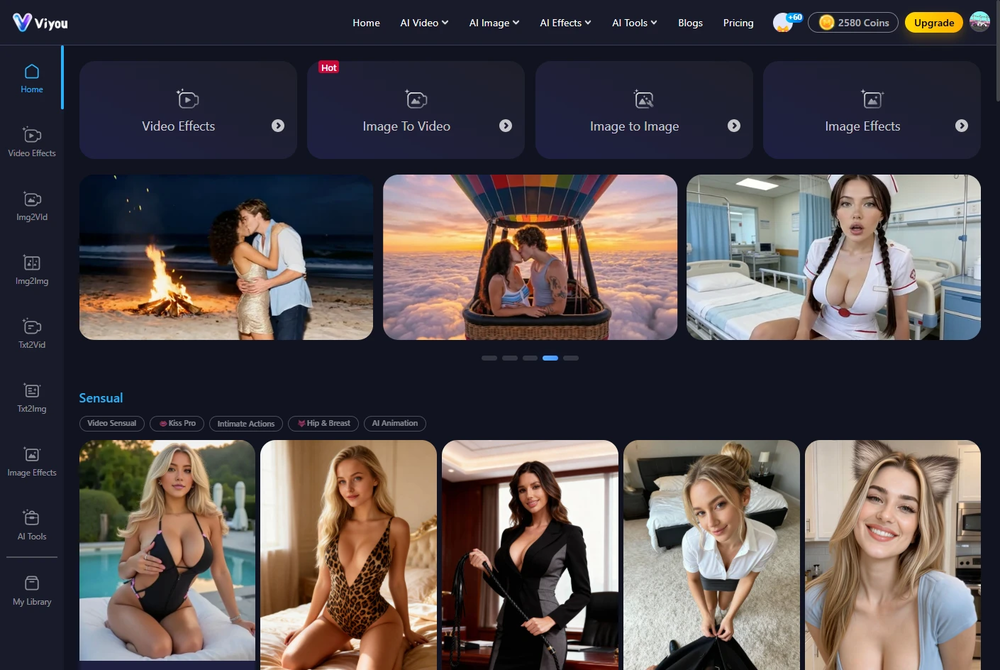 I was struggling to create some free Christmas and New Year's e-cards, and these templates are really good. I recommend giving them a try. The only downside is that each free template can only be used once.
 -
-

-
 This is truly a wonderful experience that brings joy and delight.










Verified tools
-
Excellent for my kids and keeps getting better!
-
- Sponsor
 Rocket - Start building, Now!💻 Vibe coding
 -
 Openlooking forward to trying this out!
 -
 Build AI Mobile & Web Apps - No Code, No Api KeysOpenI built my fitness app and published it to both App Store and Google Play in just 3 days. OnSpace AI handled all the mobile development complexity. I'm now earning from in-app subscriptions.
 -
 Create flashcards, quizzes, and study materials instantly.Open
 -
 All-in-one AI kitchen assistant: pantry management, recipe generation, meal planning, shopping listsOpenThis app is great- I use it weekly to create meal plans, recipes, and reduce waste and save money by using leftover ingredients that I already have!
 -
-
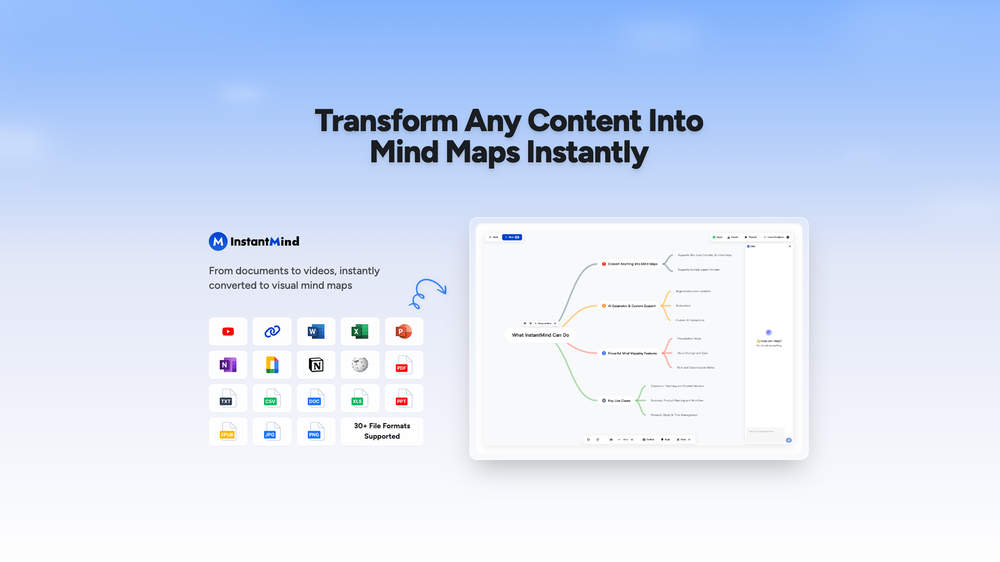
Amazing app and really easy-to-use! It has all the things I need to create a neat, functional, and clear-cut mindmap.
-
 OpenThanks for the feedback! I heard you loud and clear (in more than just English now 😉). I just added support for French and a few other popular languages, so feel free to give it another whirl! Merci for helping us improve!
 -
not working when i click Create a new project its just loading for half an hour
-
Looks promising but found it very slow to load and create templates and previews
-
Ooh. this tickles my nerd side. I already created our next BBEG, it will help so much with making custom DnD campaigns. Thank you!!

















Other tools
-
Finally an API provider that is actually affordable. Nano Banana Pro API saved me over 50% on my bill. Also super impressed that they have access to video models like Sora 2. Wisdom Gate is legit!
-
Used to make coloring pages for the wedding of a friend’s son. Was easy to use. Can pay monthly.
-
Hi guys Despite a super complicated start with AI Chat, we can finally say that all processes are working perfectly and are ready for your tests and work. We are sorry that we came to this platform having some bugs in the system. Now everything is working as we intended. One question - many answers from different AI's. Compare and choose further dialogue with the AI you find better. Please feel free to ask or give any feedback about this product. Just one advert I can tell you about AI Chat - we started using it instead of gpt. On a day to day basis. It works. We are getting supermuch feedback and co-launching with ideas on how it can be improved. We are charged up and will update the product until we run out of great ideas for optimisation! Translated with www.DeepL.com/Translator (free version)
-
 Transform your visual world with AI-powered insights.Open
 -
 OpenIf you can put right text you will get best result.
 -
- Didn't find the AI you were looking for?
-
Such a nice tool. I uploaded a few integrals that had me completely stuck and it solved them INSTANTLY, with step by step super clear explanations. Great tool if you’re struggling with math
-
It is an amazing tool I've been using it for a month and it really helped glow up my listings as a realtor it creates more appeal to my customers.
-
Fantastic product - it helped me increase my conversions on my website quite a bit. The support was really helpful too.
-
-
First time I have tried it. I think it is terrific!
-
It sure does Kristina, give it another go , try and refresh the page.
-
A vibrant and dynamic YouTube channel banner in 2560x1440 resolution, featuring a stylish young girl as the central character. She has short wavy brown hair, round glasses, honey-colored eyes, black eyebrows, and is wearing casual sporty clothes like a hoodie and sneakers. She's posing confidently in an urban street background with neon lights and graffiti, holding a camera or laptop to represent content creation. The style is modern digital art with high contrast, vibrant colors, and motivational text overlay like 'Adventure Awaits' in bold fonts. Focus on the center for mobile view, high detail, cinematic lighting, ultra HD."
-
Cute!! this tool delivers! the avatar styles are spot-on and the interface is clean, not too fancy. the only thing snag is you're capped at 5 free generate avatars. :(
-
Using Homestyler AI has been an absolute game-changer for my interior design projects! The AI Home Designer feature makes bringing my ideas to life effortless, and the range of design options caters to every style. Plus, the collaboration capabilities make teamwork seamless. Truly impressed!
-
Quite the AI I want to use but the price are high for a LLM service...
-
You can't even try it once but you can buy it for $100 a year or more. No I'll try it or leave it
-
Instantly deleted my account after first video failed to generate and when tried second time, it says you've reached the limit. NEED MORE IMPROVEMENT
-
-
-
-
Super easy and fast, not professional result but fun and free.
-
WE USE D-ID AT THE COLORADO VIRTUAL CREATIVE FACTORY...AND LOVE IT.
-
They removed the face swap features without any warning. This app should not appear when you search a face swap app anymore.
-
 Wrestle giant food in hyper-realistic cinematic photos.Open
 -
 Transform yourself into a Renaissance masterpiece.Open
 -
 Transform yourself into ultra-realistic scenes with impossible scale.Open
 -
 Open
Open -
 OpenVideo editing is the process of selecting, trimming, and arranging footage to create a cohesive story or visual narrative. Here are some fundamental concepts and techniques: Types of Video Editing Linear editing: A straightforward, sequential approach to editing, where clips are arranged in a linear timeline. Non-linear editing: A more flexible approach, where clips can be arranged and rearranged freely in a timeline. Key Video Editing Techniques Cutting: A transition between two clips, where one clip ends and another begins. Cutting on action: Cutting between two clips while an action is in progress, to create a seamless transition. J-cut: Cutting from one clip to another while audio from the second clip starts playing before the video cuts to it. L-cut: Cutting from one clip to another while audio from the first clip continues to play. Video Editing Software Popular video editing software includes: Adobe Premiere Pro: A professional-level editing software with advanced features and integration with other Adobe tools. Final Cut Pro: A professional-level editing software for Mac users, known for its user-friendly interface and advanced features. DaVinci Resolve: A free and paid editing software that offers advanced color grading and audio editing tools. Best Practices for Video Editing Plan your edit: Develop a clear vision and storyboard before starting to edit. Organize your footage: Label and categorize your clips to make them easily accessible. Keep it simple: Avoid overusing transitions and effects; focus on telling a clear story. Advanced Video Editing Techniques Color grading: Adjusting the color and brightness of footage to create a specific mood or atmosphere. Audio ducking: Automatically reducing the volume of background audio when dialogue is present. Motion graphics: Adding animated text, logos, or other graphics to enhance the visual narrative. Video editing involves selecting, trimming, and arranging footage to create a cohesive story. Linear and non-linear editing are two fundamental approaches. Key techniques include cutting, cutting on action, J-cuts, and L-cuts. Popular software includes Adobe Premiere Pro, Final Cut Pro, and DaVinci Resolve. Best practices involve planning, organizing footage, and keeping it simple. Advanced techniques include color grading, audio ducking, and motion graphics. Capcat pro Capcat pro Download image-to-image-generator generated imagetransparent pixel Image to Image Generator Image to Image Generator Download image-to-image-generator generated imagetransparent pixel Image to Image Generator Image to Image Generator Download image-to-image-generator generated imagetransparent pixel Image to Image Generator Image to Image Generator Download image-to-image-generator generated imagetransparent pixel Image to Image Generator Image to Image Generator Download image-to-image-generator generated imagetransparent pixel Image to Image Generator Image to Image Generator Download image-to-image-generator generated imagetransparent pixel Image to Image Generator Image to Image Generator Download image-generator generated imagetransparent pixel Image Generator Image Generator Copy Video Editing Basics Video editing is the process of selecting, trimming, and arranging footage to create a cohesive story or visual narrative. Here are some fundamental concepts and techniques: Types of Video Editing Linear editing: A straightforward, sequential approach to editing, where clips are arranged in a linear timeline. Non-linear editing: A more flexible approach, where clips can be arranged and rearranged freely in a timeline. Key Video Editing Techniques Cutting: A transition between two clips, where one clip ends and another begins. Cutting on action: Cutting between two clips while an action is in progress, to create a seamless transition. J-cut: Cutting from one clip to another while audio from the second clip starts playing before the video cuts to it. L-cut: Cutting from one clip to another while audio from the first clip continues to play. Video Editing Software Popular video editing software includes: Adobe Premiere Pro: A professional-level editing software with advanced features and integration with other Adobe tools. Final Cut Pro: A professional-level editing software for Mac users, known for its user-friendly interface and advanced features. DaVinci Resolve: A free and paid editing software that offers advanced color grading and audio editing tools. Best Practices for Video Editing Plan your edit: Develop a clear vision and storyboard before starting to edit. Organize your footage: Label and categorize your clips to make them easily accessible. Keep it simple: Avoid overusing transitions and effects; focus on telling a clear story. Advanced Video Editing Techniques Color grading: Adjusting the color and brightness of footage to create a specific mood or atmosphere. Audio ducking: Automatically reducing the volume of background audio when dialogue is present. Motion graphics: Adding animated text, logos, or other graphics to enhance the visual narrative. Video editing involves selecting, trimming, and arranging footage to create a cohesive story. Linear and non-linear editing are two fundamental approaches. Key techniques include cutting, cutting on action, J-cuts, and L-cuts. Popular software includes Adobe Premiere Pro, Final Cut Pro, and DaVinci Resolve. Best practices involve planning, organizing footage, and keeping it simple. Advanced techniques include color grading,
 -
 Open
Open -
 Transform yourself into hyper-realistic celebrity group photos.OpenSimply upload your photo; you don't need to type anything in the prompt field. Just click "generate" and watch the magic happen.
 -
 Creates immersive first-person perspective images that simulate your own eyes.OpenChanged the prompt to improve results.
 -
 OpenChanged the prompt to improve results.
 -
Changed the prompt to improve results.
-
 Generate epic 3D fisheye selfies with original TMNT.Open
 -
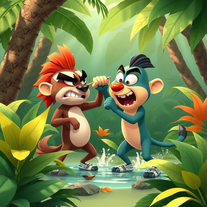
 Bring children's stories to life with AI-generated images.Open
 -
 Open
Open -
 Bring history to life with AI-generated visualizations.Open






























































































Post





