
 Mini tools
▼ Top rated
Interactive
Free mode
100% free
Freemium
Free Trial
Featured matches
-
-
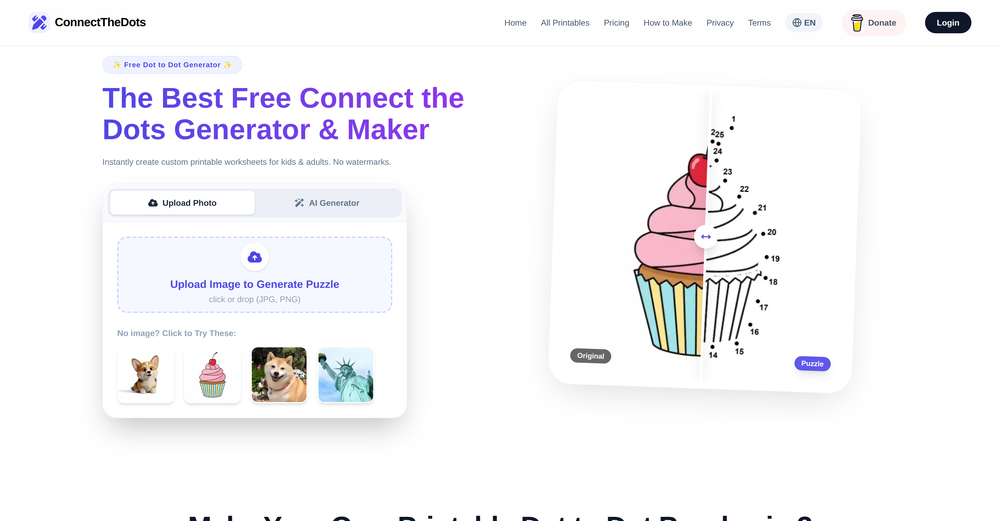 Mihnea Stanila🛠️ 1 tool 🙏 5 karmaFeb 23, 2026@ConnectTheDots GeneratorI just published a children's drawing book on Amazon in 2-3 hours of fiddleing with this tool. Really really good!
 -
 Open
Open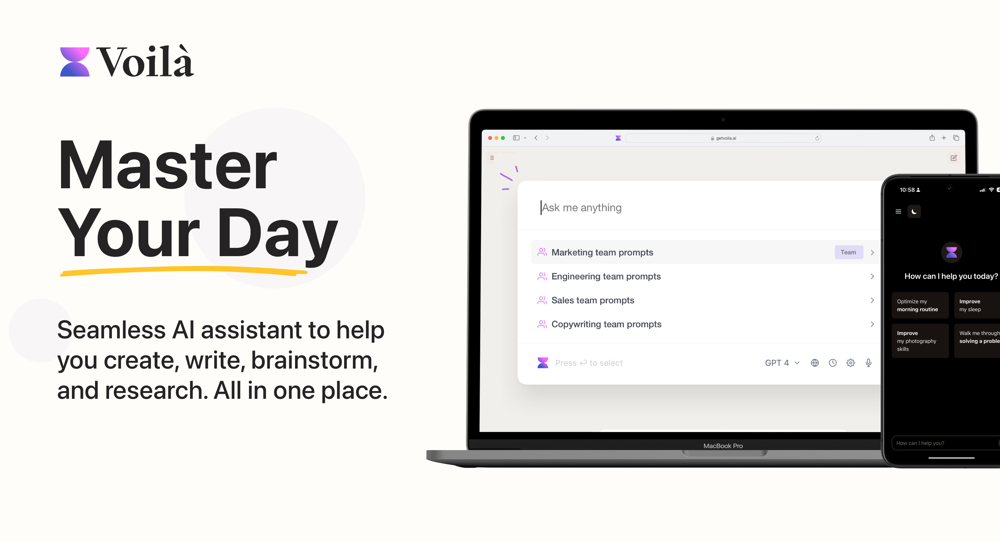 I love this extension, mobile app and desktop software! I use it everyday and everywhere. Generated text are amazing. Well done to the team and continue your incredible work! For me, Voilà is the best AI assistant, copilot and AI writer on the market. I stopped my ChatGPT plus subscription since I discoverer it.
 -
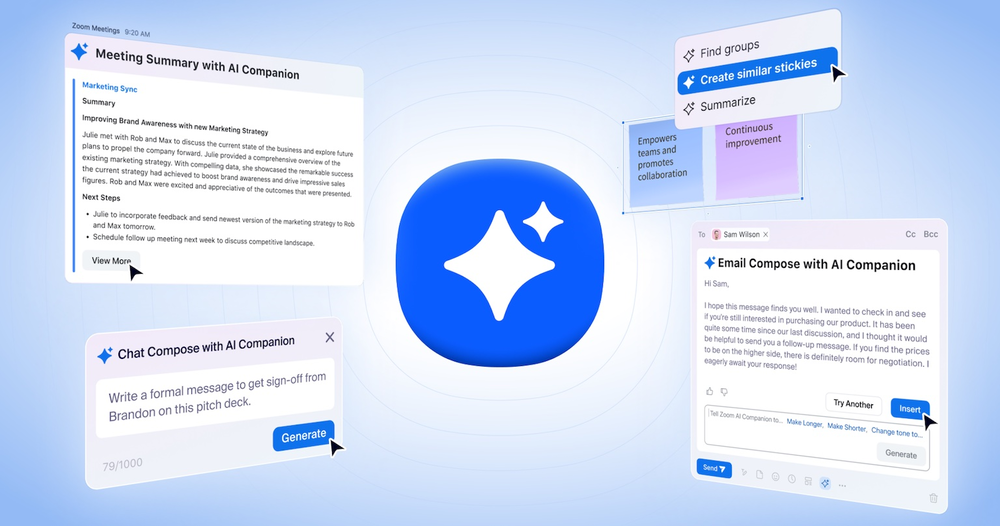 Saves me from rewatching hour-long recordings just to find one decision point. The recap feature is clutch when back-to-back calls pile up and I need to remember who committed to what.
 -
-
-

-
-

-
 Open
Open







Other tools
-
 OpenVideo editing is the process of selecting, trimming, and arranging footage to create a cohesive story or visual narrative. Here are some fundamental concepts and techniques: Types of Video Editing Linear editing: A straightforward, sequential approach to editing, where clips are arranged in a linear timeline. Non-linear editing: A more flexible approach, where clips can be arranged and rearranged freely in a timeline. Key Video Editing Techniques Cutting: A transition between two clips, where one clip ends and another begins. Cutting on action: Cutting between two clips while an action is in progress, to create a seamless transition. J-cut: Cutting from one clip to another while audio from the second clip starts playing before the video cuts to it. L-cut: Cutting from one clip to another while audio from the first clip continues to play. Video Editing Software Popular video editing software includes: Adobe Premiere Pro: A professional-level editing software with advanced features and integration with other Adobe tools. Final Cut Pro: A professional-level editing software for Mac users, known for its user-friendly interface and advanced features. DaVinci Resolve: A free and paid editing software that offers advanced color grading and audio editing tools. Best Practices for Video Editing Plan your edit: Develop a clear vision and storyboard before starting to edit. Organize your footage: Label and categorize your clips to make them easily accessible. Keep it simple: Avoid overusing transitions and effects; focus on telling a clear story. Advanced Video Editing Techniques Color grading: Adjusting the color and brightness of footage to create a specific mood or atmosphere. Audio ducking: Automatically reducing the volume of background audio when dialogue is present. Motion graphics: Adding animated text, logos, or other graphics to enhance the visual narrative. Video editing involves selecting, trimming, and arranging footage to create a cohesive story. Linear and non-linear editing are two fundamental approaches. Key techniques include cutting, cutting on action, J-cuts, and L-cuts. Popular software includes Adobe Premiere Pro, Final Cut Pro, and DaVinci Resolve. Best practices involve planning, organizing footage, and keeping it simple. Advanced techniques include color grading, audio ducking, and motion graphics. Capcat pro Capcat pro Download image-to-image-generator generated imagetransparent pixel Image to Image Generator Image to Image Generator Download image-to-image-generator generated imagetransparent pixel Image to Image Generator Image to Image Generator Download image-to-image-generator generated imagetransparent pixel Image to Image Generator Image to Image Generator Download image-to-image-generator generated imagetransparent pixel Image to Image Generator Image to Image Generator Download image-to-image-generator generated imagetransparent pixel Image to Image Generator Image to Image Generator Download image-to-image-generator generated imagetransparent pixel Image to Image Generator Image to Image Generator Download image-generator generated imagetransparent pixel Image Generator Image Generator Copy Video Editing Basics Video editing is the process of selecting, trimming, and arranging footage to create a cohesive story or visual narrative. Here are some fundamental concepts and techniques: Types of Video Editing Linear editing: A straightforward, sequential approach to editing, where clips are arranged in a linear timeline. Non-linear editing: A more flexible approach, where clips can be arranged and rearranged freely in a timeline. Key Video Editing Techniques Cutting: A transition between two clips, where one clip ends and another begins. Cutting on action: Cutting between two clips while an action is in progress, to create a seamless transition. J-cut: Cutting from one clip to another while audio from the second clip starts playing before the video cuts to it. L-cut: Cutting from one clip to another while audio from the first clip continues to play. Video Editing Software Popular video editing software includes: Adobe Premiere Pro: A professional-level editing software with advanced features and integration with other Adobe tools. Final Cut Pro: A professional-level editing software for Mac users, known for its user-friendly interface and advanced features. DaVinci Resolve: A free and paid editing software that offers advanced color grading and audio editing tools. Best Practices for Video Editing Plan your edit: Develop a clear vision and storyboard before starting to edit. Organize your footage: Label and categorize your clips to make them easily accessible. Keep it simple: Avoid overusing transitions and effects; focus on telling a clear story. Advanced Video Editing Techniques Color grading: Adjusting the color and brightness of footage to create a specific mood or atmosphere. Audio ducking: Automatically reducing the volume of background audio when dialogue is present. Motion graphics: Adding animated text, logos, or other graphics to enhance the visual narrative. Video editing involves selecting, trimming, and arranging footage to create a cohesive story. Linear and non-linear editing are two fundamental approaches. Key techniques include cutting, cutting on action, J-cuts, and L-cuts. Popular software includes Adobe Premiere Pro, Final Cut Pro, and DaVinci Resolve. Best practices involve planning, organizing footage, and keeping it simple. Advanced techniques include color grading,
 - Sponsor
 Wispr Flow-Now on Android!🎤 Dictation
 -
-
Warp is probably the best CLI on the Mac Platform, even better when you are in the middle of that complex linux string and you think How do I...just ask the AI and it will give you that answer you forget all those years ago.
-
To start a learning application, I think this is a great platform to support adaptive and personalized learning.
-
Great tool for experimenting with paint effects. It's like an AI-powered version of microsoft paint. Also made a video on it https://youtu.be/ZWOP1M7pgSE
-
-
 Skin Unites Us™️Personalized AI & biotech skincare for every shade, every story.OpenExtremely useful advice for any skincare related question, cute. Should give it a try girlies
 - Didn't find the AI you were looking for?
-
-
You can organize your texts and generate different types of questions. Pricing looks generous too for the quality.
-
 Openlooking forward to trying this out!
 -
 Open
Open -
I really loved this tool for learning DSA , the AI coach is really helpful and the platform provides structured learning paths and questions
-
-
 Turn everyday items into enriching learning experiences.Opentried this tool and while it wants you to sign up at some point, it does provide some good options whenever you run out of ideas, definitely recommend it
 -
 AI spreadsheet & data analyst. 10x your productivity.OpenI use Sourcetable for quick data analysis and visualizations with natural-language queries. I'm working with Excel files and our Postgres database. It feels like an AI analyst built into a spreadsheet for turning raw data into clear reports. (Like ChatGPT + Excel, but better.)
 -
Finally an API provider that is actually affordable. Nano Banana Pro API saved me over 50% on my bill. Also super impressed that they have access to video models like Sora 2. Wisdom Gate is legit!
-
 AI-powered backgrounds for stunning websites.Open
 -
I like pay for what I love, just like go shopping and buy clothes. what do you think?




















Post





