
 Mini tools
▼ Latest
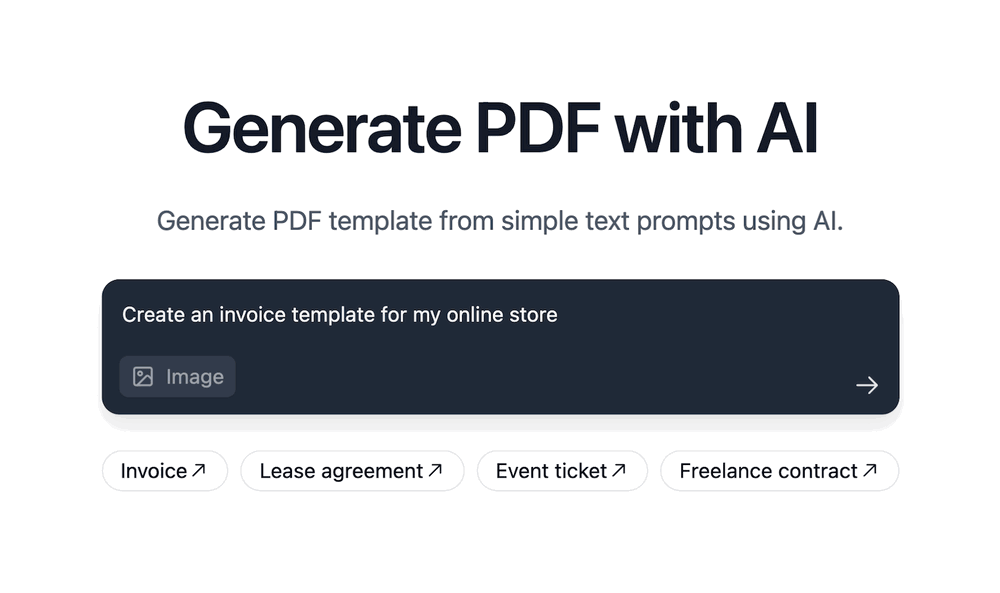
Pdf creation
Free mode
100% free
Freemium
Free Trial
Featured matches
-
-
-

-
-
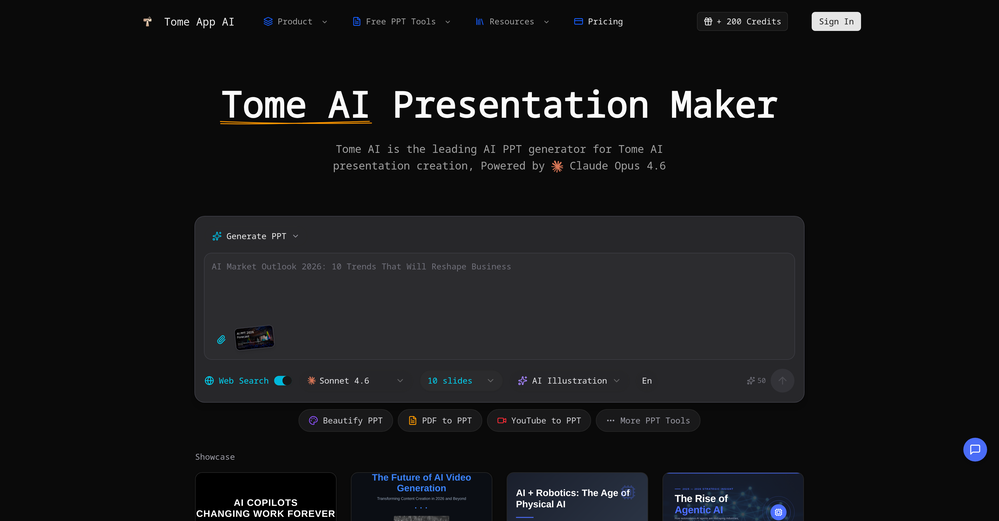
 Jon Hillstrom🛠️ 2 tools 🙏 40 karmaMar 6, 2026@Tome App AImade a presentation for my site with just 1 prompt, lol how did the AI get so much information out of my website lol
 -
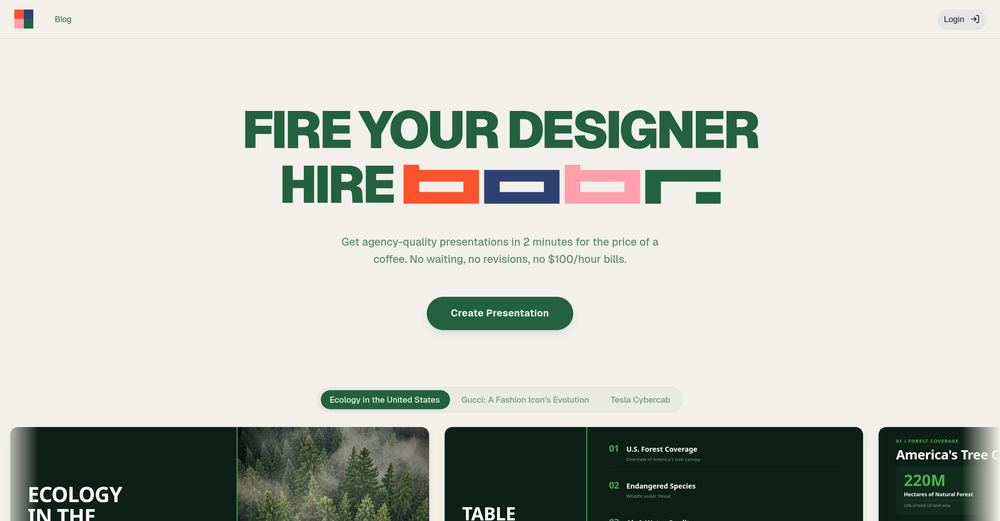 I'm absolutely blown away by the design quality of the presentations they look so vibrant and stylish. I was also pleasantly surprised that the AI asks lots of clarifying questions to make sure the final result is exactly what I wanted, not just something random. Vibes 🔥
 -
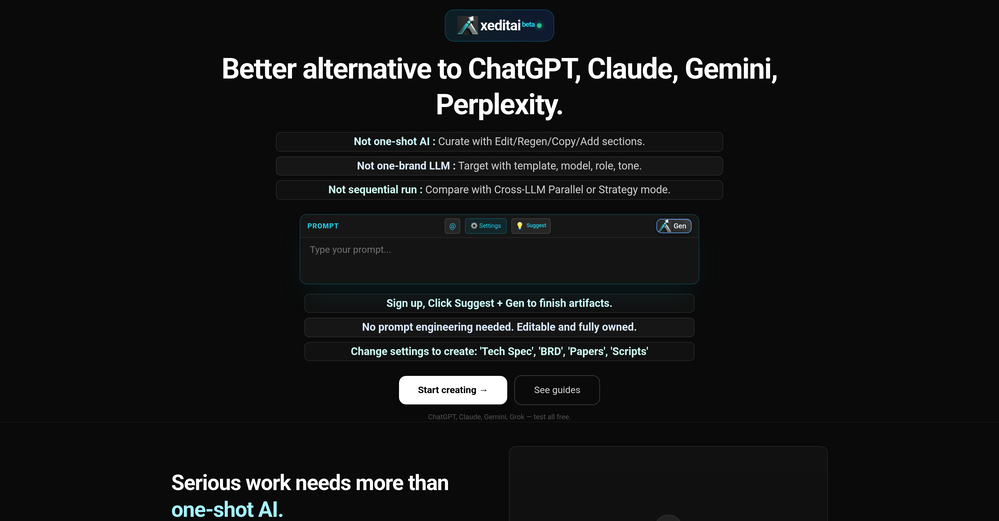 xeditai.com has options that most chat AIs lack, 1) Options to choose multiple vendor 2) Save content online 3) Regenerate by Section/Paragraph switch model to regenerate 4) Edit/Add text or image 5) Add branding and export 6) Run Parallel and copy across by Section/Paragraph 7) Run Strategy mode to a maximum of 3 LLMs to evaluate/synthesize/debate 8) Optionally switch templates to target output to different format 9) Tweak roles, thinking, model params 10) Use suggested next steps to follow up or target next template by process for e.g. BRD-> PRD
 -

-
-
 This is truly a wonderful experience that brings joy and delight.








Verified tools
-
Currently, generating course videos is basically free, and everyone is welcome to use it! If you have any problems during use, you can complain and we will quickly iterate! Thank you~!
-
- Sponsor
 Base44 Superagents-AI agent that does it all
 -
Highly recommend Tosea.ai for anyone who needs to create academic slides fast! It literally takes minutes to transform a full paper into a beautifully designed deck. The zero-hallucination output ensures all data points are faithful to the original text. It’s saved me hours of manual formatting and outlining—truly a massive productivity boost.
-
Great tool for developing business ideas and more. Also made a video on it here: https://youtu.be/ozmFFMiFLwM
-
I’d say this is one of the best chatbots I’ve used so far. The side-by-side comparison view is super handy for spotting bias and made-up, and the custom bots actually have decent memory, which is rare. Just a heads up: no image generation or voice mode. Other than that, it’s pretty solid.
-
 Chain AI tasks with no-code into workflows for chatbots, video, documents, andOpenThis tool removes all of the prep work of getting an LLM API endpoint running. I can try out ideas quickly and see within minutes whether an endpoint concept actually works. And when it does, moving it into a production app is about as easy as it gets.
 -
-
 OpenThe PowerPoint presentation I made met my expectations very well
 -
 Turn your slides into narrated videos with AI voiceoverOpenWe built Vidsembly to make video creation from presentations as simple as having a conversation. Just upload your slide deck, pick a voice, and get a clean narrated video in minutes. No editing software or mic needed. Great for creators, educators, and sales teams who want their message to land. You can try it free with 30 credits.
 -
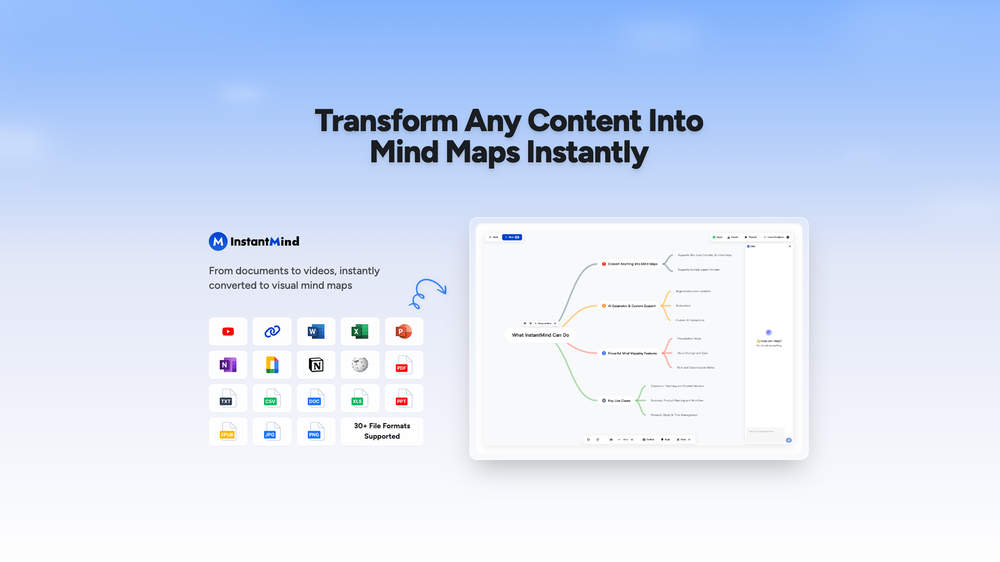
Amazing app and really easy-to-use! It has all the things I need to create a neat, functional, and clear-cut mindmap.
-
I’ve been using it for a month now and I have decided to keep it for a year. There definitely are some kinks they can still work out like file management, but it’s very good at it’s core function: it generally does a good job answering questions and most times identifies PDFs automatically and correctly. The browser plugin works great, and it’s very nice that Papers allows you to add your university’s library API so you can automatically download PDFs that are accessible through your institution (sometimes it refuses to download some papers, so you just have to downlow it yourself and manually add it). The iPad and Android apps are serviceable. Every once in a while it will mess up the PDF identification, especially with papers from either very old sources or online-only journals. Things they must work on: * A much better system to annotate PDFs (the post-it type notes are cumbersome). * Introduce a notepad attached to each PDF or some way to easily link and save the AI’s output to the PDF. Currently, you have to add a little post it note and then paste the text there. * Keep the AI answers available after closing the documents. If you close the document by mistake or have several open and wish to close some, the ai conversation will be reset. * I REALLY wish that you could get citations and links to where the info was from extracted from PDFs. Currently, I have found Coral.ai does a much better job of showing you where the info came from and it even highlights it for you. Give it a try, their 30-day no credit card needed trial allowed me to truly test it, and now I’m a yearly subscriber looking forward for new additions and releases.
-
AI Notebook does what it promises, it's a decent on the go note-taking app. I like the automated tweak of these newer note-taking apps. I can just throw in pdfs, voice memos or youtube videos, and it'll generate all type oof different format like summaries, mind maps or flashcards. Extremely useful for students and professionals as it digest lengthy materials into small chunks of text. Recommended for anyone looking for a no-frills note taker tool
-
Free version is limited to 10 words. Not even a sentence. Its a joke
-
Hands down the best AI powered question generator out there. High quality questions, easy to use and very easy to share quizzes.























Other tools
-
It’s more than just a presentation maker, it also helps organize information.A great alternative to PowerPoint or Google Slides when you need something fast and professional. It has become part of my daily workflow at the office.
-
-
This is the first slide creator I found that actually creates an outline, and nice looking slides with images. The one negative/con is it takes yoursubject and title and generates an outline, but it doesn't allow you to put in your own outline
-
- Didn't find the AI you were looking for?
-
It suponer to be free but i need to pay for the download
-
Looks like it's working for me. Could you give it another try?
-
Wow, I can't believe it, how much can a human being cheat? You get a free data tag, you register on the site, so you don't get paid, you can't do anything. I really feel sorry for humanity.
-
Mindgrasp was the best upgrade from using Chat GPT for school cuz I can upload anything I want and get help from the AI and it’s really detailed notes and answers. It’s cheap too I only pay 9.99 per month



























Post





