
 Mini tools
▼ Top rated
Pdfs
Free mode
100% free
Freemium
Free Trial
Featured matches
-

 Dara Mason🛠️ 2 tools 🙏 74 karmaMar 5, 2026@ReadPDFAloud.comway better than what microsoft has
 -
-
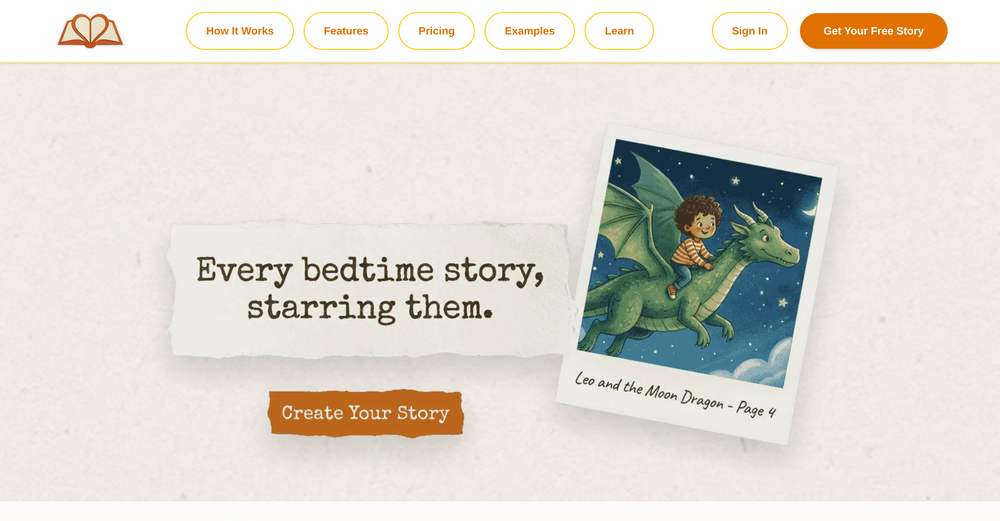
 Extract structured data from images and PDFs into usable tables with AIOpen
-

-
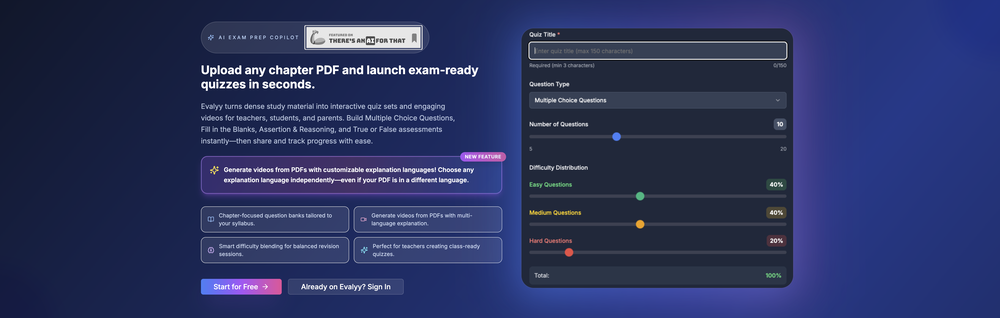 Great App! Comes in handy to generate questionnaires or quizzes out of specific topics from PDFs and scanned notes. If you are looking to boost kids performances either as a parent or a teacher then this is the app. Try it to believe it!
 -
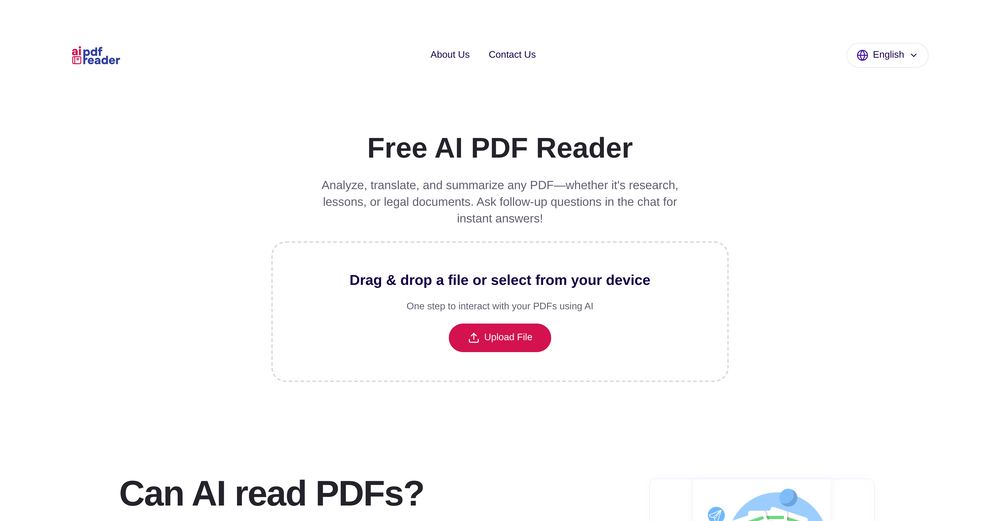 Great for skimming research papers and reports
 -
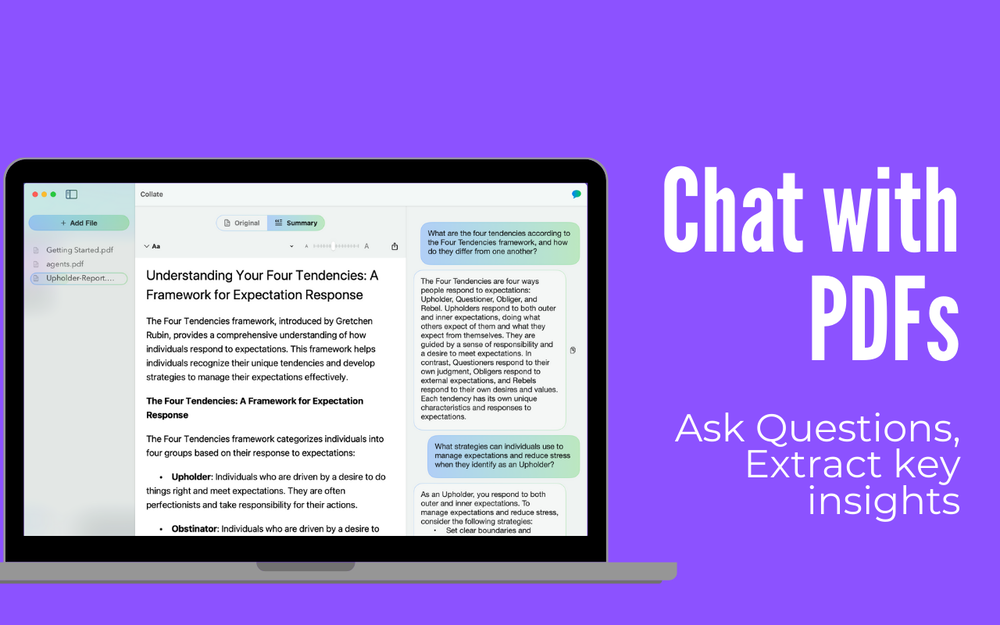 Collate v1.8 — Semantic search for your PDFs, plus Find, zoom, and source-jumping citations 🔎 Search across your entire PDF library by meaning, fully on device 📍 New Find to jump through documents faster 🔍 New zoom for inspecting details without losing your place 🔗 Citations now jump straight to the source
 -
-








Other tools
- Sponsor
 KiloClaw - Managed 🦀 OpenClaw hosting
 -
Highly recommended. It saves a lot of time. Their PDF chat feature is very user-friendly.
-
Although not very detailed, the key points are almost all included. Not only can PDFs be uploaded, but other text files as well, and can be translated into the specified language, Overall, it's quite practical!
-
It helped me save so much time! Thank you to whoever made this.
-
So simple yet so powerful. And there's no need to sign up or pay monthly subscription!
-
There is no way to tell how good this AI Text to MP3 service is without paying up front. Maybe it's good, maybe it's not.
- Didn't find the AI you were looking for?
-
-
Best PDF to Explainer Videos AI Tool
-
I’ve been using it for a month now and I have decided to keep it for a year. There definitely are some kinks they can still work out like file management, but it’s very good at it’s core function: it generally does a good job answering questions and most times identifies PDFs automatically and correctly. The browser plugin works great, and it’s very nice that Papers allows you to add your university’s library API so you can automatically download PDFs that are accessible through your institution (sometimes it refuses to download some papers, so you just have to downlow it yourself and manually add it). The iPad and Android apps are serviceable. Every once in a while it will mess up the PDF identification, especially with papers from either very old sources or online-only journals. Things they must work on: * A much better system to annotate PDFs (the post-it type notes are cumbersome). * Introduce a notepad attached to each PDF or some way to easily link and save the AI’s output to the PDF. Currently, you have to add a little post it note and then paste the text there. * Keep the AI answers available after closing the documents. If you close the document by mistake or have several open and wish to close some, the ai conversation will be reset. * I REALLY wish that you could get citations and links to where the info was from extracted from PDFs. Currently, I have found Coral.ai does a much better job of showing you where the info came from and it even highlights it for you. Give it a try, their 30-day no credit card needed trial allowed me to truly test it, and now I’m a yearly subscriber looking forward for new additions and releases.
-
 Open
Open -
very useful AI tool for those who need to work with pdf docs. Thnak you very to the team for offering it free
-
 OpenUnable to tried its functionality as its keep asking to pay
 -
Nice interface, but no good at PDF answers, especially tables data.
-
Only extension that Worked well for large PDFs for Free.
-
The translation is good enough. It's free, so waiting longer for the result is not a problem






















Post





