
 Mini tools
▼ Latest
Photography
Free mode
100% free
Freemium
Free Trial
Featured matches
-
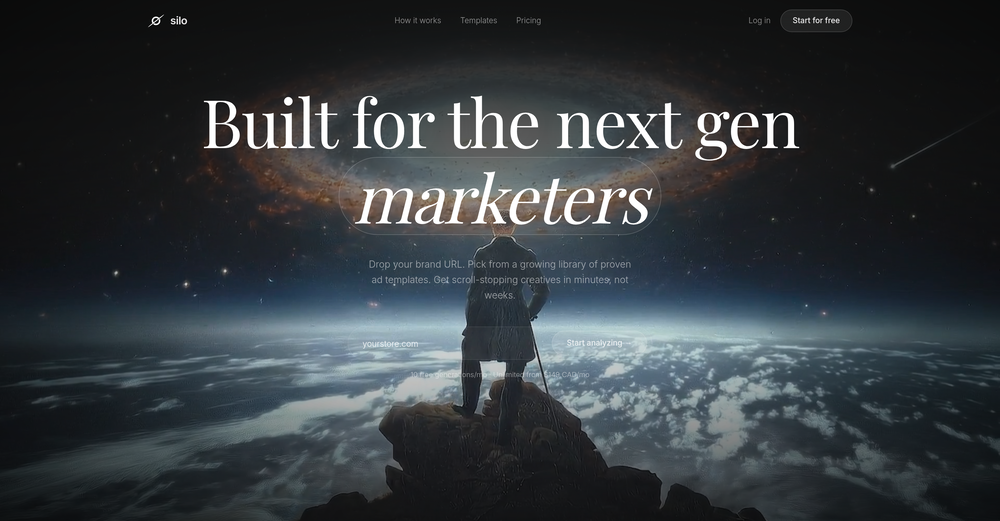 Hey everyone! Aria here, we just launch a new Silo update! AI Ad Editor Generated an ad that's 90% there? Now just describe what to change — "make the background darker", "swap the headline", "move the product left" — and AI rebuilds it instantly. Full edit history Undo anything, try wild ideas, iterate until it's perfect. Generate → Edit → Perfect → Launch. All in one place
 -

-
-

-
-

-

-
-
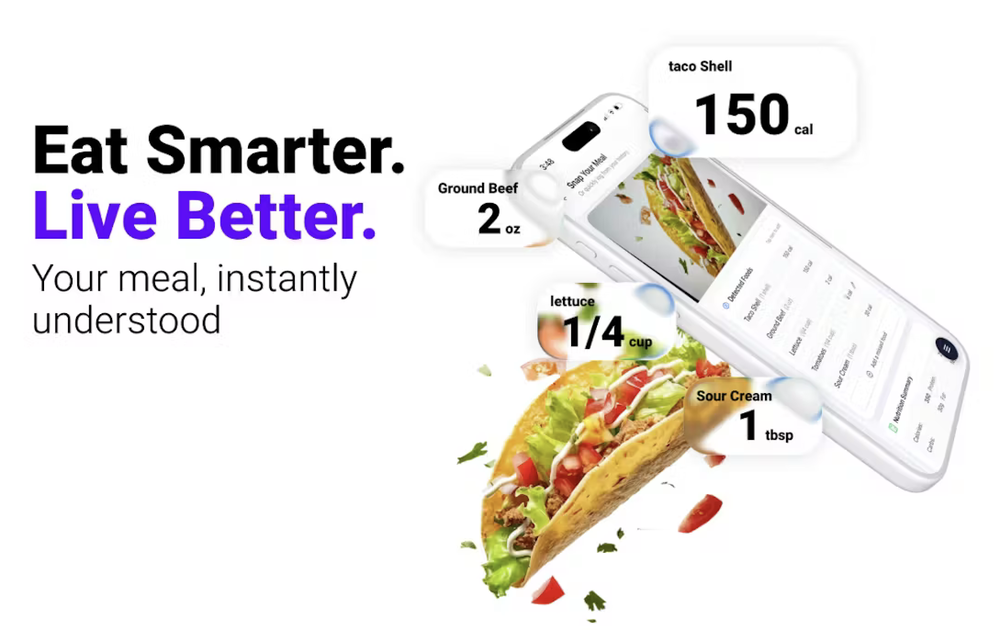 Sean🙏 5 karmaJan 21, 2026@InstakalWow! What an incredible app! I was using Cal AI until today. Just cancelled my subscription there and now I’m using Instakal! Free and much more efficient. Thanks to the creators 💪
 -







Verified tools
- Sponsor
 Rocket - Think it. Type it. Launch it.
 -
Kampfire is an AI-based photo-sharing web app for business events. It’s designed to extend the event experience beyond the day itself by turning the excitement around personalized albums into post-event engagement. More survey responses and photo shares boost ROI, reach, and social visibility. It’s great for conferences, trade shows, company meetings, holiday parties, and incentive events.
-
Photobooth AI allows users to create events in a fully self-service process! The configurator is intuitive, letting you choose the number of credits, event type, layout options (like adding your own logo and overlay), and more. Once the event is set up, the virtual Photobooth is available both from the desktop web version and the native mobile apps, making it easy for guests to participate. The pricing is fair, and the flexibility is perfect for customizing events to your exact needs!
-
-
After registration, a 403 error is directly displayed and the service cannot be used.
-
 Stop guessing if your photo is good. Get instant, objective feedback.Open
 -
Apologies for the delayed response. Let me clarify our free tier benefits: 1.Daily Quick Credits: Free users receive 2 quick generation credits every day. 2.Unlimited Standard Generation: You can generate an unlimited number of images daily. Please note that during peak usage times, generation speeds may be slower to accommodate high traffic. 3.Advanced Features: Free users also have access to our excellent face-swap feature. 4.Our platform features the leading Nanobanana series models, supports various LoRA effects, and includes tools for background removal and image outpainting/expansion. 5.We welcome you to try them out! Regarding your question about pricing: The core features mentioned above are genuinely free. The 'pricing' structure you saw likely refers to optional paid plans for users who need faster speeds during peak times, higher priority, or additional commercial features. It is not 'free after you pay,' but rather a free base service with optional upgrades. We hope this clears up any confusion!"
-
 OpenHey, Zeeshaan here, co-founder of The Influencer AI. I genuinely hope this service enables people to do things that were not possible before. Our goal is to help anyone create pro-level visuals for all needs in minutes. Happy to answer any questions, and open to all feedback. Appreciate the community!
 -
 Search for places, people, duplicates, and more with AI-powered reverse image searchOpenIt does search, but the results were nowhere close to the object (image of myself and another).
 -
Very well done ai images. Only had to delete 3 of the 30 because of anomalies in the images. That's very rare for this type of system.
-
I use the software to turn rough ideas into polished visuals that feel curated and high-end. It’s quick, effortless, and always on-brand.
-
was looking for comfyui alternatives - i want workflows - but there's so much pain to get nodes to work on comfy - but this floyo solves this entirely
-
Compared with similar AI tools, this one stands out for the clarity and relevance of its outputs. Instead of producing generic results, it adapts well to different inputs and preserves context effectively. This makes the generated content feel more intentional and less “AI-like.” It’s particularly useful when quality matters more than just speed.
-
-
 Open4K resolution is one of its major advantages in the relevant field.
 -
-
So cute! It's actually crazy how real the dance moves look. Highly recommend using high-quality photos for the best result.




















Other tools
-
It is a great photo editing tool for e-commerce sellers who need product photos.
-
quick and the quality's nuts. tons of presets and styles to pick from, definitely one of those tools that makes you wanna keep testing more stuff.
-
 Transform any face into stunning urban editorial photography.OpenSimply upload your photo; you don't need to type anything in the prompt field. Just click "generate" and watch the magic happen.
 -
 Transform photos into stunning 1920s Jazz Age masterpieces.Open
 -
 Open
Open -
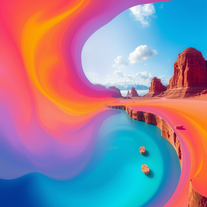 Generate vivid, surreal photos that tell stories.Open
 - Didn't find the AI you were looking for?
-
 Open
Open -
 Transform any description into stunning professional headshots using AI.Open
 -
 Transform ordinary product photos into stunning, market-ready e-commerce images.Open
 -
 Open
Open -
 AI-generated landscapes for stunning art prints and displays.Open
 -
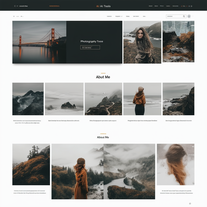 AI-powered portfolio sites for photographers.Open
 -
 Open
Open -
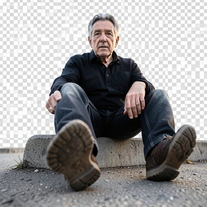
 Creates stunning AI images with extreme wide-angle distortion.OpenChanged the prompt to improve results.
 -
 Transform photos into Parisian fashion editorials instantly.Open
 -
 Generate ultra-realistic cinematic action photographs with perfect physics.Open
 -
 Generate ultra-realistic candid photography with facial recreation.Open
 -
 Create cinematic photos with holographic twin projections.Open
 -
 Open
Open -
 Generate professional cookbook-quality food photography prompts instantly.Open
 -
 AI-powered romantic bedroom photography with cinematic realism.Open
 -
 Open
Open -
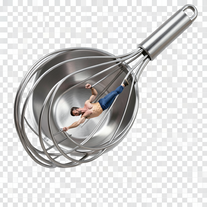
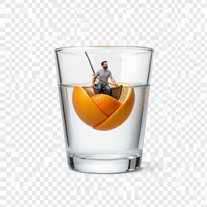
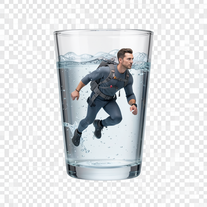 Generate surreal macro photography with miniature humans.OpenSimply upload your photo; you don't need to type anything in the prompt field. Just click "generate" and watch the magic happen.
 -
 Open
Open -
 AI-powered cinematic photography for ultra-realistic social portraits.Open
 -
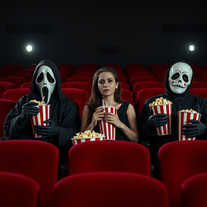 Open
Open -
Changed the prompt to improve results.
-
 Open
Open -
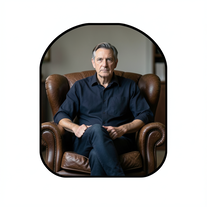 Create film-noir portraits through a keyhole perspective.Open
 -
 Open
Open -
 Open
Open -
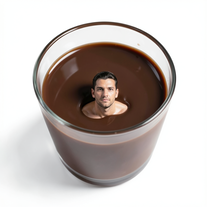 Transform yourself into surreal miniature scenes with hyper-realistic 8K imagery.Open
 -
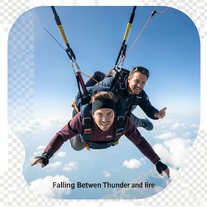 Generate cinematic 8K skydiving scenes from your photos.Open
 -
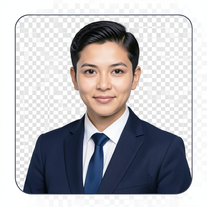 AI-powered corporate portrait generator for ultra-realistic executive headshots.Open
 -
 Transform photos into hyper-realistic 8K cinematic masterpieces.Open
 -
 Transform yourself into cinematic miniature adventures.Open
 -
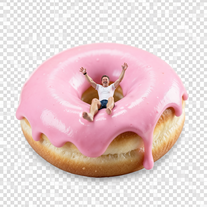
 Wrestle giant food in hyper-realistic cinematic photos.Open
 -
 Open
Open -
 Transform your photo into hyper-realistic cinematic scenes.OpenThis tool is designed to only receive a photo as a reference; just use this and see the result.
 -
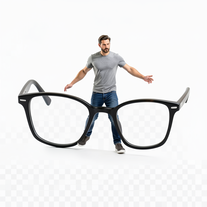
 Creates hyper-realistic cinematic selfies with giant-scale perspective effects.Open
 -
 Open
Open -
 Transform portraits into high-fashion editorial magic.Open
 -
 AI photo restoration that preserves original identity.Open
 -
 Open
Open -
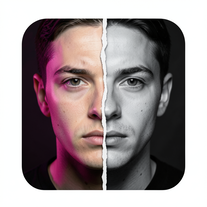
 Transform photos into dramatic black-and-white chiaroscuro portraits.Open
 -
 Open
Open -
 Transform photos into cinematic Ferris wheel masterpieces.Open
 -
 Open
Open -
 Open
Open -
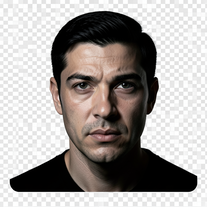 Turn portraits into cinematic masterpieces with dramatic lighting.Open
 -
 Transform photos into museum-quality graphite portraits.OpenThe second attempt is much better, but added non-existing points.
 -
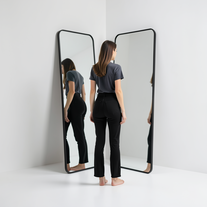 Generate ultra-realistic mirror photographs exploring self-perception psychology.Open
 -
 Open
Open -
 AI-powered studio portraits that preserve your exact identity.Open
 -
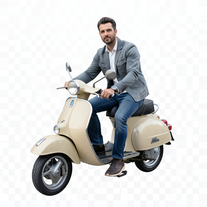 Transform portraits into cinematic Italian street-style magazine shots.Open
 -
 Creates ultra-realistic cinematic portraits from your photos.Open
 -
 Open
Open -
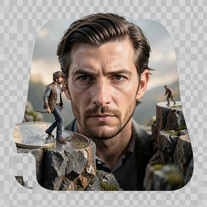 Create ultra-photorealistic macro photographs with miniature people.Open
 -
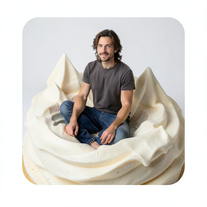 Transform into ultra-realistic 8K cinematic photographs in whimsical dessert environments.Open
 -
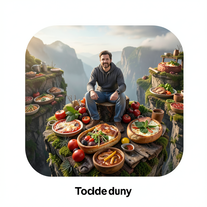 Transform photos into cinematic giant food landscapes.Open
 -
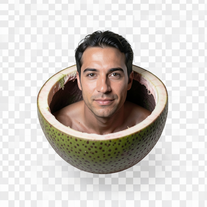 Ultra-photorealistic AI creates cinematic 8K images of people.Open
 -
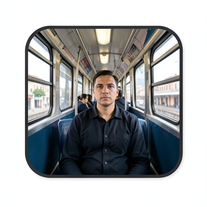 Create cinematic AI photographs of yourself anywhere.Open
 -
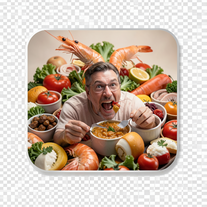 Create photorealistic images in surreal food worlds.Open
 -
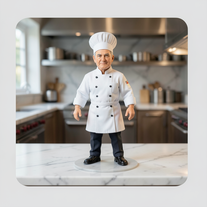 Transform photos into ultra-realistic miniature chef figurines.Open
 -
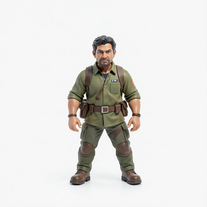 Transform tiny figures into cinematic magical worlds.Open
 -
 Transform photos into ultra-realistic 1/6-scale collectible action figures.Open
 -
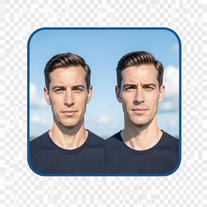 Create cinematic photos with giant and miniature versions of yourself.Open
 -
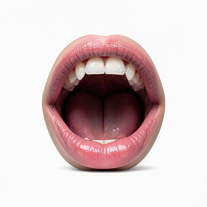 Creates ultra-realistic cinematic photographs featuring miniature humans in giant mouths.Open
 -
 Open
Open -
 Transform photos into cinematic cloud scenes with perfect identity preservation.Open
 -
 Generate ultra-realistic 8K freefall photographs with perfect identity accuracy.Open
 -
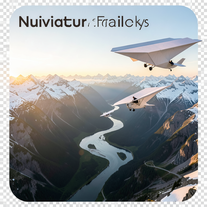 Create ultra-realistic 8K cinematic photographs with whimsical concepts.Open
 -
 Open
Open -
 Generate hyper-realistic photos of people hilariously trapped in washing machines.Open
 -
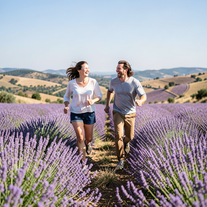 Create ultra-realistic 8K photos of real people.OpenSimply upload your photo; you don't need to type anything in the prompt field. Just click "generate" and watch the magic happen.
 -
 Create cinematic photos of specific people in surreal scenarios.OpenSimply upload your photo; you don't need to type anything in the prompt field. Just click "generate" and watch the magic happen.
 -
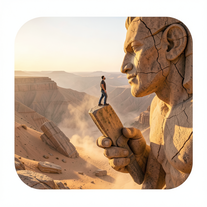 Ultra-realistic AI image generator creating hyper-detailed 8K cinematic photographs.OpenSimply upload your photo; you don't need to type anything in the prompt field. Just click "generate" and watch the magic happen.
 -
 Create cinematic space portraits with zero-gravity realism.OpenSimply upload your photo; you don't need to type anything in the prompt field. Just click "generate" and watch the magic happen.
 -
 Creates ultra-realistic 8K cinematic library photographs.Open
 -
 Open
Open -
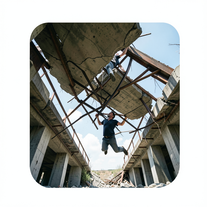 Generate ultra-realistic photos of people supporting massive debris.Open
 -
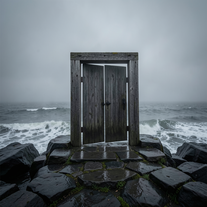 Creates ultra-realistic cinematic photographs of people through mystical doorways.Open
 -
 Transform photos into ultra-realistic cinematic scenes.Open
 -
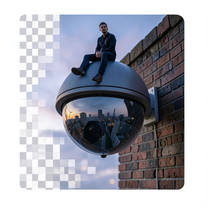 Create surreal 8K photos with miniature humans.Open
 -
 Transform ideas into ultra-realistic 8K cinematic photographs.Open
 -
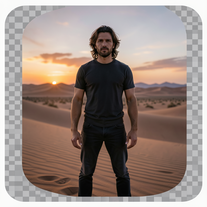 Generate ultra-realistic 8K cinematic photographs from prompts.OpenPlease only use the image and do not describe anything else in the prompt.
 -
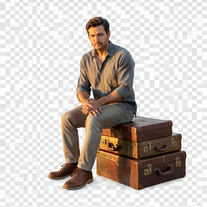 Creates hyper-realistic 8K cinematic photographs featuring surreal human-animal interactions.OpenSimply upload your photo; you don't need to type anything in the prompt field. Just click "generate" and watch the magic happen.
 -
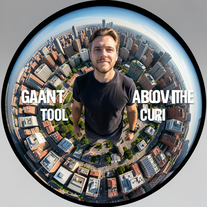 Transform portraits into cinematic fisheye masterpieces.Open
 -
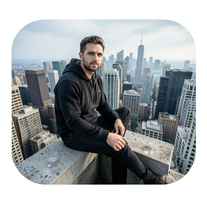 Generate cinematic 8K photos of people in towering cityscapes.OpenSimply upload your photo; you don't need to type anything in the prompt field. Just click "generate" and watch the magic happen.
 -
Simply upload your photo; you don't need to type anything in the prompt field. Just click "generate" and watch the magic happen.
-
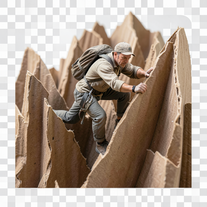 Transform ordinary objects into epic cinematic adventures.Open
 -
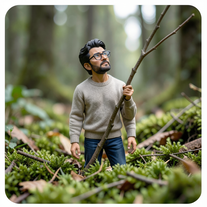 Open
Open -
 Transform ordinary scenes into extraordinary cinematic adventures.OpenSimply upload your photo; you don't need to type anything in the prompt field. Just click "generate" and watch the magic happen.
 -
 Open
Open -
 Open
Open -
 Transform portraits into cinematic macro masterpieces.Open
 -
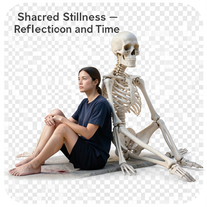 Create hyper-realistic 8K cinematic photos with skeleton companions.Open
 -
 Transform photos into cinematic 8K investigation boards.Open
 -
 Transform your photo into cinematic 8K nature sculptures.Open
 -
 Transform any portrait into a hyper-realistic volcanic stone masterpiece.Open
 -
Simply upload your photo; you don't need to type anything in the prompt field. Just click "generate" and watch the magic happen.
-
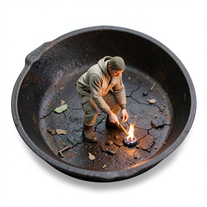
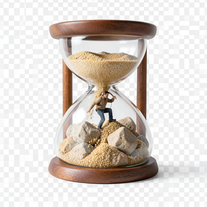 Transform photos into 8K hyper-realistic miniature survival scenes.Open
 -
 Open
Open -
Simply upload your photo; you don't need to type anything in the prompt field. Just click "generate" and watch the magic happen.
-
Simply upload your photo; you don't need to type anything in the prompt field. Just click "generate" and watch the magic happen.
-
 Open
Open -
 Transform photos into cinematic action portraits.Open
 -
 Transform selfies into ultra-realistic jet ski adventures.OpenSimply upload your photo; you don't need to type anything in the prompt field. Just click "generate" and watch the magic happen.
 -
 Transform your portrait into a cinematic night street scene.OpenSimply upload your photo; you don't need to type anything in the prompt field. Just click "generate" and watch the magic happen.
 -
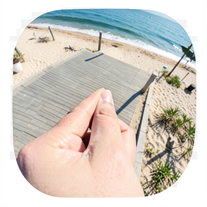 Creates ultra-realistic forced-perspective beach photos where you appear tiny.Open
 -
 Transform your photo into a cinematic masterpiece.Open
 -
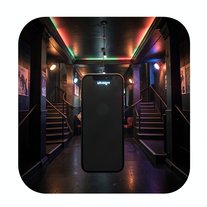 Create ultra-realistic selfies with The Mask characters.Open
 -
 OpenVideo editing is the process of selecting, trimming, and arranging footage to create a cohesive story or visual narrative. Here are some fundamental concepts and techniques: Types of Video Editing Linear editing: A straightforward, sequential approach to editing, where clips are arranged in a linear timeline. Non-linear editing: A more flexible approach, where clips can be arranged and rearranged freely in a timeline. Key Video Editing Techniques Cutting: A transition between two clips, where one clip ends and another begins. Cutting on action: Cutting between two clips while an action is in progress, to create a seamless transition. J-cut: Cutting from one clip to another while audio from the second clip starts playing before the video cuts to it. L-cut: Cutting from one clip to another while audio from the first clip continues to play. Video Editing Software Popular video editing software includes: Adobe Premiere Pro: A professional-level editing software with advanced features and integration with other Adobe tools. Final Cut Pro: A professional-level editing software for Mac users, known for its user-friendly interface and advanced features. DaVinci Resolve: A free and paid editing software that offers advanced color grading and audio editing tools. Best Practices for Video Editing Plan your edit: Develop a clear vision and storyboard before starting to edit. Organize your footage: Label and categorize your clips to make them easily accessible. Keep it simple: Avoid overusing transitions and effects; focus on telling a clear story. Advanced Video Editing Techniques Color grading: Adjusting the color and brightness of footage to create a specific mood or atmosphere. Audio ducking: Automatically reducing the volume of background audio when dialogue is present. Motion graphics: Adding animated text, logos, or other graphics to enhance the visual narrative. Video editing involves selecting, trimming, and arranging footage to create a cohesive story. Linear and non-linear editing are two fundamental approaches. Key techniques include cutting, cutting on action, J-cuts, and L-cuts. Popular software includes Adobe Premiere Pro, Final Cut Pro, and DaVinci Resolve. Best practices involve planning, organizing footage, and keeping it simple. Advanced techniques include color grading, audio ducking, and motion graphics. Capcat pro Capcat pro Download image-to-image-generator generated imagetransparent pixel Image to Image Generator Image to Image Generator Download image-to-image-generator generated imagetransparent pixel Image to Image Generator Image to Image Generator Download image-to-image-generator generated imagetransparent pixel Image to Image Generator Image to Image Generator Download image-to-image-generator generated imagetransparent pixel Image to Image Generator Image to Image Generator Download image-to-image-generator generated imagetransparent pixel Image to Image Generator Image to Image Generator Download image-to-image-generator generated imagetransparent pixel Image to Image Generator Image to Image Generator Download image-generator generated imagetransparent pixel Image Generator Image Generator Copy Video Editing Basics Video editing is the process of selecting, trimming, and arranging footage to create a cohesive story or visual narrative. Here are some fundamental concepts and techniques: Types of Video Editing Linear editing: A straightforward, sequential approach to editing, where clips are arranged in a linear timeline. Non-linear editing: A more flexible approach, where clips can be arranged and rearranged freely in a timeline. Key Video Editing Techniques Cutting: A transition between two clips, where one clip ends and another begins. Cutting on action: Cutting between two clips while an action is in progress, to create a seamless transition. J-cut: Cutting from one clip to another while audio from the second clip starts playing before the video cuts to it. L-cut: Cutting from one clip to another while audio from the first clip continues to play. Video Editing Software Popular video editing software includes: Adobe Premiere Pro: A professional-level editing software with advanced features and integration with other Adobe tools. Final Cut Pro: A professional-level editing software for Mac users, known for its user-friendly interface and advanced features. DaVinci Resolve: A free and paid editing software that offers advanced color grading and audio editing tools. Best Practices for Video Editing Plan your edit: Develop a clear vision and storyboard before starting to edit. Organize your footage: Label and categorize your clips to make them easily accessible. Keep it simple: Avoid overusing transitions and effects; focus on telling a clear story. Advanced Video Editing Techniques Color grading: Adjusting the color and brightness of footage to create a specific mood or atmosphere. Audio ducking: Automatically reducing the volume of background audio when dialogue is present. Motion graphics: Adding animated text, logos, or other graphics to enhance the visual narrative. Video editing involves selecting, trimming, and arranging footage to create a cohesive story. Linear and non-linear editing are two fundamental approaches. Key techniques include cutting, cutting on action, J-cuts, and L-cuts. Popular software includes Adobe Premiere Pro, Final Cut Pro, and DaVinci Resolve. Best practices involve planning, organizing footage, and keeping it simple. Advanced techniques include color grading,
 -
 Create striking moody black-and-white portraits with AI.Open
 -
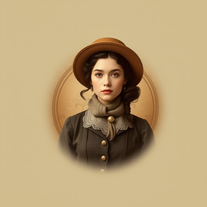 Transform photos into stunning vintage portraits with AI.Open
 -
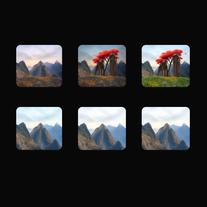 Transform ideas into stunning, photorealistic images.OpenJust kept copying my original image, and inserting a background that's a painting not photorealistic. 🤨
 -
 Creates stunning, high-resolution technological visuals from futuristic gadgets to AI concepts.Open
 -
 Open
Open -
 OpenSimply upload your photo; you don't need to type anything in the prompt field. Just click "generate" and watch the magic happen.
































Lists













Post





