 Marketeze
 Mini tools
▼ Top rated
Presentation maker
Free mode
100% free
Freemium
Free Trial
Featured matches
-
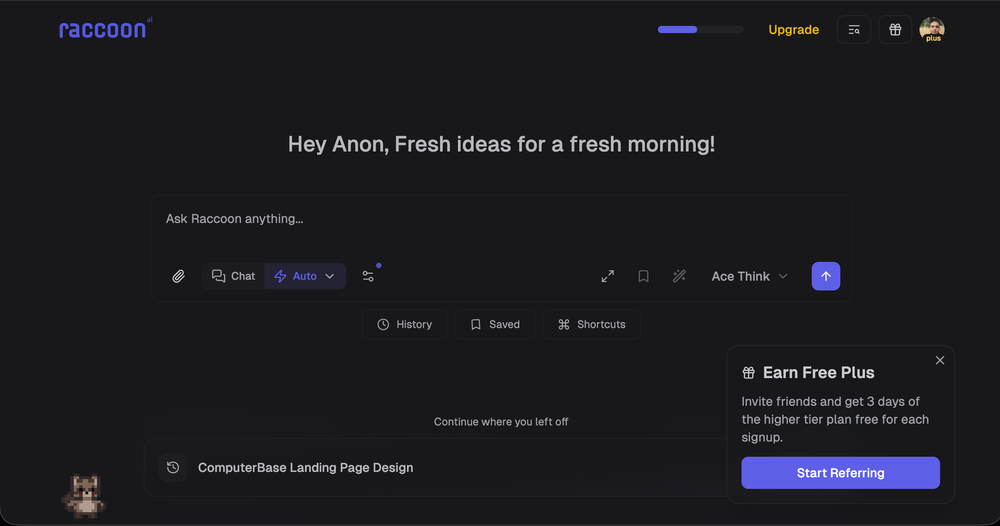
 Shubh Saras🛠️ 1 tool 🙏 12 karmaDec 10, 2025@Raccoon AIWe're live folks! Do check us out and drop your feedback or requests.
 -
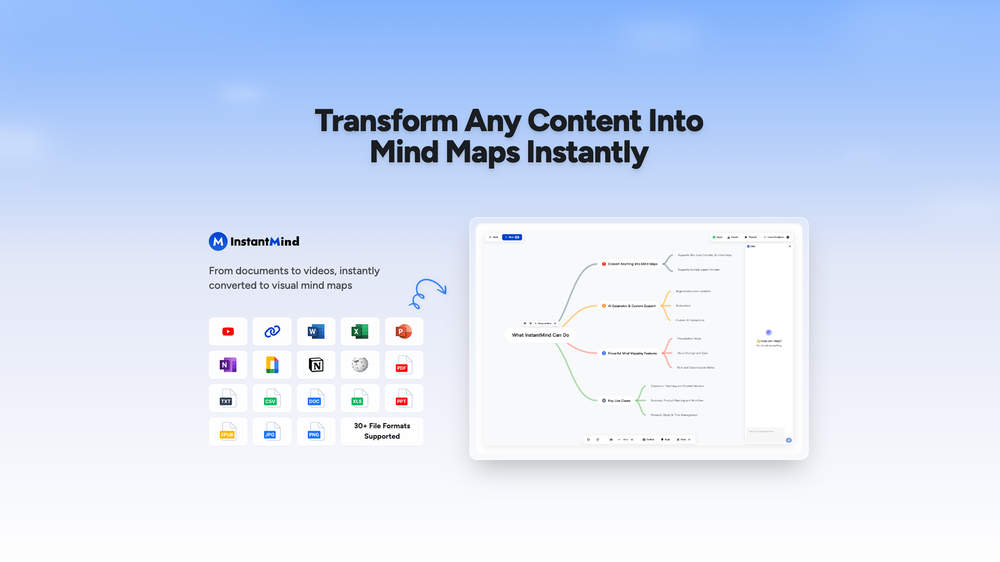 This is truly a wonderful experience that brings joy and delight.
 -
 NextDocs v1.4 – Multivariant Generation Released: January 2026 This release introduces multivariant generation, letting you create up to four versions of the same document simultaneously. Compare outputs from different AI models, pick your favorite, and continue editing – all in one seamless workflow. Create. Compare. Choose. --- Multivariant Generation Generate up to 4 document variants at once: - Side-by-Side Comparison – View all variants next to each other as they generate - Mix and Match Models – Use the same model or compare outputs from different AI models (GPT-4o, Claude, Gemini) - Live Theme Switching – Change themes on any variant while it's still generating - One-Click Selection – Pick your favorite and continue editing from there - Works Everywhere – Presentations, canvas documents, and pageless documents all support multivariant generation Example: Create two presentation variants, apply a dark theme to one while generating, compare them side by side, and continue with the version you prefer. --- Document Types NextDocs supports multiple document formats: Canvas Documents – Full design flexibility with drag-and-drop elements. AI can freely position objects, create complex layouts, and use rich design elements. Perfect for presentations, posters, and social media content. Pageless Documents – Flowing content similar to Google Docs. Clean, continuous editing without page breaks. Ideal for reports, articles, and long-form writing. Both document types support multivariant generation, theme switching, and one-click export. --- Export Anywhere Take your documents everywhere with one click: - PDF Export – High-quality output with all styling preserved - Google Slides – Seamless export for presentations - Google Docs – Continue editing pageless documents in Google's ecosystem - All themes and formatting maintained across export formats --- What's New in v1.4 - Multivariant generation (up to 4 versions simultaneously) - Side-by-side comparison view - Multi-model comparison (GPT-5.2, Claude Opus 4.5, Gemini 3 Pro) - Live theme switching during generation - Improved canvas and pageless document editors - Enhanced export quality for all formats - Performance improvements and bug fixes --- Ready to create multiple versions and pick your favorite? Start Creating with NextDocs: https://nextdocs.io Questions or feedback? We're here to help: [email protected] --- Your ideas. Multiple versions. One perfect result. — The NextDocs Team





Other tools
-
-
Best PDF to Explainer Videos AI Tool
-
A very useful AI slides tool! The content it generates is genuinely smart.
- Spotlight: Marketeze (Video hook rating)
-
 OpenThe PowerPoint presentation I made met my expectations very well
 -
Very intuitive and easy to use tool, that will allow whoever wants to create presentations a wide range of templates to add cool graphics and design in very little time. The cons are that as a web based app, you have to store your presentations online and depend on having good internet connection to present. It does give you the option to download a PDF or PPTX document, but transitions, videos and audio doesn't download. The AI generator for images is not quite there yet, but the prompts to create slides is very good. Tip: Create slide by slide if you are going to use AI. The command to generate a whole presentation from a prompt is still not very accurate in my experience.
-
ppt.ai has saved me at least 80% of the time spent on making PPTs. I just need to submit rough ideas or drafts to ppt.ai, and it can create a relatively usable PPT. This is simply amazing! Although some revisions and optimizations are still needed afterward, it’s already a huge relief compared to starting from scratch.
-
 Generate professional presentations in seconds with AIOpenDid not allow to download the slides.... ideally they should keep it free till sufficient traffic hits the platform and allow people to share feedback.
 -
 Create stunning presentations in seconds with AIOpen
 -
- Didn't find the AI you were looking for?
-
Looks promising but found it very slow to load and create templates and previews
-
Using it on day-to-day basis to create presentations for my real estate clients. It's good.
-
It's helps you get started on a presentation. Likely need to edit photos and text.
-
Takes input (full presentation text in my case) as prompt and generates its own copy. Poor image quality. Boring layout. No bullets etc. You can try once with your free credits. no fun
-
 OpenYou spent half of hour on describing how your presentation should look like, and just after that getting informed that you need to pay subscription to proceed. Who’ll pay my time back?
 -
 OpenThere is nothing here that meets the presentation requirements. The slides are monotonous and boring; it's as if I just copied my entire text and pasted it onto 10 slides - there's no value in that. The information is inconvenient and uninteresting to read. It's even summarised and organized worse than I could do it in 5 mins. It's better to use free GPT and put all into slides then use this. Omg it's really very bad, extremely poor, and I will never use it again.
 -
-
-
Great tool for getting some initial information about your data, especially in the beginning phase when your main goal is to explore your data
-
It easy to use and you can create beautiful presentations but you can't share professionally without a HUGE cost of 50 per month thats billed annual! they try and force you to buy. Will not use as it is NOT easy to share






























Post





