 Marketeze
 Mini tools
▼ Top rated
Presentatİon
Free mode
100% free
Freemium
Free Trial
Featured matches
-
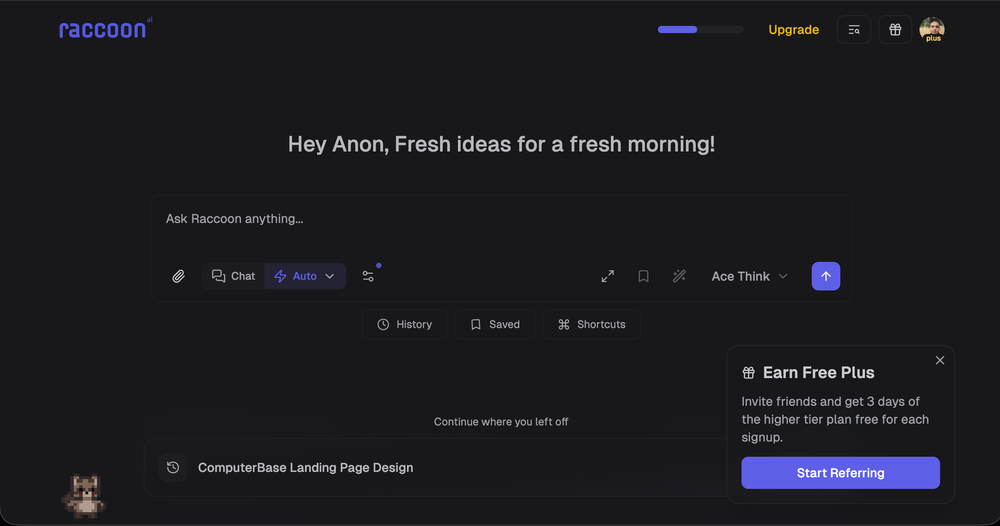
 Shubh Saras🛠️ 1 tool 🙏 12 karmaDec 10, 2025@Raccoon AIWe're live folks! Do check us out and drop your feedback or requests.
 -
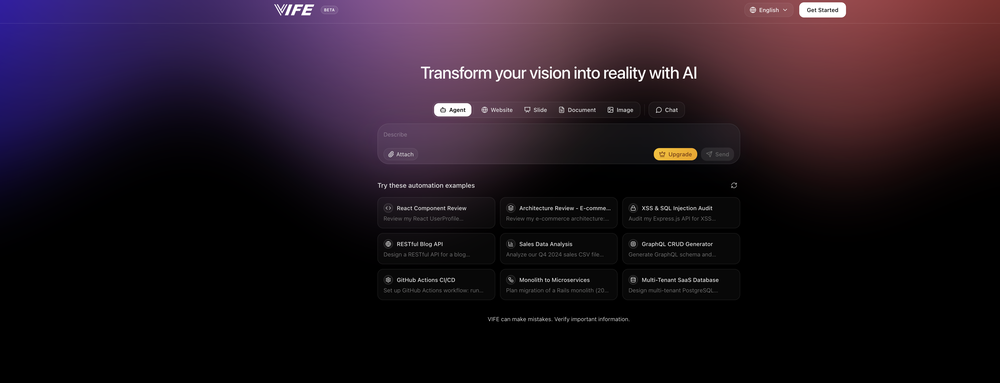 Cool tool. I hope you continue to develop this tool to reach its full potential. Keep it up
 -
-
 Just type what you need — AI fills Sheets™, Docs™, and Slides™Open
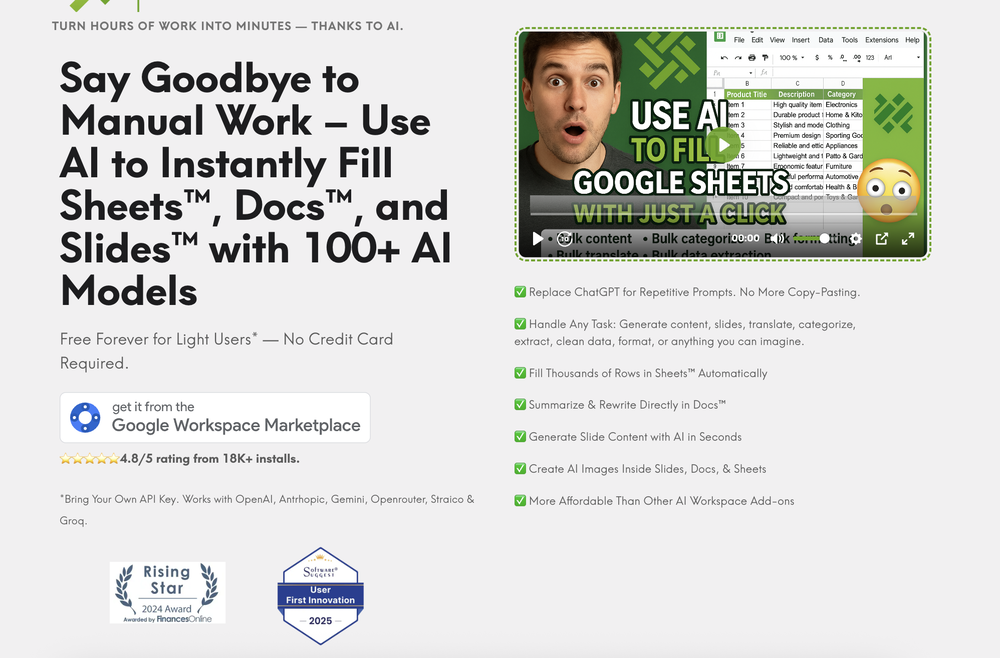 Just type what you need — AI fills Sheets™, Docs™, and Slides™. FREE Forever with your API key for up to 100 execution per month! Zero formula typing, natural language instructions, zero complexity. Fill spreadsheets, create and edit documents, generate slide presentations, create images, and more.
 -
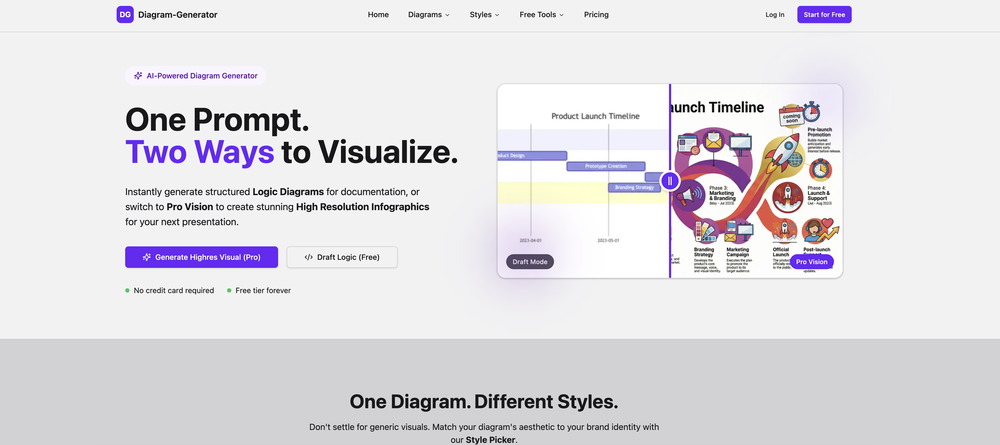
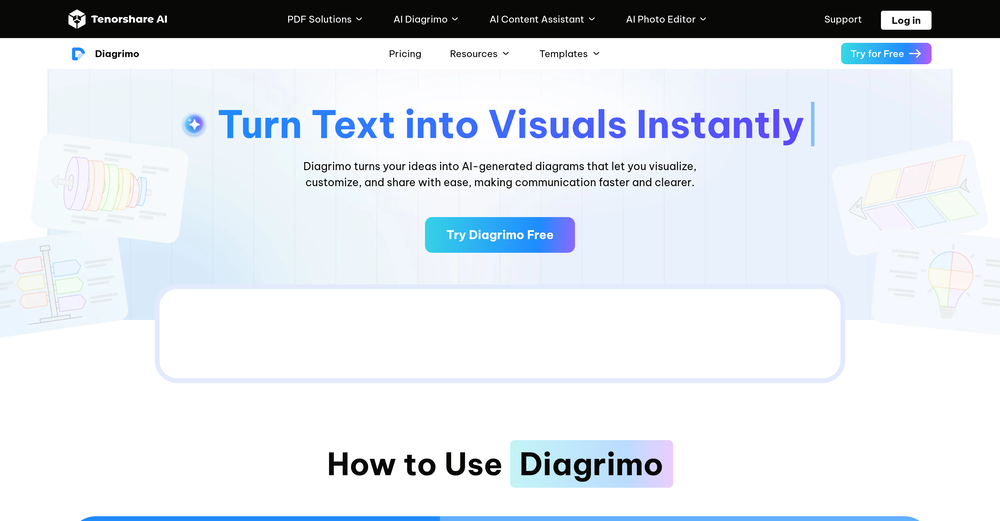 Really useful tool here. Saves a lot of time when creating diagrams. Made a video about it here: https://www.youtube.com/watch?v=ClySYyEBvno
 -
 Create flashcards, quizzes, and study materials instantly.Open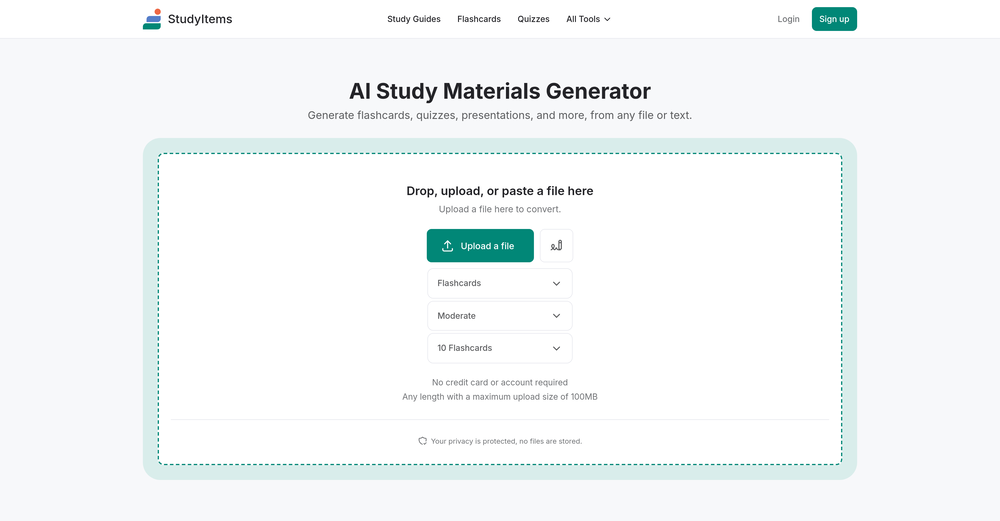
-
 NextDocs v1.4 – Multivariant Generation Released: January 2026 This release introduces multivariant generation, letting you create up to four versions of the same document simultaneously. Compare outputs from different AI models, pick your favorite, and continue editing – all in one seamless workflow. Create. Compare. Choose. --- Multivariant Generation Generate up to 4 document variants at once: - Side-by-Side Comparison – View all variants next to each other as they generate - Mix and Match Models – Use the same model or compare outputs from different AI models (GPT-4o, Claude, Gemini) - Live Theme Switching – Change themes on any variant while it's still generating - One-Click Selection – Pick your favorite and continue editing from there - Works Everywhere – Presentations, canvas documents, and pageless documents all support multivariant generation Example: Create two presentation variants, apply a dark theme to one while generating, compare them side by side, and continue with the version you prefer. --- Document Types NextDocs supports multiple document formats: Canvas Documents – Full design flexibility with drag-and-drop elements. AI can freely position objects, create complex layouts, and use rich design elements. Perfect for presentations, posters, and social media content. Pageless Documents – Flowing content similar to Google Docs. Clean, continuous editing without page breaks. Ideal for reports, articles, and long-form writing. Both document types support multivariant generation, theme switching, and one-click export. --- Export Anywhere Take your documents everywhere with one click: - PDF Export – High-quality output with all styling preserved - Google Slides – Seamless export for presentations - Google Docs – Continue editing pageless documents in Google's ecosystem - All themes and formatting maintained across export formats --- What's New in v1.4 - Multivariant generation (up to 4 versions simultaneously) - Side-by-side comparison view - Multi-model comparison (GPT-5.2, Claude Opus 4.5, Gemini 3 Pro) - Live theme switching during generation - Improved canvas and pageless document editors - Enhanced export quality for all formats - Performance improvements and bug fixes --- Ready to create multiple versions and pick your favorite? Start Creating with NextDocs: https://nextdocs.io Questions or feedback? We're here to help: [email protected] --- Your ideas. Multiple versions. One perfect result. — The NextDocs Team
 -
 Build professional, on-brand decks — 10x faster. Inside PowerPoint or online.Open
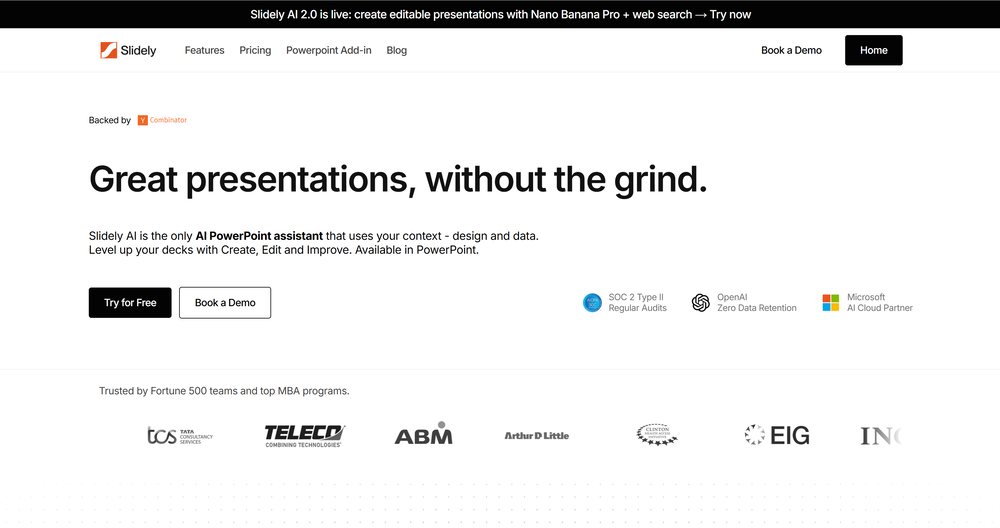 I think Slidely is the only tool that has worked for me when creating my client presentations. The presentations aren't web pages or images like the other tools but actual PowerPoint slides which I really like.
 -
 I dont see eny progect! after promt saying "image" is done and.. thats it> nothing.
 -
 Transform one photo into complete Etsy media kits.Open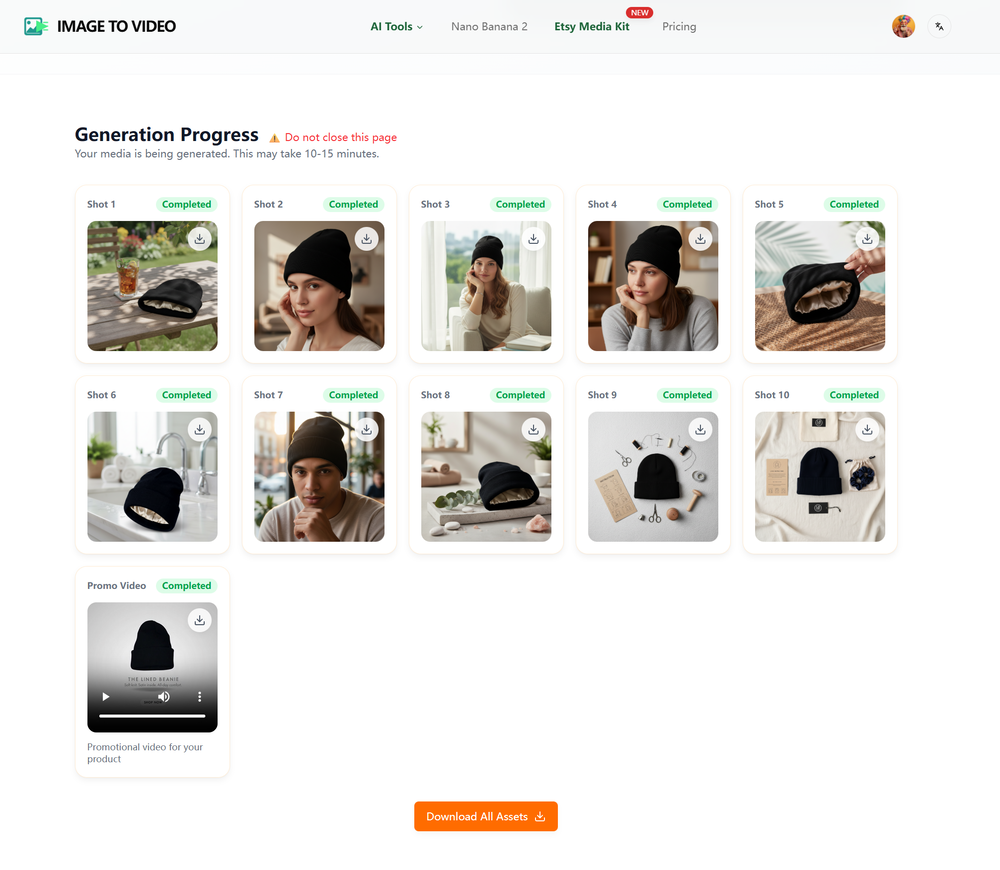








Other tools
-
-
-
Hello Everyone, My name is Mohamed, the Co-Founder of linesNcircles.com. At linesNcircles our mission is to revolutionize AI & Humen Interaction. Our first product TheBar is an AI agent which can build websites for you, edit them, saves files locally, browses the internet and provide you with answers to your questions all in very simple interface. TheBar runs on your computer without signup. Your website files are saved locally with the option to publish them under our website with one click. All your files are under your creations folders. We built TheBar to be simple to use, super fast in building things for you and we are working tirelessly, to bring in more features for you like writing pdf documents and making presentations which are coming soon. Check TheBar out it is available for free now on our website https://www.linesncircles.com. We would love to hear your feedback and comments
- Spotlight: Marketeze (Video hook rating)
-
-
It works great! I like it so far, awesome concept and easy to use.
-
-
 Open
Open - Didn't find the AI you were looking for?
-
 Supercharge Word with AI-powered writing assistance.OpenAwesome tool! Using it on a daily basis!
 -
Very suprised about this tool. I like the design and the output. Looking forward to the upcoming developments
-
I am able to summarize a complex paper into a one-pager visual. Before this tool: hours of reading and summarizing. After this tool: I grasp something complex in seconds. Thank you!!!
-
-
 AI that turns home descriptions into stunning architectural visualizations.Open




























Lists





Post





