 Base44

 Mini tools
▼ Top rated
Presentations
Free mode
100% free
Freemium
Free Trial
-
 Daniel Garaiacu🛠️ 5 tools 🙏 1,323 karmaMay 28, 2025@PresentationsAIHello Lalith! Try refreshing the page and giving it another shot,the app seems to be working fine.


Featured matches
-
 Build professional, on-brand decks — 10x faster. Inside PowerPoint or online.Open
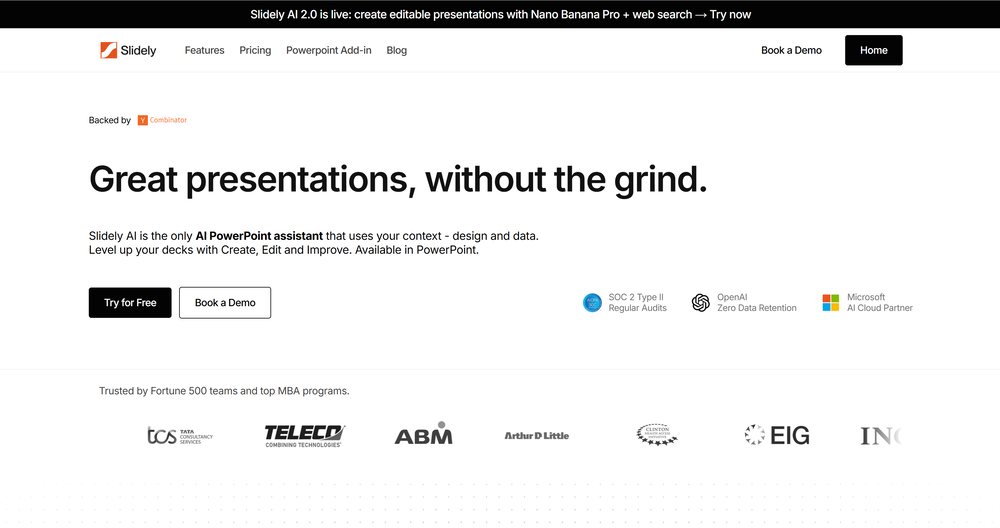 I think Slidely is the only tool that has worked for me when creating my client presentations. The presentations aren't web pages or images like the other tools but actual PowerPoint slides which I really like.
 -
 NextDocs v1.4 – Multivariant Generation Released: January 2026 This release introduces multivariant generation, letting you create up to four versions of the same document simultaneously. Compare outputs from different AI models, pick your favorite, and continue editing – all in one seamless workflow. Create. Compare. Choose. --- Multivariant Generation Generate up to 4 document variants at once: - Side-by-Side Comparison – View all variants next to each other as they generate - Mix and Match Models – Use the same model or compare outputs from different AI models (GPT-4o, Claude, Gemini) - Live Theme Switching – Change themes on any variant while it's still generating - One-Click Selection – Pick your favorite and continue editing from there - Works Everywhere – Presentations, canvas documents, and pageless documents all support multivariant generation Example: Create two presentation variants, apply a dark theme to one while generating, compare them side by side, and continue with the version you prefer. --- Document Types NextDocs supports multiple document formats: Canvas Documents – Full design flexibility with drag-and-drop elements. AI can freely position objects, create complex layouts, and use rich design elements. Perfect for presentations, posters, and social media content. Pageless Documents – Flowing content similar to Google Docs. Clean, continuous editing without page breaks. Ideal for reports, articles, and long-form writing. Both document types support multivariant generation, theme switching, and one-click export. --- Export Anywhere Take your documents everywhere with one click: - PDF Export – High-quality output with all styling preserved - Google Slides – Seamless export for presentations - Google Docs – Continue editing pageless documents in Google's ecosystem - All themes and formatting maintained across export formats --- What's New in v1.4 - Multivariant generation (up to 4 versions simultaneously) - Side-by-side comparison view - Multi-model comparison (GPT-5.2, Claude Opus 4.5, Gemini 3 Pro) - Live theme switching during generation - Improved canvas and pageless document editors - Enhanced export quality for all formats - Performance improvements and bug fixes --- Ready to create multiple versions and pick your favorite? Start Creating with NextDocs: https://nextdocs.io Questions or feedback? We're here to help: [email protected] --- Your ideas. Multiple versions. One perfect result. — The NextDocs Team
 -
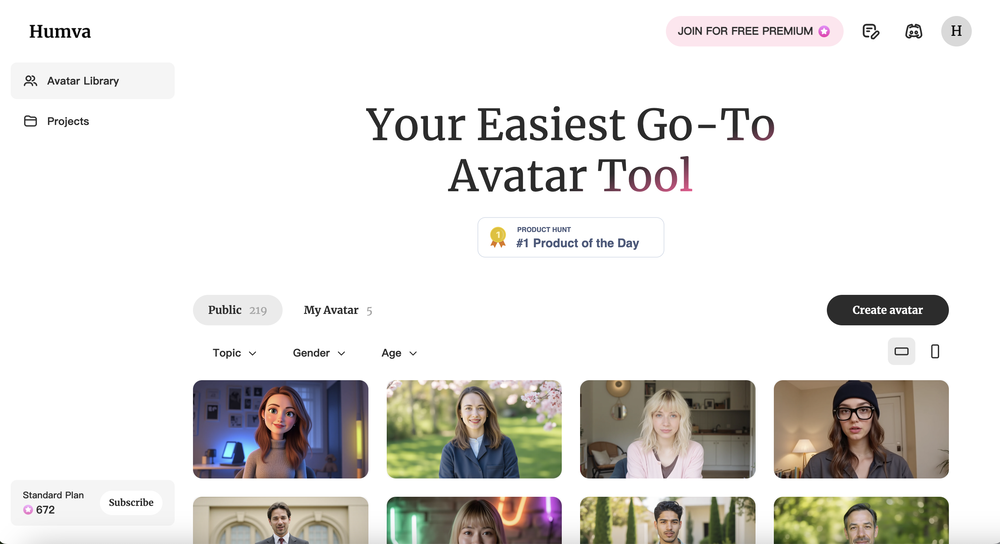 It's pretty good. It needs a little work when it comes to the facial expressions, they could be more natural, and it seems like they loop, so extending them to not repeat would help. The voices are impressive, and I like the that there's multiple styles to switch between. The styles could use some improvement as to the clothing and hairstyles seem a bit dated. With a little attention, I see this becoming fantastic.
 -
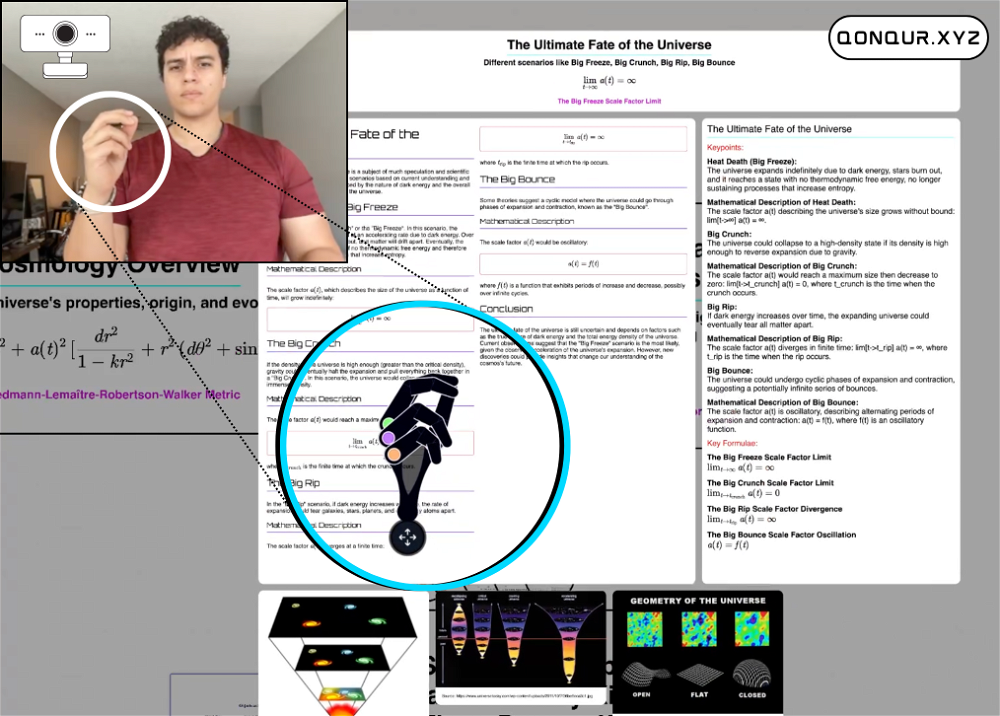 Useful to quickly explore the content of and interconnections between research papers. Makes it a more fun process.
 -
 Says "free during testing," but keeps telling me I have insufficient credits. I also can't seem to find a way to delete my account.









Other tools
-
 Open
Open -
-
Hello Everyone, My name is Mohamed, the Co-Founder of linesNcircles.com. At linesNcircles our mission is to revolutionize AI & Humen Interaction. Our first product TheBar is an AI agent which can build websites for you, edit them, saves files locally, browses the internet and provide you with answers to your questions all in very simple interface. TheBar runs on your computer without signup. Your website files are saved locally with the option to publish them under our website with one click. All your files are under your creations folders. We built TheBar to be simple to use, super fast in building things for you and we are working tirelessly, to bring in more features for you like writing pdf documents and making presentations which are coming soon. Check TheBar out it is available for free now on our website https://www.linesncircles.com. We would love to hear your feedback and comments
-
- Sponsor:Base44 - Vibe Coding
-
It works great! I like it so far, awesome concept and easy to use.
- Didn't find the AI you were looking for?
-
Yep! Thanks for the comment!
-
 Create futuristic business visuals with AI.Open
 -
 Qurate is an AI-powered quote discovery platform that helps you find theOpenfree version's already solid and i didn't expect to get that much out of it without paying. lifetime deal for 25 isn't bad at all either, might actually get it. w
 -
Generate decks in seconds that are indistinguishable from top consulting firms. Using only verified data and credible sources. Xavier specializes exclusively in business and consulting presentations, unlike general AI presentation tools.
-
Makes it easy to get started with a presentation if you have an outline, but as soon as you want more control, you're better off using Google Slides. Gamma's feature that I used the most was image generation - you can select among a variety of models (Ideogram, Flux, DALL-E, but not Midjourney), and it shows 3 variations to choose from. Performance is slow and a little janky, even in Chrome. Prompts and settings are often not respected - e.g. you set it to "preserve text" and just generate slides, and it goes onto dumping an entire 3 paragraphs of text in one slide. You can't overlay text over images (e.g. for image attribution), and there's no precise positioning control, or grouping elements. No way to control table layout, e.g. to have two images slide-by-side in full bleed mode. I tried Gamma for a new presentation, but next time I need to make a presentation, I'll go back to Google Slides and generate images independently.
-
It’s more than just a presentation maker, it also helps organize information.A great alternative to PowerPoint or Google Slides when you need something fast and professional. It has become part of my daily workflow at the office.
-
Used it for PPT generation and performed extremely well, especially the numbers and data part.
-
A very useful AI slides tool! The content it generates is genuinely smart.




























Post





