
 Mini tools
▼ Latest
Research workflow
Free mode
100% free
Freemium
Free Trial
Featured matches
-
 Search real papers and write literature reviews without AI hallucinations.Open
-

-
 AI browser assistant for intelligent automation.Open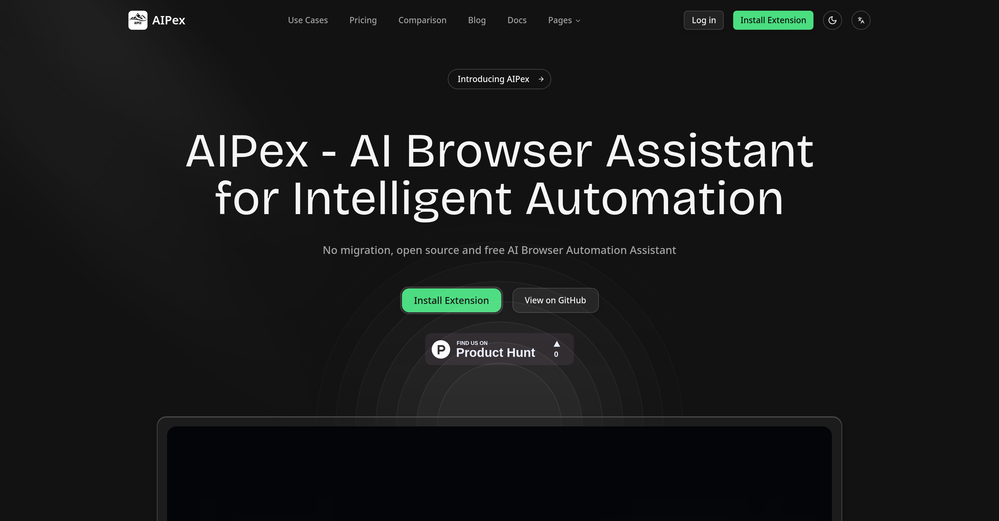
-
-
 Zarrak Mushtaq🙏 23 karmaSep 30, 2025@Barie AIAmazing deep research feature! Haven't seen this level of execution through any other tool. It gives a designed socket to view a presentation at the end.
 -
-
 Hello everyone, As a AI power user, I constantly faced the multi-tab scramble and the uncertainty of getting truly reliable answers from various AI tools. That frustration led me to build Singulairity AI. My goal was simple: to create a unified, intelligent, and trustworthy platform where you can access leading AI models with unprecedented clarity and efficiency. I poured my efforts into features like Intelligent Auto-Routing, Side-by-Side Response Comparison, and the innovative Truth Mode to give you the confidence I always sought. I truly hope Singulairity AI enhances your workflow. Please review the tool and share your invaluable feedback; it's essential for Singulairity's continued evolution.
 -
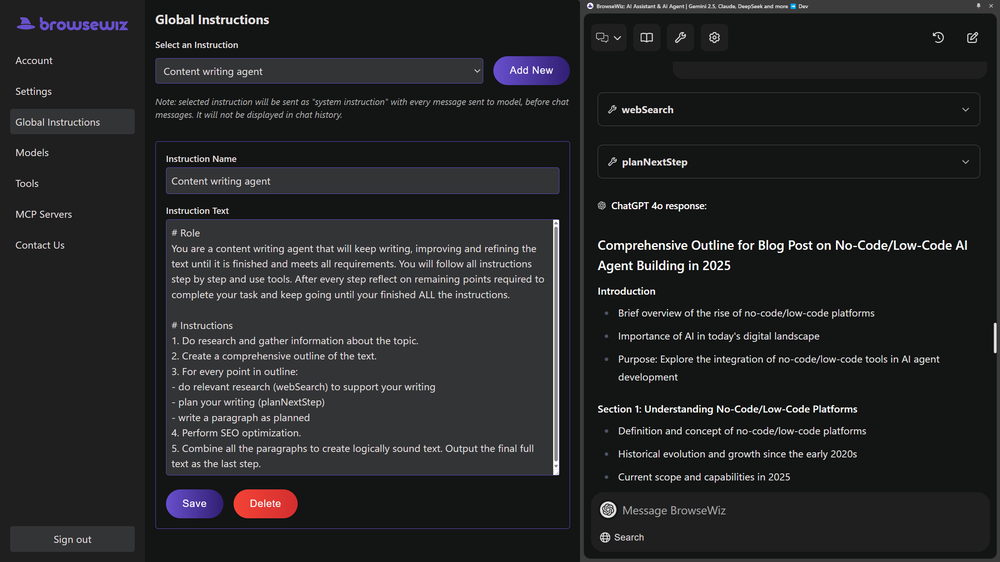 Like copilot, but for power users. Nice for my n8n workflows command center
 -
 What is My AI Ninja? My AI Ninja simplifies content creation for social media posts, carousels, long blog posts and editorial calendars tailored to your business, writing style, and audience profile. Powered by AI, it transforms your insights into authentic, engaging content. The tool is not limited to generating text; it also comes equipped with features to aid with the appropriate illustration of the content, ensuring a comprehensive package for your content requirements with a simple and efficient user interface. ► Why My AI Ninja? Social media growth is crucial but time-consuming. Balancing authenticity with efficiency is a challenge. That’s where My AI Ninja comes in: → Save Time: No more hours spent crafting posts. → Stay Authentic: Content reflects your voice, not a cookie-cutter template. → Achieve Results: Build influence without sacrificing your focus. ► How It Works: → We Understand You: The AI learns your tone, style, and goals. → Simplified Input: Share ideas via text or voice notes; we handle the rest. → Authentic Output: From social media posts to blogs and carousels, every piece feels uniquely you. ► What You Gain: → Direct connection with your audience. → Insightful sharing that feels natural. → Expanded reach while staying true to your expertise. ►►►Join Hundreds of Entrepreneurs My AI Ninja already supports hundreds of users in turning ideas into impactful content. With new features on the horizon, it’s the perfect time to amplify your voice and share








Verified tools
-
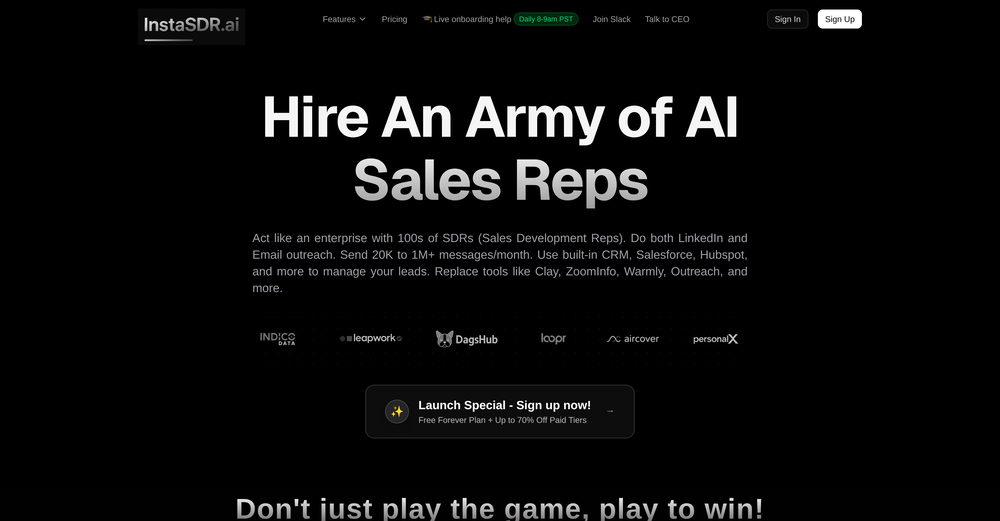
New Features 🚀 Ace Max Agent Introducing Ace Max alongside our existing agent versions (Fast and Think) — built for complex reasoning across multi-dimensional tasks. Ace Max handles multi-step workflows that require planning, research, creation, and delivery in a single conversation. 🔌 Connectors Connectors library with 40+ pre-built connectors including: - Gmail - Google Drive - Notion - Supabase - Calendar - Outlook - And more... Key Features: - Add custom MCP servers as connectors to plug in any tool or API - Filter tools to limit access to specific actions per session - Context-efficient design — add as many as you need without worrying about context bloat 🛝 Presenter View for Slides Professional presentation mode with advanced controls: - Multi-window setup — presenter view in one window, slide view in another with real-time synchronization - Interactive cursor tools — laser pointer, arrow, and other cursor types that broadcast across windows - Presenter notes — AI-generated speaker notes with inline editing, resizable panels, and auto-sync - Timer controls — built-in timer with pause/reset functionality - Autoplay mode — configurable auto-advance with adjustable duration - Slide navigation — thumbnail preview, keyboard shortcuts, and progress tracking - Publishing — share slides via public URL for remote viewing 📄 File Publishing and Editing - Publish any file to a public URL — share with anyone, access from anywhere - Edit files inline in the smart editor with changes synced to the agent in real-time - Redesigned workspace sidebar with improved file navigation and management ⏮️ Rewind Rewind any session to any previous message: - All files, context, and agent state are fully restored to the rewind point - Branch your session in a new direction from any point in the conversation history 🎤 Audio and Input Experience - Audio input support — dictate prompts using the microphone - Prompt enhancement with `Cmd/Ctrl + Shift + E` to refine your prompts before sending - Quick file picker (`Cmd/Ctrl + U`) - Drive import (`Cmd/Ctrl + Shift + U`) - Command palette (`Cmd/Ctrl + K`) for power users 🌐 Web App Previews - Significantly stabler previews with fixed race conditions, stale content, and server restoration issues - In-preview navbar to quickly navigate between pages of your app - Inspect mode — select any element directly on screen and ask the agent to modify it visually - Cloud integration — connect your Supabase account in a few clicks and build full stack web apps with authentication, database and cloud storage, all managed by the agent. 🧭 Explore and Navigation - Recent sessions sidebar with quick actions to switch between sessions or start new ones instantly - Explore section with detailed capability guides to discover everything Raccoon AI can do - Focused in-session experience with updated tool output UI and performance improvements - Connect your web app to cloud hosting anytime during a session 🌍 Localization Raccoon AI now supports 7 languages natively across the entire platform. And you can work with the agent in any language including these 7. Bug Fixes and Stability - Fixed session listing delays - Fixed stale file previews - Fixed missing files - Fixed delayed UI updates - Autoloading knowledge bases when tags are present in queries - Unified and optimized image handling across the agent - Improved media generation tools and media knowledge bases - Fixed system prompt propagation for API users
-
This is one of the best scrapers I have ever seen, especially considering that Cloudflare explicitly advises against scraping their pages. What makes this scraper stand out is that it opens a virtual machine and runs an agent on top of it, which allows it to bypass bot detection errors effectively. This advanced approach enables it to grab the text content reliably, even from websites with strong anti-scraping measures. By simulating a real user environment, it avoids common blocks and restrictions.
-
This is actually amazing. It has all the main features I need to be very efficient at my work.
- Sponsor:
 Base44💻 Vibe coding
 -
I’ve been using it for a month now and I have decided to keep it for a year. There definitely are some kinks they can still work out like file management, but it’s very good at it’s core function: it generally does a good job answering questions and most times identifies PDFs automatically and correctly. The browser plugin works great, and it’s very nice that Papers allows you to add your university’s library API so you can automatically download PDFs that are accessible through your institution (sometimes it refuses to download some papers, so you just have to downlow it yourself and manually add it). The iPad and Android apps are serviceable. Every once in a while it will mess up the PDF identification, especially with papers from either very old sources or online-only journals. Things they must work on: * A much better system to annotate PDFs (the post-it type notes are cumbersome). * Introduce a notepad attached to each PDF or some way to easily link and save the AI’s output to the PDF. Currently, you have to add a little post it note and then paste the text there. * Keep the AI answers available after closing the documents. If you close the document by mistake or have several open and wish to close some, the ai conversation will be reset. * I REALLY wish that you could get citations and links to where the info was from extracted from PDFs. Currently, I have found Coral.ai does a much better job of showing you where the info came from and it even highlights it for you. Give it a try, their 30-day no credit card needed trial allowed me to truly test it, and now I’m a yearly subscriber looking forward for new additions and releases.
-
Love the platform for it's approach towards ICP first writing!
-
SiteSignal makes AI visibility simple. It shows where your brand appears in AI answers, why competitors rank higher, and which prompts and citations matter most. Clean, focused, and genuinely useful.
-
Hey Michael 🙂 Thanks for the honest feedback , and I totally understand where you're coming from. We recently added the tutorial to help new users understand the app quickly, but we hear you , we’ll look into making it optional. Also, just to clarify: we do offer a free plan! You should be able to create and preview documents without paying. If you ran into any issues, please reach out to us at [email protected] , we’d be happy to give you extra free credits and make things right. We’d love the chance to turn that 2⭐️ into a 5⭐️ , and your input helps us get better. Appreciate you giving it a shot! Best, The Writedoc.ai Team
-
-
Creates eloquent articled and paragraphs, even able to receive context or instructions for each paragraph itself. You also get 25 free credits, which means about 25 individual generations, enough for at least one or two articles. Thank you for those!
























Other tools
-
It really helps in coding. I let chatgpt create a code, and copy paste and ask claude to check it if it can be done better. Well, it is really fun! I also use its Image creation tool to create posts for social media. Having a tool that uses Stability AI API to create photorealistic images is really helpful. Overall 5 Stars, especially for only 8.99 per month. It is the same price like a coffee latte but has really much more value :D
-
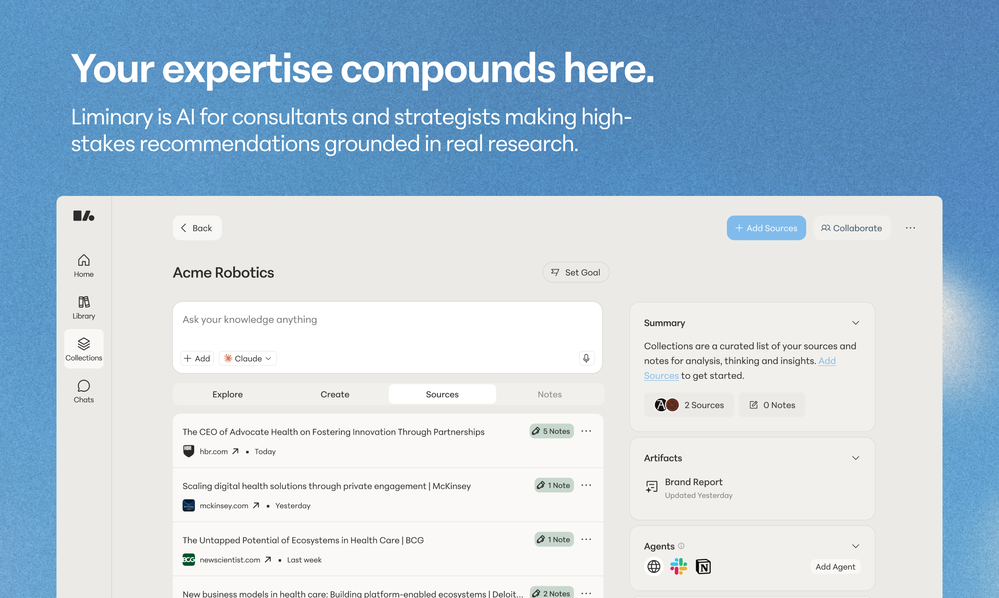
 AI-powered research assistant for diverse content analysis.Open
 - Didn't find the AI you were looking for?
-
 AI-powered writing companion for faster, creative content.Open























Post





